Fraggle99
-
Posts
33 -
Joined
-
Last visited
Content Type
Forums
Events
Downloads
Store
Everything posted by Fraggle99
-
Hi How do you get a theme for your you collection. I go to the right corner and select new theme but no theme show up, i tryed making one and published it but it still dont show in the theme box.
-
a
-
Hi Does any know the command line so you load stright to the table, At the moment it open the emulater and then you have to press F5 to load the table. Thanks
-
Hi All Every time i start a mugen game a pop up stops me saying Can't open data/mugen.cfg. Make sure you have extracted data with directories. Errpr reading data/mugen.cfg any idea how i sort this out thanks
-
Hi If you start fulling the info in the game data does it save it to a file. The reason am asking is that a lot of the systems game don't have data yet and I don't want to full it out only to find out that when there an update or something goes wrong, would I have to start all over again. I know on rocket launcher there a data xlms for each system and was wonder if it the same thing on hyperspin 2 or something similar. any help appreciate
-
Thank you Rondar
-
Hi Where do you now put the video snap for the systems in the main menu. At the moment I just have pictures V2.0.102
-
Hi Can some explain to me how to get the Hikaru in Demul to work. i have it working outside hyperspin 2 but I cant get it working in hyperspin 2
-
thanks you I thought I was doing something wrong
-
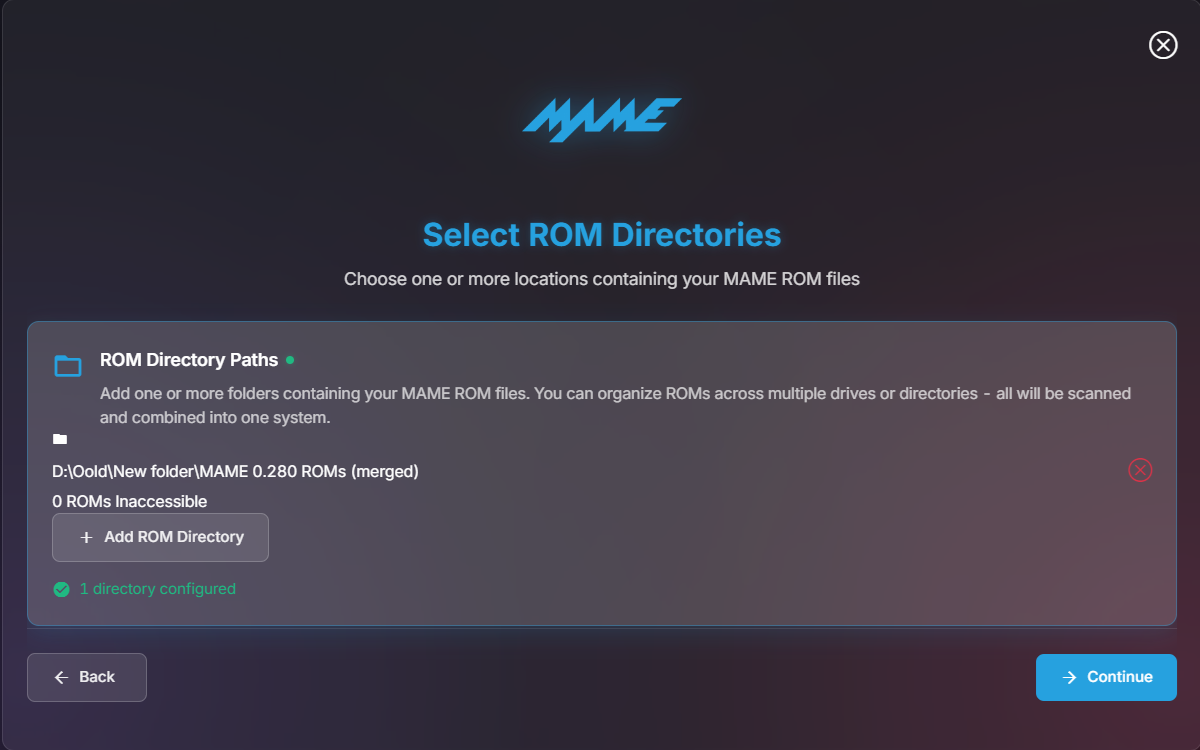
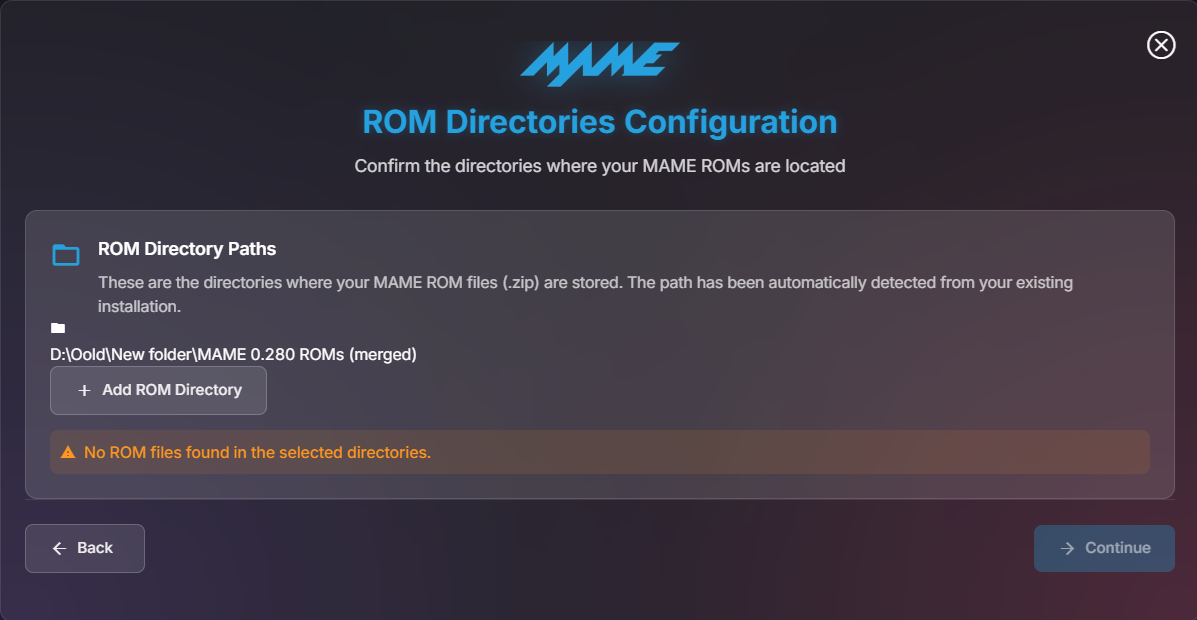
When I try to install mame using the system mame set up. it say then no zip files in folder but there a complete set (0.280) Any reason why this is happen

-
hi I have been try to run a batch file from the new none emulator, but it doesn't work for me Has any one got it working.
-
Does anyone Know how to get Emumovies to find the info and art work I think the problem is when you add the game it put the game number not the game name. I tried making it with the game name and manually put the path in. When you try and put the rom folder in path it doesn't allow it it want the rom exe and not a folder. But when the system search it add the folder.
-
hi Can someone explain to me how to get this working I can play outside hyperspin 2 but I don't know how to get it working in hyperspin 2 don't know what folders to point hyperspin 2 for the games. Thanks
-
https://beta.hypertheme.io/theme-builder/project/edit/f373ee62-8259-4d1f-af97-3b4df700cf5b Sorry it been a while been on holiday
-
thank you for checking and the help.
-
I have just pubic publish it thanks for the help
-
Atari 2600 Preview Description Atari 2600 with moving box and carts foe testing. let me know if it works Details Type: System Theme System: Atari 2600 Tags: Atari 2600,System Theme Created: Jul 31, 2025 Download View on HyperTheme
-
Atari 2600 Theme by: Unknown Preview Description Atari 2600 with moving box and carts foe testing. let me know if it works Details Type: System Theme System: Atari 2600 Tags: Atari 2600,System Theme Created: Jul 31, 2025 Download View on HyperTheme
-
Yes that correct it the first one I done and I wasn't going to publish it untill it was working. I never knew you could rename the layers. Did you want me to public publish it so you can have a look.
-
I added a video showing in the theme maker and in hyperspin when publushed cart.mp4
-
Know worries, thanks for tying to help
-
Am on Hyperspin 2 Theme maker and in the theme maker it works the cart is below the Console. But when you publish it make the cart layer higher then the console there no artwork 3 or 4 I think your talking about hyperspin 1
-
I am trying to get a cart to go into a console the console is one layer and the cart is another layer. on Hyper theme every thing works the cart sit in the console and the console layer on top but when you publish it the cart doesn't go under the console layer it goes on top. i have made the cart come down from the top so it look like your putting the cart in the system.
-
Thank you