
About This File
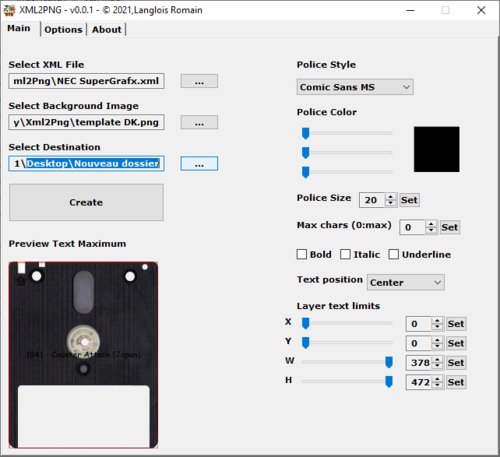
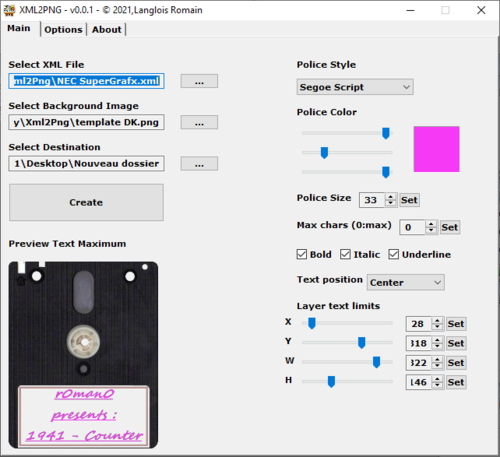
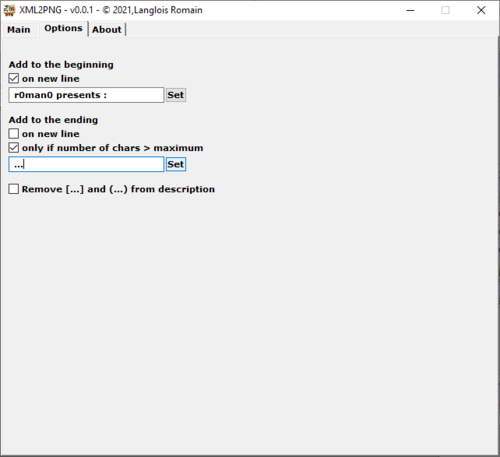
With Xml2Png, generate your artworks in just a few clicks using the <description> text,
the <year> text, the <genre> text, or the <manufacturer> text from the XML file of
HyperSpin or Retrobat (Now compatible).
You can also choose a background image and up to 5 layers, which can contain either text,
an image, or even a folder of images (where filenames match the XML).
If an image is missing from the folder, you can specify whether you want to replace the
missing image with another image or configure text to appear in the same layer instead.
1/ Select your XML list
2/ Select your background image
3/ Select and configure your layers
4/ Choose your output folder
5/ Start & enjoy 
Infos & Download at http://r0man0.free.fr
created with autohotkey
by r0man0

