
About This File
Special thanks to @Mackano for giving me the database and showing me that savestates work.
This setup is a bit complicated so my apologies.
Required: RetroArch MAME core 0.283 or higher
Special Settings: MAME cheats must be Enabled
Manual creation of AUTOLOAD savestates after initial loading of cassette tapes
Launching games:
These steps can be skipped if my savestates work for you states.zip
if not..
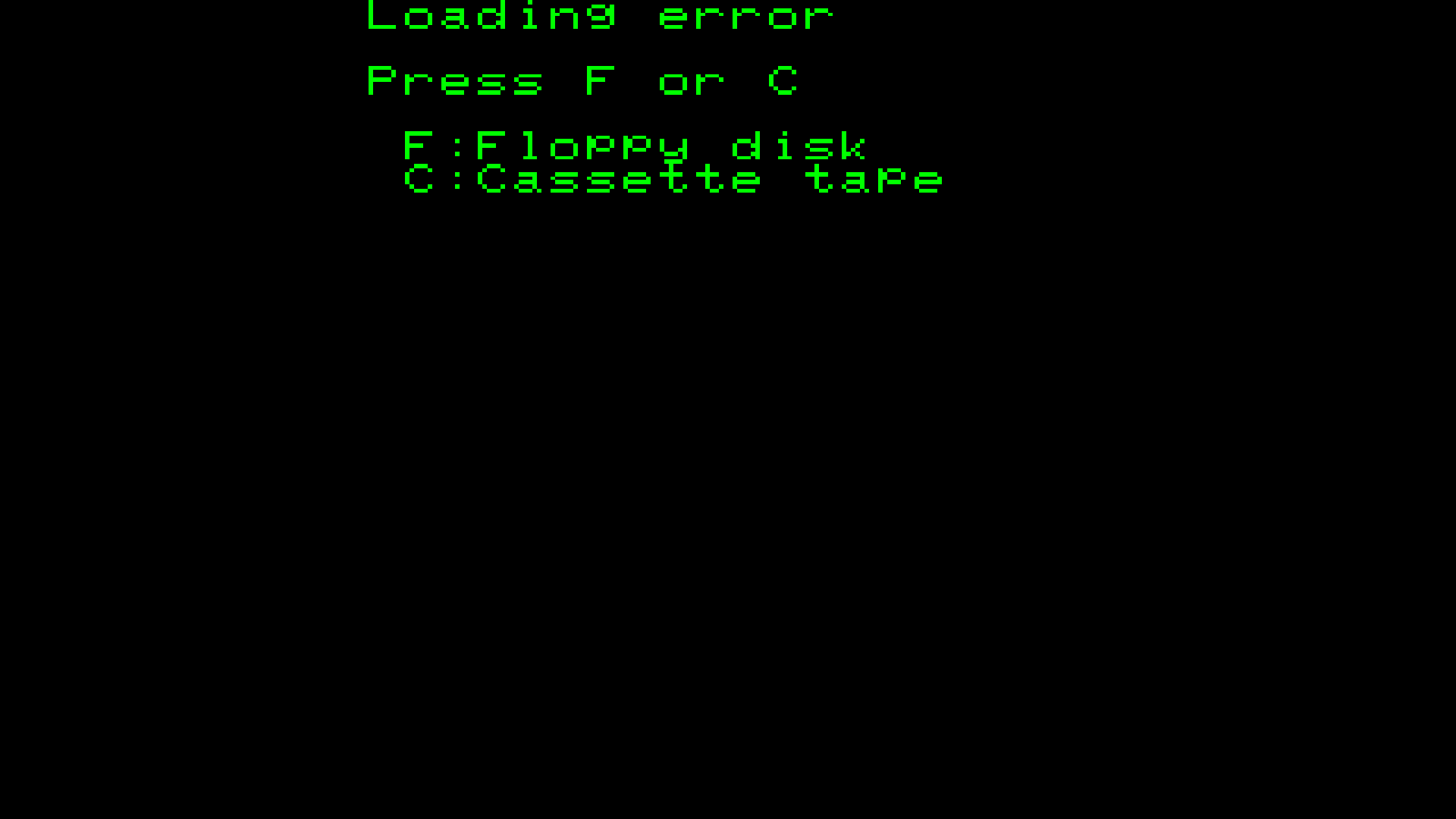
1. Press "C" to load tape
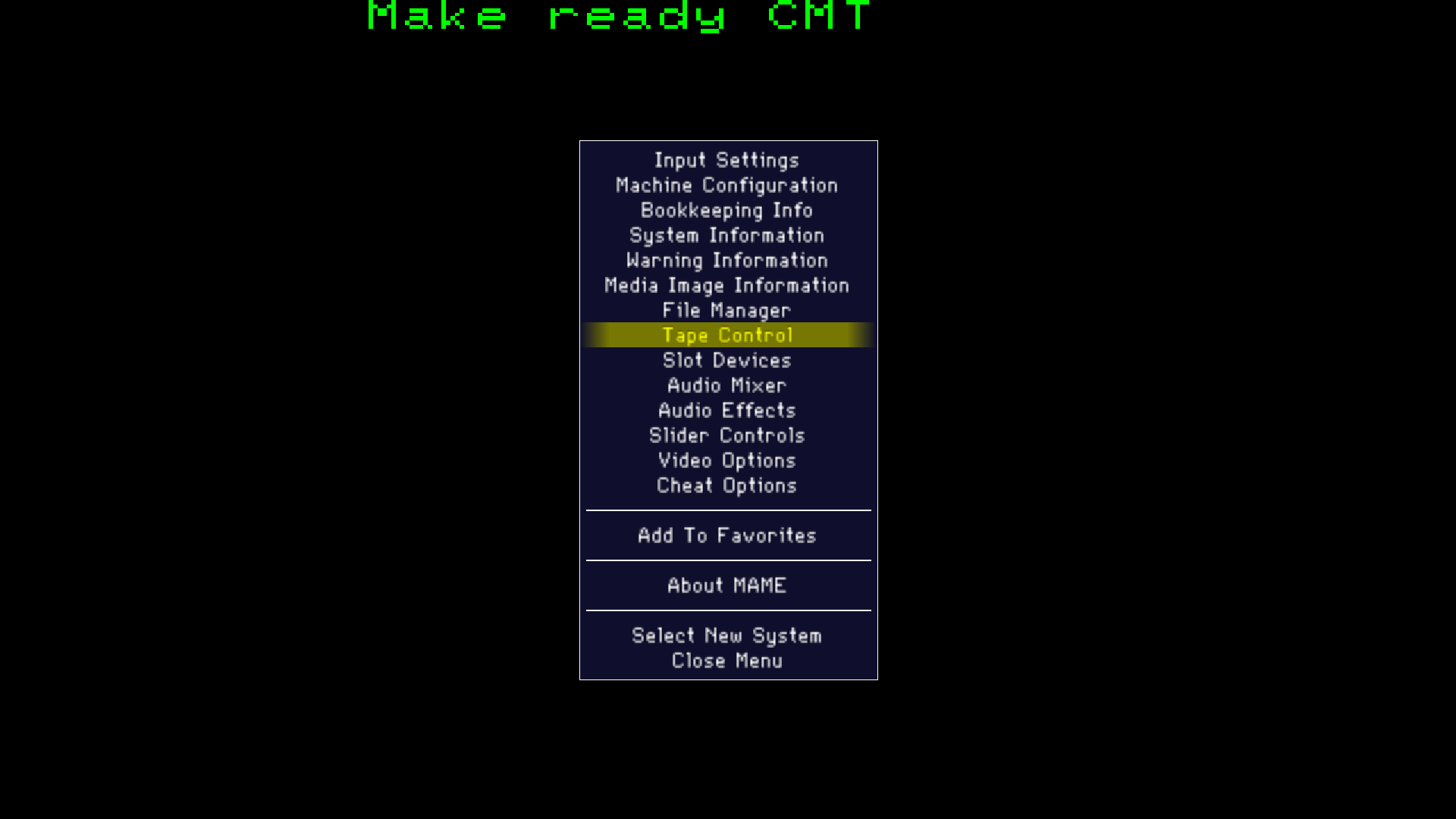
2. Play Tape (MAME Menu -> Tape Controls ->Play
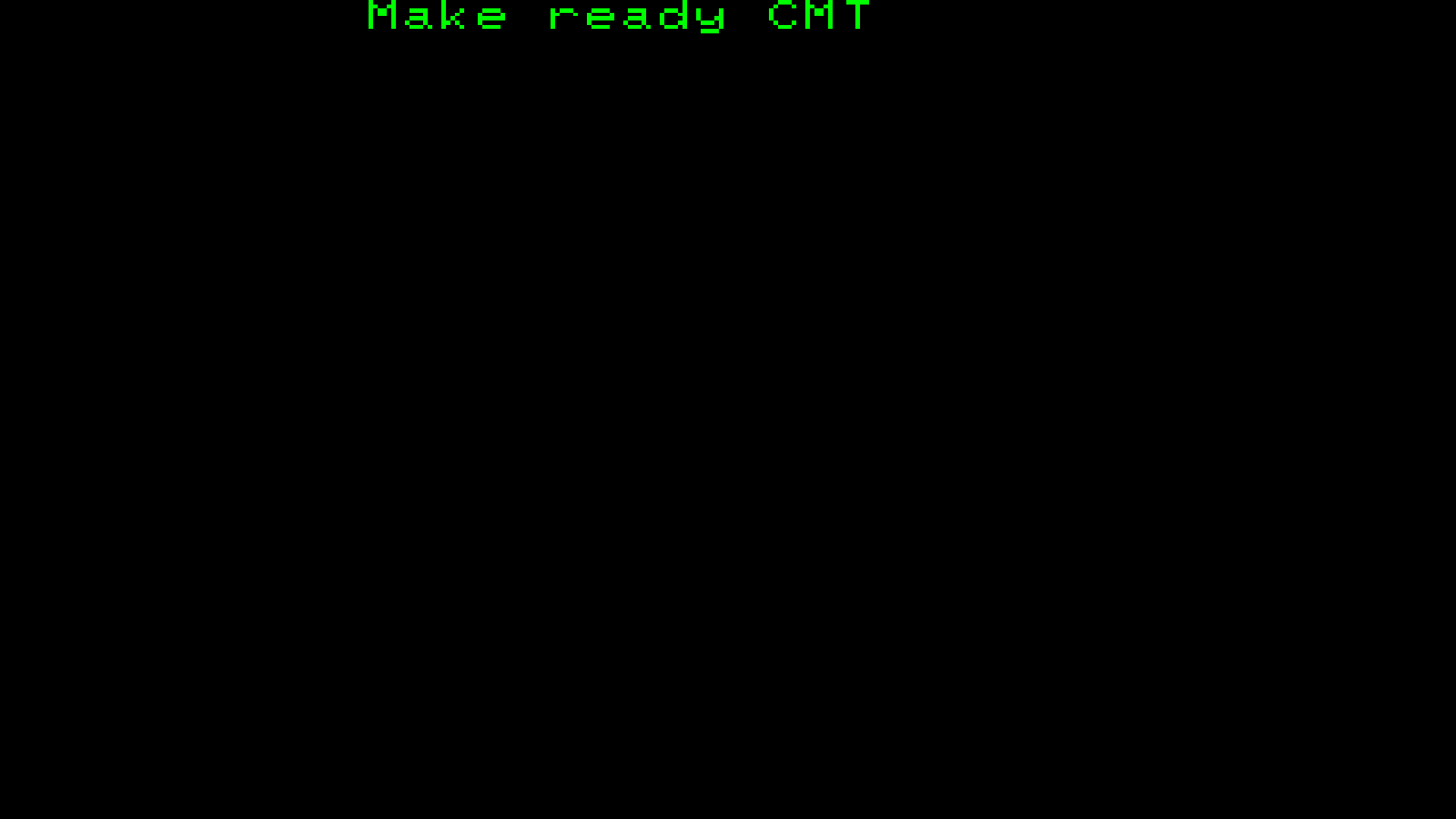
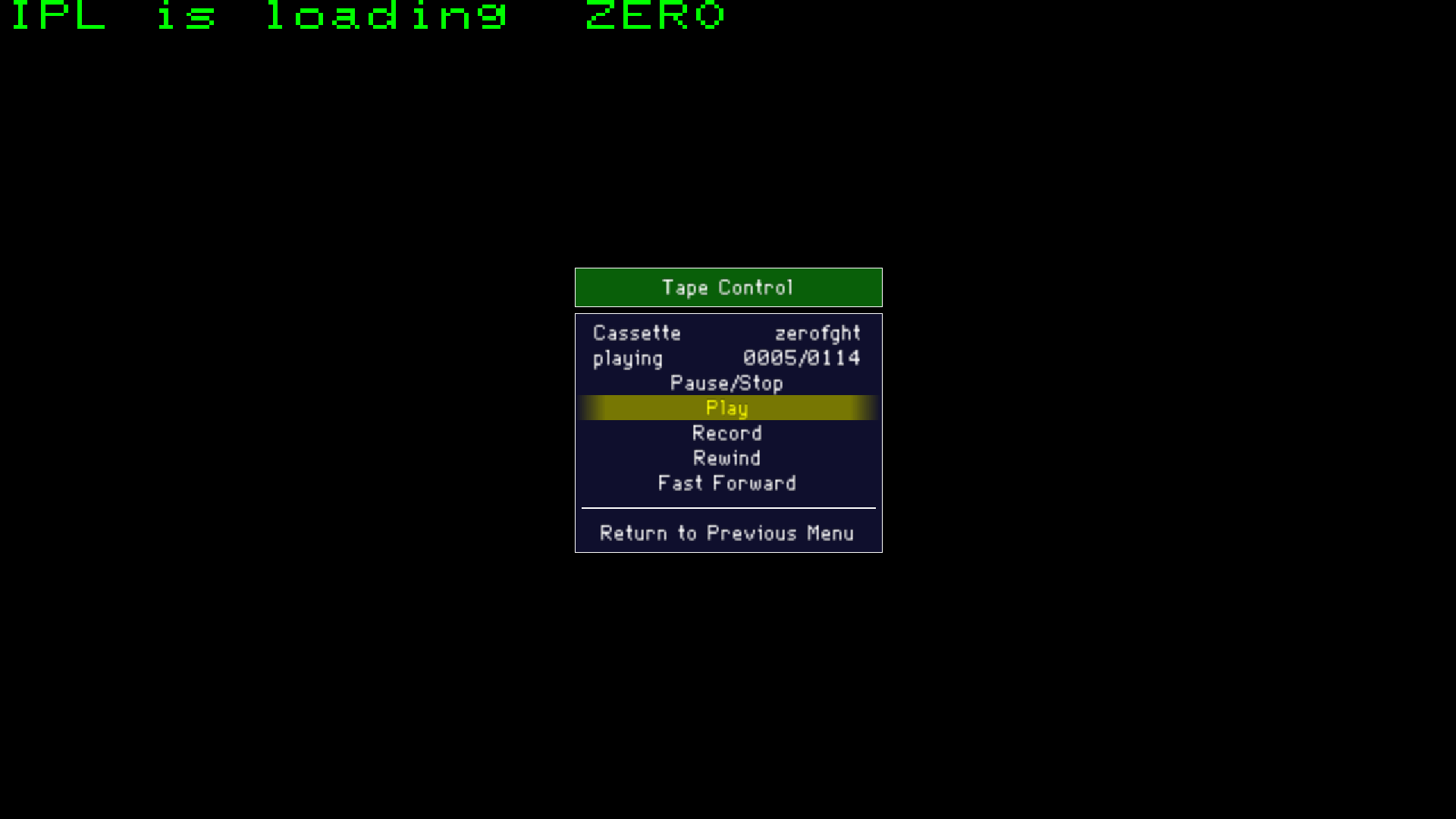
3. You can close the MAME menu and wait until game finishes loading. Once the game starts, create a savestate within RetroArch
4. Navigate to where you RetroArch savestates are stored (RetroArch\states\(varies according to settings)
5. find (Zero Fight example) zerofght.state1 change file extension to "auto" (zerofght.state.auto)
6. Now Zero Fight will autoload to game when launched.
The following games will not work unless CPU speed is adjusted to 80% before loading Cassette
cnonball
hiyokof
mj05
powrfail
thespidr
vegecrsh
vosque2k
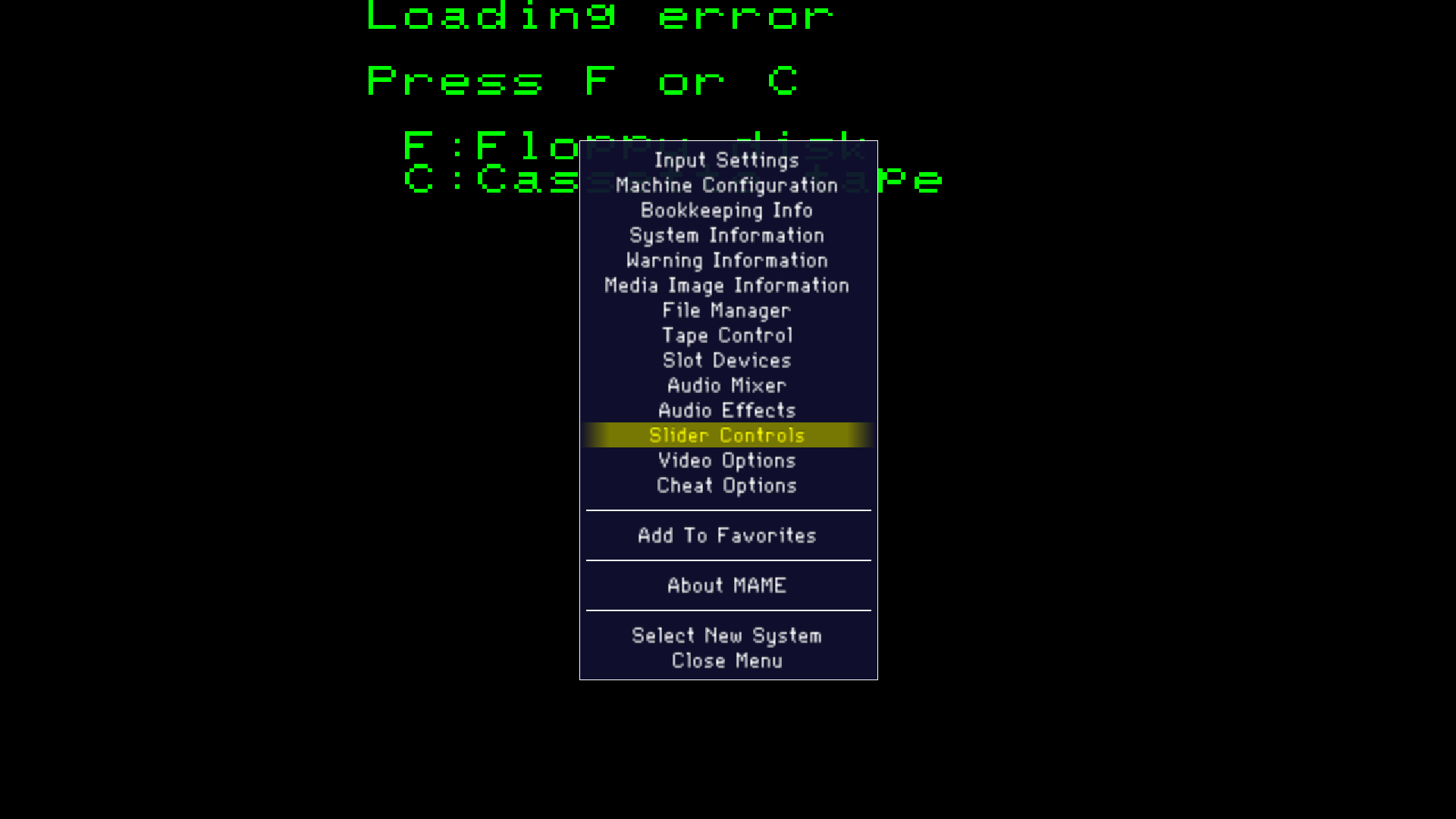

after 80% is selected load cassette using previous steps then create autoload savestate
What's New in Version 1.0.0 See changelog
Released
No changelog available for this version.

