pequetren
-
Posts
9 -
Joined
-
Last visited
Content Type
Forums
Events
Downloads
Store
Everything posted by pequetren
-
BRUTAL, thank you very much dark13. This worked for me: bmp_tl.width = 200; bmp_tl.height = 200; bmp_tl.x = 200/1-200 ; bmp_tl.y = 200/1-200 ; . Thanks, teacher.

-
Thank you very much for your comments. In HS, it is not a problem, it is positioned correctly in the theme, but it was easy to solve by correcting some parameter that I cannot understand and the batch file would make the images like the manual option that I showed in the first box that fits to the image. I didn't see stage size measurements in the scripts...I don't understand if it's 200 x 200 then the position is -100 on y and x.
-
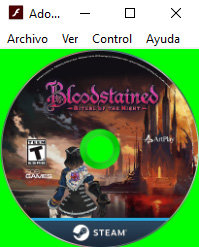
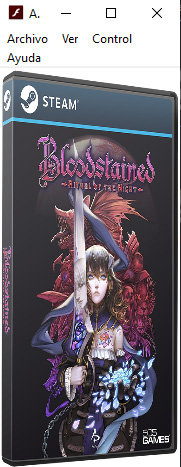
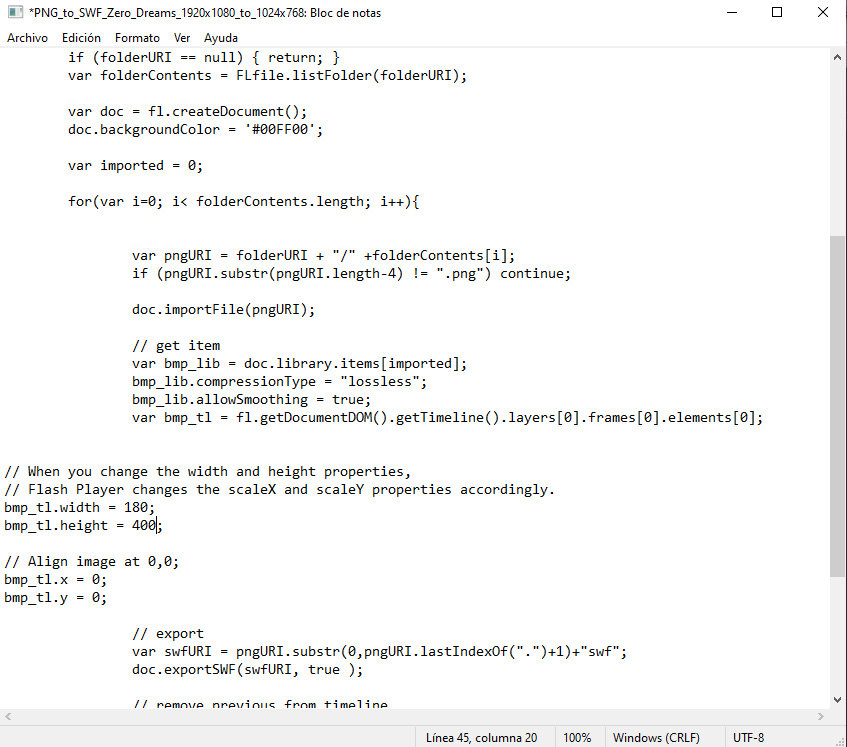
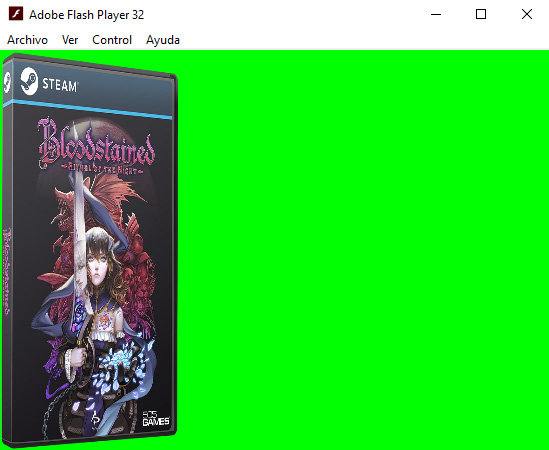
Hello. I need your help. First of all, thank you for these scripts, I don't understand how to modify them so that they modify my images, I explain trying to make myself understand. I need for my hypespin theme a box image of 148 x 400 pixels, to which in animate I put a larger image and in properties I tell it not to compress it, it comes out like this I have tried to modify the scripts without success, because the only one that I was able to get close to was with the script PNG_to_SWF_Zero_Dreams_1920x1080_to_1024x768.jsfl and the size is fine but in the player I see that it is not like the one for animate, I modified these two parameters bmp_tl.width = 180; bmp_tl.height = 400; The batch file works fine, the resulting image has correct measurements, but I don't know how to fit the green canvas to the image. I've tried all the scripts, but they don't do what I need. Adapt a larger image to 148 x 400, for my boxes and for CD images I use 200 x 200. Thank you for your comments.
-
Hola, he estado probando este programa, pero necesito lanzar una aplicacion al comienzo de hyperspin y el settings.ini se me sobreescribe, por lo que al siguiente lanzamiento tengo modificado el startup, poniendolo en modo solo lectura no funciona. Seria bueno tambien poder implementar poder poner cualquier fondo sin necesidad de poner un wallpaper instalado, no se si esto seria posible. gracias por vuestros comentarios. Un saludo.