AmonUK
-
Posts
12 -
Joined
-
Last visited
Content Type
Forums
Events
Downloads
Store
Everything posted by AmonUK
-
 Oh, I see now. Sorry. That fixed it.
 -
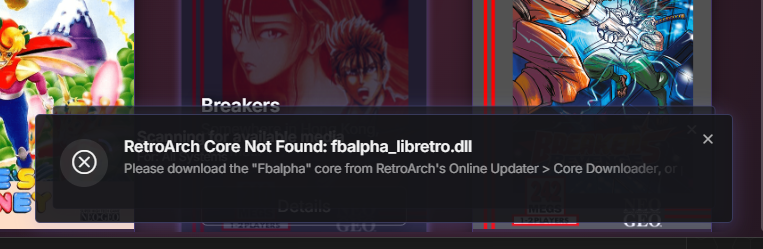
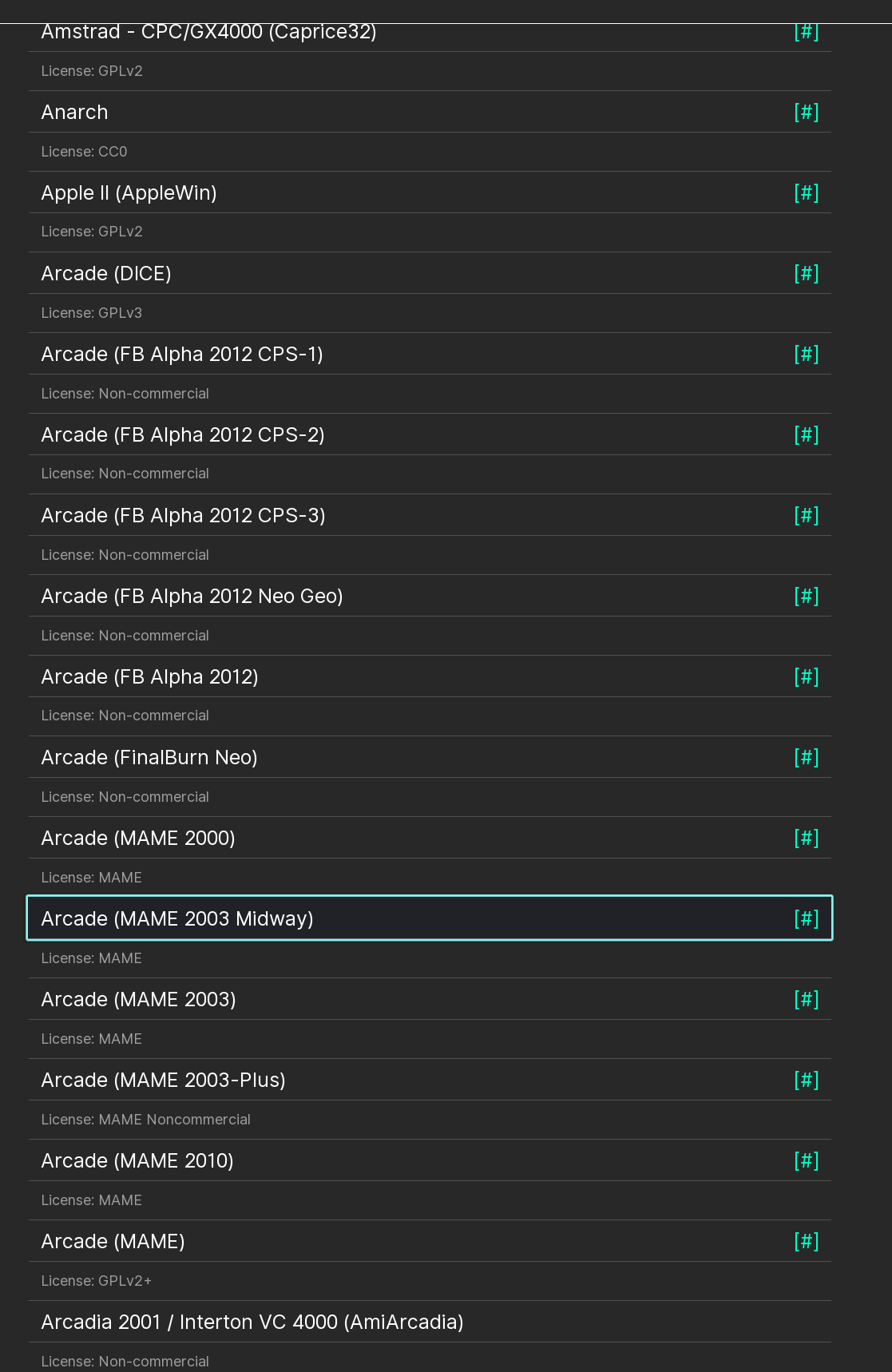
It doesn't work when launched via Hyperspin or HyperHQ. If I load the rom directly from within Retroarch then it plays fine. Other systems that need retroarch work. Nes, SNES, Genesis, MasterSystem etc. The core is there, downloaded and loaded. This morning, trying it again I get this now.

-
Tested it with mame as the emulator, and although a little slow to start up, the games all work.
-
Working on boxart sets for systems that don't have any
AmonUK replied to baddeolv's topic in Media Projects
Ok, thanks. I guess I'll wait. -
Working on boxart sets for systems that don't have any
AmonUK replied to baddeolv's topic in Media Projects
I wasn't able to pull any art/media for the C64. Wondering if it's a database issue. -
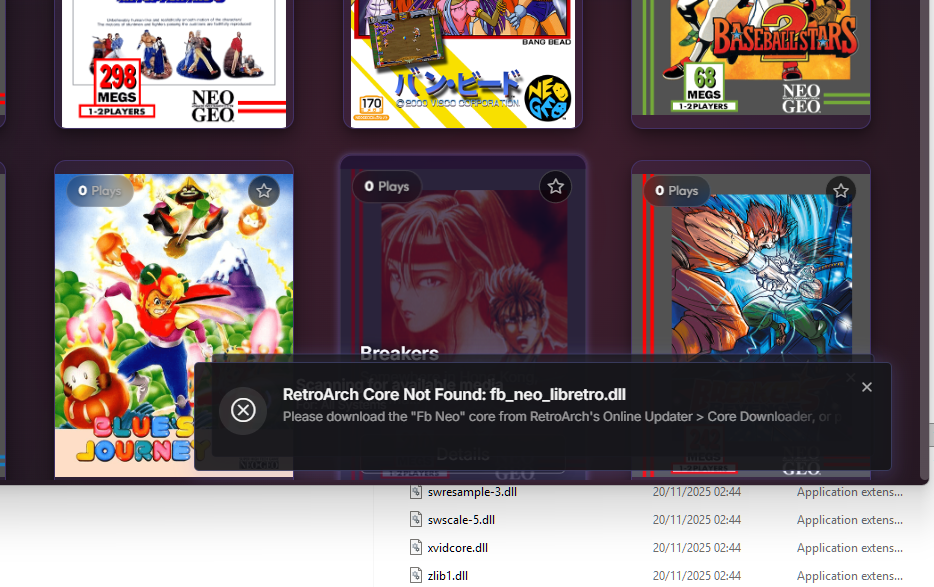
When launching games directly via RetroArch, I get no problems. When I try to launch the game or any game from NeoGeo AES via HyperHQ or Hyperspin, the game doesn't start, and I get the following error message "Retroarch Core Not Found: fb_neo_libretro.dll" The core is present in the cores folder.
-
I managed to get it to work. But it's brutal. I had to format and reinstall windows 11. Here is the catch though. If you install a fresh Win 11, install Hyperspin, launch Hyperspin without Win 11 having updated to 24H2, Hyperspin will work but will stop working when you do update to 24H2. So: 1: Fresh Install Windows 11. 2:Make sure you update first to 24H2. 3: Launch Hyperspin for the first time and it will work. Now I said it was brutal, well it is, because you have to format your system. The other thing is, I have no idea why doing it this way works. I have no idea why launching Hyperspin for the first time without the 24H2 update, breaks Hyperspin when you update to 24H2. I also have no idea why an existing installation is 50/50 on breaking after you update to a major cumulative update for windows 11. There are a lot of people smarter than me so I will leave it to them to figure out.
-
Add me to the list. After Win 11 Home updating to 24H2 Hyperspin, HyperHQ etc no longer launch. I'm assuming the worst here when I say there is no fix?