rondar
-
Posts
906 -
Joined
-
Last visited
-
Days Won
17
Content Type
Forums
Events
Downloads
Store
Development Tracking
HyperCL
Everything posted by rondar
-
Have you tried downloading any of the MAME game themes? Or you could try this default theme: https://beta.hypertheme.io/media/b56e9c-Neon-and-Tokens---Default-Arcade-Game-Theme
-
What bugs are you seeing with the builder? I can test and report them to get resolved. You can add the feature request here: https://hyperspin-fe.com/development-bug-tracking/14_hyperspin-2-enhancement-requests/
-
Are you seeing media in HQ? Themes, carts, boxes, etc? And do you have the main menu themes for MAME and SNES? You can try downloading missing themes from HyperTheme directly as well.
-
_hsm is all the media that syncs from HQ. The other folders are override folders. For example, to add the MAME wheel that's missing, go to \Media\Arcade (MAME)\Logos - System Then save the image as the name that matches the system. In this case, it would be: Arcade (MAME).png If it was a game logo/wheel, it would go in the "\Logos - Game" folder and be named the same as the gamename.

-
Ah ok. I also have a few themes that aren't listed in HT yet. Most systems and games should be in there though. It will probably be a while for other odds and ends to be added. What do you think of the theme builder? There are tons of features in there.
-
What’s the game? For what system?
-

Video Theme Road Fighters 3D Arcade Pc (Konami) 16:9 +Wheel
rondar commented on ESPARTANOCT's file in Game Themes (16:9)
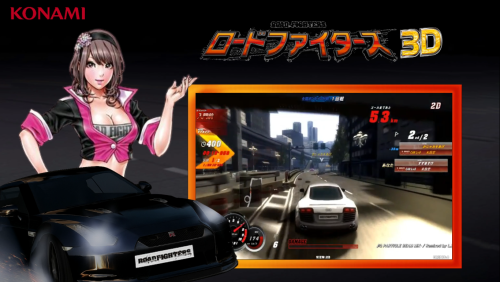 I don't think it as an issue since the game was only released in Japan (and it reads "Road Fighters" above the Japanese characters). I would at least add a glow to the title to make it look cleaner on the dark background though.
 -
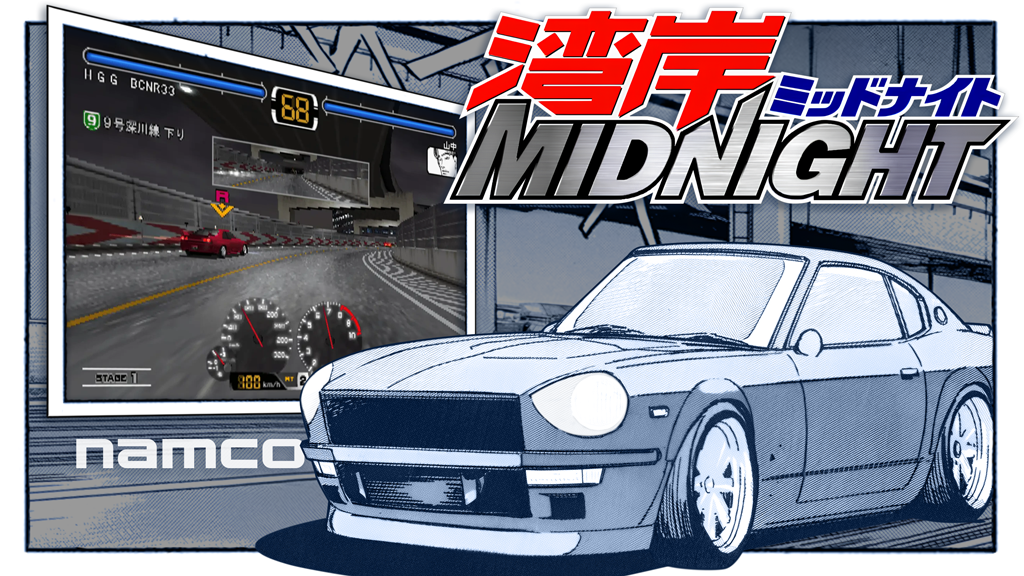
Wangan Midnight Game Theme Theme by: Unknown Preview Description Racing game based on the Japanese manga, Wangan Midnight. Details Type: Game Theme System: Arcade (TeknoParrot) Tags: Arcade (TeknoParrot),Wangan Midnight,Game Theme Created: Nov 07, 2025 Download View on HyperTheme
-
rondar's HyperSpin 2 HD Game Themes - Arcade PC/Teknoparrot WIP
rondar replied to rondar's topic in HyperTheme
Wangan Midnight WanganMidnight.mp4
-
rondar's HyperSpin 2 HD Game Themes - Arcade PC/Teknoparrot WIP
rondar replied to rondar's topic in HyperTheme
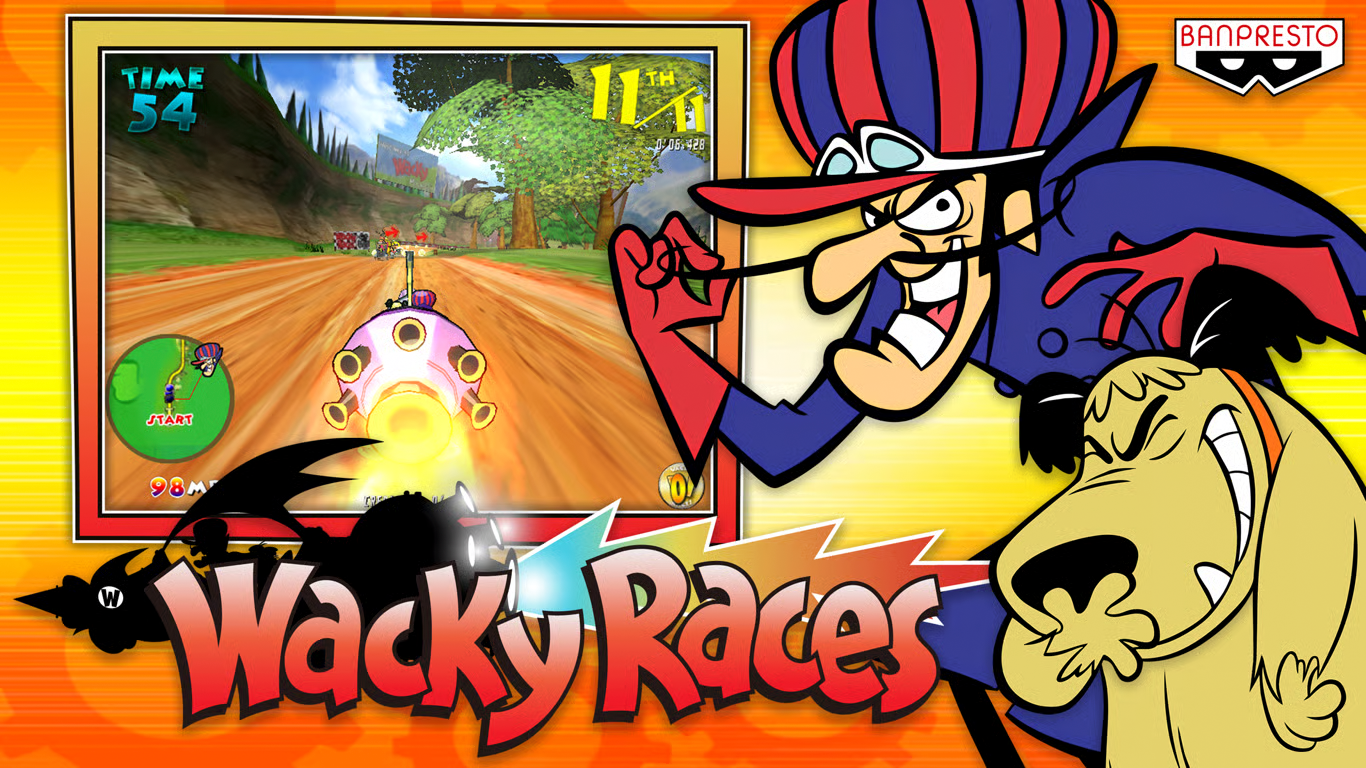
Wacky Races Fun theme featuring Muttley laughing animation. I redrew the character and split up the pieces so I could stack them and animate them.
-
Wacky Races Arcade Game Theme Theme by: Unknown Preview Description Cartoon racing game by Banpresto YouTube Video Details Type: Game Theme System: Arcade (TeknoParrot) Tags: Arcade (TeknoParrot),Wacky Races,Game Theme Created: Nov 03, 2025 Download View on HyperTheme Credits rondar (Artist) rondar (Animator)
-
rondar's HyperSpin 2 HD Game Themes - Arcade PC/Teknoparrot WIP
rondar replied to rondar's topic in HyperTheme
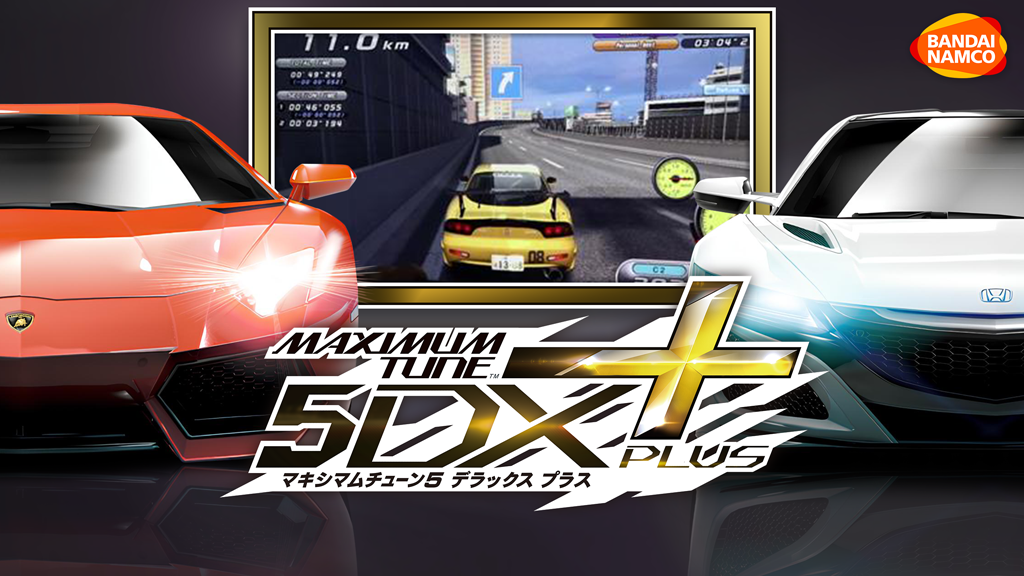
Wangan Midnight Maximum Tune 5DX Plus Pretty simple theme this time. Just upscaled the art and made a custom video frame to match the coloring of the logo.
-
Wangan Midnight Maximum Tune 5DX Plus (WMMT5DXPlus) Theme by: Unknown Preview Description Racing game by Bandai Namco YouTube Video Details Type: Game Theme System: Arcade (TeknoParrot) Tags: Arcade (TeknoParrot),Wangan Midnight Maximum Tune 5DX+,Game Theme Created: Oct 30, 2025 Download View on HyperTheme Credits rondar (Artist) rondar (Animator)
-
- 1
-

-
Sailor Zombie AKB48 Arcade Edition Theme by: Unknown Preview Description Game theme by baddeolv. Animation by rondar. Details Type: Game Theme System: Arcade (TeknoParrot) Tags: Arcade (TeknoParrot),Sailor Zombie: AKB48 Arcade Edition,Game Theme,ArcadePC,namco Created: Oct 30, 2025 Download View on HyperTheme Credits baddeolv (Artist) rondar (Animator)
-
rondar's HyperSpin 2 HD Game Themes - Arcade PC/Teknoparrot WIP
rondar replied to rondar's topic in HyperTheme
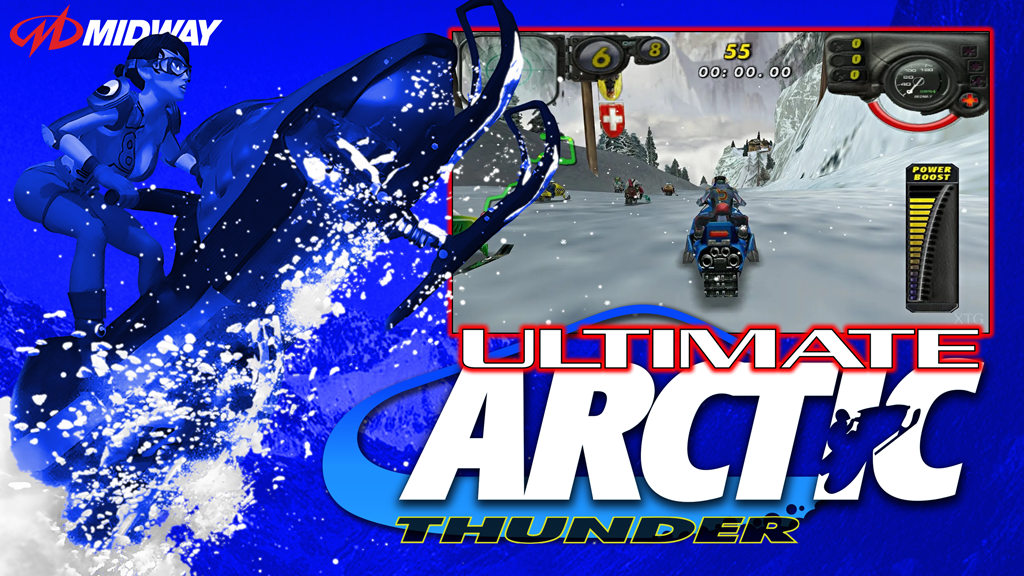
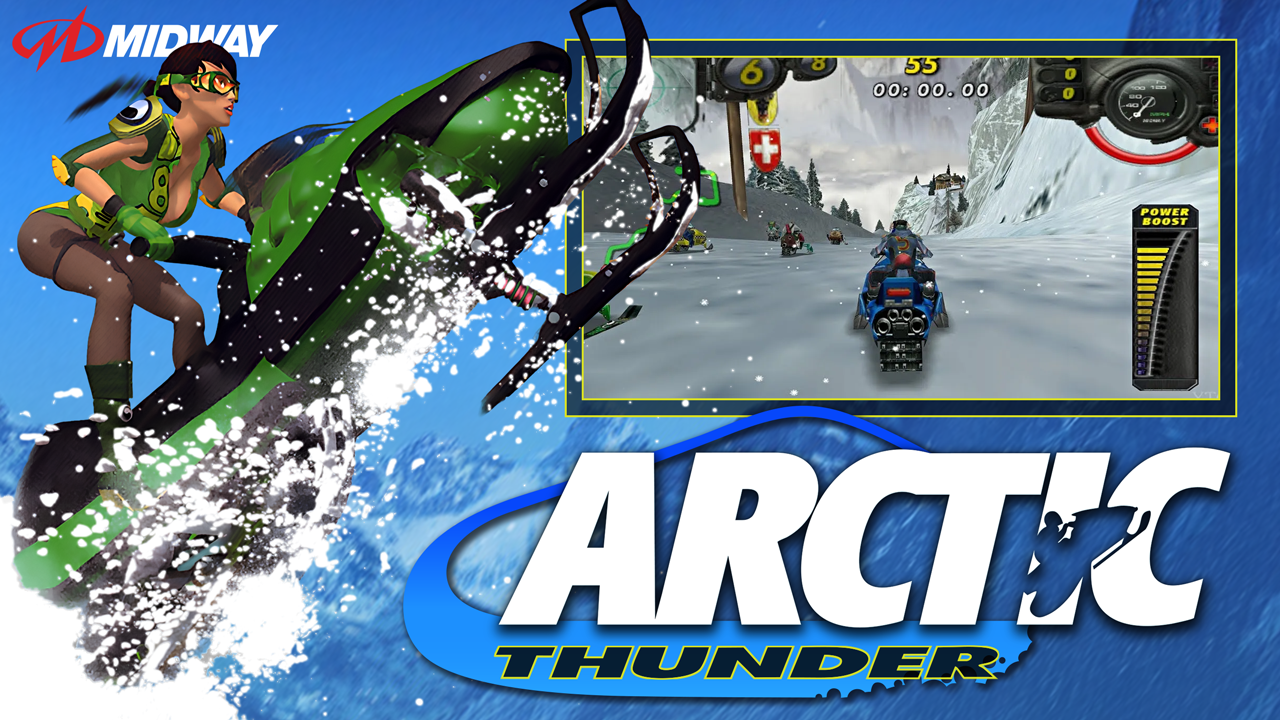
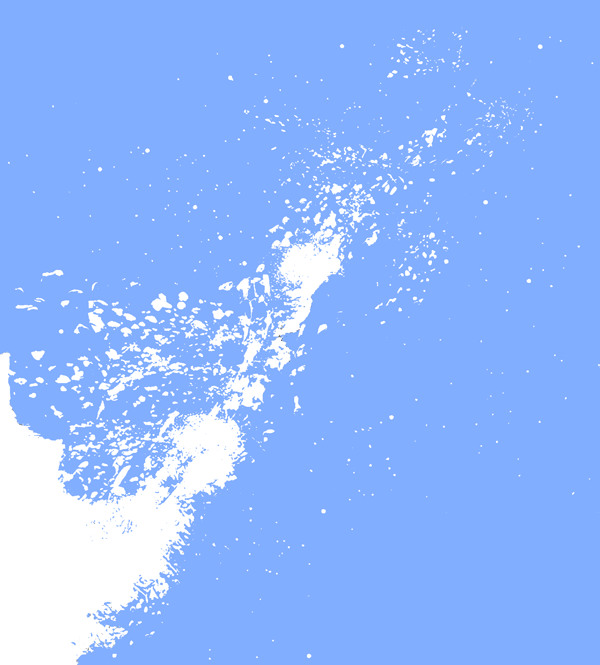
Arctic Thunder & Ultimate Arctic Thunder I redrew the logo in parts so I could animate them separately: I isolated the snow so I could make it an animation layer that looked like the snow was moving. The vid below isn't quite the final, but it was pretty close. Arctic-Thunder-Preview.mp4 For the Ultimate version, I just recolored it based on the title screen coloring.
-
Night Hunter - After Dark, Chapter 2 Theme by: Unknown Preview Description Night Hunter (After Dark 2) game by UNIS Details Type: Game Theme System: Arcade (TeknoParrot) Tags: Night Hunter - After Dark, Chapter 2,Arcade (TeknoParrot),Night Hunter - After Dark,Chapter 2,Game Theme,ArcadePC,light gun game Created: Oct 28, 2025 Download View on HyperTheme Credits rondar (Artist) rondar (Animator)
-
Thank you. It doesn't really matter now, but 2.0.95 would have been the answer I was looking for when I originally asked. (I asked because I thought there was only pre-release testing during that time.)
-
I understand there are issues with the current version, but that version wasn’t released when the original post was made.
-
Nintendo Entertainment System (NES) Default Theme by: Unknown Preview Description NES Default Theme by baddeolv Details Type: System Theme System: Nintendo Entertainment System Tags: Nintendo Entertainment System,System Theme,nes Created: Oct 27, 2025 Download View on HyperTheme Credits baddeolv (Artist) rondar (Animator)
-
ArcadePC (TeknoParrot) Default Theme Theme by: Unknown Preview Description Arcade PC default theme using wheel art as "marquee" above the video. Original theme by baddeolv. Animated background by rondar. Details Type: System Theme System: Arcade (TeknoParrot) Tags: Arcade (TeknoParrot),System Theme Created: Oct 26, 2025 Download View on HyperTheme Credits baddeolv (Artist) rondar (Animator)
-
Here's a quick video. add-metadata-images.mp4
-
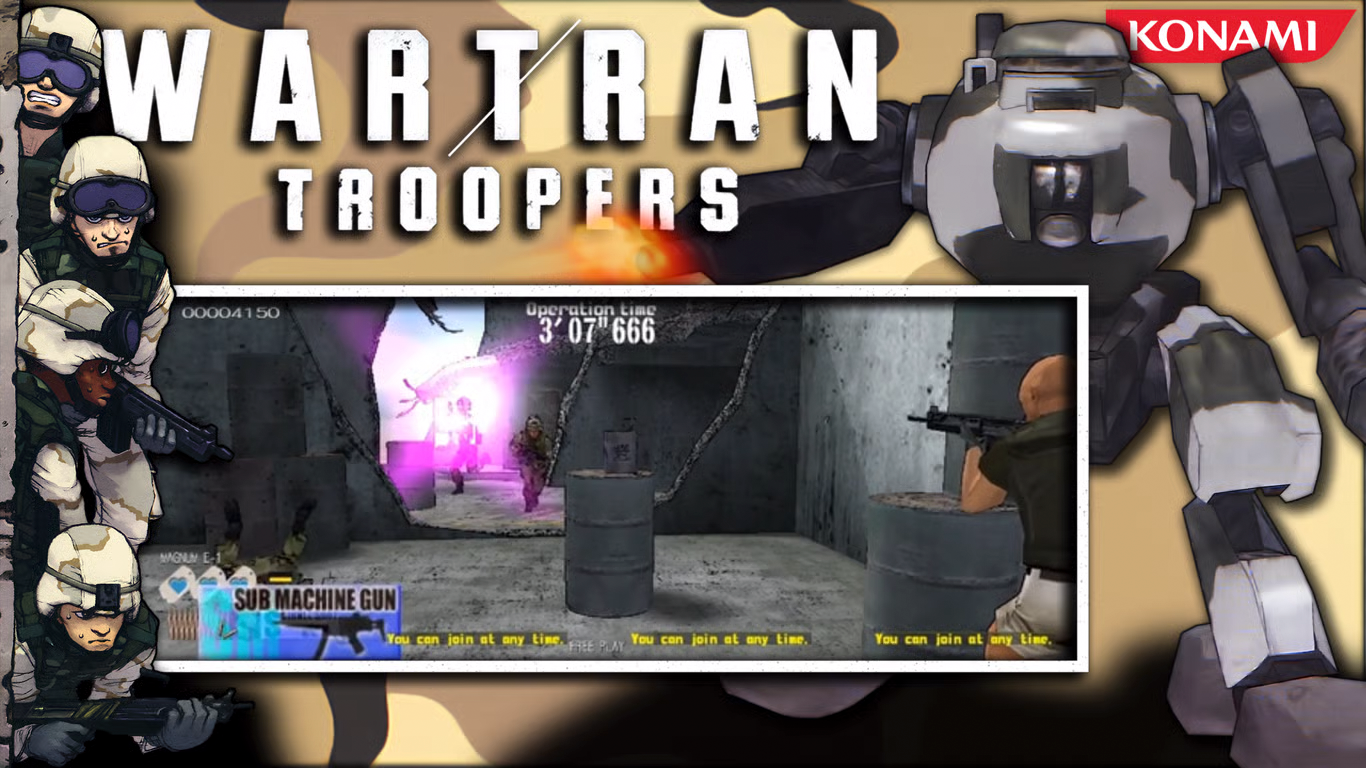
Wartran Troopers Arcade Game Theme Theme by: Unknown Preview Description Wartran Troopers by Konami Details Type: Game Theme System: Arcade (TeknoParrot) Tags: Arcade (TeknoParrot),Wartran Troopers,Game Theme Created: Oct 26, 2025 Download View on HyperTheme
-
rondar's HyperSpin 2 HD Game Themes - Arcade PC/Teknoparrot WIP
rondar replied to rondar's topic in HyperTheme
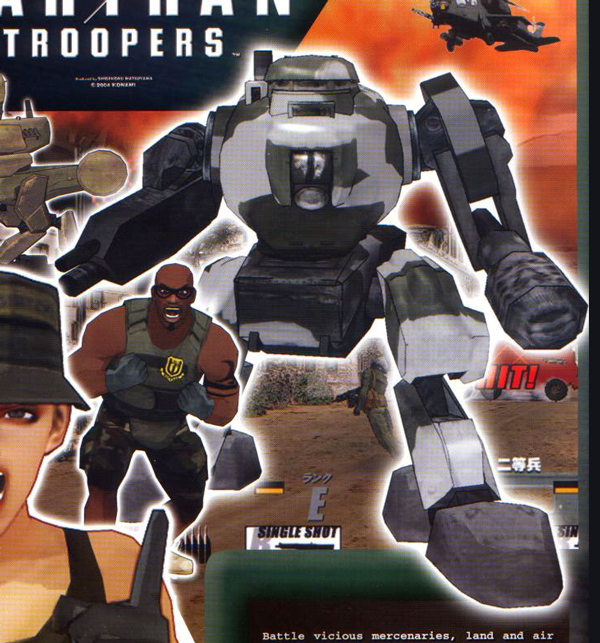
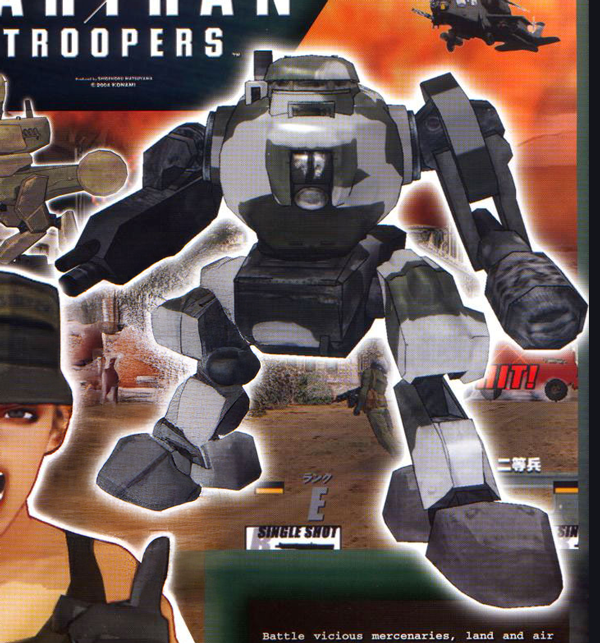
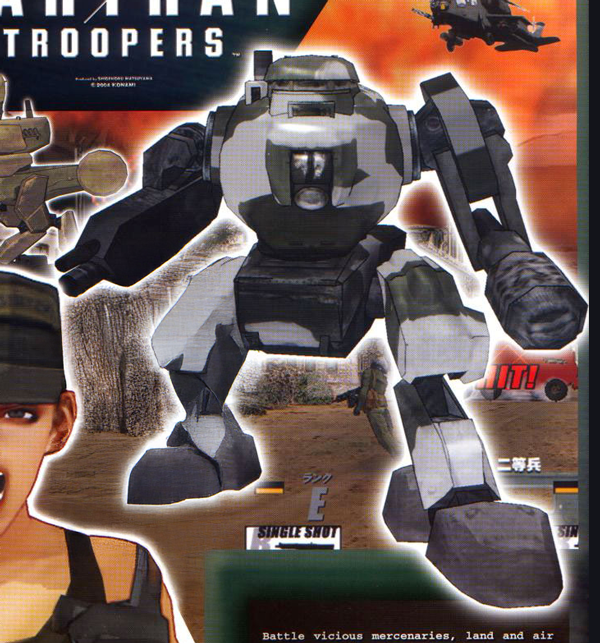
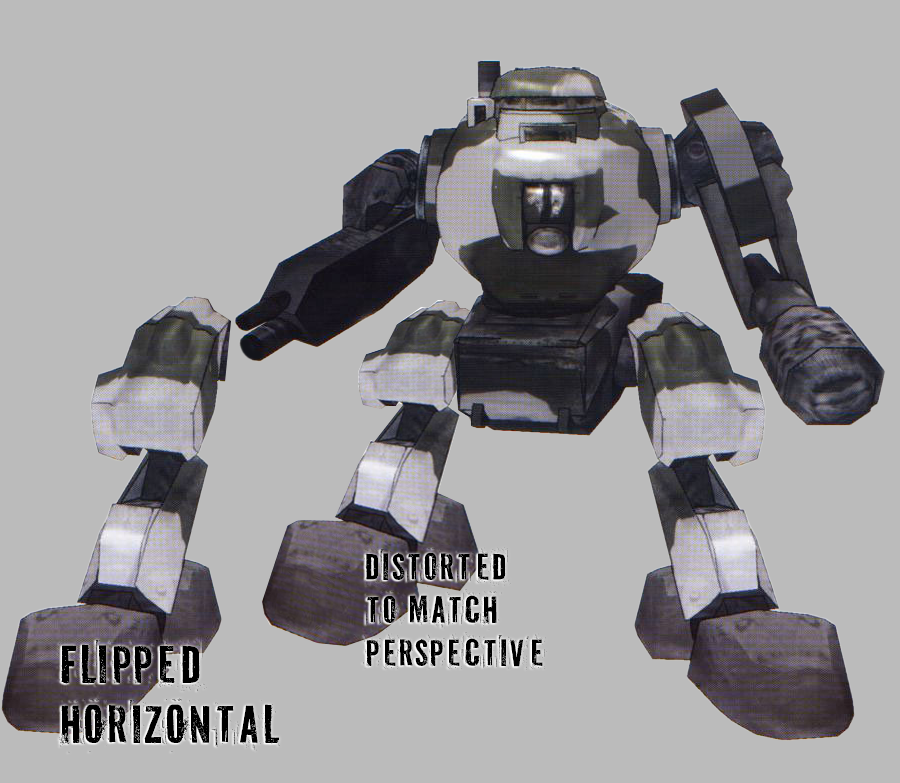
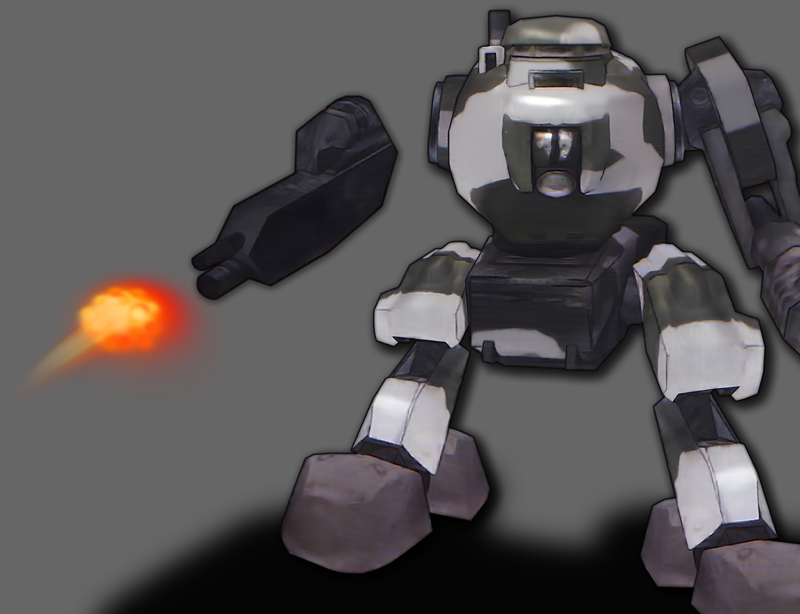
Wartran Troopers I wanted to use the mech/tank thing from this flyer (because it was the clearest image I found), but the leg was covered. I tried AI first, but it did weird things... I ended up copying the right leg and distorting the dimensions to match the approximate perspective. To give a little movement to the theme, I chopped off the left arm (filled in the gap mostly by cloning) and created a little blast pattern by painting overlapping red, orange and yellow blotches. I added a little blur and then overlapped a motion blur layer. Voila! Finished product: wartran troopers.mp4
-
BUG: HyperSpin Stuck At Loading
rondar commented on DarkTemplarGS's record in HyperSpin 2 - Bug Reporting
Thank you. I’ll try to install STV later to see if I encounter any issues. -
Hyperspin newest Update - None of the Themes work
rondar replied to rik81's topic in HyperSpin General
I'll try to answer what I can: Yes, system default themes are in the same place as game themes because they appear on the same wheel. You can still download and select different themes if they are available. The box art textures are just the front, back and spine of the box in one image. (You should be able to see a preview of these on the media pages in HQ) There is no horizontal wheel in this build. I experienced the same thing with media that downloaded that I did not select. Definitely a bug that needs to be worked out. Are you seeing media in HQ? Boxes, videos, logos? Most themes will need to be downloaded from HT.
.png.d7821272f70b64af37adb9875dc1a877.png)