
JohnnyChimpo
-
Posts
50 -
Joined
-
Last visited
Content Type
Forums
Events
Downloads
Store
Everything posted by JohnnyChimpo
-

Hyperspin Freezes when closing Retroarch Games
JohnnyChimpo replied to JohnnyChimpo's topic in Emulators & Systems
Well, glad to hear it's not just me... hopefully next update will fix it! -
Awesome. Thank you!
-
Boom! I deleted the system and games and added fresh. Somehow with only one game path there's still 2 versions, but now the correct version is first so HyperSpin and HyperHQ are both launching them correctly. Thank you! I really appreciate the help... Now if I can just figure out why HyperSpin freezes everytime I exit a game instead of returning to the wheel menu...
-
Hyperspin Freezes when closing Retroarch Games
JohnnyChimpo replied to JohnnyChimpo's topic in Emulators & Systems
Anyone? Still having this issue after latest update... -
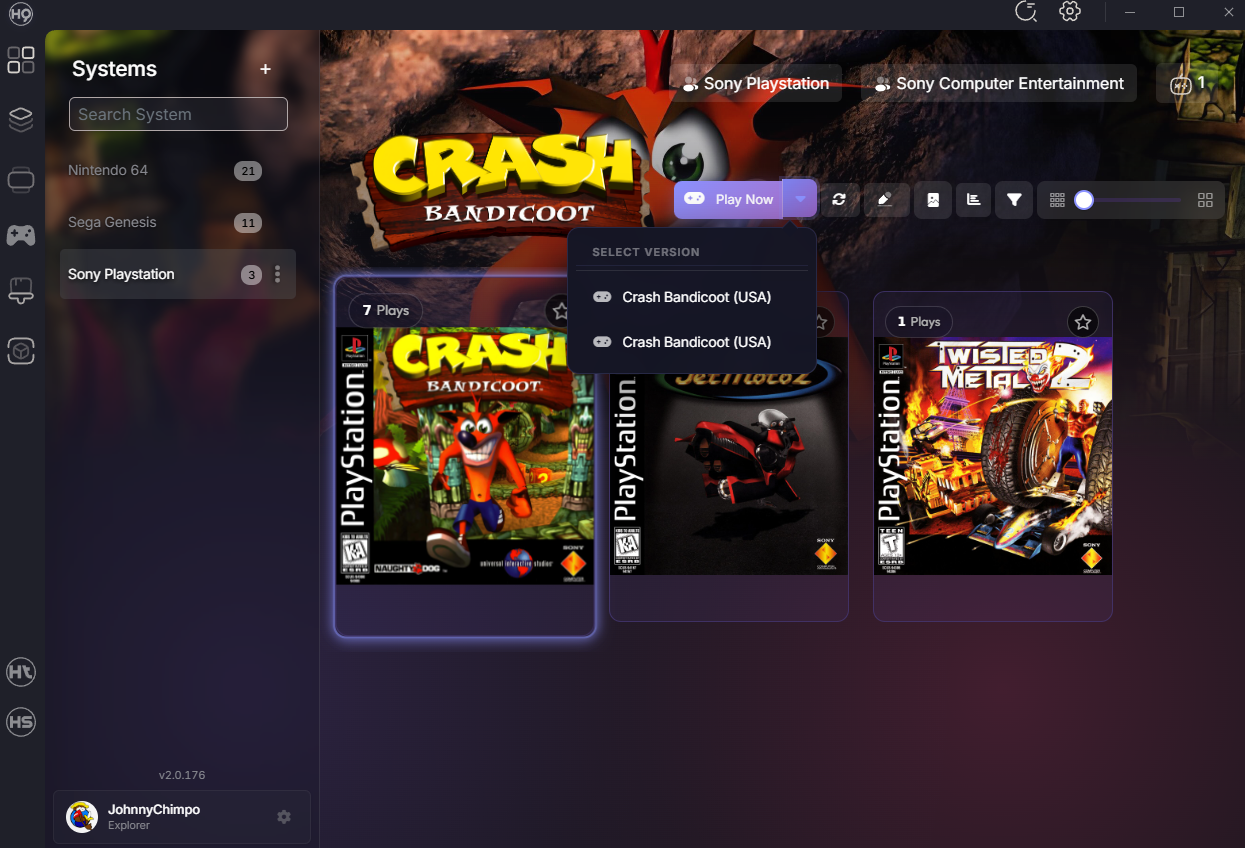
Thank you both. Getting closer! I deleted and rescanned the games, removed .bin from the extensions and I got the games to launch from HyperHQ, but with one issue. For some reason Hyper HQ is showing two game options for each (see below). The second launches, the top one doesn't. Default is to try the top one, so if I click "Play Now" or try to launch from HyperSpin it doesn't work as it's trying for that top one. How do I get rid of that version?

-
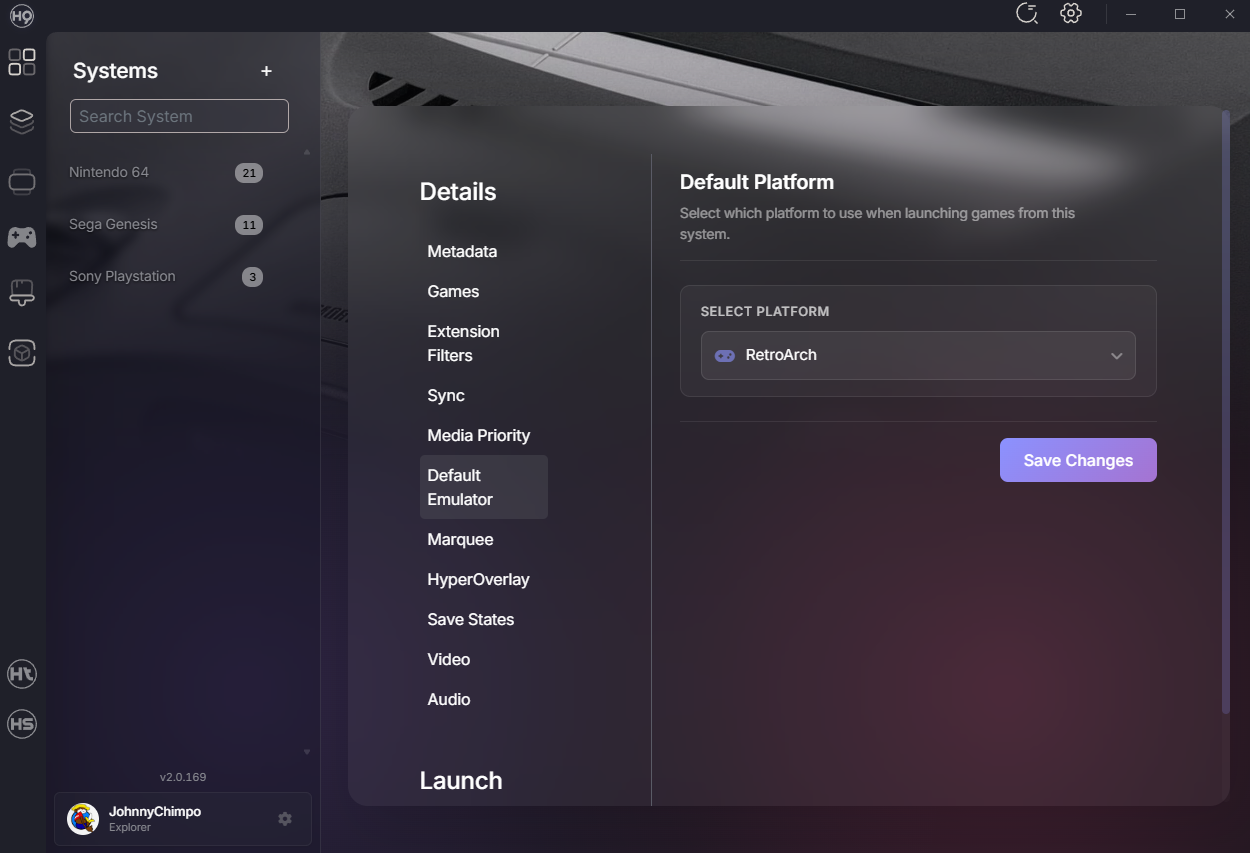
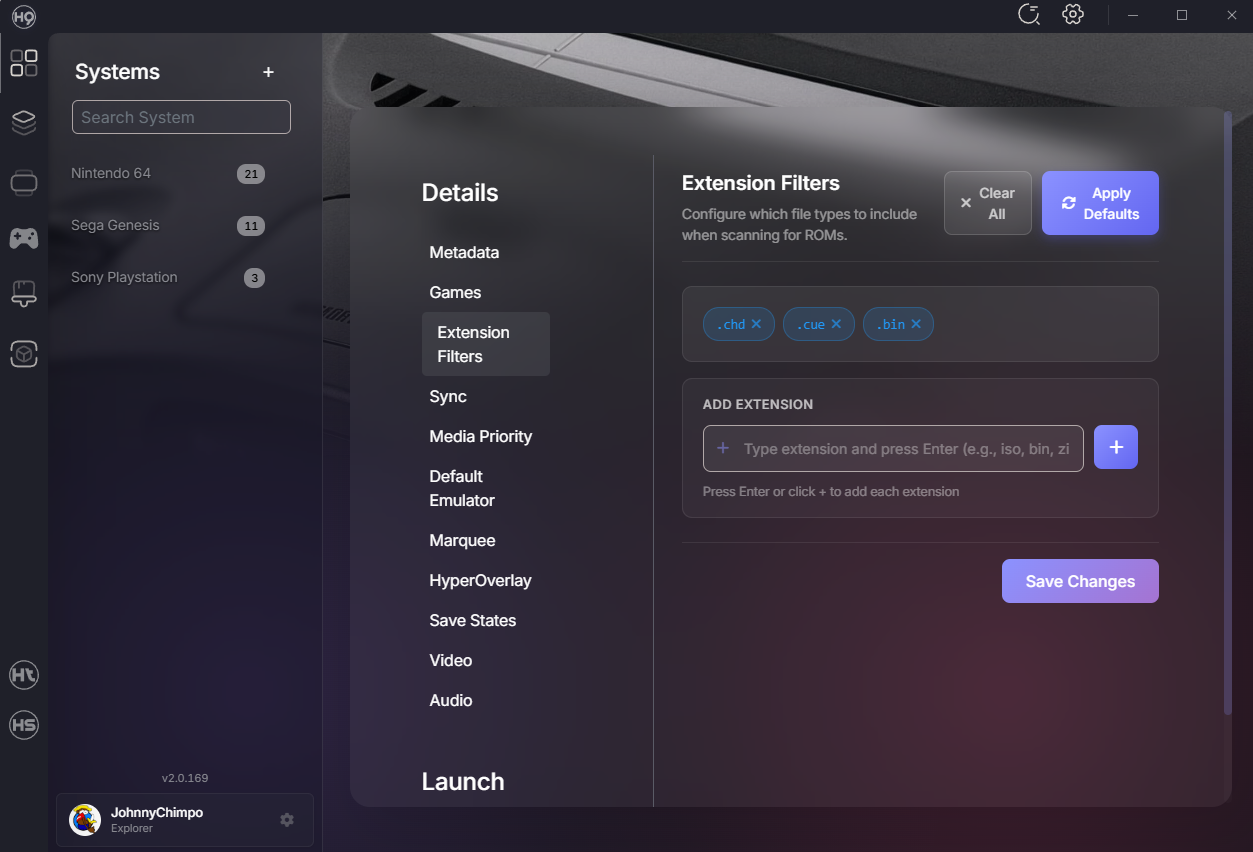
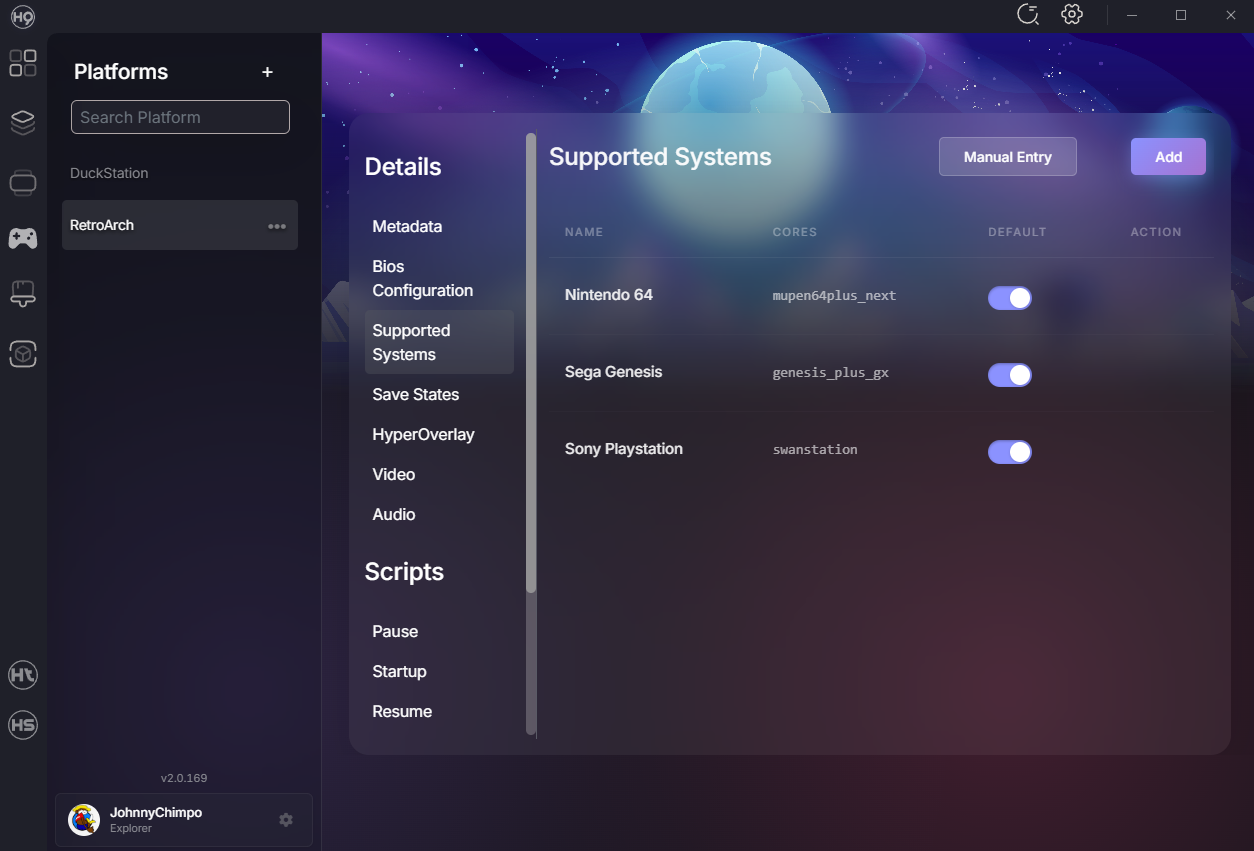
I did fix this previously... UPDATE: I converted my game filed to CHDs and messed around with the BIOS setting in Retroarch and manged to get Retroarch to launch the PS1 games via swanstation (Hurray!!). Now, for whatever reason I can't get Hyperspin or HyperHQ to launch them. I have enabled Swanstation in the Supported Systems in Retroarch, I have made sure .chd is in the Extension Filters for Sony Playstation, Retroarch is my default emulator... what do I have wrong? Do I need to somehow set up Swanstation as the default core in Retroarch?
-
Ugh... tried this. Still no go. Sorta at a loss. I still don't understand why Retroarch won't launch these games either.
-
I am finding when I quit any Retroarch game (ESC key) HyperSpin tries to go to previous wheel menu but gets stuck on the loading screen and doesn't recover and I have to force quit HyperSpin. Anyone else have this issue?
-
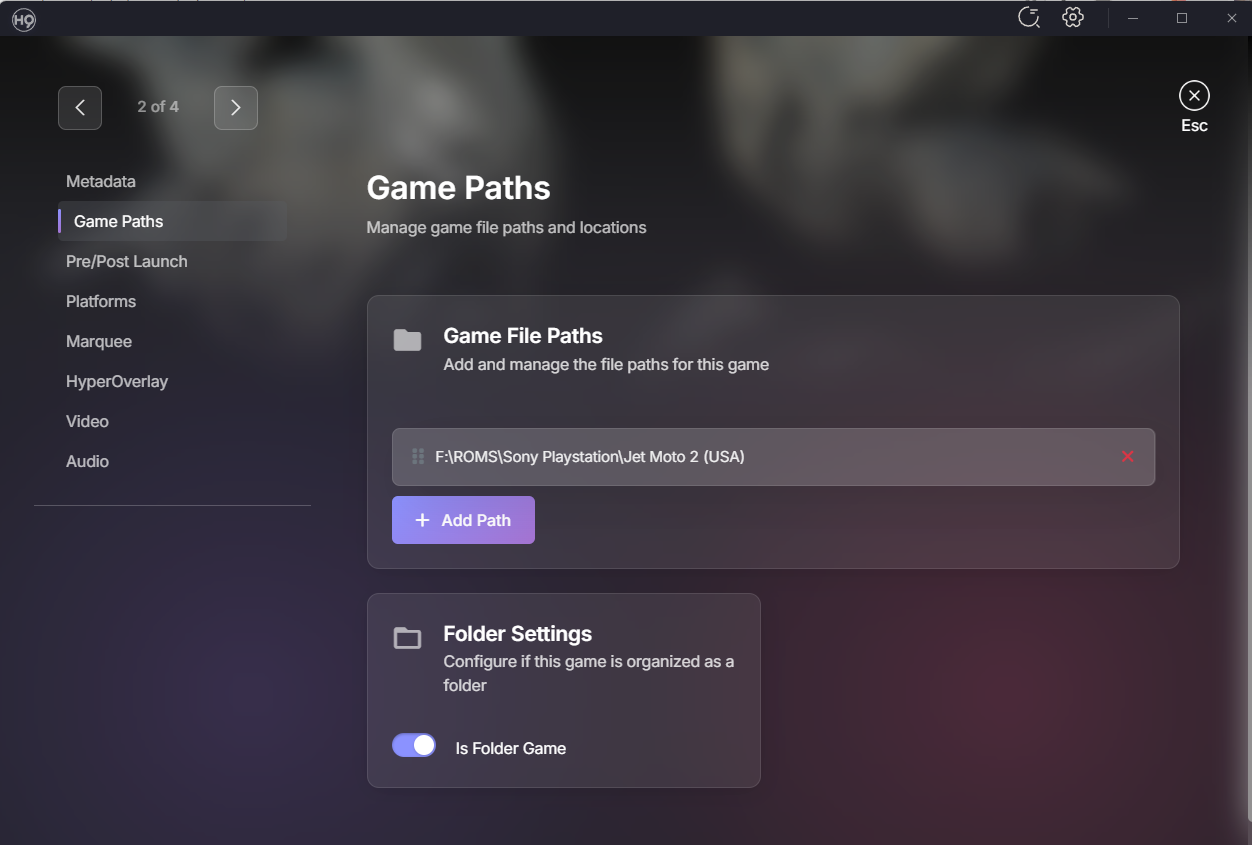
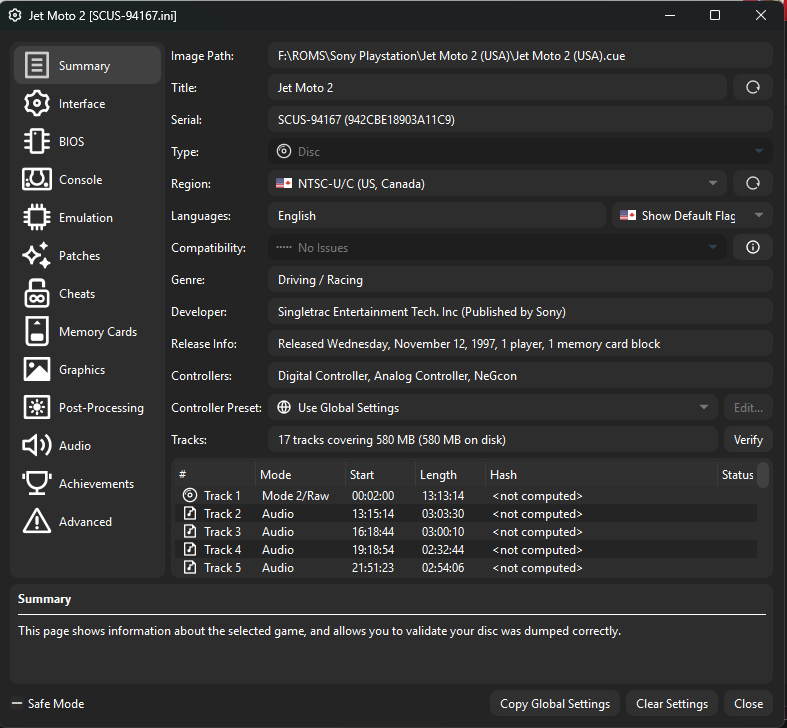
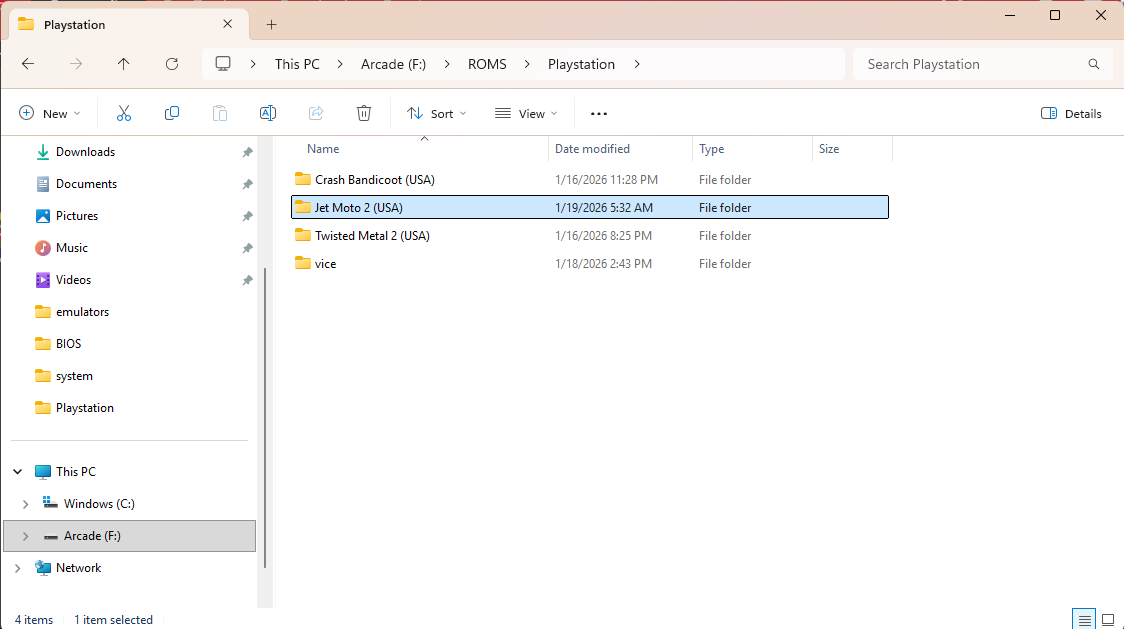
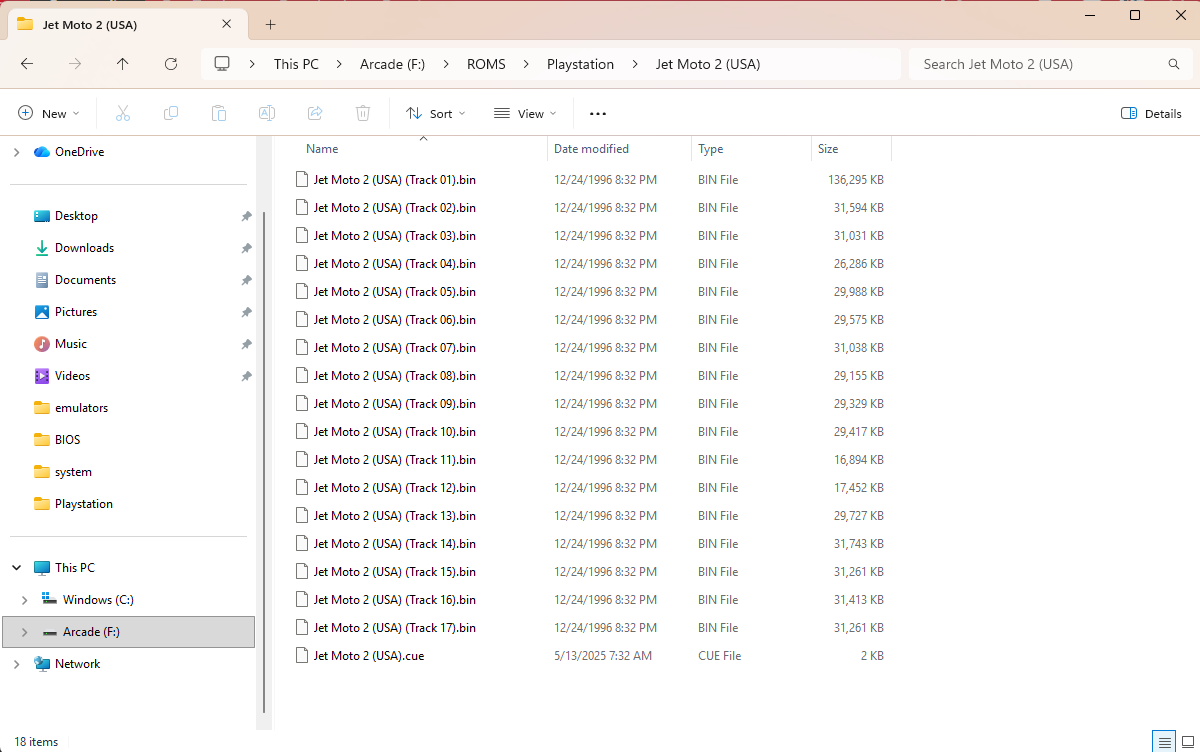
Here's the path in HyperHQ and the path in Duckstation, and folder on the F drive. Do I need to somehow tell HyperHQ to choose the .cue file?
-
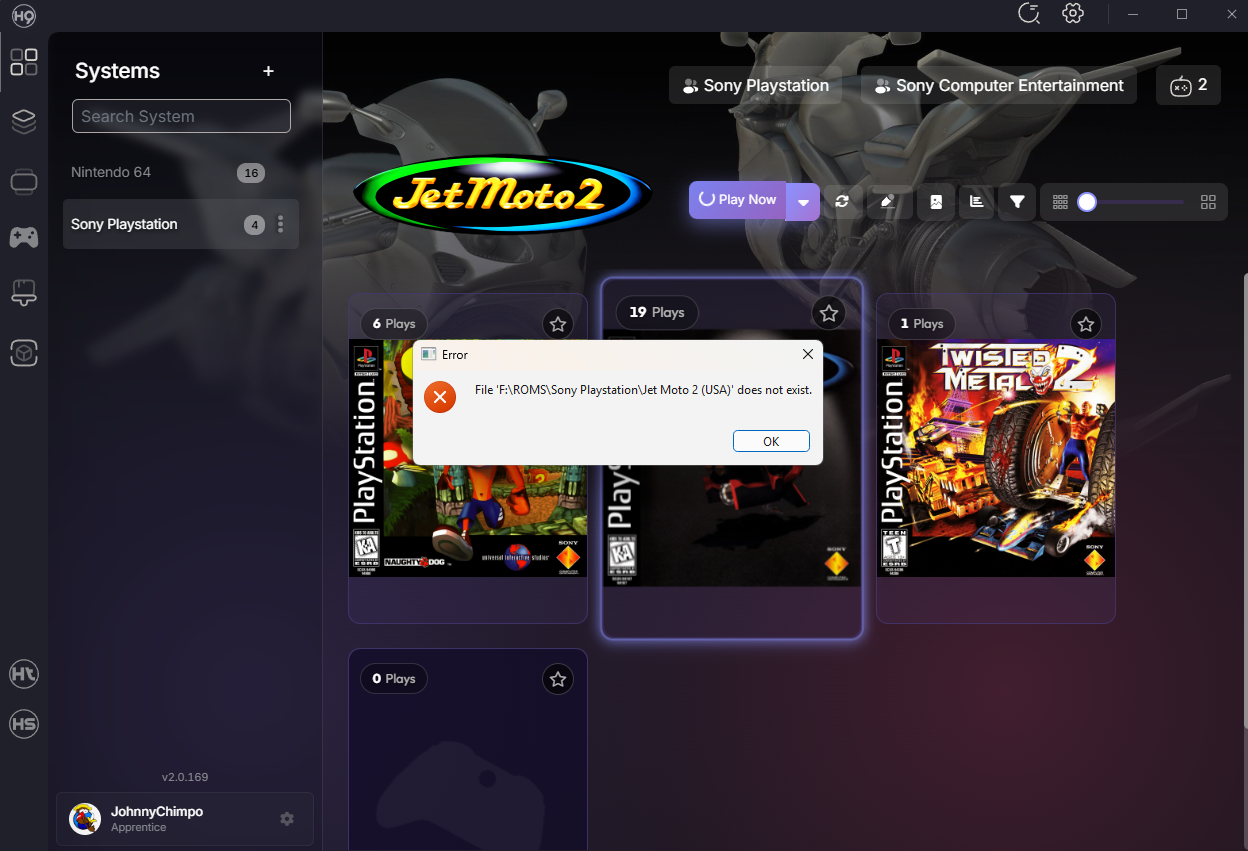
Thank you. Made these changes. Duckstation launching games no problem. No luck in Hyperspin. It's telling me the Path to ROMS doesn't exist... its the same path as Duckstation... what am I missing?
-
Oh... interesting. Let me know if you solve it with the exit script.
-
Problem with Sega Genesis Not Finding ROMS
JohnnyChimpo replied to JohnnyChimpo's topic in Emulators & Systems
When I launch games within HyperHQ it starts to launch retroarch, then crashes. When I launch a second time it runs. Launching in Retroarch outside of HyperHQ the games launch fine. In Hyperspin it does the same open then crash, but it hangs up Hyperspin and I have to force quite it. Tried to uninstall but did not delete the systems, games etc. Reinstalled. No luck... wondering if I should report as a bug? -
Problem with Sega Genesis Not Finding ROMS
JohnnyChimpo replied to JohnnyChimpo's topic in Emulators & Systems
Perhaps a dumb question but if I re-install HyperHQ/Hyperspin do I need to start over from scratch on loading all systems and games? Also, best way to reinstall? It's now not launching any games from any emulator. Starts to open then closes and gets stuck on spinning wheel. I wanna try a re-install. Thanks. -
Update: I got HW to launch the Playstation games via Duckstation, but Duckstation and HS don't play great together... When i exit the game it pulls up the Duckstation menu and then HS gets stuck and I have to kill it via task manager. Would love to get Retroarch to work with Playstation...
-
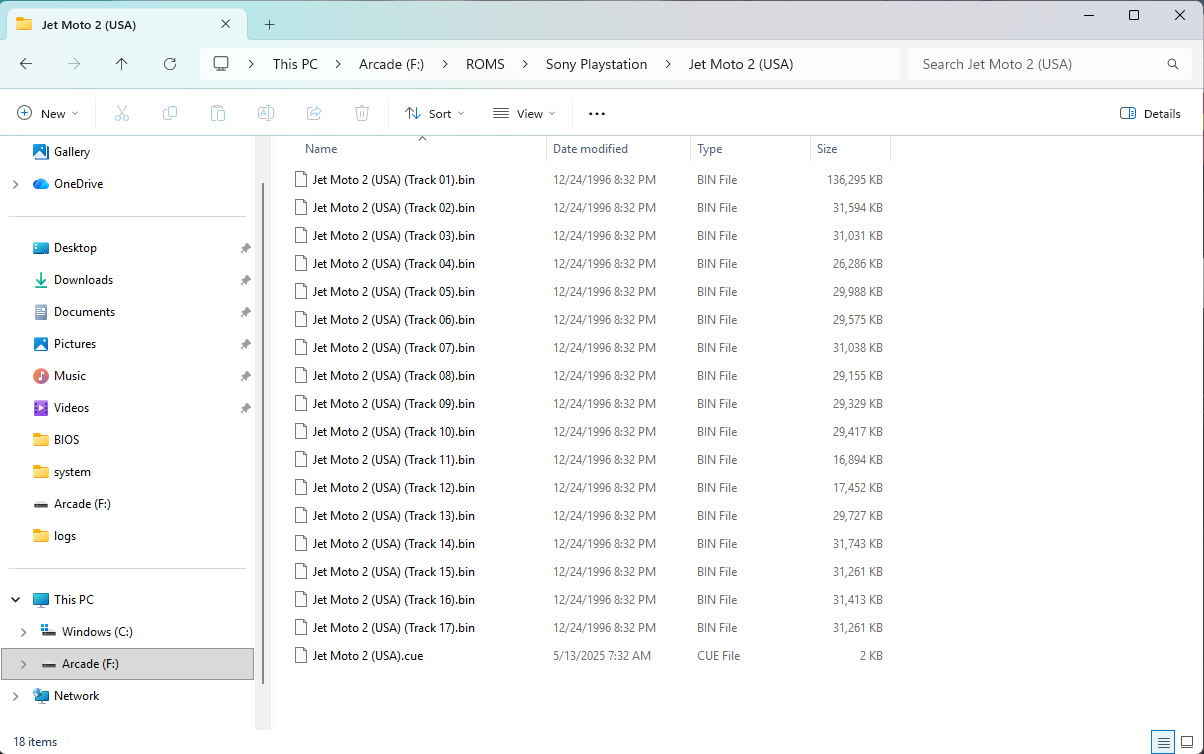
Ironically I was able to upload most of my old games from previous Hyperspin 1.5 setup to 2.0 without much problem. I only have 3 playstation games thus far which I have sourced recently. They are all bin files with one .cue. Example below. I tried removing all the BIN and Cue files for the games from the sub folders and just having them in the "playstation folder" but that didn't seem to help. Retroarch keeps saying "Failure to boot". These games as organized will play separately in Duckstation... just can't get Retroarch to launch them.
-
Saved the proper BIOS for PS1, both ps1_rom.bin and scph5501.bin in the C:\HyperSpin\emulators\RetroArch\system folder. Retroarch suggest the BIOS for PS1 US are present, but I can't seem to get any PS1 games to launch in Retroarch via Swanstation and thus not is HS either. Frustrated... thanks for the help @rudealleycat, I've made some progress (i think) but not haven't solved it yet. Anyone get PS1 games to launch in Retroarch?
-
This was needed. I enabled swanstation in Retroarch as you suggested. Now if i try and launch a PS game from HQ it tries then crashes HQ. If i launch a game from HS it goes to the spinning "loading" Hyperspin screen and never loads. I have to quit HS via task manager... Duckstation will launch the games outside of HQ/HS but I can't seem to get HQ to work with Duckstation Emulator either
-
Oh hell yeah. I’ll try this. Thank you!
-
Anyone had luck with Playstation games launching in HS with either Retroarch or Duckstation? I have 3 Playstation games and can't get any to work inside HS. They work in Retroarch and Duckstation separately. I have the defualt emulator to duckstation.
-
Problem with Sega Genesis Not Finding ROMS
JohnnyChimpo replied to JohnnyChimpo's topic in Emulators & Systems
I quit and relaunched HQ and Sega and 32X populated all the games. No dreamcast yet but encouraging! -
Problem with Sega Genesis Not Finding ROMS
JohnnyChimpo replied to JohnnyChimpo's topic in Emulators & Systems
Same problem for Sega 32X. Also couldn't get 32X to run with Retroarch (asked for BIOS, I dropped them in but HQ didn't like the BIOS files). Set it up with Kega Fusion -
Problem with Sega Genesis Not Finding ROMS
JohnnyChimpo replied to JohnnyChimpo's topic in Emulators & Systems
Should be... i set it up the same as the other systems.
-
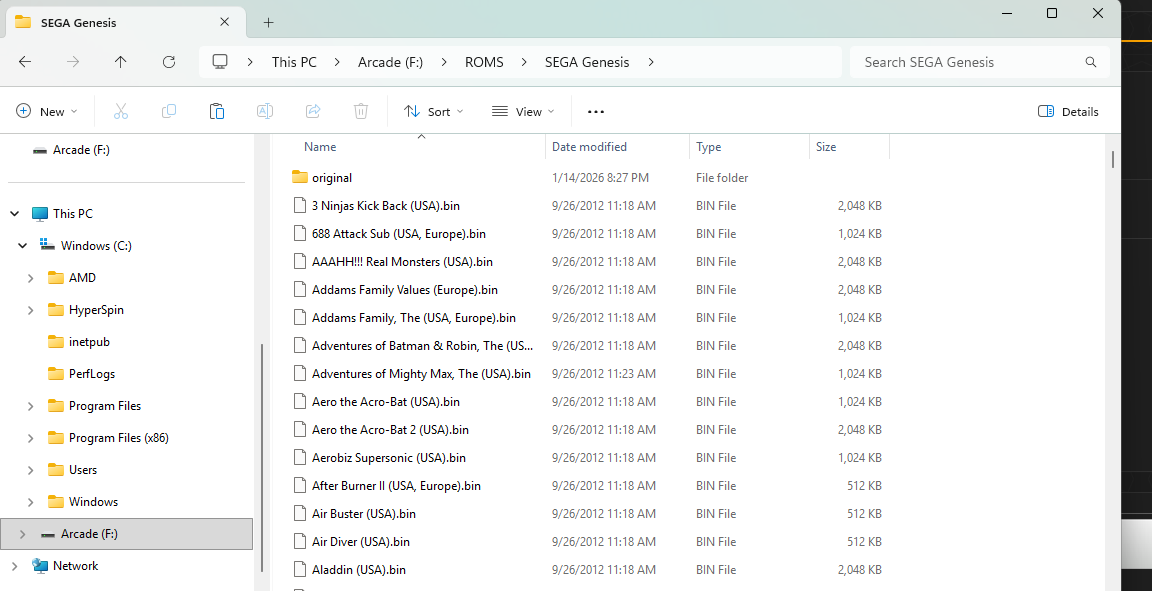
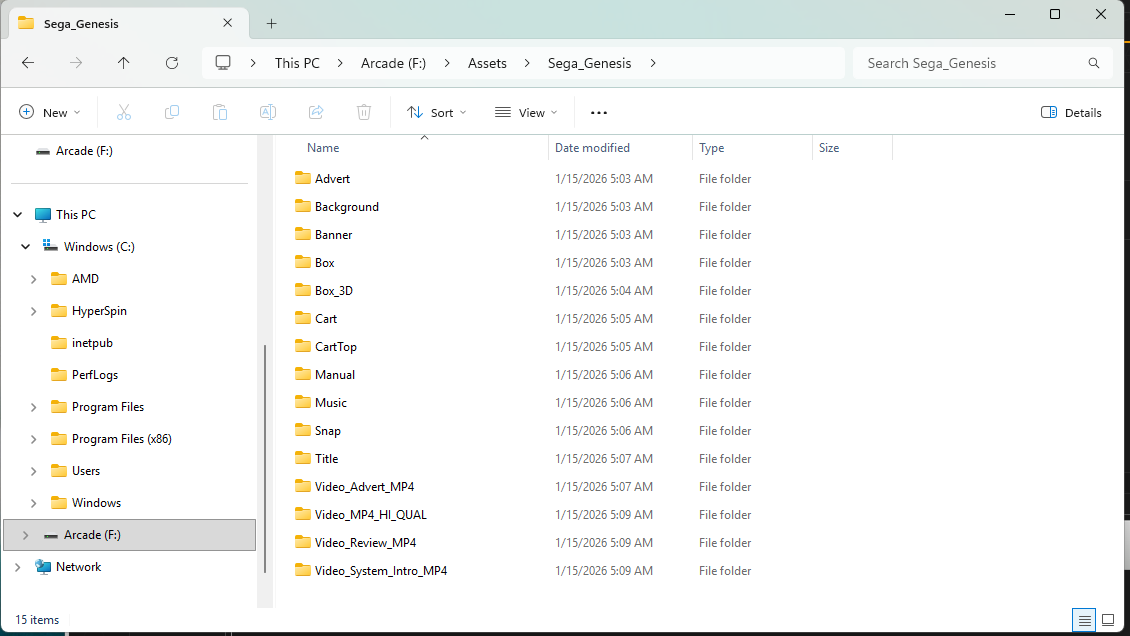
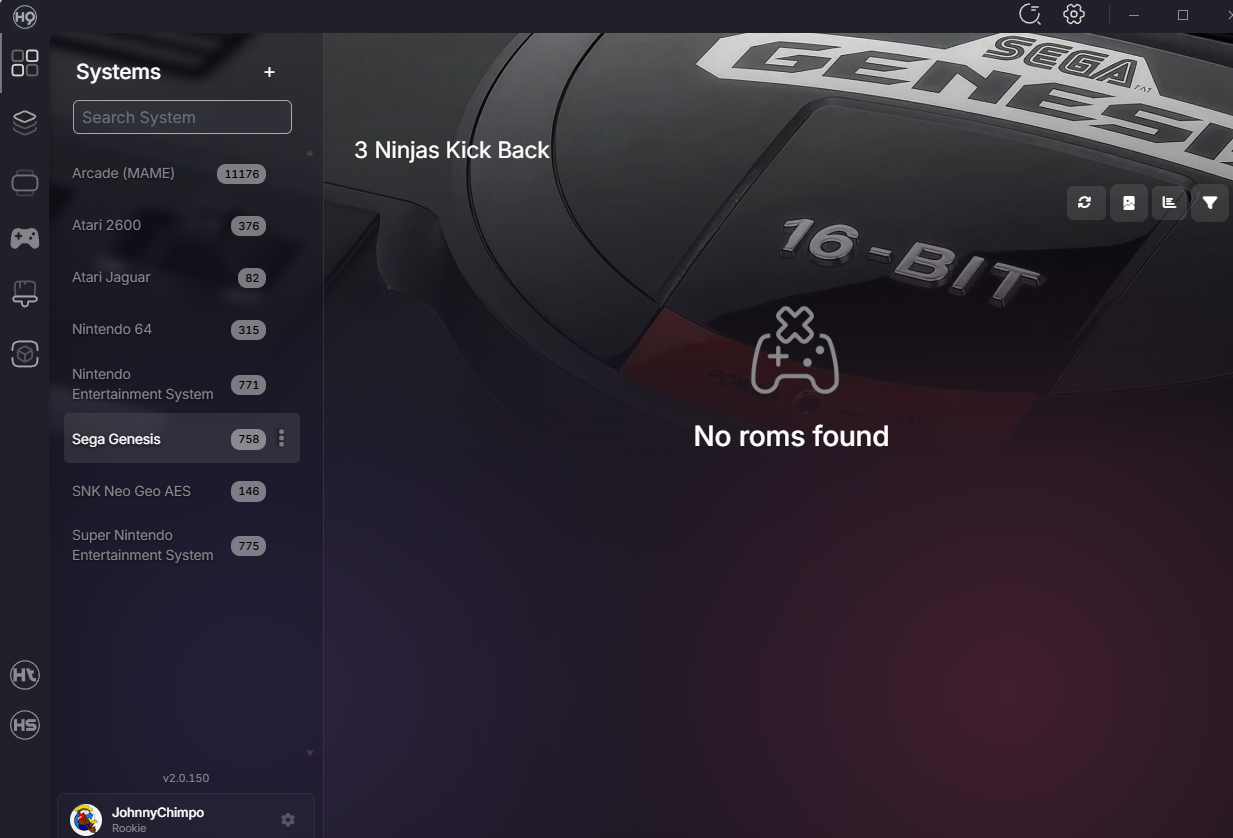
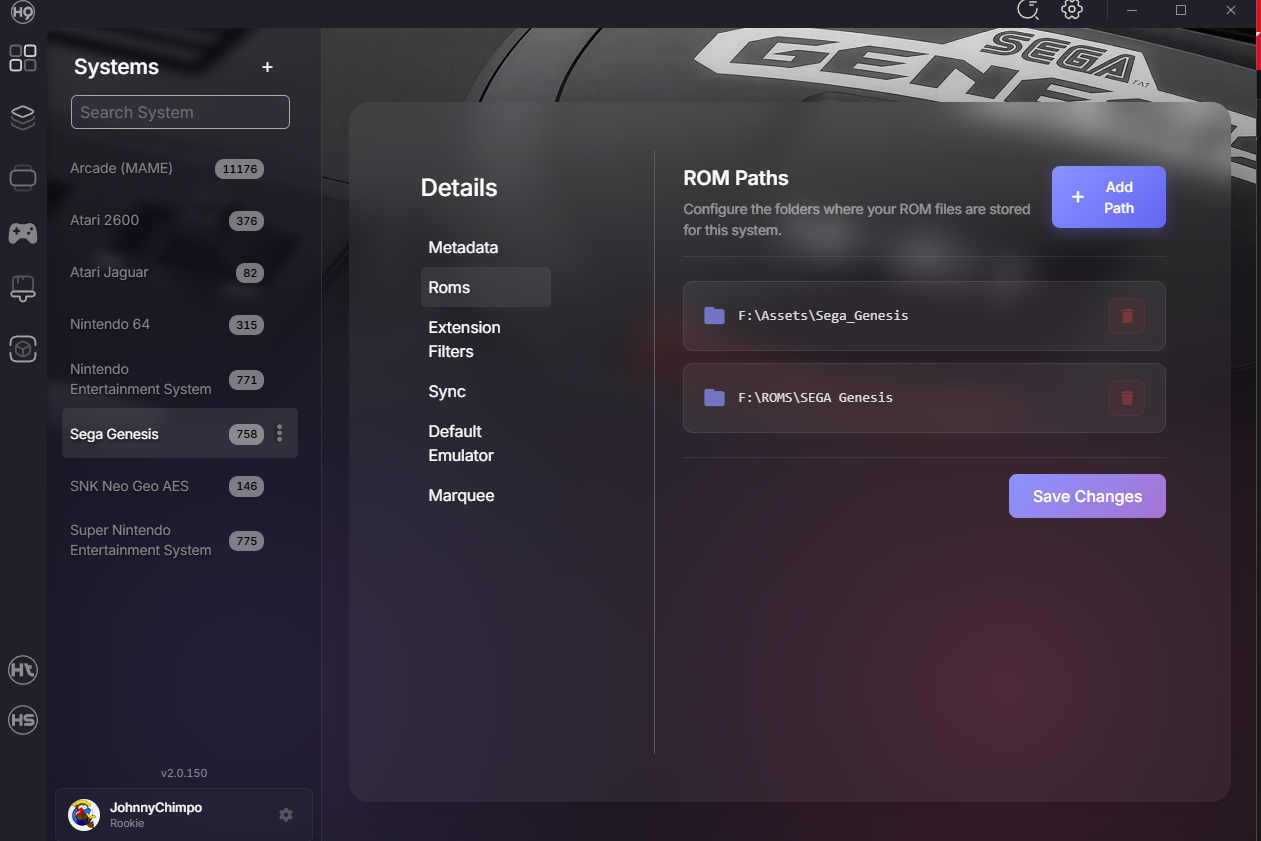
I have most systems loaded into HQ now, and it's coming along great! For some reason I can't get Sega Genesis to configure correctly. I set it up like the other systems, retroarch as the emulator, but then it scans the rom folders and no games show up. Anyone else have this problem with Sega?
-
I also tried downloading a few themes in HyperTheme to HQ and when I try to select them for a collection they aren't available.
-
Thanks Team! May have been the EmuMovies... I got that logged in and all the artwork etc is there! I ended up deleting the new Mame .284 I had downloaded and reverting back to the MAME set I had from the old computer which was organized and worked well for me. Seems to be working! I've started adding other systems now and everything seems to be going well. When I launch the games in Hyperspin (either Mame or Retroarch) none of the keyboard buttons seems to be working... only ENTER and ESC. Anyone have trouble with the keyboard buttons? I will soon be setting this up in my cabinet with an IPAC 2 setup, but I think I need the keyboard working correctly before that setup...