
JohnnyChimpo
-
Posts
50 -
Joined
-
Last visited
Content Type
Forums
Events
Downloads
Store
Everything posted by JohnnyChimpo
-
Perhaps a dumb question, but how do I get this reloaded after the reimport?
-
Sweet. I’ll give it a try! Thanks.
-
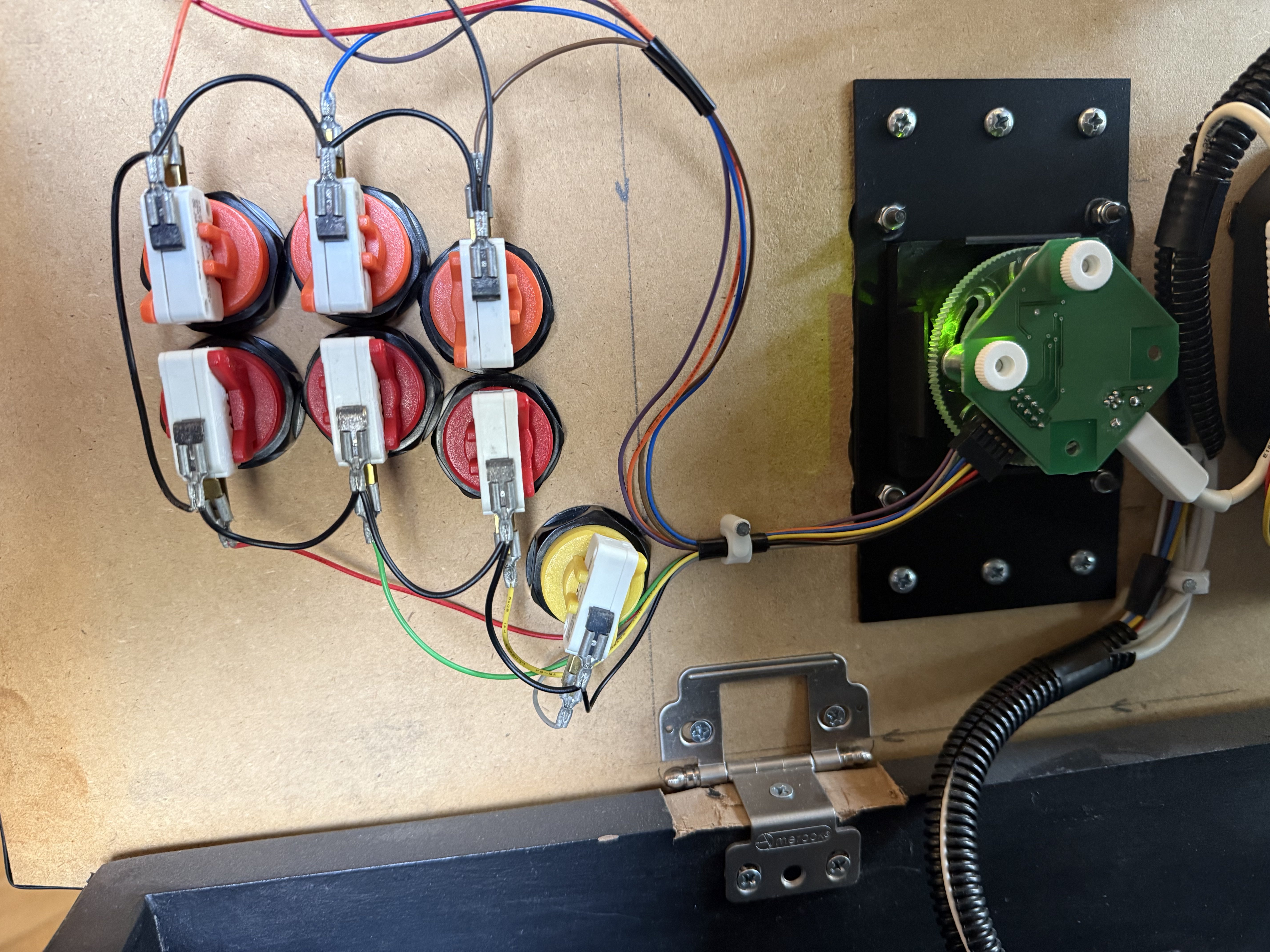
It’s wired from the stick. It’s all one unit that end up in a usb plug input.
-
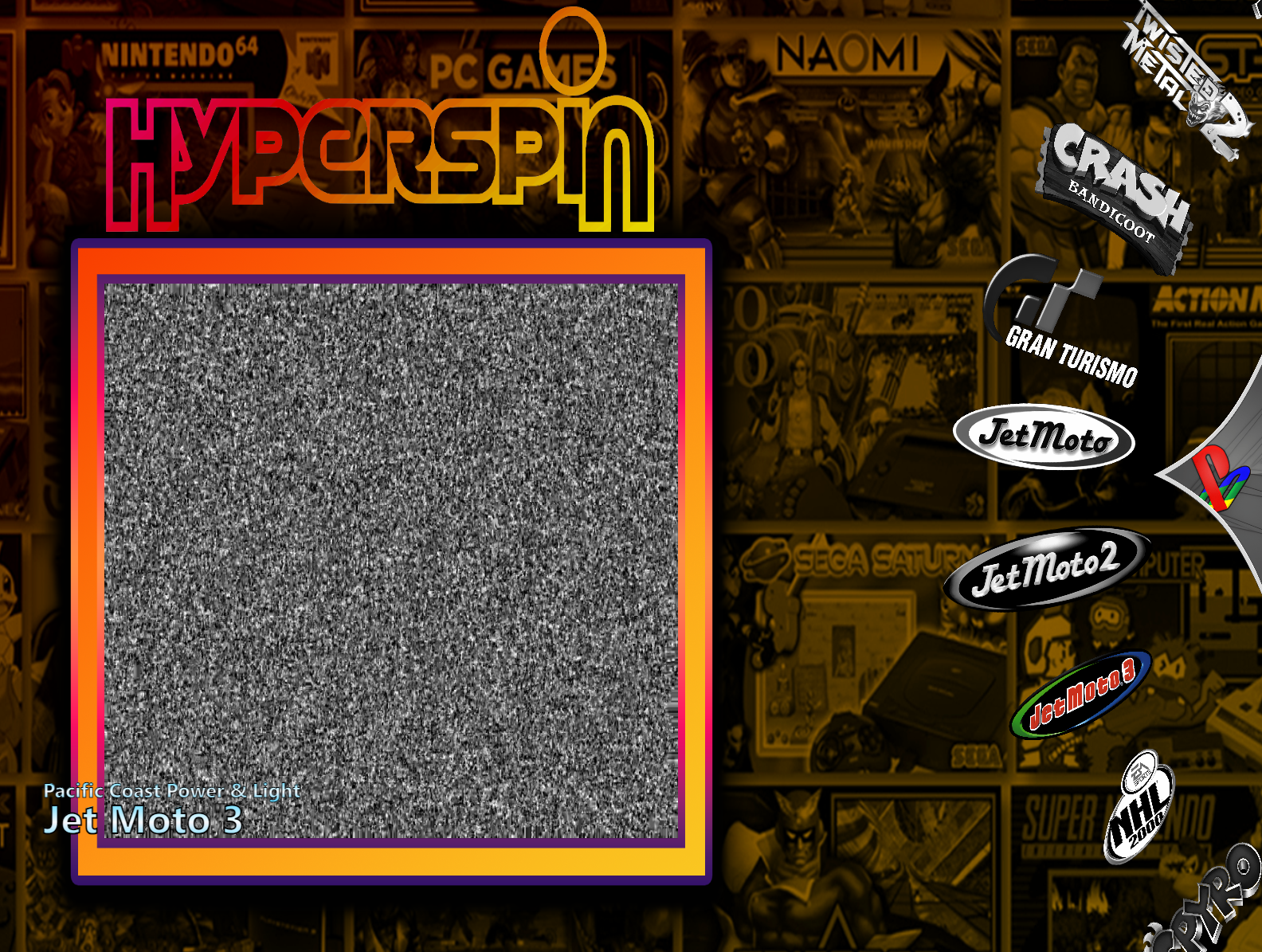
For some reason I can’t get the system video snap to appear for Sega. All other systems work… any help? 80071988429__735B1365-8939-4589-AC2A-3D60FDCC746D.MOV
-
I can’t seem to get the game video snaps to load for STEAM games. Any help? 80071978670__2C95B7B0-9356-4846-9293-0C66685EC186.MOV
-
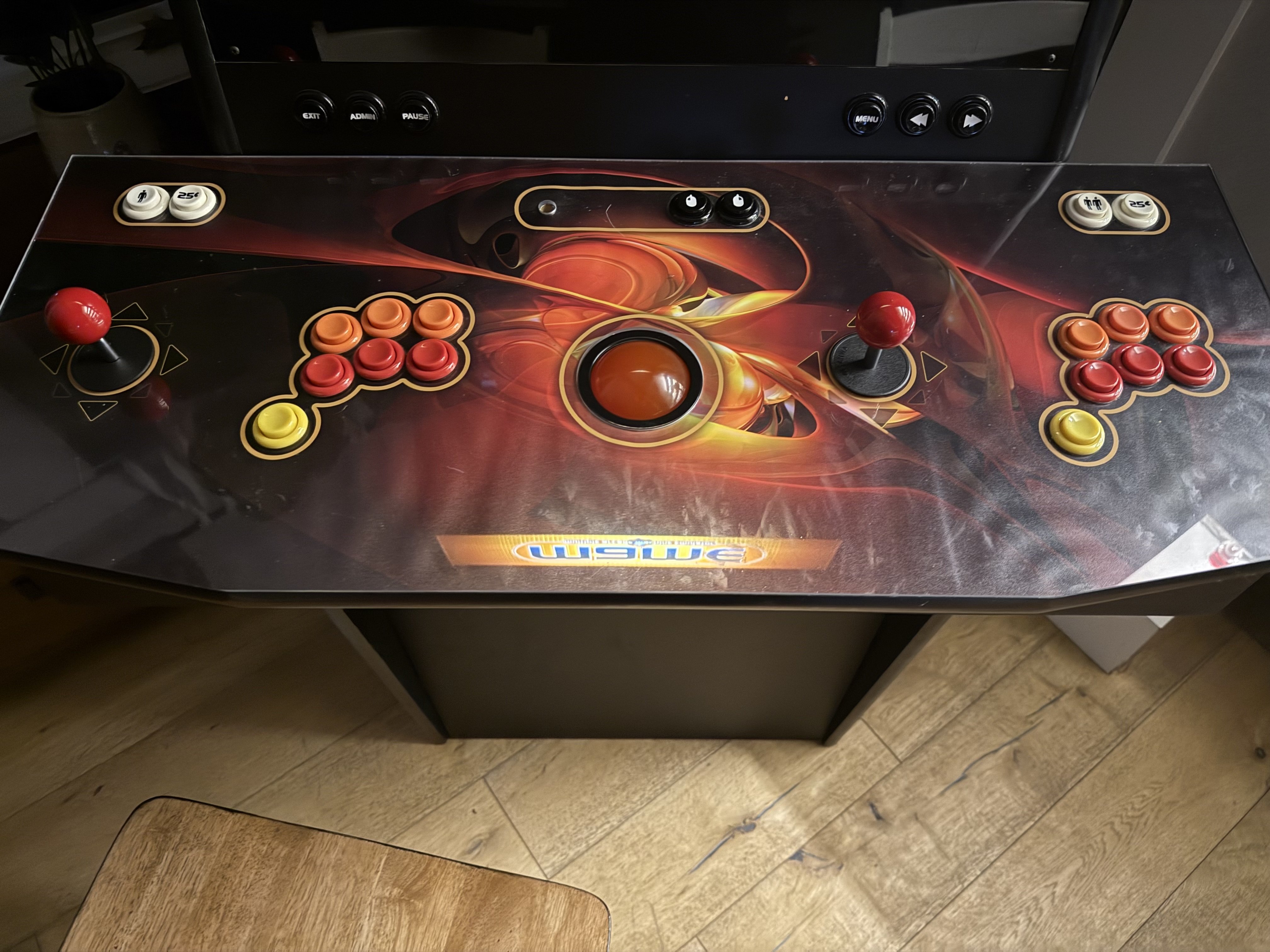
I cannot seem to get my arcade buttons mapped in Hyperspin. They are mapped for every game and emulator I have, but even after the latest updates I cannot get Hyperspin to map them. The joystick and buttons are Ultimarc Ultra-Stik USB controllers, probably 10 years old. As you can see in the video it lets me map the buttons in controller settings but then they don’t work in Hyperspin. Any help appreciated! IMG_5194.mov
-
 After the latest update I can’t get HyperSpin to launch any MAME games. The system tries to launch the emulator, emulator glitches and the game fails to launch. Just started after latest HQ update. No problem leaching games from MAME outside of Hyperspin. Didn’t touch the settings. Any help appreciated IMG_5193.mov ?
 -
Game Preview Media Videos Not Loading
JohnnyChimpo replied to JohnnyChimpo's topic in HyperSpin General
Oh wow. Great. Thank you. I will dive into this when I get home. -
Awesome. Thank you!
-
Game Preview Media Videos Not Loading
JohnnyChimpo replied to JohnnyChimpo's topic in HyperSpin General
Quality? I’m what menu? -
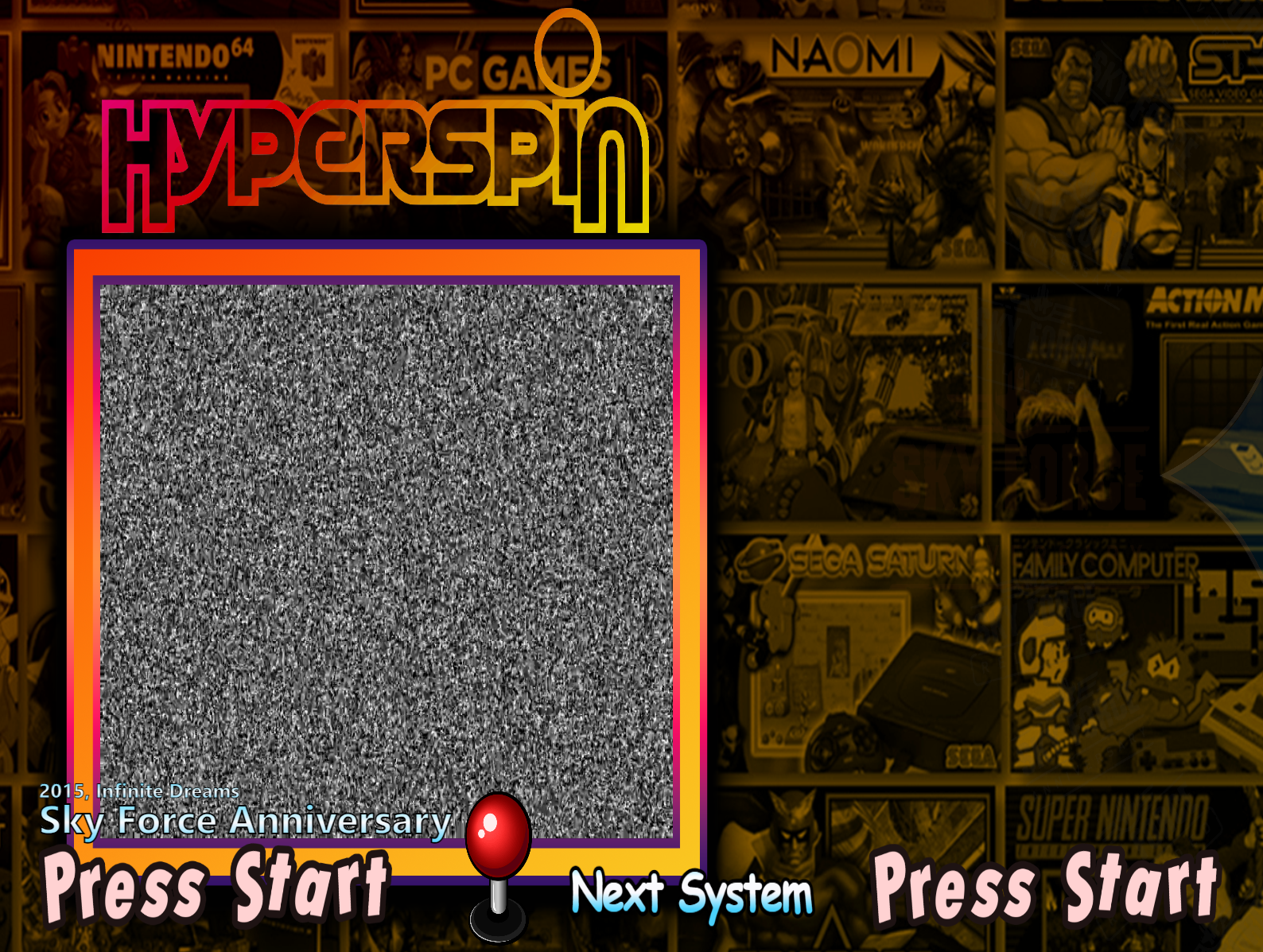
For my pc (steam) games and sometimes on other systems the preview videos for games are not loading. See below. What is this media preview screen called and can anyone help me sort out how to have them load correctly?

-
Thank you dev team for all the improvements in the latest update! Hopping someone can help me with steam games: I only have three (Skyforce anniversary, Skyforce reloaded and Cuphead). I can't seem to figure out how to get the preview video up for the game menu. See image below. Also, when I added the Steam games it added both Skyforce games but Cuphead isn't there. Anyone with Steam experience please help! Thanks!
-
Entirely impressed by just reading this thread. Go team
-
Update: I successfully got these joysticks and arcade buttons configured for each system in retroarch, mapping each game individually as needed (particularly with N64 games) and in MAME . I cannot however get Hyperspin to recognize the buttons (joystick works) even after mapping them in HyperHQ.
-
I have an older arcade cabinet with 2 Ultimarc Ultra-Stik joystick/7button controllers. While I have been able to map all of my games, I am struggling to map the controls in HyperHQ. In the DOCS I read that these use a legacy protocol and are less common. Any tips on how to set these up? I am really only missing the button functions as the joystick works to run the wheel.
-
Hyperspin Stuck when closing games
JohnnyChimpo replied to JohnnyChimpo's topic in HyperSpin General
Yes… unfortunately . I’ll submit it. Thanks. -
Starting a standalone thread to track this issue. Regardless of emulator Hyperspin is getting stuck everytime I close a game. Sounds like the dev team is working on this () but wanted to see if everyone is having this problem…
-
Any word on fixing this issue where Hyperspin gets stuck anytime you quit a game? Are others having this problem?
-
Yes. Fixed. Thank you!!!
-
Still can’t figure this out. Retroarch is a handful for my noobself…
-
In retroarch, not Hyperspin I assume. Having trouble finding it
-
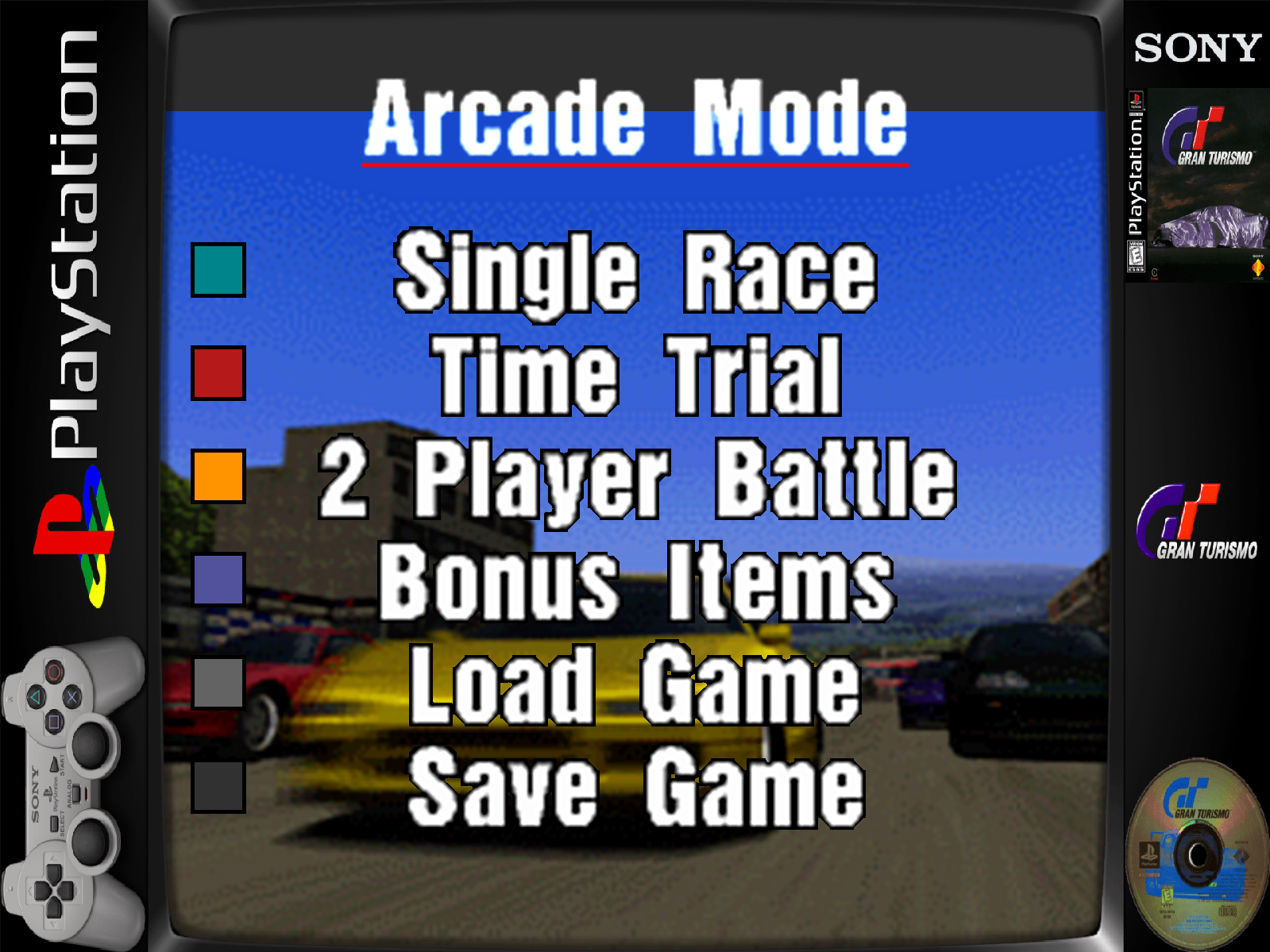
Anyone know how to get rid of these side bezels so the game plays full screen? I have retroarch set for 4:3 display which matches my monitor?
-
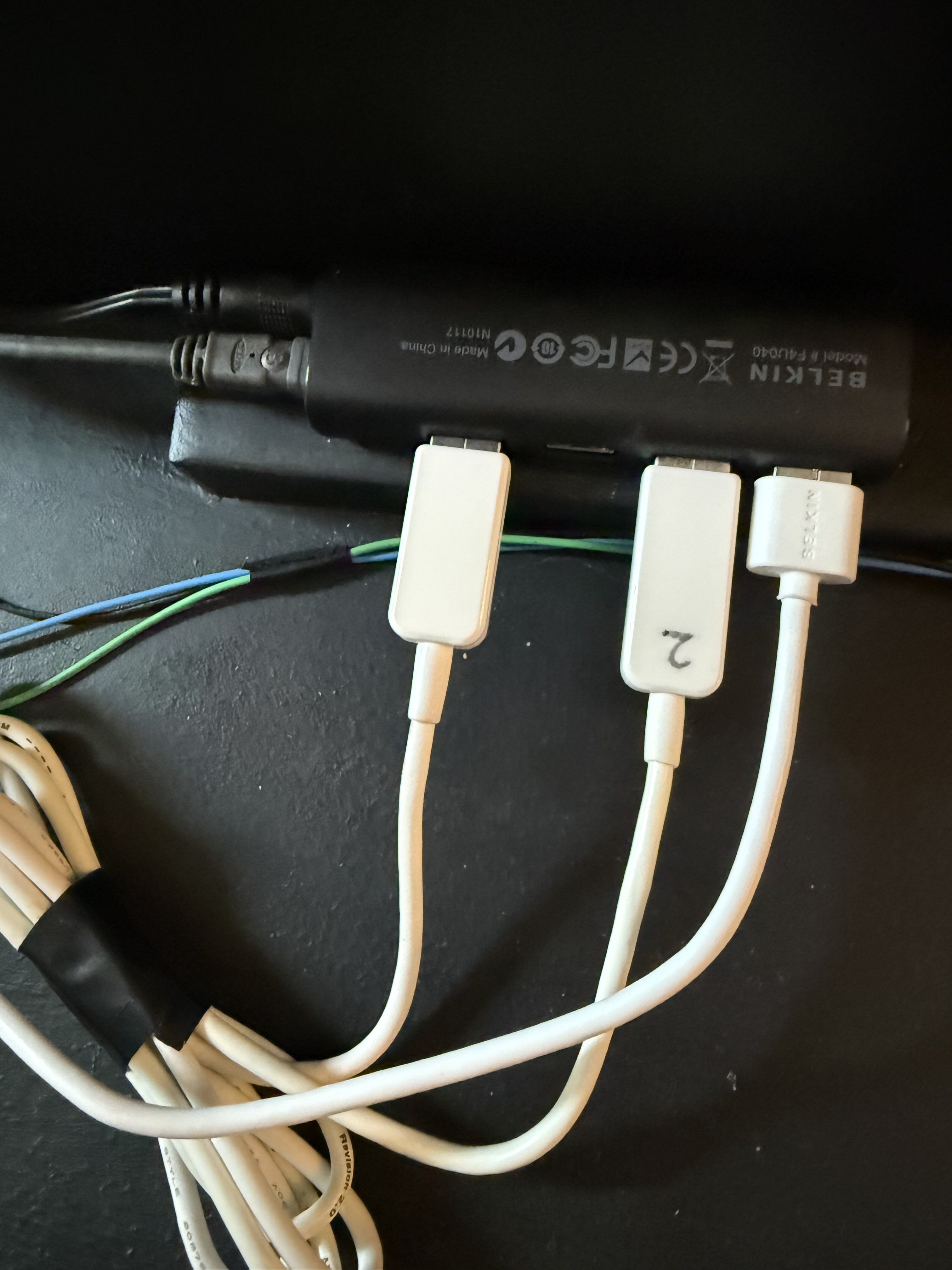
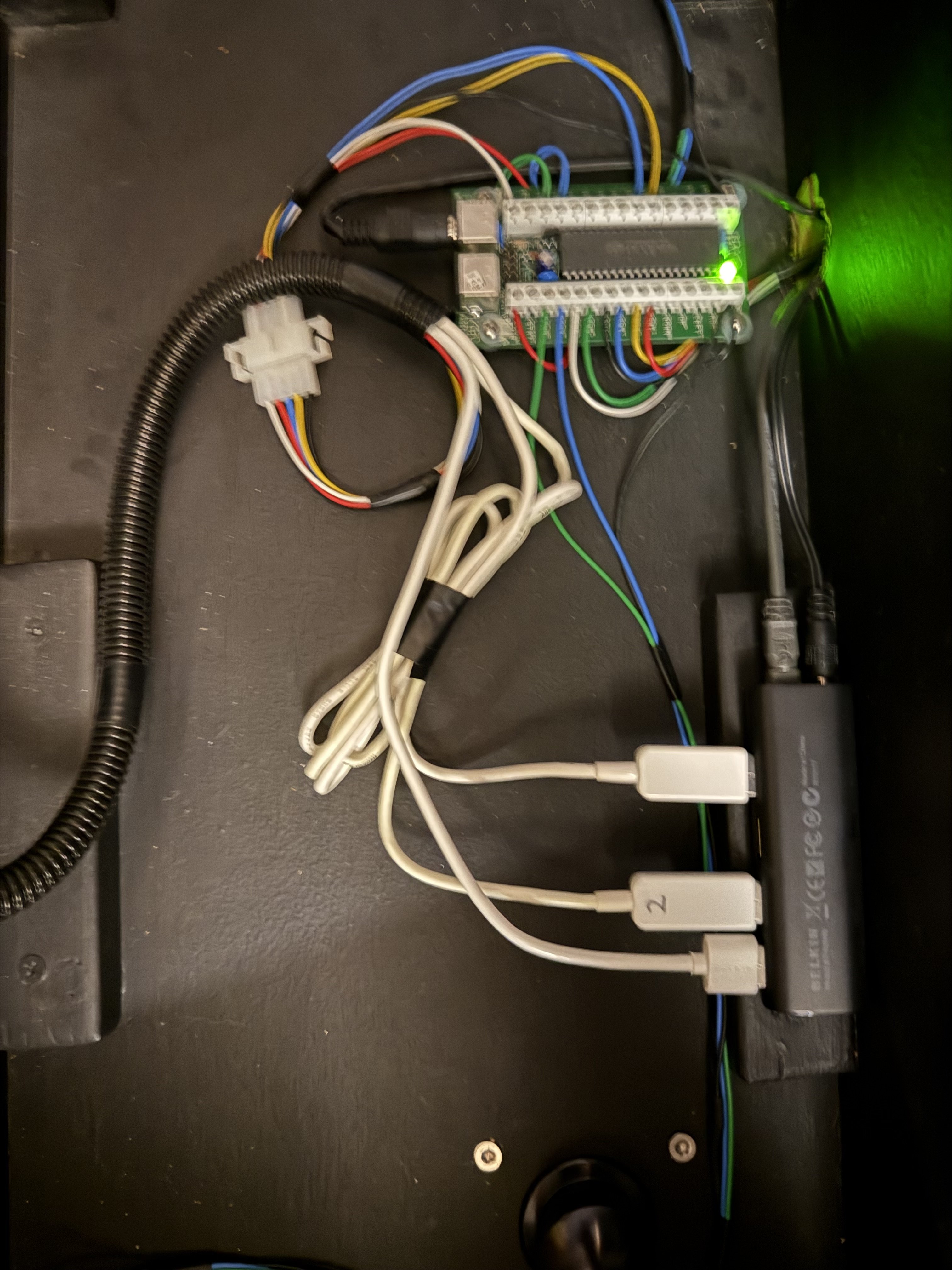
Okay, so I realized the way my Arcade machine is wired, the IPAC2 is ONLY controlling Coin1, Coin2, mouse left/right click, volume up/down, exit, and a few other none game pad buttons. The Joysticks and game pads (7 button) and trackball are all connected via USB to this Belkin device. Any idea what software runs these Joystick and button pads? Joystick and trackball are functioning, but I need to map the buttons Any help appreciated...
-
thank you!
-
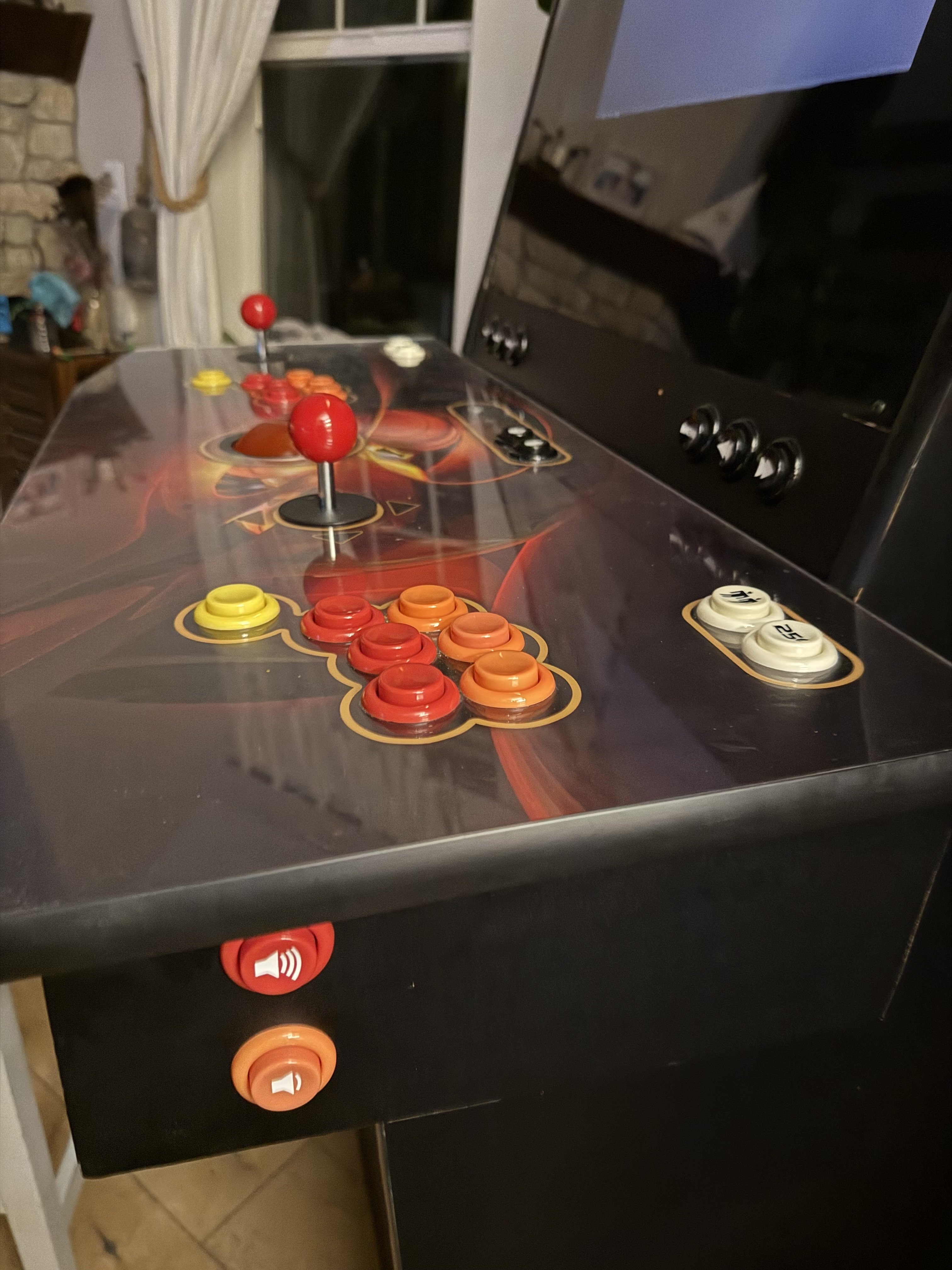
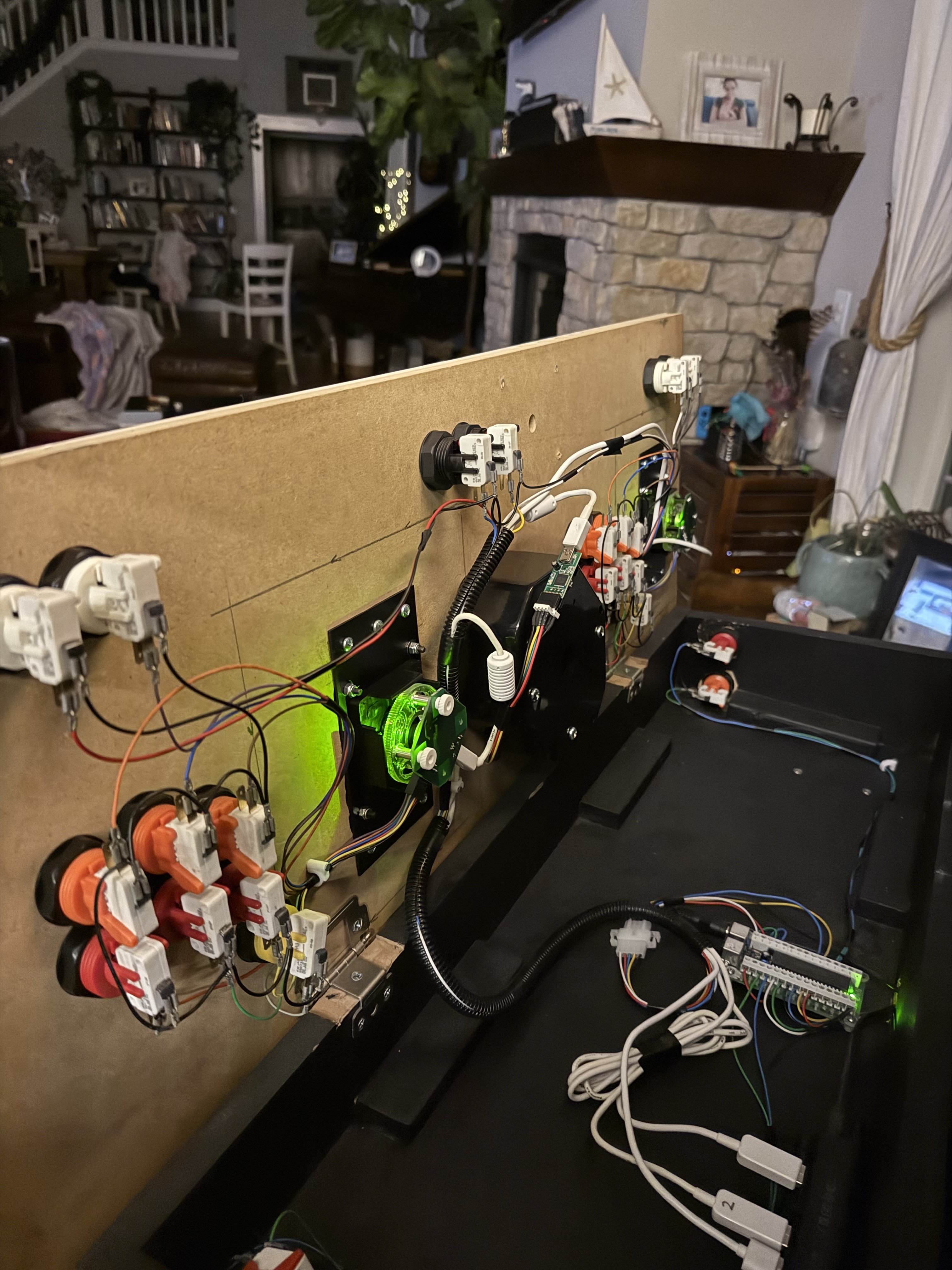
I have my computer build ready to install in my arcade machine. I bought a new IPAC2 and am a little intimidated to set it up. Anyone have any good tips/ tutorials? For now I currently have retroarch and MAME as the two emulators setup in HyperHQ. Retroarch running PlayStation (swamststion), saga, Nintendo NES, Nintendo 64, Assuming I need to program the keyboard to match the ipac2 settings in retroarch and mame each individually. What about the CORE’s in Retroarch? here are pics of the current arcade setup. It has the audio volume buttons and the mouse keys and trackball (pointer mouse) setup in addition to the buttons/joysticks. I plan to replicate the settings and wiring on the old iPac (old software) to the new one. Tho I’m worried that won’t work…