DarkTemplarGS
-
Posts
76 -
Joined
-
Last visited
-
Days Won
1
Content Type
Forums
Events
Downloads
Store
Everything posted by DarkTemplarGS
-
What I have found is that if you have HyperHQ open when you add the file, if you just click on another system, then go back into the system you added the override file for, the change shows up.
-
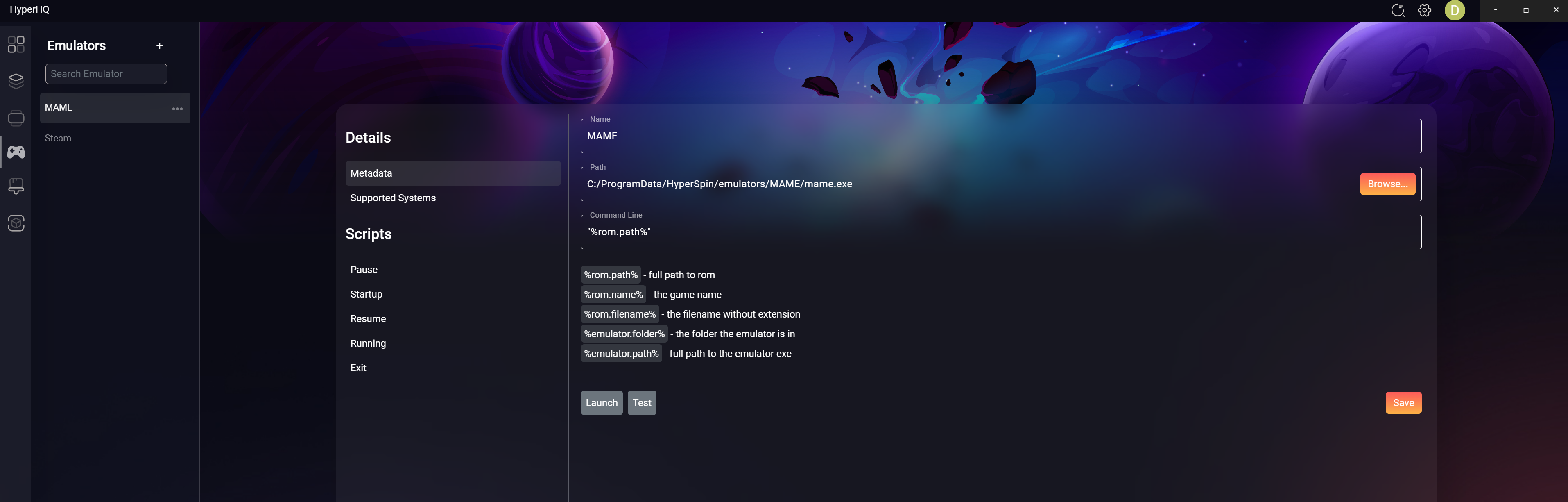
Did you accidentally point the emulator to OneDrive? I can see it in the directory path. Plus, your directory seems to be too deep. I would recommend maybe four to five levels deep, maximum, to keep it simple for the program and so you can keep track of things better. Your mame.exe is ten levels deep. Mine is three C:\HyperSpin\emulators\mame.exe. Where do you have Fix It Felix installed on your computer? Based on what you wrote, it looks like you can see Fix It Felix on the HyperSpin wheel. Am I correct on that?
-
What have you done so far?
-
Display Only US Version of MAME Games in the Wheel
DarkTemplarGS replied to DarkTemplarGS's topic in HyperHQ
Right, but if I screen for US and the Japan version is required to play it, it won't work on it's own. -
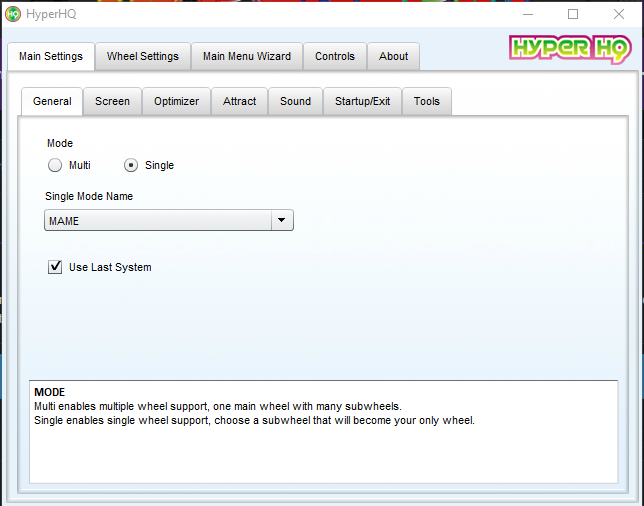
Hey Guys, Just curious where the single wheel mode is in the new HyperHQ? For those of us that are only using MAME for our arcade cabinets.

- 1 reply
-
- 1
-

-
As you know, a lot of the early games had Japan, US and World versions, and the US version relied on the parent version to run. If I only want the US version to show in the wheel, can I just do what I did in HP1 and create a new folder for the Wheel ROMS to be in, point HyperSpin to that folder, and remove the parent versions? Or is there a way to select what games versions you want to be on the wheel in HyperHQ? I placed empty rom files (takes only 1k of disk space that way) in the following directory and pointed HQ1 to that folder as you can see in the image included. C:\HyperSpin\Media\MAME\Wheel ROMS
-
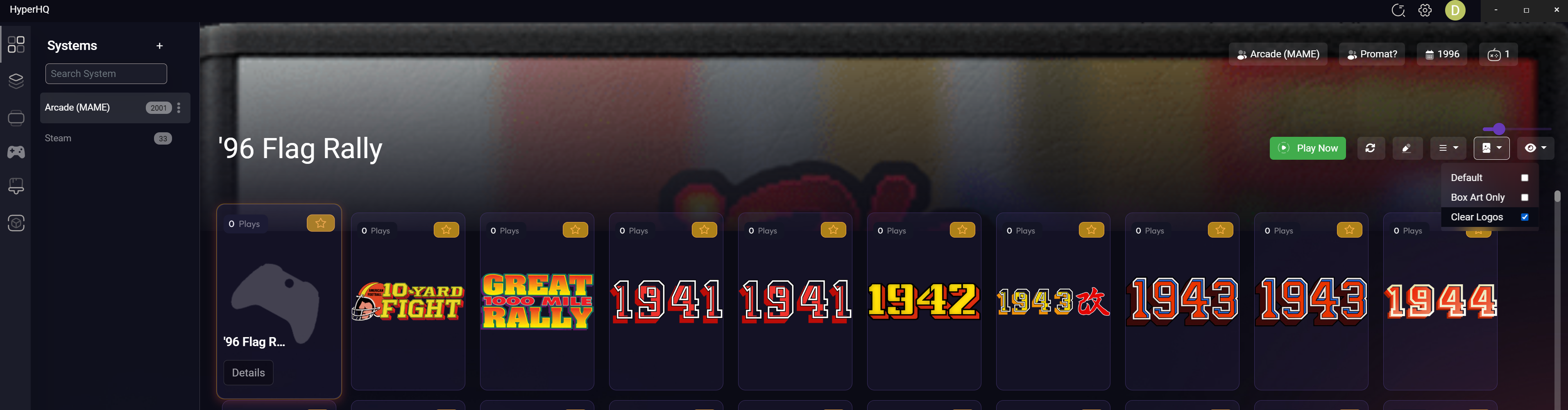
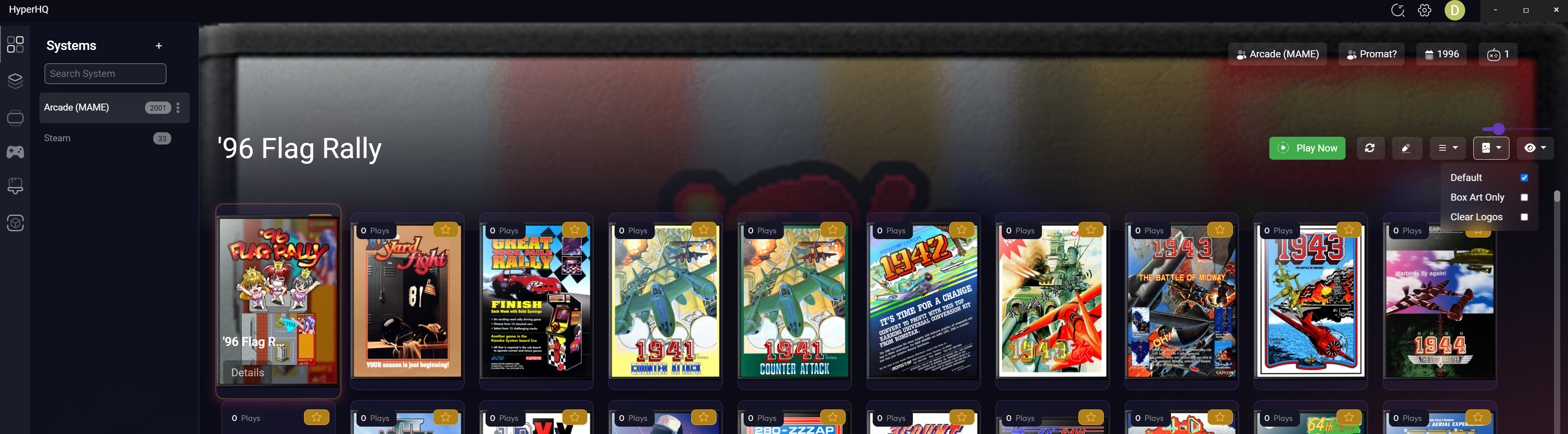
On the Systems Screen, in the Change Game Image drop down, I change the setting to Clear Logos. I then go to any other selection in the left hand ribbon. When I go back to Systems, the Game Image selection has reverted back to Default. Also, the drop down does not close after making the selection.