
GalaxieGames
-
Posts
537 -
Joined
-
Last visited
-
Days Won
34
Content Type
Forums
Events
Downloads
Store
Everything posted by GalaxieGames
-
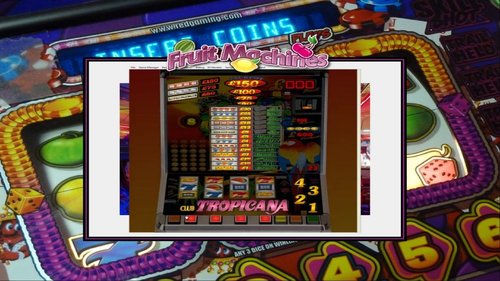
131 downloads
https://emumovies.com/files/file/5046-fruit-machines/ -
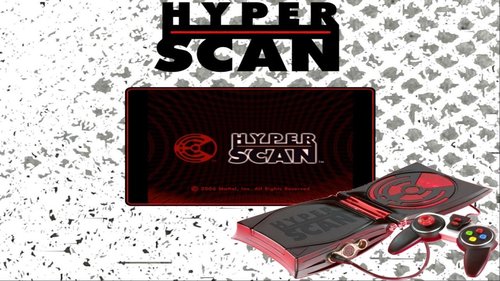
82 downloads
https://emumovies.com/files/file/4931-mattel-hyperscan/ -
196 downloads
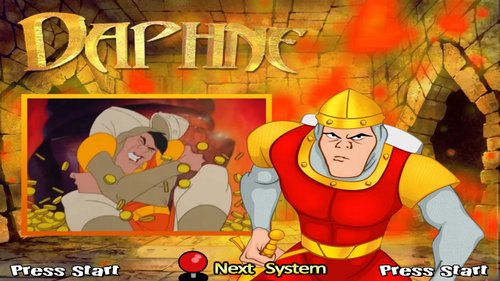
use Hypseus.exe & Daphne.ahk For the game Time Traveler aka Hologram use the Daphne emulator & Daphne Singe.ahk Hypseus Singe is a fork and SDL2 version of Daphne and Singe. DAPHNE is the 1st LaserDisc emulator. It runs on Windows 95/98/2000/Xp/Vista/7/8/10. It currently 11/ supports 18 games including the famous Dragon's Lair (US). Each game is divided into 2 forms: the video(s) strictly speaking coupled with a Rom which is the game itself, often very basic (display of scores, small luminous signs, or mini-space invaders (for Bega's battle for example)). These 2 parts are managed by a TXT file that DAPHNE reads. Each line of the txt corresponds to a given timing of one or more videos (a bit like a timing of a Fansub subtitle). The following games are supported: Astron Belt v.1 Badlands v.1 Bega's Battle v.1 Cliff Hanger v.1 Cobra Command v.1 Dragon's Lair v.1 Dragon's Lair II : Timewarp v.1 Esh's Aurunmilla v.1 Galaxy Ranger v.1 GP World v.1 Interstellar v.1 M.A.C.H. 3 v.1 Road Blaster v.1 Space Ace v.1 Star Blazer Sorry it's missing in my pack will be available in HD or 2.0 version in the future Monkey 2.0 demo Super Don Quix-ote v.1 Thayer's Quest v.1 Us vs Them v.1 To launch these games just use Hypseus with the module.ahk Daphne Ninja Hayate v.1 (Bonus) Timegal v.1 (Bonus) For the 2 Arcade Monkey games below always use Hypseus with this time the module.ahk Daphne monkey Time Traveler aka Hologram v.1: -
Version Konami Classics
39 downloads
... -
146 downloads
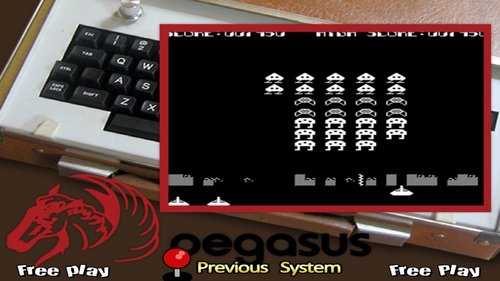
Execution [Aamber Pegasus] - MESS 0161b_64bit - 4 games are available with this system, emulated under Mess. Once in games to start, press the first letter contained in the title of the game with your keyboard (example for Galaxy Wars & Hangman) the first game in alphabetical order of the list, chose G for Galaxy Wars or H for Hangman, for Invaders typed I and for Tank waited a bit then pressed T Active UI press Scroll Lock -
79 downloads
-
144 downloads
Letters.zip -
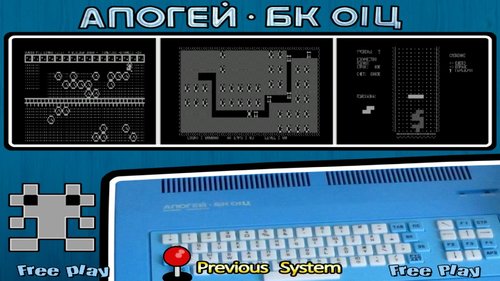
567 downloads
"Apogee BK-01" Emulator Mess & MessUI 0.195 nonag 64 bits Module MESS.ahk : add these lines Apogee BK-01|apogee }Else If messID = apogee ; Apogee BK-01 { If romExtension != .rka param1 := " -cass """ . romPath . "\" . romName . romExtension . """" RUN is work: Enter I Press Scroll Lock Press TAB Play Tape Control Press Scroll Lock Enter G -

6,053 downloads
design diver most wheels do: 373x187 carbon - steel - rectangular - circular - black - white - spin horizontal and vertical -

41 downloads
... -
52 downloads
... -
40 downloads
-
.thumb.png.4eee3c0684478eb408009959a8b546c1.png)
37 downloads
-
.thumb.png.ab90de628f1f659f723c7cecb791fb0d.png)
366 downloads
Micro-computer Hector HRX; Complete Media Pack: Hector (ou Victor Lambda) est un micro-ordinateur produit en France au début des années 1980 Hector (or Victor Lambda) is a microcomputer produced in France in the early 1980s -
434 downloads
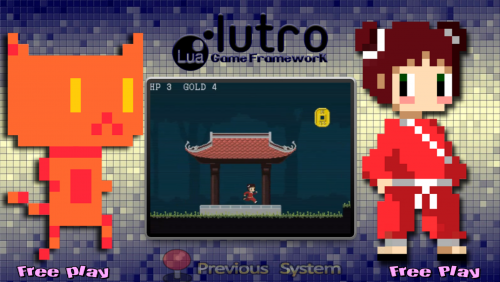
Thèmes des Jeux de Hoscarconh: Lunettes d'Hoscarconh: Main Menu Wheel of Marblemad -
1,622 downloads
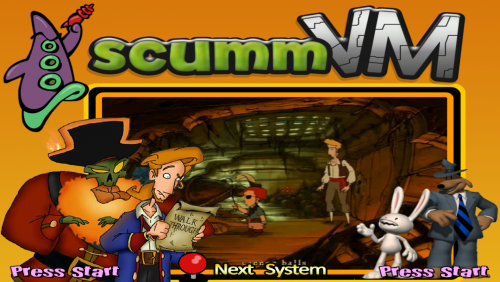
Complete Media Pack (Approximatively):/ ScummVM -
402 downloads
... -

472 downloads
MSX turbo R Microsoft Micro-ordinateur - Date de sortie : 1990 2021 Snooky Earth Fishing v1.0 F-Nano 2 - 3D Car Action Fray - In Magical Adventure Gun Shot vs Festa Again Illusion City Moonlight Saga Multi-Plex PaRaDream Ranma Nibunnoichi 1-2 S.T.G. S.T.G. Special - Do Don Taku Seed of Dragon Shoot That Flying Windows! Sweet Zone Terra Information Émulateurs Libretro : bluemsx Libretro : fbneo openmsx Dossier des jeux roms \ msxturbor Extensions .zip .7z .rom .ri .mx1 .mx2 .col .dsk .cas .wav .ogv .sg .sc .m3u Fonctionnalités Succès Rétro Parties en Réseau Auto configuration des contrôles lr-bluemsx : OUI lr-fbneo : OUI OpenMSX : NON lr-bluemsx : NON lr-fbneo : OUI OpenMSX : NON lr-bluemsx : OUI lr-fbneo : OUI OpenMSX : OUI Bios Fichier BIOS Dossier md5 MSX.ROM \bios 364a1a579fe5cb8dba54519bcfcdac0d MSX2.ROM \bios ec3a01c91f24fbddcbcab0ad301bc9ef MSX2EXT.ROM \bios 2183c2aff17cf4297bdb496de78c2e8a MSX2P.ROM \bios 847cc025ffae665487940ff2639540e5 MSX2PEXT.ROM \bios 7c8243c71d8f143b2531f01afa6a05dc DISK.ROM \bios 80dcd1ad1a4cf65d64b7ba10504e8190 FMPAC.ROM \bios 6f69cc8b5ed761b03afd78000dfb0e19 MSXDOS2.ROM \bios 6418d091cd6907bbcf940324339e43bb PAINTER.ROM \bios 403cdea1cbd2bb24fae506941f8f655e KANJI.ROM \bios febe8782b466d7c3b16de6d104826b34 Liste des BIOS pour OpenMSX Tous les BIOS sont à placés dans bios\openMSX\share\systemroms Contrôles Voir MSX BlueMSX Le core bluemsx permet de sélectionner les types de contrôleurs suivants: RETROPAD KEYBOARD Retrobat MSX START START SELECT SELECT D-PAD D-PAD Bouton 3 Bouton 2 Bouton 1 Bouton 4 L1 Bouton 5 R1 Bouton 6 L2 Bouton 7 R2 Bouton 8 L3 Bouton 9 R3 Bouton 10 OpenMSX OpenMSX permet de sélectionner les types de contrôleurs suivants: MSX Joystick Megadrive Joystick Retrobat MSX START MegaDrive Joy: START SELECT MegaDrive Joy: SELECT D-PAD D-PAD MegaDrive Joy: X MSX Joy: A MegaDrive Joy: A MSX Joy: B MegaDrive Joy: B MegaDrive Joy: Y L1 MegaDrive Joy: Z R1 MegaDrive Joy: C