Circo
-
Posts
1,619 -
Joined
-
Last visited
-
Days Won
24
Content Type
Forums
Events
Downloads
Store
Everything posted by Circo
-

any reccomendation for an equivilent Linux based Hyperspin front end?
Circo replied to SomeWhatLost's topic in Off Topic
HyperSpin 2 has been full ported to linux and is currently in alpha stage. Dev team says it will release once things slow down a bit with the windows build. -
Start here https://docs.hyperspin-fe.com/docs/hyperhq/led-lighting/#setting-up-ledblinky-integration If your having issues that docs don’t solve please report here https://bug.hyperspin-fe.com/ EDIT: Spoke with dev team and there might be an issue in the current build. If you are having issues please submit details to buggernaut but they may have a fix soon.
-
https://docs.hyperspin-fe.com/docs/hyperhq/led-lighting/#setting-up-ledblinky-integration
-
https://docs.hyperspin-fe.com/docs/hyperhq/media-overrides/#what-are-media-overrides If you are having issues beyond the docs please report here: https://bug.hyperspin-fe.com/
-
Microsoft XBOX 360 Retail and XBLA Video snaps have been updated to release version 1.1 adding 494 new video snaps. Big thanks to @ChrisL559 for assisting with captures for this release. This brings the total video snap count to 1,244 videos for retail and 647 videos for xbla. This is everything we could actually get to run for the system and no Kinect titles are included. Video snaps are available in HD (1080p), HQ (480p), and SQ (240p). Enjoy! [File List] Microsoft XBOX 360 (Video Snaps)(HD)(Redump)(EM 1.1).txt[File List] Microsoft XBOX 360 XBLA (Video Snaps)(HD)(No-Intro)(EM 1.1).txt Links: EmuMovies Website (SQ Only) Directly through your front-end or our app using EmuMovies Sync (HD, HQ & SQ) EmuMovies File Server (FTP) (HD, HQ & SQ) View all our updates on the EmuMovies Files Feed (We only post a handful in the news feed) View the full article
-
I see it got set to planned in buggernaut https://bug.hyperspin-fe.com/10ba19c6-shaders-at-hs2-level
-
Spoke to frosty on the discord and it looks like there will be another build tonight that should include the full retro achievement plugin. Hold tight the feature wasn’t quite fully baked enough for the last release.
-
Please submit a report in buggernaut https://bug.hyperspin-fe.com/submit Also, flipping amazing job on those PS1 themes
-
@marianomaki75 I believe this maybe fixed in todays version or an upcoming one, but as of last weekend to get override media to show up in HyperSpin you need to go to cache in HyperHQ and click rebuild. Then all override media will show up in HyperSpin. It should show up in HyperHQ right away either way.
-
After adding media to the overrides folder in hyper hq rebuild your cache and the override media will populate in HyperSpin. It should appear automatically in hyperhq after the add. Edit: Spoke to frosty and that's on deck for some better automation in the near future.
-
You are not meant to play with that part of the file system, you can manage your installed themes in hyperhq media tab and hypertheme website to install themes. The game needs to be present in hyperhq for the theme to show up in hyperspin. Game theme folder in the overrides folder was flagged to be removed I believe to avoid this type of confusion @fr0stbyt3
-
It will get there, I know the framework is all there, it just needs to be "gotten to"
-
The Neo Geo MVS database was recently finalized so that one should be working outside of collections.
-
Collections would probably be the easiest way here. Those are all on the roadmap to prepopulate as available collections but hasn't been done yet. But just select all the games from your arcade install for cod or whatever create a collection then attach the theme to it. you should join the discord.
-
Assuming this started working?
-
This is a bug in the latest build, reported.
-
The databases for most computer systems arent done yet.
-
Working on boxart sets for systems that don't have any
Circo replied to baddeolv's topic in Media Projects
It is -
It should self repair after a full HQ restart.
-
The databases for these systems still needs to be sorted and their media will start flowing. A lot of switch games were added today and the rest are about to be added for the other systems. Not intentional but definitely "not done" in the meantime you can download media using the em sync tool and just place into your media overrides folder. But it shouldn't be much longer until those systems are working properly.
- 1 reply
-
- 1
-

-
There is a known issue with the ultrastik 360 that was reported last week. Assuming that your buttons aren't also wired off the stick but a separate encoder board? The problem stems from the software seeing it as a full controller like an xbox 360 pad. I will forward this up the chain.
-
Did a reimport on this asset, it should load now
-
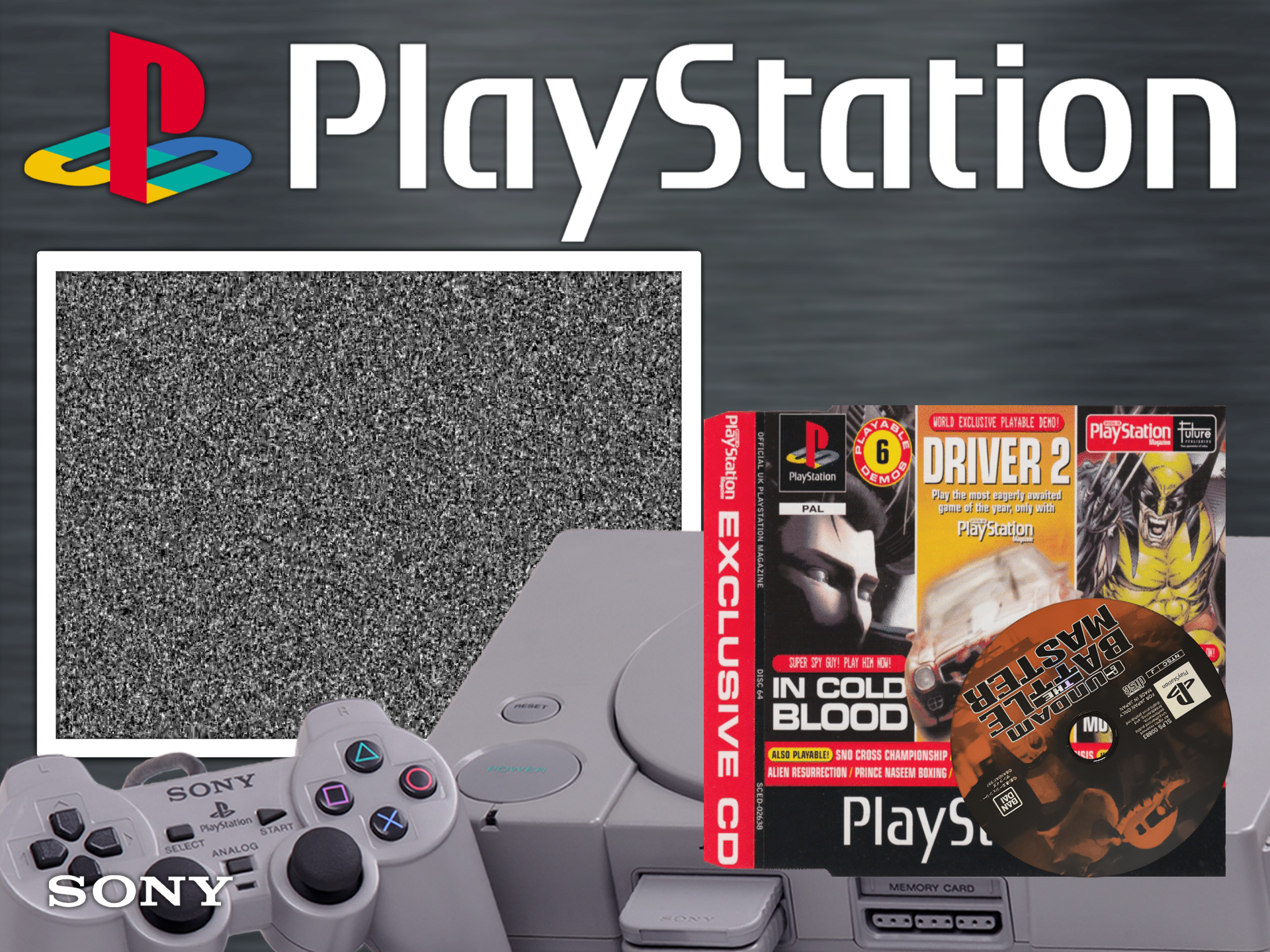
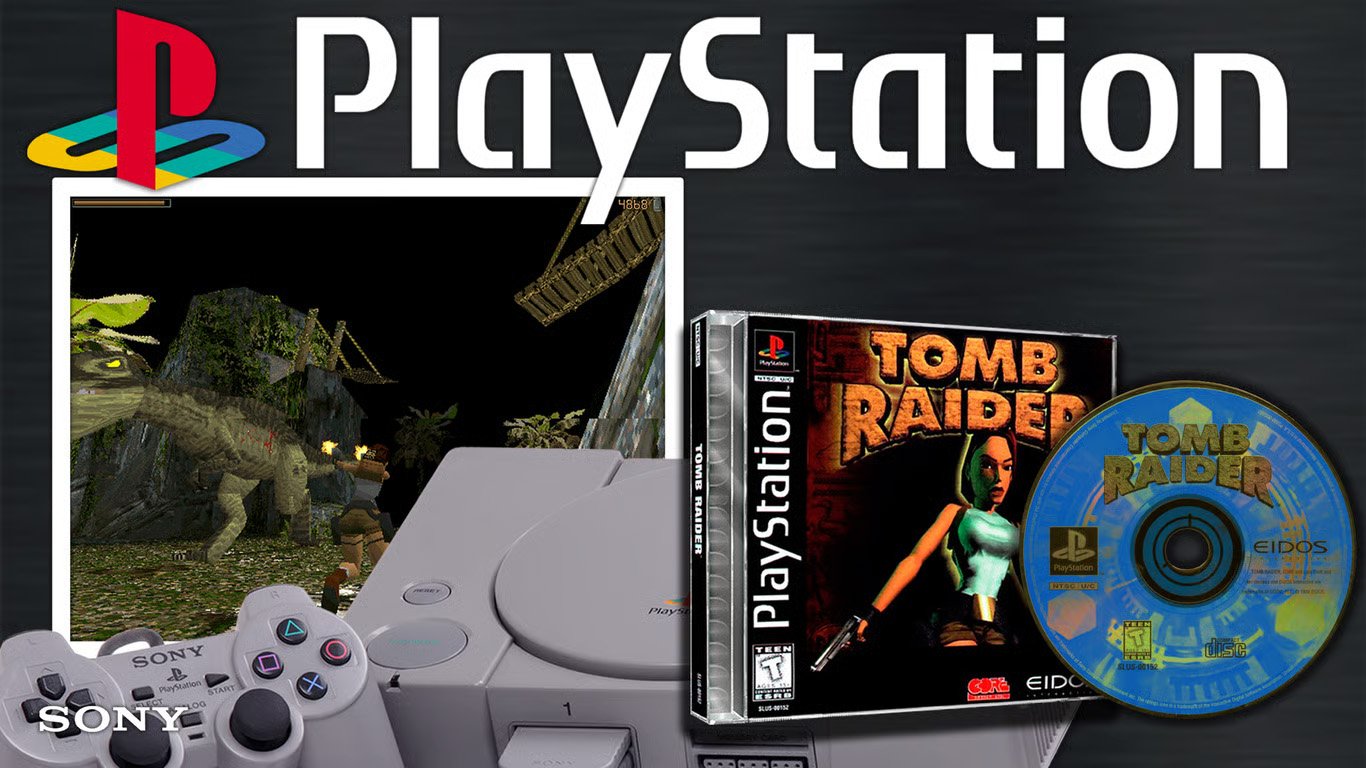
@JohnnyChimpo I remixed the System Theme thats @baddeolv into 4:3 aspect ratio for you. https://beta.hypertheme.io/media/f683ba-Sony-PlayStation-Default The HS logo is a box, don't know why it did that. And hey my first theme, kinda. That wasn't bad.

-
Sony PlayStation Default Preview Description Sony PlayStation Default 4:3 Details Type: System Theme System: Sony Playstation Tags: System Theme,Sony PlayStation,ps1,sony,baddeolv Created: Apr 22, 2026 Download View on HyperTheme Credits baddeolv (Animator) baddeolv (Animator) baddeolv (Artist)
-
- 1
-
-
Hmm that looks like a bug, fixes for steam videos were listed in the latest development update. All those videos are there for PS1, I am running a database refresh just in case but can you check your media tab in HyperHQ and make sure that you have video snaps installed for ps1, and if you do it should auto-heal (download the missing media) you can remove and re add the video snaps tile in media and it will refresh the whole system. Also PS1 should automatically install a system default theme. It should look like this on a regular install. Though as I reference your picture are you using a 4:3 screen? That may have something to do with that as almost all the themes are 16:9 so far. https://beta.hypertheme.io/media/7fb1da-Sony-PlayStation-Default Also the expected behavior is that the gameplay snap shows if the video is missing. Reported that. You can also add videos/media to "HyperSpin Folder"/Media/"System Name"/Video Snaps etc. Any media here will override the default media (adjustable by setting) Currently there are three video snap folders there, thats supposed to be changed into one folder soon, I am told. Update to the latest and let me know what you find.