

GalaxieGames
-
Posts
537 -
Joined
-
Last visited
-
Days Won
34
Content Type
Forums
Events
Downloads
Store
Files posted by GalaxieGames
-
 ...
...
By GalaxieGames17 -
 :
:
MEmu := "No$GBA & No$Zoomer"
MEmuV := "v2.6a & v2.3.0.2"
MURL := ["http://www.nogba.com/"]
MAuthor := ["brolly","djvj"]
MVersion := "2.0.3"
MCRC := "EAEB245"
iCRC := "1B02DE88"
MID := "635038268909338425"
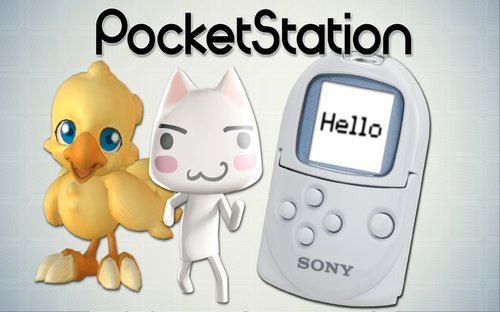
MSystem := ["Nintendo DS","Nintendo Game Boy Advance","SNES MSU-1","Sony PocketStation"]
;----------------------------------------------------------------------------
; Notes:
; On first run make sure you right click the game window during gameplay and select fullscreen and always on top
;
; For Nintendo DS support only:
; Create a separate entry in your Global Emulators or Emulators.ini for this same module as the GBA entry (if none exists already)
; Requires No$Zoomer.exe
; Point your exe to No$Zoomer.exe
; On first run No$Zoomer you will ask you to point to the No$GBA executable
;----------------------------------------------------------------------------
StartModule()
BezelGUI()
FadeInStart()
zoomEmu := StringUtils.Contains(executable,"zoom") ; if executable is No$Zoomer.exe
If zoomEmu
emuPrimaryWindow := new Window(new WindowTitle("NO$Zoomer","HT_MainWindowClass")) ; instantiate primary emulator window object
Else
emuPrimaryWindow := new Window(new WindowTitle("No$gba Emulator","No$dlgClass"))
primaryExe := new Emulator(emuPath . "\" . executable) ; instantiate emulator executable object
emuExe := new Emulator("NO$GBA.exe")
fullscreen := moduleIni.Read("Settings", "Fullscreen","true",,1)
bezelTopOffset := moduleIni.Read("Settings", "bezelTopOffset","50",,1)
bezelBottomOffset := moduleIni.Read("Settings", "bezelBottomOffset","7",,1)
bezelLeftOffset := moduleIni.Read("Settings", "bezelLeftOffset","7",,1)
bezelRightOffset := moduleIni.Read("Settings", "bezelRightOffset","7",,1)
hideEmuObj := Object(emuPrimaryWindow,1)
7z(romPath, romName, romExtension, sevenZExtractPath)
BezelStart()
gbaINI := new IniFile(emuPath . "\" . (If zoomEmu ? "NO$Zoomer.ini" : "NO$GBA.INI"))
gbaINI.CheckFile()
; Setting Fullscreen setting in ini if it doesn't match what user wants
If zoomEmu
{
currentFullScreen := gbaINI.Read("NO$ZOOMER","ExecFullscreen")
If (fullscreen != "true" && currentFullScreen = 1)
gbaINI.Write(0,"NO$ZOOMER","ExecFullscreen")
Else If (fullscreen = "true" && currentFullScreen = 0)
gbaINI.Write(1,"NO$ZOOMER","ExecFullscreen")
}
If bezelPath ; defining bezel game window size for Nintendo DS
{
bezelScreenX := round(bezelScreenX) , bezelScreenY := round(bezelScreenY), bezelScreenWidth := round(bezelScreenWidth) , bezelScreenHeight := round(bezelScreenHeight)
gbaINI.Write(bezelScreenX,"NO$ZOOMER","PosX")
gbaINI.Write(bezelScreenY,"NO$ZOOMER","PosY")
scaleGameScreen := bezelScreenWidth/256
gbaINI.Write(scaleGameScreen,"NO$ZOOMER","Zoom")
}
HideAppStart(hideEmuObj,hideEmu)
PrimaryExe.Run(" """ . romPath . "\" . romName . romExtension . """")
emuPrimaryWindow.Wait()
emuPrimaryWindow.WaitActive()
If (!zoomEmu && fullscreen = "true") { ; only want this for GBA mode
; These do not work 😞
; WinSet, Style, -0x40000, % emuTitle ; Removes the border of the game window
; WinSet, Style, -0xC00000, %emuTitle% ; Removes the TitleBar
emuPrimaryWindow.RemoveMenubar() ; Removes the MenuBar
emuPrimaryWindow.Maximize()
}
BezelDraw()
HideAppEnd(hideEmuObj,hideEmu)
FadeInExit()
emuExe.Process("WaitClose") ; must wait for the actual emulator exe even when No$Zoomer.exe is used
7zCleanUp()
BezelExit()
FadeOutExit()
ExitModule()
BezelLabel:
disableHideTitleBar := "true"
disableHideToggleMenu := "true"
disableHideBorder := "true"
If zoomEmu ; only want this for No$Zoomer
disableWinMove := "true"
Return
CloseProcess:
FadeOutStart()
emuPrimaryWindow.Close()
Return
By GalaxieGames210 -
 ...
...
By GalaxieGames1,685 1 -
 ...
...
By GalaxieGames286 0 -
 By GalaxieGames827
 -
 ...
...
By GalaxieGames402 -
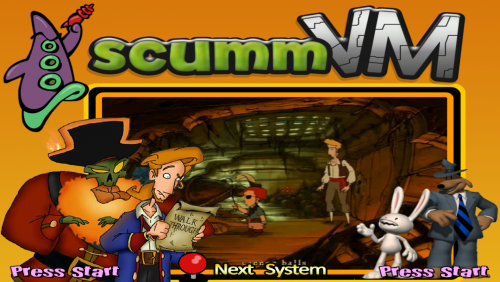 Complete Media Pack (Approximatively):/ ScummVM
By GalaxieGames1,622 -
 Thèmes des Jeux de Hoscarconh:
Lunettes d'Hoscarconh:
Main Menu Wheel of Marblemad
By GalaxieGames434 0 -
 By GalaxieGames836 0
 -
.thumb.png.ab90de628f1f659f723c7cecb791fb0d.png) Micro-computer Hector HRX; Complete Media Pack:
Micro-computer Hector HRX; Complete Media Pack:
Hector (ou Victor Lambda) est un micro-ordinateur produit en France au début des années 1980
Hector (or Victor Lambda) is a microcomputer produced in France in the early 1980s
By GalaxieGames366 0 -
.thumb.png.4eee3c0684478eb408009959a8b546c1.png) By GalaxieGames37
By GalaxieGames37 -
 ...
...
By GalaxieGames52 0 -
 design diver most wheels do: 373x187
carbon - steel - rectangular - circular - black - white - spin horizontal and vertical
By GalaxieGames6,053 -
 By GalaxieGames79 0
 -
 By GalaxieGames240
 -
 By GalaxieGames230
 -
 ...
...
By GalaxieGames39 -
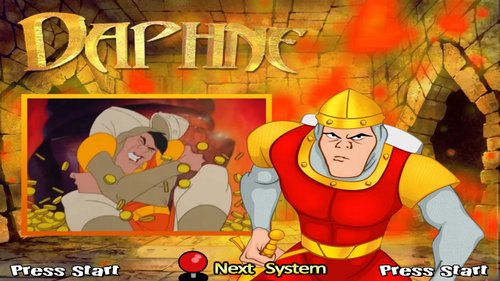 🕹️ use Hypseus.exe & Daphne.ahk
For the game Time Traveler aka Hologram use the Daphne emulator & Daphne Singe.ahk
Hypseus Singe is a fork and SDL2 version of Daphne and Singe. DAPHNE is the 1st LaserDisc emulator. It runs on Windows 95/98/2000/Xp/Vista/7/8/10. It currently 11/ supports 18 games including the famous Dragon's Lair (US). Each game is divided into 2 forms: the video(s) strictly speaking coupled with a Rom which is the game itself, often very basic (display of scores, small luminous signs, or mini-space invaders (for Bega's battle for example)). These 2 parts are managed by a TXT file that DAPHNE reads. Each line of the txt corresponds to a given timing of one or more videos (a bit like a timing of a Fansub subtitle).
The following games are supported: Astron Belt v.1 Badlands v.1 Bega's Battle v.1 Cliff Hanger v.1 Cobra Command v.1 Dragon's Lair v.1 Dragon's Lair II : Timewarp v.1 Esh's Aurunmilla v.1 Galaxy Ranger v.1 GP World v.1 Interstellar v.1 M.A.C.H. 3 v.1 Road Blaster v.1 Space Ace v.1 Star Blazer Sorry it's missing in my pack will be available in HD or 2.0 version in the future Monkey 2.0 demo Super Don Quix-ote v.1 Thayer's Quest v.1 Us vs Them v.1 To launch these games just use Hypseus with the module.ahk Daphne Ninja Hayate v.1 (Bonus) Timegal v.1 (Bonus) For the 2 Arcade Monkey games below always use Hypseus with this time the module.ahk Daphne monkey
Time Traveler aka Hologram v.1:
By GalaxieGames196 -
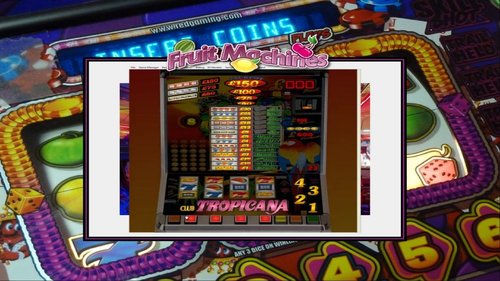 https://emumovies.com/files/file/5046-fruit-machines/
By GalaxieGames131 0 -
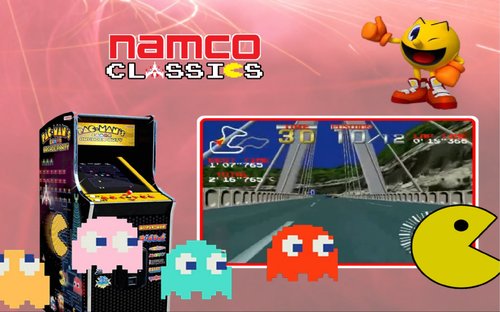 103 WHEELs
103 VIDEOs
103 ARTWORKs
100 THEMEs
Default Theme
Pointer
Main Menu Theme
Main Menu Wheel
Main Menu Video
By GalaxieGames69 -
 By GalaxieGames82
 -
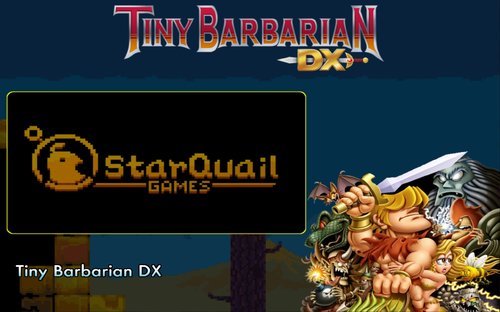 Tiny Barbarian DX rappelle les jeux de plateforme rétro en 8-bit. L'histoire vous plonge dans la peau d'un barbare qui part se battre. Ramenez les ossements de vos ennemis, et amasser tout l'or des vaincus pour impressionner une belle barbare.
Développeur : StarQuail Genres : Jeu d'action-aventure, Adventure Concepteur : Michael Stearns Date de sortie initiale : 3 décembre 2013 Éditeurs : StarQuail, Nicalis
By GalaxieGames55 -
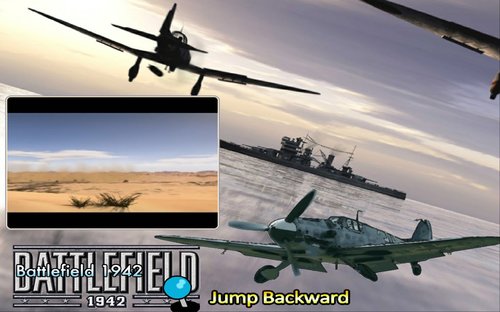 Battlefield 1942 est un jeu de tir à la première personne développé par DICE et édité par Electronic Arts le 20 septembre 2002 sur PC. Évoluant dans l'univers de la Seconde Guerre mondiale, il a été conçu pour le jeu multijoueur sur internet ou en réseau local. On peut cependant y jouer seul avec des PNJ.
Date de sortie initiale : 10 septembre 2002 Modes : Solo, Multijoueur Développeur : Digital Illusions Creative Entertainment Distinctions : BAFTA Games Award du meilleur jeu multijoueur Genre : Jeu de tir à la première personne Nominations : BAFTA Games Award du meilleur jeu multijoueur, PLUSBy GalaxieGames42 -
 By GalaxieGames40
 -
 By GalaxieGames31