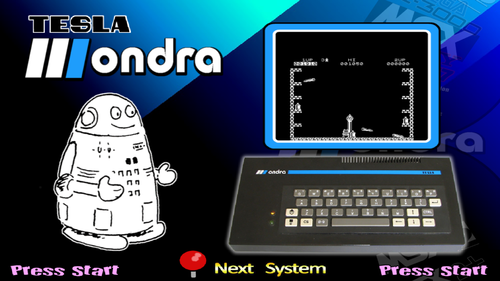
Another system that nobody asked for and nobody needs!
An obscure Czechoslovakian computer from 1985. Only five games for this one and they are all black and white Spectrum ports. The games don't have sound (unless you count the horrible screeching of tape loading). I'm not sure if these games actually have audio. Mame lists audio as functional and the only gameplay videos I found on original hardware were without sound.
By default, all games load to Ondra BASIC and simply pressing Enter (start on controller) will begin the tape loading process.
But that's not good enough! There is a way to launch directly to the loaded tape for all but one game (Jet Set Willy)
The usual save state (autoload) method will not work, but the alternate autosave method will.
First create an ondrav.ini file.
RetroArch->Quick Menu->Options->Write Configuration
That will create RetroArch\system\mame\ini\ondrav.ini
--------------------------------------------------------
Edit ondrav.ini to turn on autosave:
#
# CORE STATE/PLAYBACK OPTIONS
#
state
autosave 1
---------------------------------------------------------
Now every time you exit a game there is a save state created that will load when the game is launched. This method is able store the entire contents of the tape within the save file and you will always resume the game from the moment you last exited. Obviously, that's not the best solution if you want to load from the same point every time. Unless you make that file read-only!
Autosave files are created in: RetroArch\saves\mame\states\ondrav
Each game will be given its own folder and an "auto.sta" file. After you exit a game the "auto.sta" is automatically saved. You must adjust the properties of the file to be read-only before you launch the game again.
I have created and uploaded Autosaves for every game using 0.247 core.
If they don't automatically work for you, then you must create your own.
The timing must be correct to capture the full tape.
Here are the correct times to exit the games and successfully make autosaves
galaxian - Exit from title screen
jetpac - Exit on gameover screen
planetoi - Exit on title screen
psst - Exit on gameover screen
jetset - This game will not correctly save! Exit before loading a tape to create an autoload. The autoload will basically do nothing and you have to press Enter/start and manually load the tape every time.
I set Main CPU Overclock =150 on Galaxians and uploaded the galaxian.opt
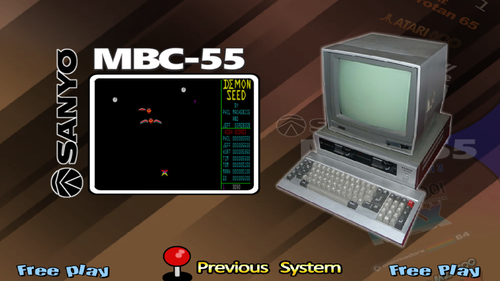
An old PC with only 3 games and annoying controls! Hooray!
Confusing Instructions:
You must manually enable Joysticks and save setting with ini file (retroarch\system\mame\ini)
MAME Slot device:
enable gamio: "Apple joystick"
use RetroArch to write ini file
slot section at bottom of ini should look like:
#
# SLOT DEVICES
#
gameio joy
----------------------------------------------------------------------------------------------
Mapped Controls:
Cashman:
PF1 Start Game: Start
PF2 Pick Player: X (Default Sheik - Joystick is best)
PF3 Select Area: Select
PF5 Information: Y
Joystick will constantly drift to the right and I have no solution
Demon Seed:
K Keyboard: L1
J Joystick: R1
Unmapped games:
Zork Compilation
Boots to Dos
Press Numpad Enter twice to skip data and time configuration. Don't bother it won't save.
type: dir (press Numpad Enter)
type game name
example: zork1 (press Numpad Enter)
it will display "Cannot Open Setup File" but still loads game
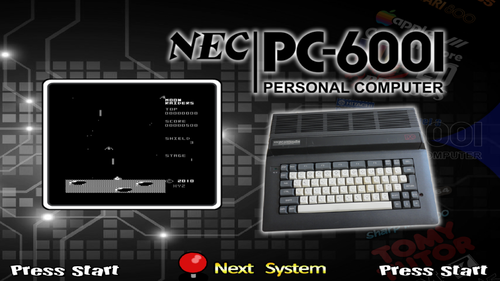
MAME only supports carts for the NEC PC-6001 series, so it's a small library
The official hash file is inaccurate and lists Curse of Crowley and Dawn Patrol as unsupported.
I fixed both by using the PC-6001mk2 model
The PC-6001 Mortal Kombat 2 edition fixed everything!
Use the dawnpat.opt to overclock MAME so Dawn Patrol runs faster (Yes, it is still slow but much improved and BASIC games are typically slower)
Moon Raiders is awesome! Play it!
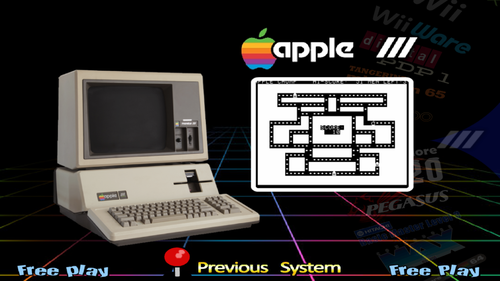
I was surprised when I couldn't find any existing work for this system. I guess I found the missing piece of that apple.
Thankfully, the games load directly so save states are not required unless you want to skip the long loading time.
Helpful Tip: Having Caps Lock on breaks the controls!
Mame lists joystick devices but I couldn't get it to function. The controls are mapped the best that I could manage.
Games:
Apple Chomp: Struggle to maneuver an apple through a maze but watch out for ghosts, unresponsive controls, and the Caps Lock key!
Atomic Defense: I could only map 4-way control to the right Joystick, fire missiles with L1/L2/R1/R2. Those horrible controls will leave you mostly defenseless, but I survived the first round. Can you?
Capt'n Magneto: You are unarmed and running from grumpy aliens who want to harm you with their fists and hurtful words!
Tic-Tac-Toe: Truly the killer app for the system! Block the evil Apple III's onslaught of X's with your O's! Marvel at the incredible controls as you press a number and the game actually responses!
Is this system a good additional or another bad apple?
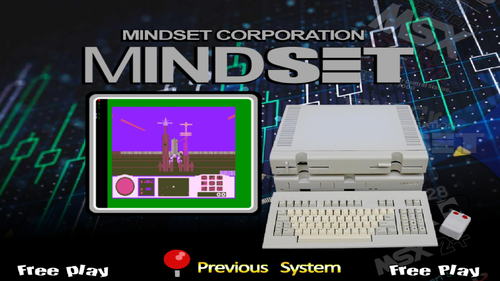
I wasn't in the right mindset to make a setup today until I found this old (unreleased?) pc with literally one (partially working) game.
This is the kind of obscure system I like to work on!
I abbreviated the system name but if you want accuracy its: Mindset Corporation Mindset Personal Computer
But that's just silly.
Damn, did this suck!
I was going to make a proper theme for the single game but I only got as far as the logo from the boxart.
I hope the autoload save state works for everybody.
I was able to correct the screen position (Bios will not save settings) but it actually drifts during gameplay.
Yes, it takes that long to load!
No, you can't make a save state later!
Put this crap next to the Konix Multisystem.
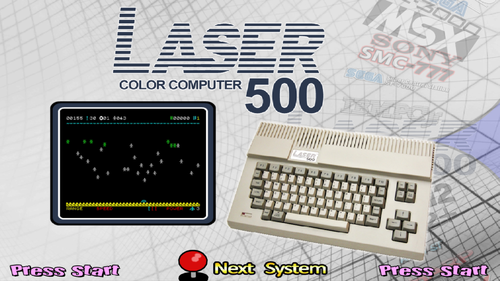
A very simple theme for a very simple system.
This one requires tape loading and autoload states if you want to launch directly to games.
Try to use the provide state.auto files first to hopefully skip all of the game loading steps
if not...
INSTRUCTIONS:
-------------------------------------------------------
Launching games:
Type: CLOAD
Open Mame Menu (Press Scroll Lock)->Tab->Tape Control->Play
Press Tab and wait
Type: RUN
If there is a tape loading error message Tape Control->Stop then Tape Control->Play
I had to try several times to load on some games
-------------------------------------------------------
Auto Loading:
Create RetroArch Save State at Title Screen
Change gamename.state1 to gamename.state.auto
-------------------------------------------------------
Controls (already mapped in laser700.cfg to controller)
Space = fire, J = left, L = right, I = up, K = down
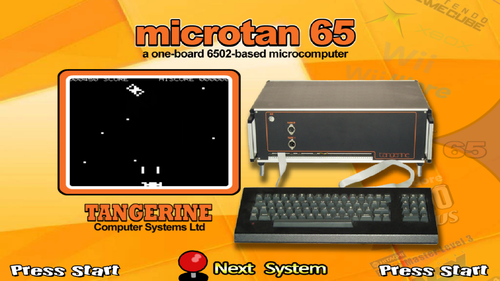
I couldn't get controls to work for:
astrof (Astro Fighter)
bersek (Berserk)
spcrocks (Space Rocks)
They require Hex Keypad, MAME does list that input device but I couldn't get it to work.
If anyone can figure that out, please contact me.
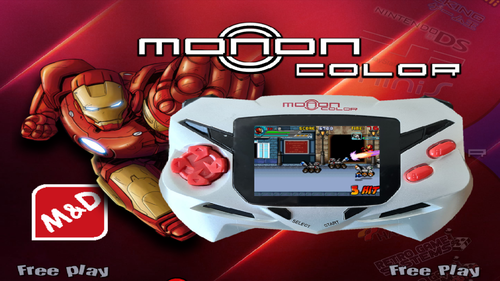
I altered Mackano's Fade for M&D Monon Color.
MAME core 0.247 required
I had to turn on Dip Switch: Port 1-4 to get Mech Cycle games working.
Using RA Option: Main CPU Overclock = 30 will fix the speed of the bios/intro/menus, basically everything but the actual gameplay. I ended up not using MCO but maybe someone can find the magic setting.
The system is very finicky. I had to reboot my PC a few times when all the games decided to stop launching but everything does work.
A clone of the SG-1000 but the Aaronix released SG-1000 II (Taiwan) had a unique game library.
Full explanation: Here
A long overdue correction to a mistake I made almost ten years ago.
This is a true Sega SC-3000 setup with only exclusive tape format games and no repackaged SG-1000 games.
Credit to Shredder: I rearranged his SC-3000 theme
Full Instructions Here
Sorry for flooding the Uploads section with new versions of my setups, I wanted to include the fix on every past upload.
Big thank you to Mackano for bringing this to my attention!
I was using a RetroArch version from 6 months ago so I didn't know this was an issue until I updated.
I was mapping directions to both Joystick and Dpad.
example: Left = Joy 1 Left Joy 1 D-pad Left
With the current version of RA having both joystick and dpad assigned to one button/key will not work.
So now I went through every system I uploaded and corrected the controls.
example: Left = Joy 1 Left
BUT, I individually mapped hundreds of games in my 15 part PNP Project!
This fixes all the Mame Software List systems I uploaded. I will update all the systems in the uploads section and start on the PNP Project.
RetroArch(MAME) Plug N Play Project (Part 14)
Ultimate Products Zone (2009-2010):
A series of Mini Consoles (Nintendo Wii knockoffs) with Waixing original(?) games.
RetroArch(MAME) Plug N Play Project
How to add Systems for RetroArch(MAME)
RetroArch(MAME) Plug N Play Project (Part 12)
Hasbro TV Board Games (2007):
A series of Plug N Play devices with licensed games based off Hasbro board-games.
RetroArch(MAME) Plug N Play Project
How to add Systems for RetroArch(MAME)
RetroArch(MAME) Plug N Play Project (Part 7)
Senario Vs Maxx (2004-2009):
A series of Plug N Play devices with JungleTac game compilations.
RetroArch(MAME) Plug N Play Project
How to add Systems for RetroArch(MAME)
RetroArch(MAME) Plug N Play Project (Part 6)
dreamGEAR Plug 'N' Play (2004):
A series of Plug N Play devices with JungleTac game compilations.
RetroArch(MAME) Plug N Play Project
How to add Systems for RetroArch(MAME)
RetroArch(MAME) Plug N Play Project (Part 5)
Radica Play TV (2000-2007):
A series of Plug N Play (mostly) interactive sports equipment.
RetroArch(MAME) Plug N Play Project
How to add Systems for RetroArch(MAME)
Jakks Pacific: Plug and Play TV Games for RetroArch (MAME - Current)
32 playable games
RetroArch(MAME) Plug N Play Project (Part 4)
Retro Game Systems Ports:
Any device not in a product line that is an officially licensed port.
RetroArch(MAME) Plug N Play Project
How to add Systems for RetroArch(MAME)
It doesn't get more obscure and pointless than this!
Shaanxi Province CEC-I (China Education Computer)
An Apple II clone with only 3 bootleg games
Weird setup instructions:
-By default, Joysticks will not be enabled.
Mame Menu -> Slot Devices -> gameio= joy
-Write ini file so joysticks will stay connected
-Disks must be swapped for both flyingaxe(Conan) and sherlock(Sherlock Holmes)
- Hash file has been adjusted to load Disk 2 first (to allow use of autoload states)
- load flyingaxe or sherlock, go into Mame Menu->File Manager-> change floppydisk1 flop1 to disk1 (must navigate to flyingaxe.zip or sherlock.zip and select disk1 and reset machine.
-Follow game prompts and switch back to disk 2 when needed
-Once game is fully loaded create a save state and rename to (gamename).state.auto
-Because disk 2 is loaded automatically when then game is launched the autoload state will work.
Enjoy!!!
An obscure Japanese computer from 1982 with only 3 games.
I couldn't get the Hash file right to load each game disk.
Instead I used 3 different clone computers to each to load a different game.
Create an .ini file each pc and edit them with the correct slot device and .d88 file.
Instructions are in HASH - CFG - Controls.zip
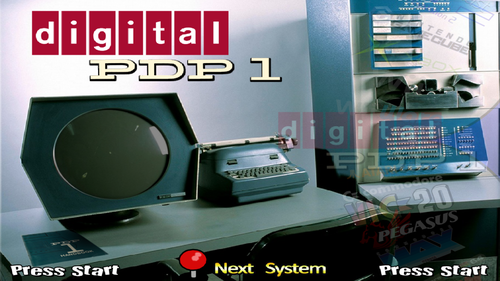
Digital Equipment Corportation PDP-1 (Programmed Data Processor-1) made in 1958 and had the first computer game (Spacewar!) in 1962.
There are only 2 games but is historically significant, so I felt it needed some attention.
I made bezels for each game with loading instructions on the bezels. SpaceWar! does take about 20 seconds to load.
Adjust Screen Vert Position to 0.146 to line up with bezel. I believe the cfg file already have that adjustment.
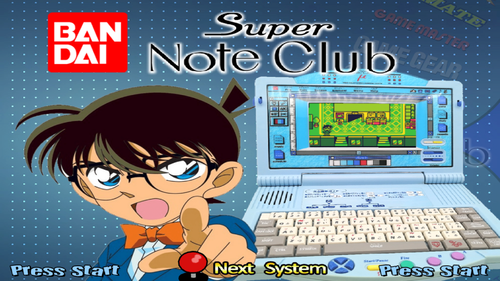
Bandai Super NoteClub (1995) is a children's laptop/toy with cartridge games.
No sound support yet but graphics/speed seem correct
None of the autoload methods will work. The gameload icon is on the second menu screen in lower right.
Adjusted the Vert and Horz Strech to 50% in the Mame Sliders Menu to fit the bezel.
I believe the snotec.cfg file I uploaded will already adjust the image size.
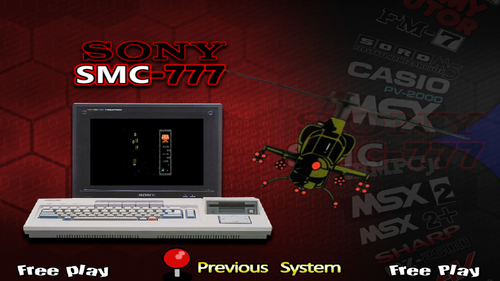
Sony SMC-777 Full Setup
RetroArch Module additions:
MSystem := "Sony SMC-777"
mTypeVar:= Sony SMC-777|mame_libretro|smc777
Xbox 360 (Xinput) controls:
B=Button 1
X=END
Y=Space
Start=Enter
Select=HOME
L1=DEL
R1=INS
R3=ESC
Right Joystick
Left=1
Down=2
Right=3
Up=4
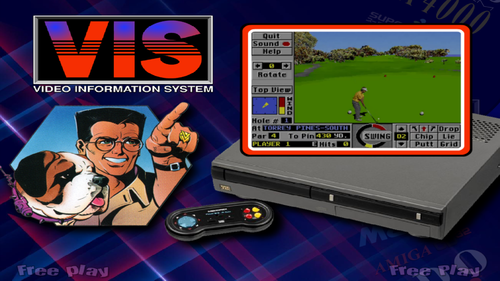
Is it the worst console ever made? Possibly. But I still had fun making this setup!
Nintendo Family BASIC/Famicom keyboard/Cassette setup
This was complicated to set up and I apologize if my instructions are confusing but I did get all the games running and loading directly to game.
Instructions



 An old PC with only 3 games and annoying controls! Hooray!
 MAME only supports carts for the NEC PC-6001 series, so it's a small library
 I wasn't in the right mindset to make a setup today until I found this old (unreleased?) pc with literally one (partially working) game.
 A very simple theme for a very simple system.
 I couldn't get controls to work for:
 MAME core 0.247 required
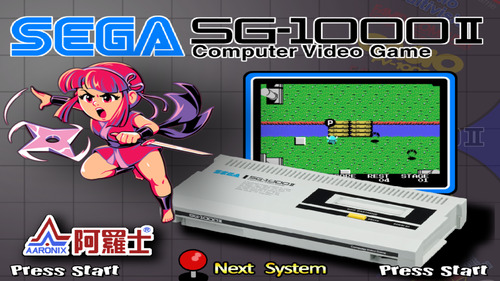 A clone of the SG-1000 but the Aaronix released SG-1000 II (Taiwan) had a unique game library.
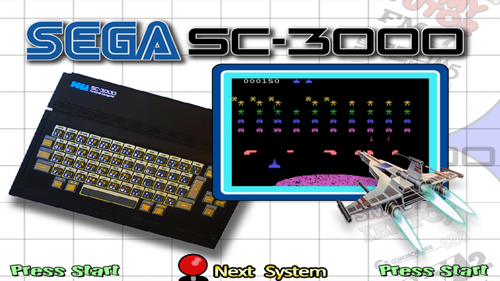 A long overdue correction to a mistake I made almost ten years ago.
 Sorry for flooding the Uploads section with new versions of my setups, I wanted to include the fix on every past upload.
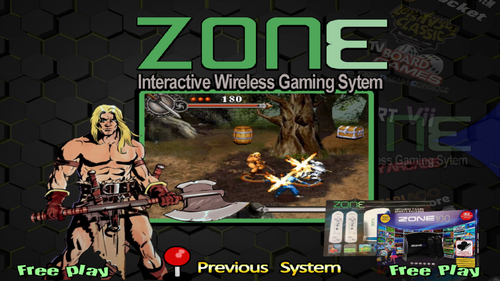 RetroArch(MAME) Plug N Play Project (Part 14)
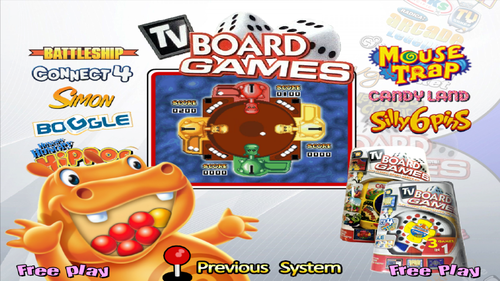 RetroArch(MAME) Plug N Play Project (Part 12)
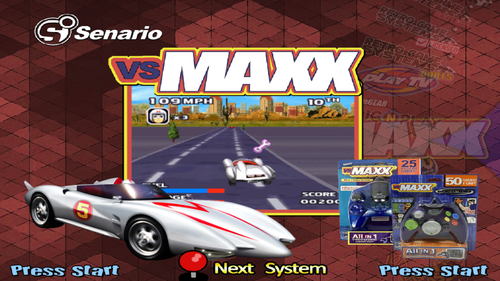 RetroArch(MAME) Plug N Play Project (Part 7)
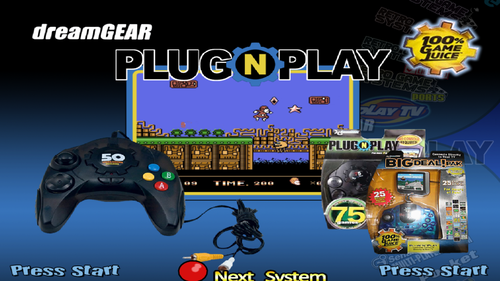 RetroArch(MAME) Plug N Play Project (Part 6)
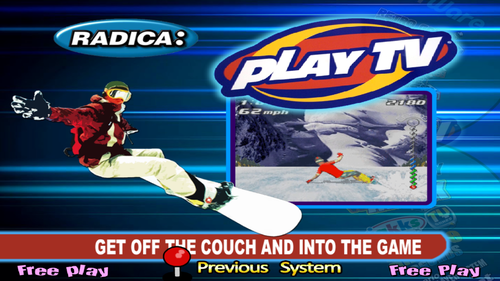 RetroArch(MAME) Plug N Play Project (Part 5)
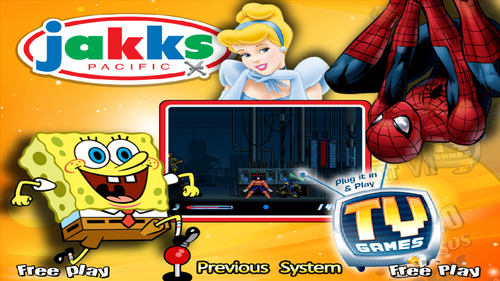 Jakks Pacific: Plug and Play TV Games for RetroArch (MAME - Current)
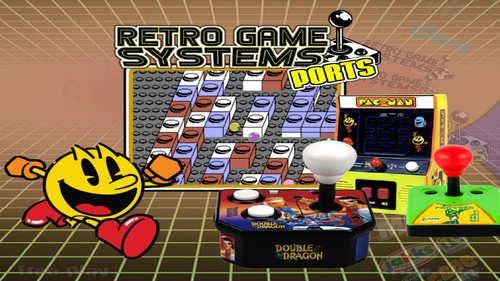 RetroArch(MAME) Plug N Play Project (Part 4)
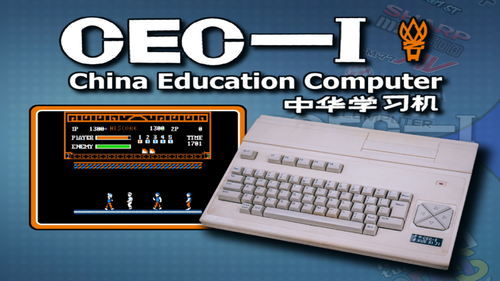 It doesn't get more obscure and pointless than this!
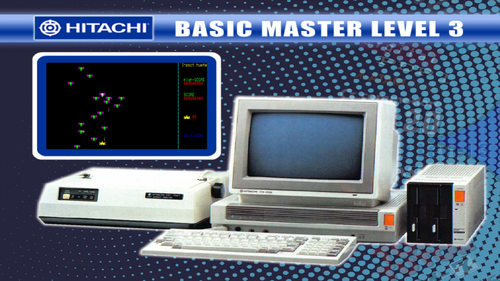 An obscure Japanese computer from 1982 with only 3 games.
 Digital Equipment Corportation PDP-1 (Programmed Data Processor-1) made in 1958 and had the first computer game (Spacewar!) in 1962.
 Bandai Super NoteClub (1995) is a children's laptop/toy with cartridge games.
 Sony SMC-777 Full Setup
 Is it the worst console ever made? Possibly. But I still had fun making this setup!
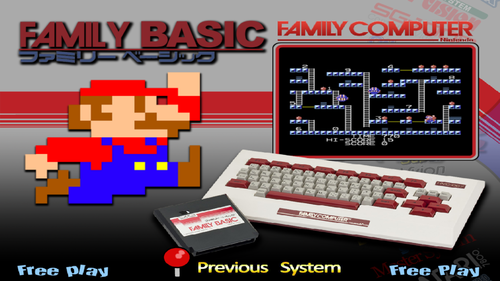 Nintendo Family BASIC/Famicom keyboard/Cassette setup