I spent many days updating my Commodore Amiga set using the database here
It was a lot of renaming and a fair bit of media creation. I ended up with 2058 games.
Wheels (Clear) - Complete
3D Boxart - 1692/2058
Videos - Complete (I got 1,891 from emumovies and renamed)
I cleaned up the genre info and made files.
I only included the remaining 167 png screenshots to complete the video set.
I hope this is useful to someone, I definitely could have used it many days ago!
At first, I was going to skip this system because most of the games are within the NES set as unlicensed games.
But after looking into it I feel it should be showcased as its own system. I have expanded the game list to include all unreleased/prototype titles and split the three multi-carts into individual game listings that can use autoload save states.
A very obscure system but a fun little project.
1970's Home Console Project
TMNT (Konami Handheld) Theme
Using Mirage Era artwork to match product art.
Konami Handheld Main Menu and Bezel
Tiger Handheld Main Menu and Bezel
RetroArch(MAME) Plug N Play Project (Part 9)
Senario Multi-Player System (2004-2005):
A series of Plug N Play multiplayer trivia, board game, and casino games.
RetroArch(MAME) Plug N Play Project
How to add Systems for RetroArch(MAME)
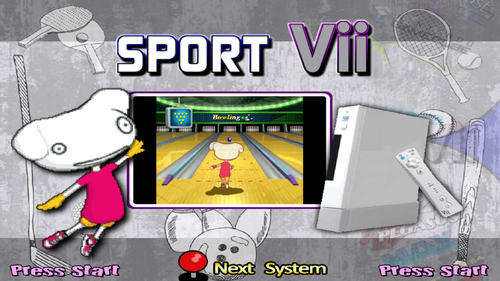
JungleTac Sport Vii setup for RetroArch (MAME-current core)
I'm trying something new with "savestate_auto_load" feature.
All Multicarts have been split into individual games using Save Sate Auto Load
All settings in "HASH - CFG - Controls.zip"
I have created individual game .opt files because identical settings must be used to load my autosaves.
Someone please let me know if all this works on their setup. If so I can do more of these types of setups in the future.
Instructions:
Paste all folders into main RetroArch dir and merge:
RetroArch Options:
RetroArch\config\mame_libretro.cfg
RetroArch Game Options:
RetroArch\config\MAME
RetroArch Game Remaps:
RetroArch\config\remaps\MAME
MAME CFG path:
RetroArch\saves\mame\cfg\vii.cfg
RetroArch Game Auto Load States:
RetroArch\states
Hash path:
RetroArch\system\mame\hash\vii.xml
-------------------------------
Setup uses auto load states for multicart individual games
must have line:
savestate_auto_load = "true"
in either mame_libretro.cfg or retroarch.cfg
RetroArch Module additions:
MSystem := "JungleTac Sport Vii"
mTypeVar:= JungleTac Sport Vii|LibRetro_SPORTV|mame_libretro|vii
-------------------------------
Xbox 360 (Xinput) controls:
X or L1 = Button A
A or R1 = Button B
B = Button C
Start = Button D (Pause)
--------------
Sport Vii
Motion Controls:
Left Joystick (X-Axis) = Swing Left/Right
Left Joystick (Y-Axis) = Swing Up/Down
Right Joystick (Y-Axis) = Swing Forward/Backward
Microsoft MSX2+ and Microsoft Turbo-R for RetroArch(bluemsx_libretro core)
I felt like both needed and update.
-Multi-disk entries in the database have been removed. All multi-disk games now use a single M3U playlist file.
-RetroArch Disk Control Menu is used to switch disks.
-Hyperlist MSX2+ had a list of 65 entries but only 38 unique games. New database has 54 unique games.
-MSX Turbo-R has database now has 43 unique games.
-Included per-game OPT(config files) for every MSX Turbo-R game. Machine Type (Auto) setting never chooses Turbo-R so setting is changed per game.
-Included remap files. Some games need "RetroPad Keyboard Map".
Helpful tips:
Make your HyperHQ extension list: zip,ZIP,7z,7Z,m3u,M3U
When prompted to load a new disk in game:
1. Open RetroArch Quick Menu
2. Disk Control Menu
3. Load New Disk
4. Browse to game folder and select next disk
5. RetroArch will return to game "Appended" notification will display
6. Press button in game.
Commodore 128 Complete Setup for RetroArch vice_x128 core
This was very a very frustrating process! Most of the games I could find are homebrew titles with very little information to fill out the database. I had to make a game option (opt) file for every game to switch 40/80 column and region settings per game. Many games I found were not compatible with vice_x128 core.
I ended up with 61 playable games
Games not included:
-Multi-disk games (I couldn't figure out automatic disk swapping)
-Some text heavy adventure games
Everything can be played with an xinput controller but some games require heavy use of the Virtual Keyboard
Commodore VIC-20 Setup for use with VICE xvic core (vice_xvic_libretro)
I wanted to make a quick and easy setup using only cart games that would automatically load directly in-game without any additional steps or conditions.
I tested every Cart format game I could find and ended up with this list of 168 games.
I took craiganderson's Main Theme and used it to create the default menu and bezel.
Philips CD-i Setup for RetroArch (libretro_mame core)
I tested every game CD-i (not DVC) game and was able to run all of these.
I prepared a preconfigured games folder.
The empty zip files are the dummy roms
Place your CHD files in the empty folders (one for each game). The folders are named the same as MAME Software List CHDs so you can drop in the folders/CHDs easily.
----------------------------------------------------
These games are not run though RetroArch MAME core:
Link - The Faces of Evil (Remastered) - Launch PC version with PC Launcher
Zelda - The Wand of Gamelon (Remastered) - Launch PC version with PC Launcher
The - Apprentice (Shikote's PC Remake) - Launch PC version with PC Launcher
Dimo's Quest (Dos version) - Launch with (DOSBox - Pure) core
Tiger Game.com setup for RetroArch(mame_libretro)
Database/Menus/Wheels/Videos/Bezel/Games/CFG
---------------------------------
Using gamecom.cfg:
To Start game press "X" once to highlight cartridge then "X" again to launch game.
Bandai Super Vision 8000 setup for RetroArch (mame_libretro core)
Database/Menus/Wheels/Videos/Bezel/Games/CFG
I recommend using the bezel with scanlines it makes the low res games easier to play.
-------------------------------------------------------
Xinput Map (USE CFG FILE):
LEFT THUMBSTICK AND DPAD = MOVEMENT
FIRE = X/A
L1=1 R1=2 L2-3 R2=4 Y=5 B=6 L3=7 R3=8
START=9
SELECT=0
Creatronic Mega Duck
Main Theme and Wheel
All Files are using MAME Software List names. It is playable in MAME and RetroArch (MAME-current).
I highly recommend using bezel for this system (the graphics are hard to make out fullscreen)
Gamate (BIT Corporation) Full Setup
All files are using MAME Software List names. It is playable in MAME and RetroArch (MAME - current)
The wheels were (for the most part) original designs by me. There wasn't much original artwork to work with so I just created logos based off the game tiles when needed.
My daughter is obsessed with FNAF so I'm converting my basement into a FNAF Pizzeria complete with FNAF themed arcade machine for her birthday party.
This took way longer than I expected, I couldn't find any existing themes, so i made everything from scratch. I've never played the games so hopefully I got the appropriate images for each game.
File includes:
Database
Main Menu Theme, Wheel, Video, and Marquee
Games Themes, Wheels, Videos, and Marquees
I made a 175 game database for Teknoparrot.
Most of the themes are by Trymado
I made a lot of the marquees
Everything is named according to Teknoparrot UI info
Included genre databases
I only included 3 video themes because they might be harder to track down.
The other videos should be available at Emumovies or individually at Trymado's content page.
There are not a lot of Nintendo 3DS videos available yet so I collected these 235 screenshots.
These combined with the videos available on Emumovies are a complete set.
I took the excellent work done by HOSCARCONH and I made a more "standard" setup
-Converted the naming convention of just numbers to actual game names
-Created Database with game names and genre info and made genre files
-Created text wheels in Photoshop with PICO-8 font
-Altered HOSCARCONH's default theme to match wheel
-Uploaded all renamed files and games (original files where just numbers)
-Included HOSCARCONH's main menu, bezel, and fade
Everything works great with Retroarch retro-8 alpha core
A collection of 1259 PS3 Wheels and Video Snaps for games that are currently fully playable with RPCS3.
It includes both PS3 Disc and PSN games.
The Main and Default theme were not created by me but I did alter them to my preference.
I greatly expanded the existing Database I found.
I made the covers a uniform size (320 pixels wide) but the video snaps vary in size and quality.
All media included is based off the yuzu compatibility list (rated: Perfect, Great, or Okay). Its a combination of disc and e-shop titles.
The database I expanded from an existing version uploaded here
The main and default theme is just a rearranged version of a previous upload to suit my taste.
Any missing video snap had actual videos available on Emumovies
Its been a long time since I contributed here and I hope this is acceptable.
This is an expansion of other databases uploaded here. All the added games are from the yuzu compatibility list (rated: Perfect, Great, or Okay). Its a combination of disc and e-shop titles.
Fujitsu FM Towns Game Wheels Pack



 I spent many days updating my Commodore Amiga set using the database here
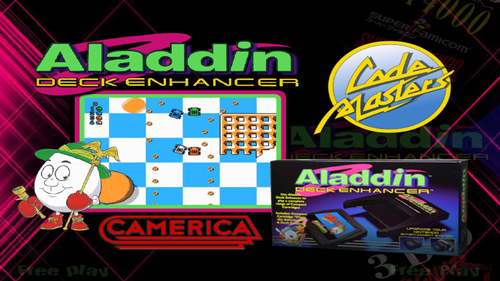 At first, I was going to skip this system because most of the games are within the NES set as unlicensed games.
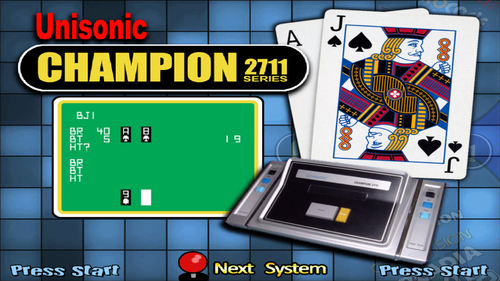 A very obscure system but a fun little project.
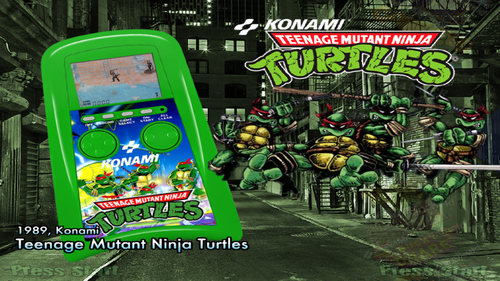 TMNT (Konami Handheld) Theme
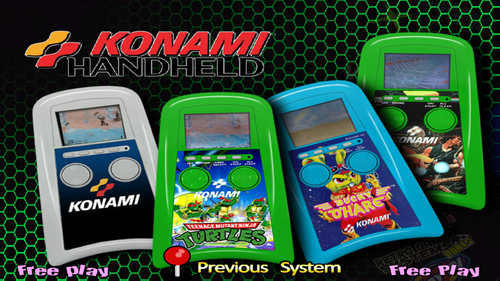 Konami Handheld Main Menu and Bezel
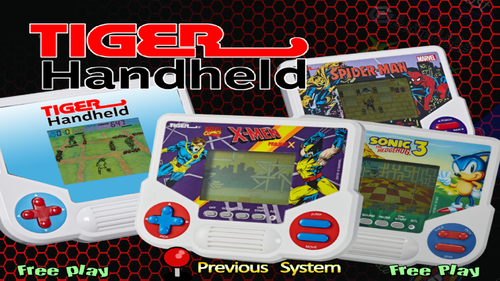 Tiger Handheld Main Menu and Bezel
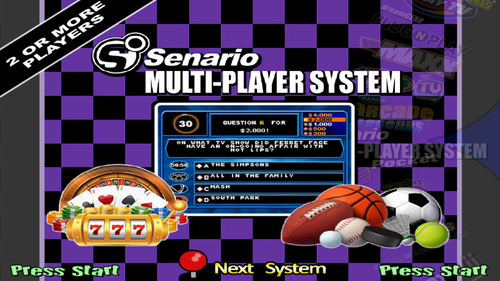 RetroArch(MAME) Plug N Play Project (Part 9)
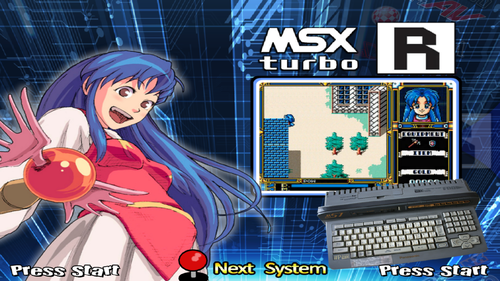 Microsoft MSX2+ and Microsoft Turbo-R for RetroArch(bluemsx_libretro core)
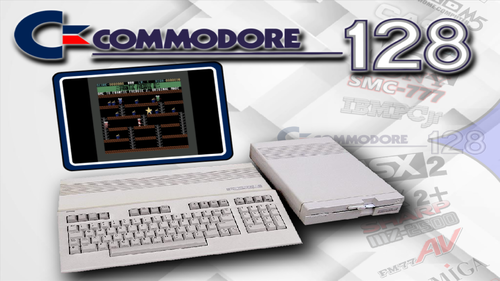 Commodore 128 Complete Setup for RetroArch vice_x128 core
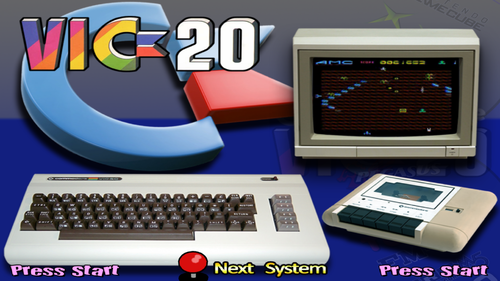 Commodore VIC-20 Setup for use with VICE xvic core (vice_xvic_libretro)
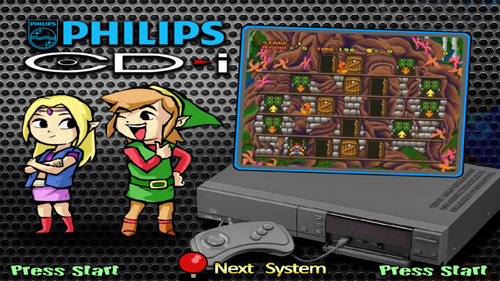 Philips CD-i Setup for RetroArch (libretro_mame core)
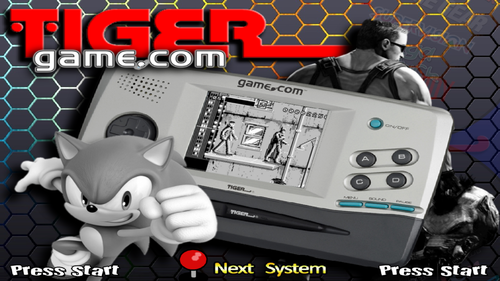 Tiger Game.com setup for RetroArch(mame_libretro)
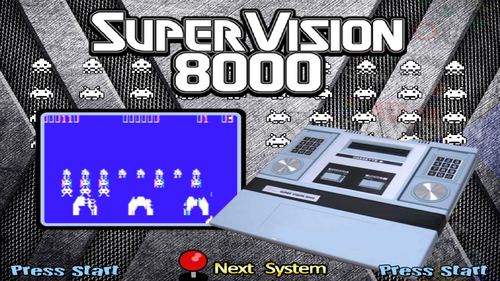 Bandai Super Vision 8000 setup for RetroArch (mame_libretro core)
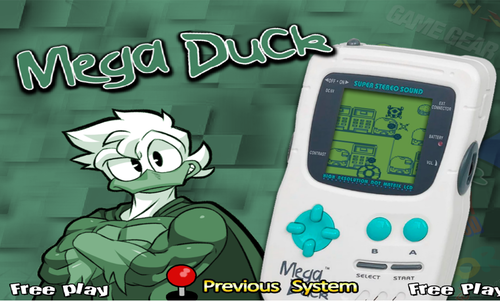 Creatronic Mega Duck
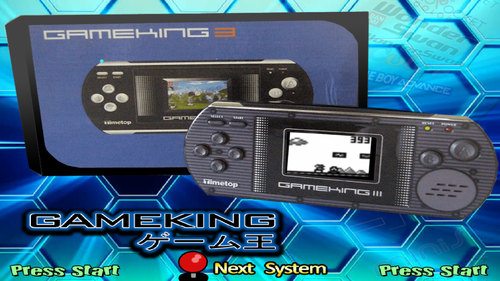 All Files are using MAME Software List names. It is playable in MAME and RetroArch (MAME-current).
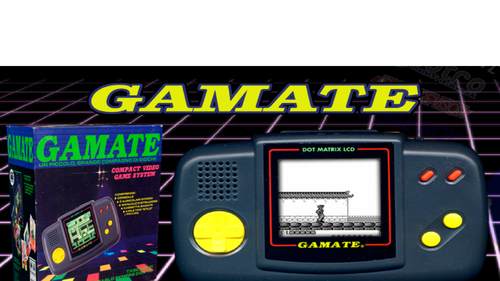 Gamate (BIT Corporation) Full Setup
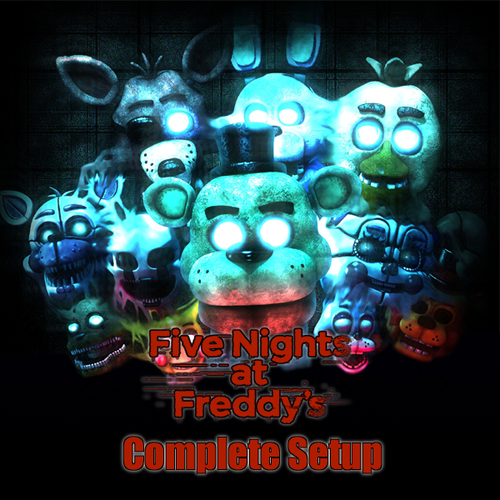 My daughter is obsessed with FNAF so I'm converting my basement into a FNAF Pizzeria complete with FNAF themed arcade machine for her birthday party.
 I made a 175 game database for Teknoparrot.
 There are not a lot of Nintendo 3DS videos available yet so I collected these 235 screenshots.
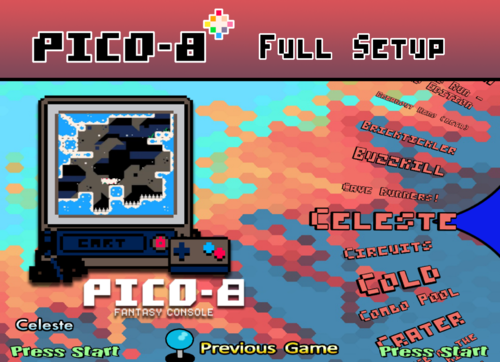 I took the excellent work done by HOSCARCONH and I made a more "standard" setup
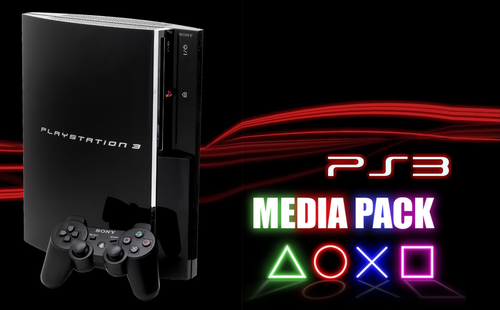 A collection of 1259 PS3 Wheels and Video Snaps for games that are currently fully playable with RPCS3.
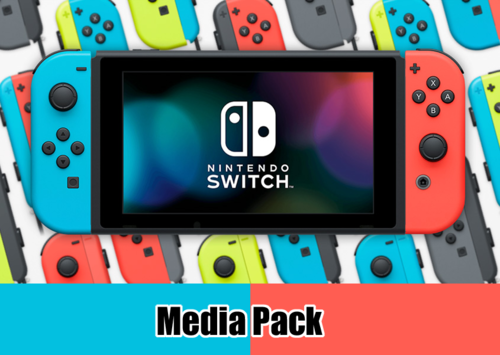 All media included is based off the yuzu compatibility list (rated: Perfect, Great, or Okay). Its a combination of disc and e-shop titles.
 This is an expansion of other databases uploaded here. All the added games are from the yuzu compatibility list (rated: Perfect, Great, or Okay). Its a combination of disc and e-shop titles.
 Fujitsu FM Towns Game Wheels Pack