


floatingyeti
-
Posts
1,204 -
Joined
-
Last visited
-
Days Won
151
Content Type
Forums
Events
Downloads
Store
Development Tracking
HyperCL
Everything posted by floatingyeti
-
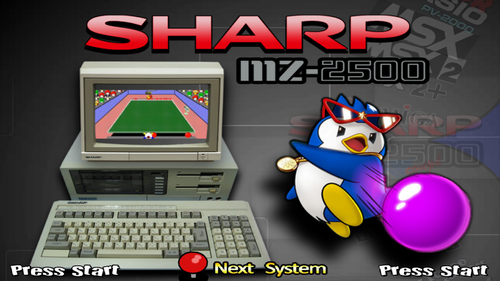
Version 1.0.1
502 downloads
Sharp MZ-2500 RetroArch (mame_libretro) setup All playable games that: 1. Currently run in the core 2. Playable with xinput controller Themes/Videos/Wheels/Games/CFG included -
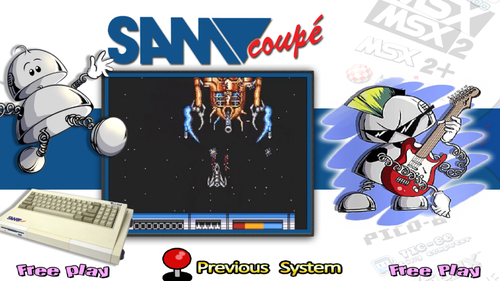
Version 1.0.1
588 downloads
MGT Sam Coupe Setup for RetroArch (mame_libretro) I thought this would be easy but MAME core didn't have mappable joystick or mouse controls. This limited the amount playable games but I think it was worth the effort in the end. Main Theme/default - modified version of Nimbios72 default theme Wheels - mostly recreated with fonts in Photoshop Hash file - made by me For Xinput Controller Mapping download RetroArch(MAME) Hash and CFG.zip and place hash and config in correct folders -------------------------------------------------------- Launch games: Press select(back) to boot game mapped to F9 key Special Controls: L1 - 1 R1 - 2 L2 - 3 R2 - 4 L3 - y (yes) R3 - n (no) -
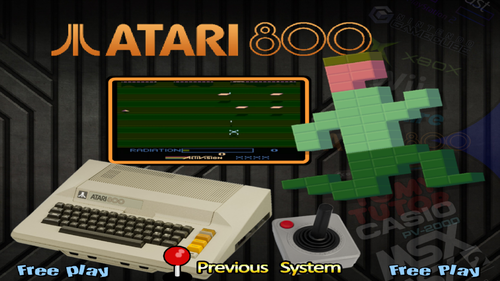
Version 1.0.1
751 downloads
Atari 800 (cart only) This is using MAME Software List Rom set for Atari 800 (a800) carts. This will work in MAME and RetroArch (MAME-current) Database (Games/Cart only) + Genre xml Main Menu theme Default theme Wheels - Complete Video (mp4/png) - complete Boxes (3D/2D mix) - incomplete 198/225 -
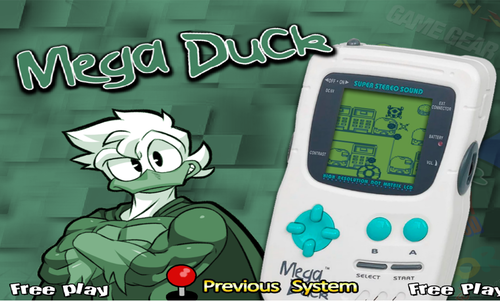
Version 1.0.0
85 downloads
Creatronic Mega Duck Main Theme and Wheel -
Version 1.0.1
501 downloads
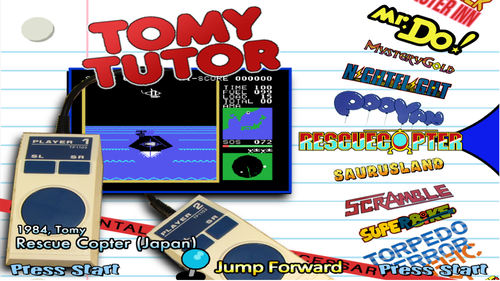
I made a version of this seven years ago. I tracked down my old files anything else I could find but it was very incomplete. Made Updated: Database Video Snaps Wheels All using MAME Software List names. It works great in MAME and RetroArch (MAME-current core) -
Version 1.0.0
393 downloads
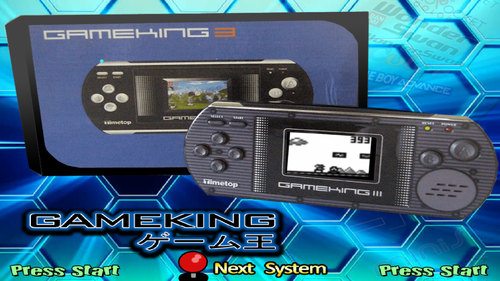
All Files are using MAME Software List names. It is playable in MAME and RetroArch (MAME-current). I highly recommend using bezel for this system (the graphics are hard to make out fullscreen) -
Version 1.0.0
474 downloads
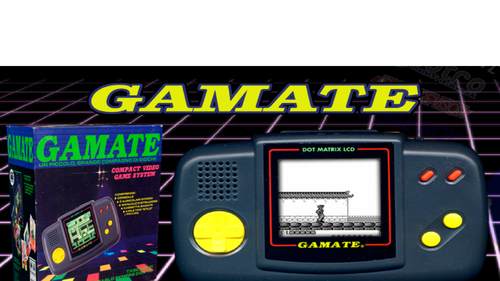
Gamate (BIT Corporation) Full Setup All files are using MAME Software List names. It is playable in MAME and RetroArch (MAME - current) The wheels were (for the most part) original designs by me. There wasn't much original artwork to work with so I just created logos based off the game tiles when needed. -
Teenage Mutant Ninja Turtles: Shredder's Revenge (4:3)
floatingyeti commented on mamouchka9's file in Game Themes (4:3)
 Great work! Is the game out yet, I thought it was pushed back until next year?
 -
Version 1.0.0
39 downloads
My daughter is obsessed with FNAF so I'm converting my basement into a FNAF Pizzeria complete with FNAF themed arcade machine for her birthday party. This took way longer than I expected, I couldn't find any existing themes, so i made everything from scratch. I've never played the games so hopefully I got the appropriate images for each game. File includes: Database Main Menu Theme, Wheel, Video, and Marquee Games Themes, Wheels, Videos, and Marquees-
- 6
-

-

-
- collection
- fnaf
- (and 1 more)
-
 The actual theme is missing from the download I made one matching your thumbnail and attached it. Axiom Verge 2.zip
 -

Version 1.0.0
1,713 downloads
I made a 175 game database for Teknoparrot. Most of the themes are by Trymado I made a lot of the marquees Everything is named according to Teknoparrot UI info Included genre databases I only included 3 video themes because they might be harder to track down. The other videos should be available at Emumovies or individually at Trymado's content page. -

Version 1.0.0
58 downloads
There are not a lot of Nintendo 3DS videos available yet so I collected these 235 screenshots. These combined with the videos available on Emumovies are a complete set. -
Version 1.0.0
666 downloads
I took the excellent work done by HOSCARCONH and I made a more "standard" setup -Converted the naming convention of just numbers to actual game names -Created Database with game names and genre info and made genre files -Created text wheels in Photoshop with PICO-8 font -Altered HOSCARCONH's default theme to match wheel -Uploaded all renamed files and games (original files where just numbers) -Included HOSCARCONH's main menu, bezel, and fade Everything works great with Retroarch retro-8 alpha core- 1 review
-
- 7
-
-
-
 I used some of that material but at most its 50-60% of the library. I was just focused on first compiling what was playable and expanding the database to include missing titles. Currently I'm going through every database entry to fix the genre info and remove the excess bloat like synopsis, metracritic score, and url info. Then I will merge everything in the emumovies packs to fill in the unplayable game entries and match them to my finalized database.
 -
Version 1.0.2
1,600 downloads
A collection of 1259 PS3 Wheels and Video Snaps for games that are currently fully playable with RPCS3. It includes both PS3 Disc and PSN games. The Main and Default theme were not created by me but I did alter them to my preference. I greatly expanded the existing Database I found. I made the covers a uniform size (320 pixels wide) but the video snaps vary in size and quality. -
 Thanks, I'm working hard on a few more things. More uploads coming!
 -
Version 1.0.0
1,482 downloads
All media included is based off the yuzu compatibility list (rated: Perfect, Great, or Okay). Its a combination of disc and e-shop titles. The database I expanded from an existing version uploaded here The main and default theme is just a rearranged version of a previous upload to suit my taste. Any missing video snap had actual videos available on Emumovies Its been a long time since I contributed here and I hope this is acceptable.- 2 comments
-
- 14
-
-
-

-
Version 1.0.0
106 downloads
This is an expansion of other databases uploaded here. All the added games are from the yuzu compatibility list (rated: Perfect, Great, or Okay). Its a combination of disc and e-shop titles. -