jesfknkrys
-
Posts
411 -
Joined
-
Last visited
-
Days Won
56
Content Type
Forums
Events
Downloads
Store
Everything posted by jesfknkrys
-
Version 1.0.0
64 downloads
4:3 Theme Wheel + Video -
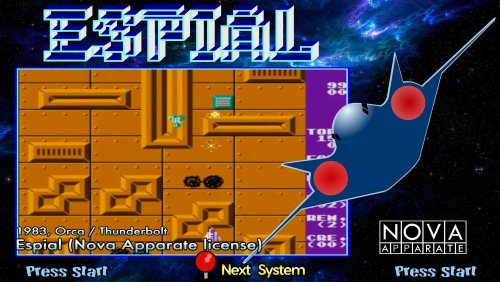
Version 1.0.0
52 downloads
16:9 Theme + Video + Wheel -
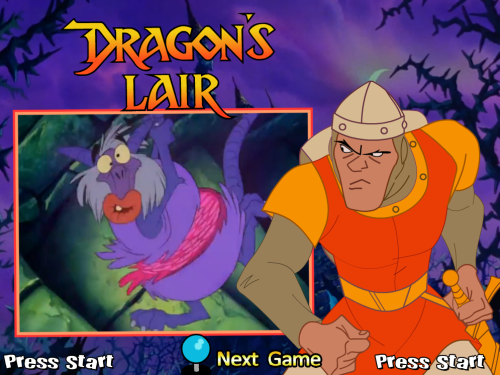
Version 1.0.0
93 downloads
4:3 theme + flv video + wheel -
Did you get the issue resolved?
-
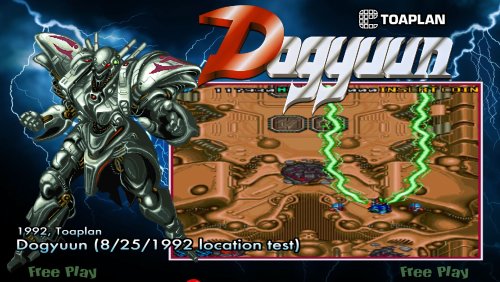
Version 1.0.0
74 downloads
16:9 Theme + Wheel + video -
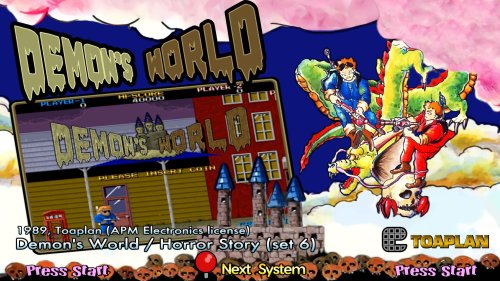
Version 1.0.0
89 downloads
16:9 Theme + Wheel + Video + Marquee- 1 review
-
- 5
-

-

-
- hypermarquee
- marquee
- (and 7 more)
-
Does this happen with all the emulators or just a specific one?
-
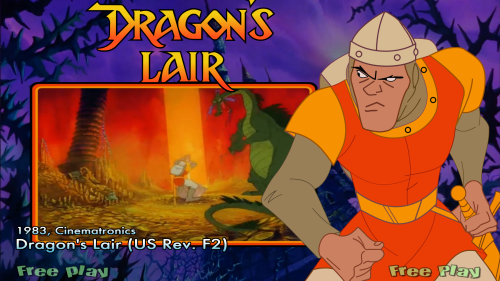
Version 1.0.0
89 downloads
16:9 theme + Wheel + Video -
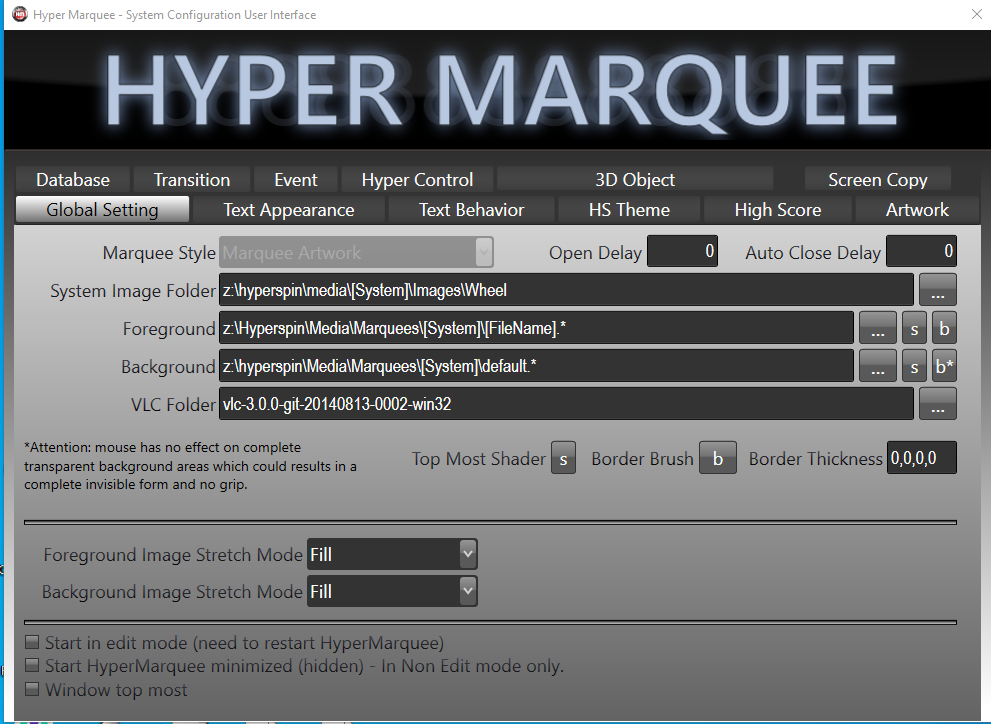
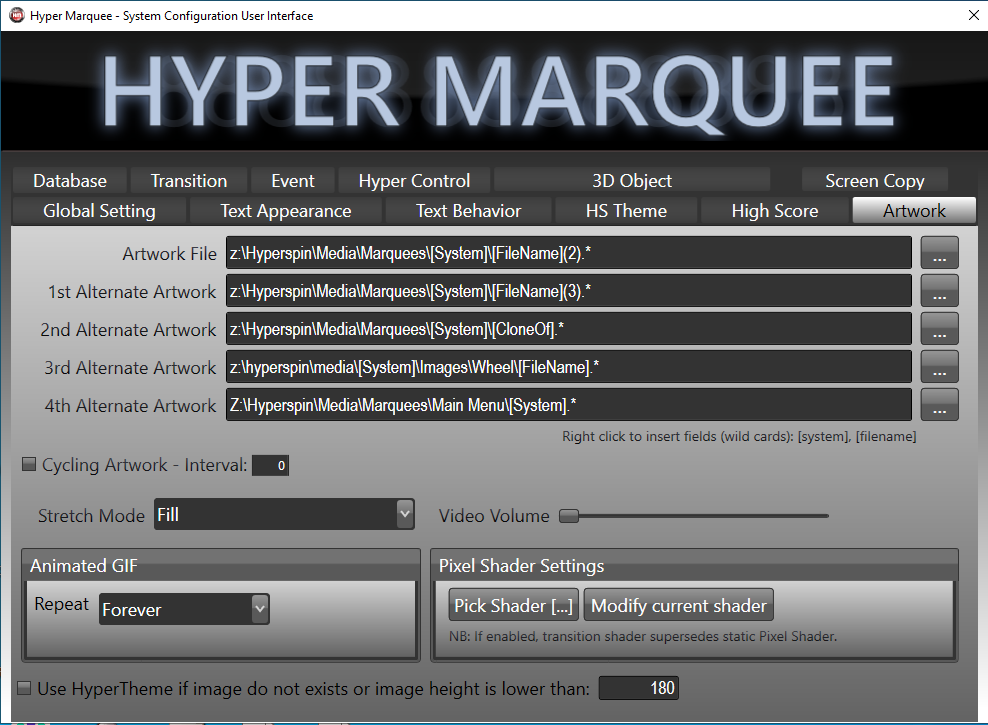
These are my settings in HyperMarquee. Global Setting: Foreground: I believe this is the Marquee that will show on top. Artwork: I place all alternate artwork here.

-
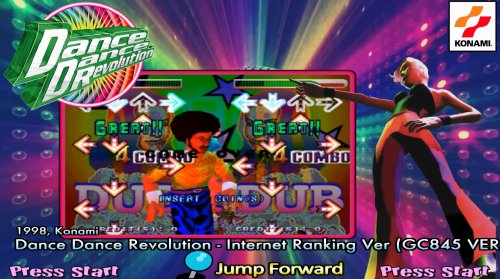
Version 1.0.0
72 downloads
16:9 Theme + Wheel -
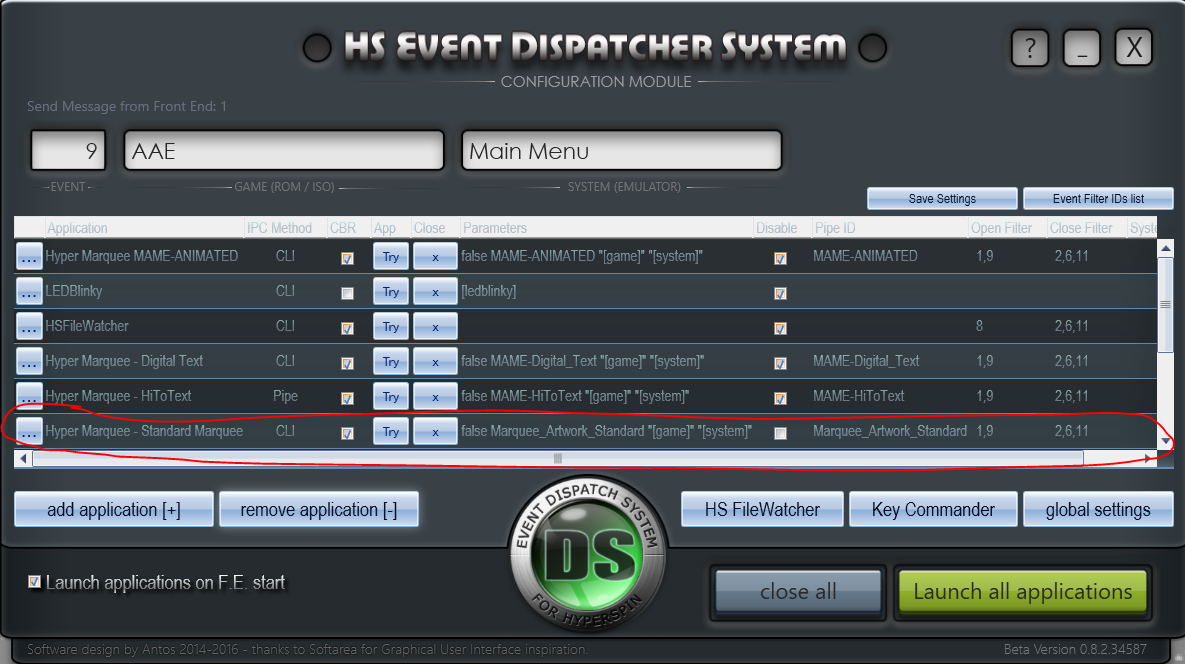
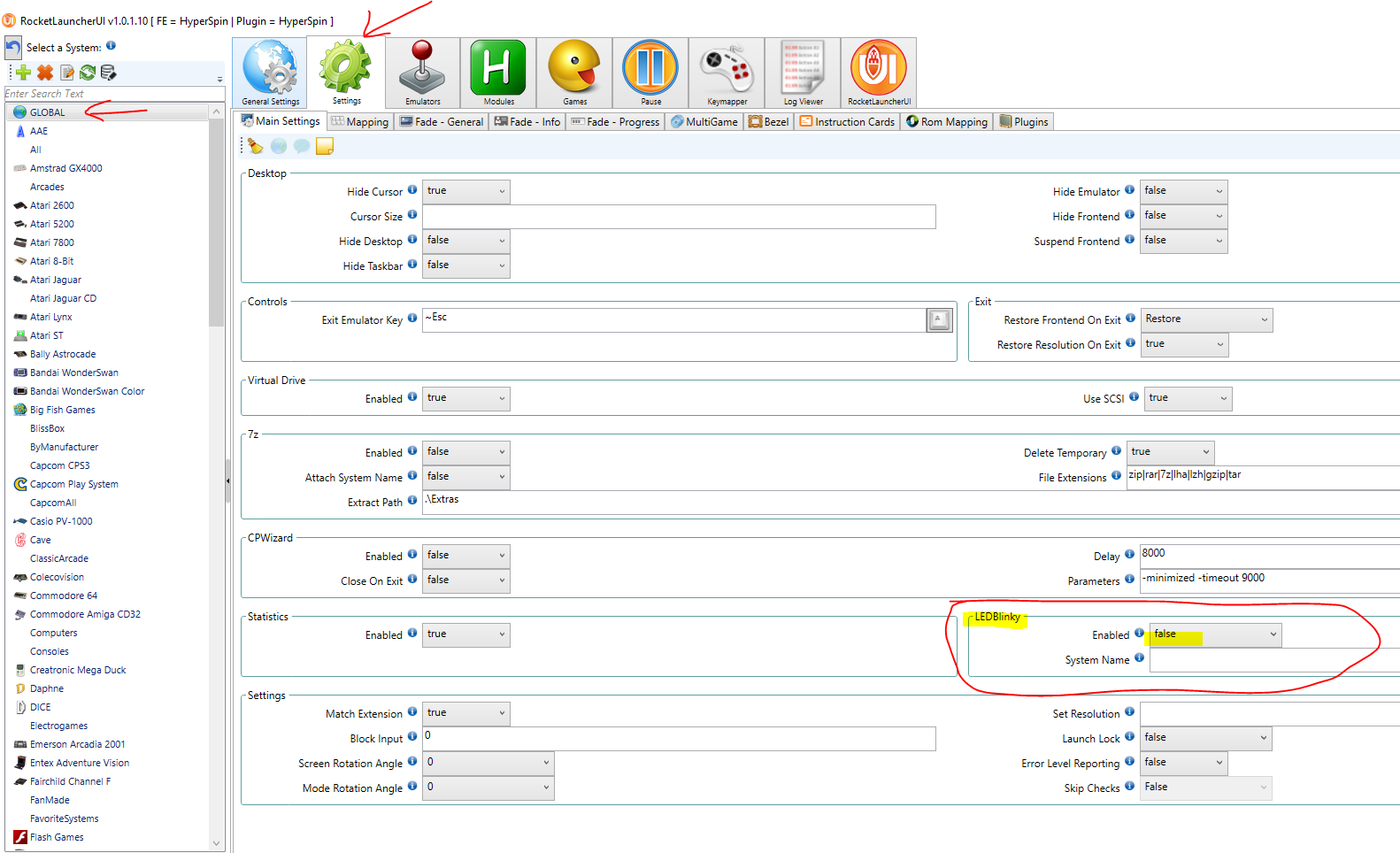
These are my EDS Settings. Hopefully this helps. HYPERSPIN *Settings.ini [LEDBlinky] Active=true Path=Z:\Hyperspin\EDS\ ROCKETLAUNCHER
-
Try turning off fades in RocketLauncher. Also, X-padder has been know to cause issues. Let me know if that helps.
-
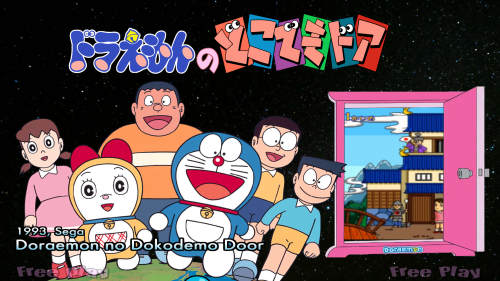
Version 1.0.0
60 downloads
16:9 Theme + Wheel + Video -

Version 1.0.0
89 downloads
Theme + Wheel + Video -
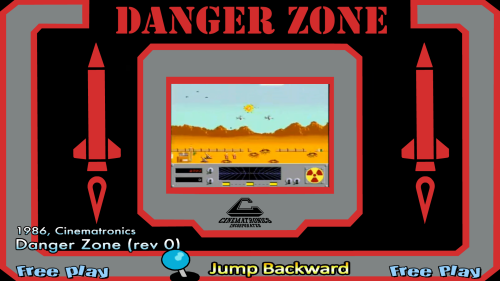
Version 1.0.0
46 downloads
Theme + Wheel + Video 16: 9 Resolution -
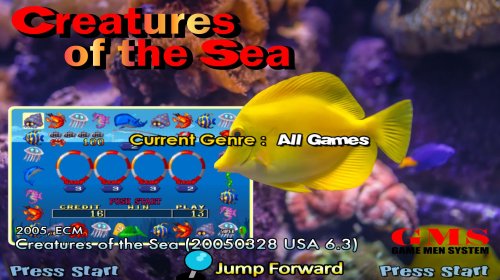
Version 1.0.0
54 downloads
Theme + wheel + video 16:9 resolution Background Artwork by ZQLEE-
- 3
-
-
-
- 16:9
- cots wheel
- (and 6 more)
-
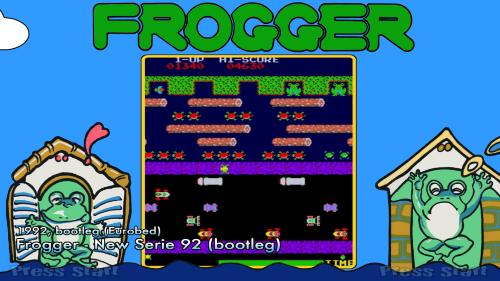
Version 1.0.0
52 downloads
Wheel + Theme + Video -
@StuS here you go.
-
@kyceneTry the below in Command Prompt.
-
MAME 0.259 Media Archive (Wheels/Videos/Database)
jesfknkrys replied to floatingyeti's topic in HS1 Graphic & Theme Creation
I agree, It’s my go to for game rom info. -
MAME 0.259 Media Archive (Wheels/Videos/Database)
jesfknkrys replied to floatingyeti's topic in HS1 Graphic & Theme Creation
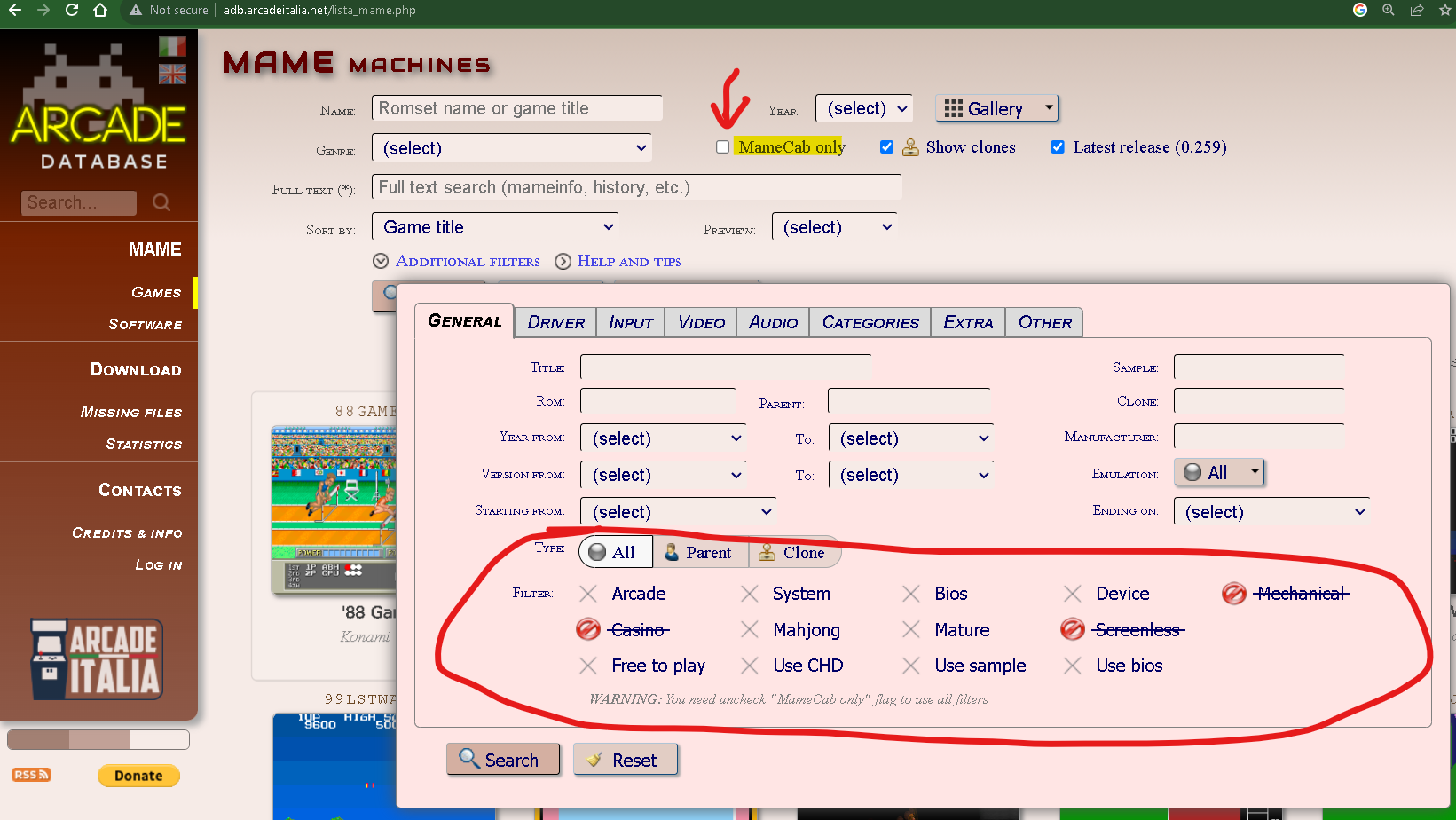
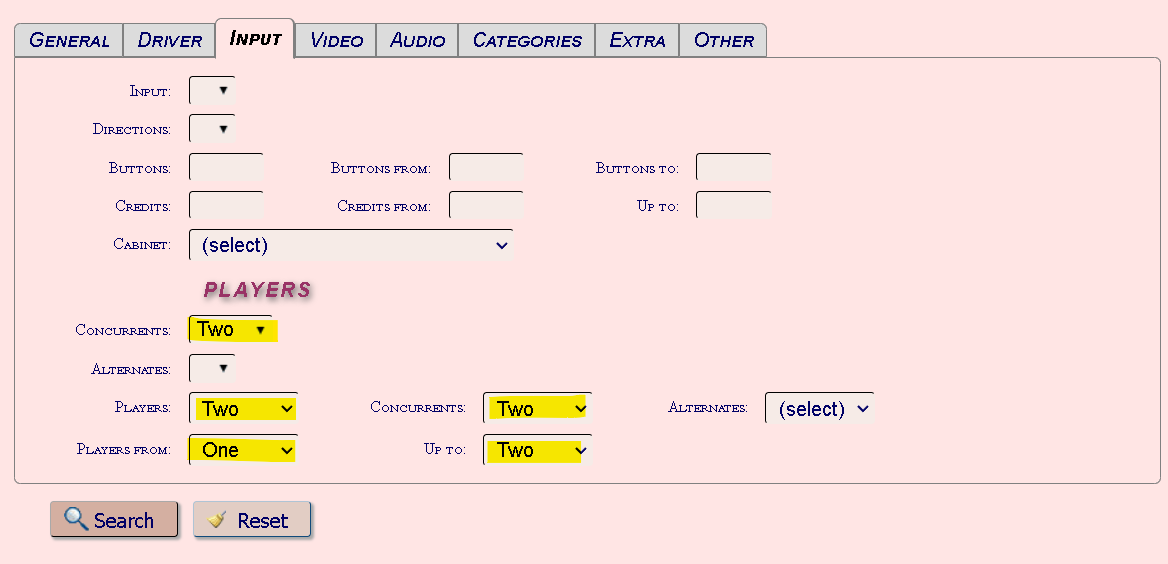
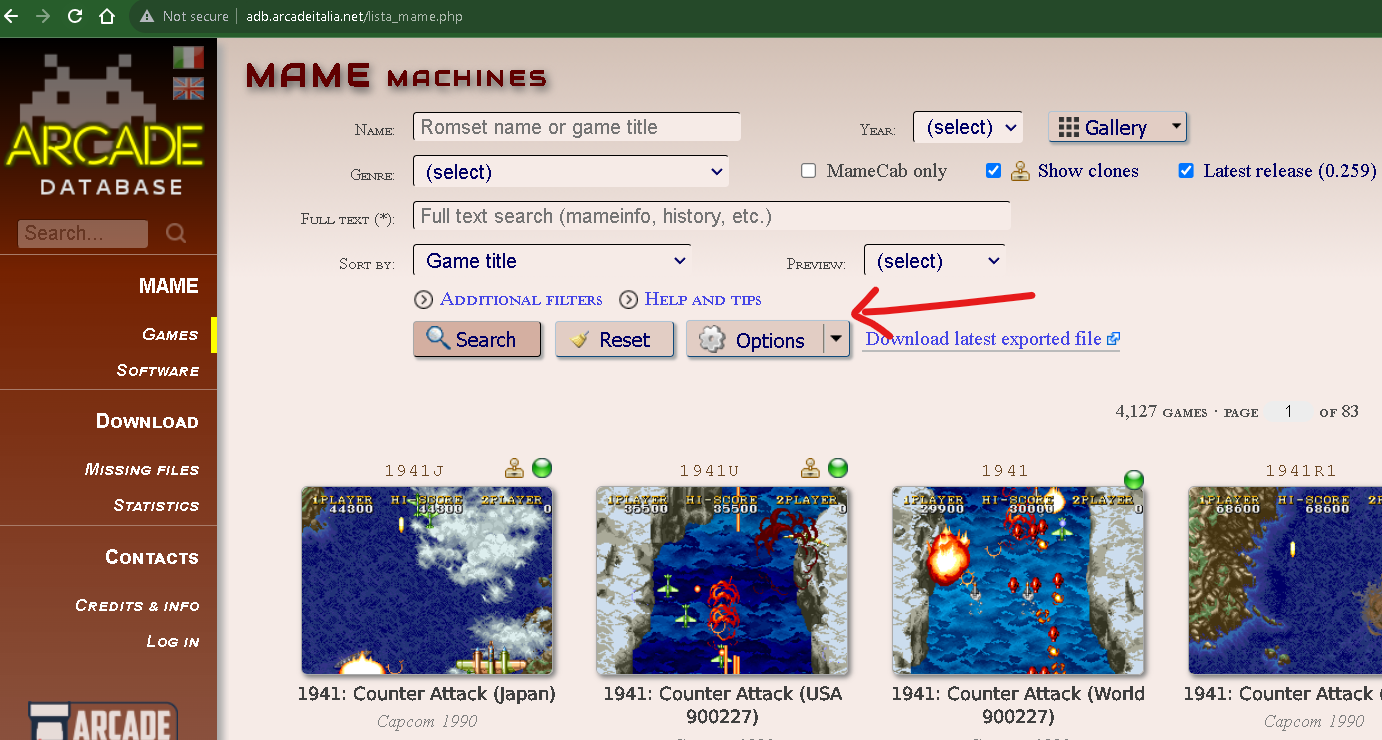
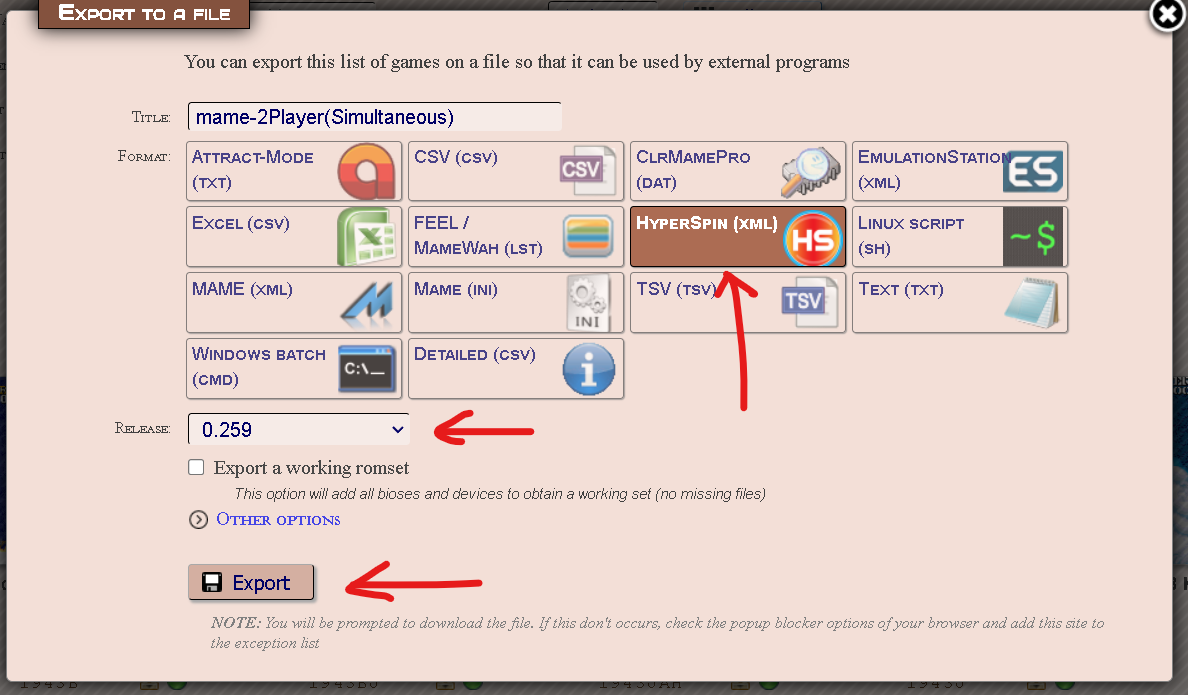
@PsyKos77 I attached the 2 player MAME XML you requested. You can create your own XMLs for MAME from http://adb.arcadeitalia.net/. I tried using Chrome,but had issues. I would suggest using Edge or an older browser since the website is using the http protocol. You need to allow pop-ups because it will try to download the XML automatically once it's generated. Instructions: Click on "Games"located on the right hand side. Uncheck "MameCab only box. Unchecking it will allow you to use the filters. Press the drop-down on the "Additional Filters". Go to the "General" tab. Click on the filters to remove. Got o the "Input" tab. Below "PLAYERS", select the below: Concurrents = Two Players= Two Concurrents = Two or more Players From = One Up to = Two or more Players From = One Up to: = two or more Press the "Search" button. Press the options "Options" drop-down, select "Export the results" Give your file a name. Select "Hyperspin (XML)" as your format. Release = 0.259 Press the "Export" button. The files will be zipped and downloaded to your downloads folder. **If the export process is finished, but your file seems to not generate. a. Press “F5” on your keyboard. b. You will then see “Download latest exported file” to the right of the “Options” button. Click on it to download your file. mame-2Players(Simultaneous).xml
-
 Great. Thank you
 -
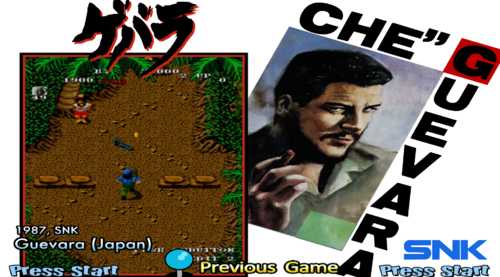
Version 1.0.0
61 downloads
16:9 Theme + Wheel Art + Video Snap <game name="gwarj" index="true" image="g"> <description>Guevara (Japan)</description> <cloneof>gwar</cloneof> <crc></crc> <manufacturer>SNK</manufacturer> <year>1987</year> <genre>Shooter</genre> <rating></rating> <enabled>Yes</enabled> </game>-
- 7
-
-
-
- wheel
- video snap
- (and 7 more)
-
Version 1.0.0
62 downloads
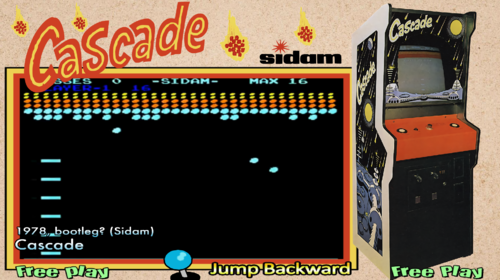
16:9 Theme + wheel Art + Video Snap <game name="cascade" index="true" image="c"> <description>Cascade</description> <cloneof>avalnche</cloneof> <crc></crc> <manufacturer>bootleg? (Sidam)</manufacturer> <year>1978</year> <genre>Ball & Paddle</genre> <rating></rating> <enabled>Yes</enabled> </game>