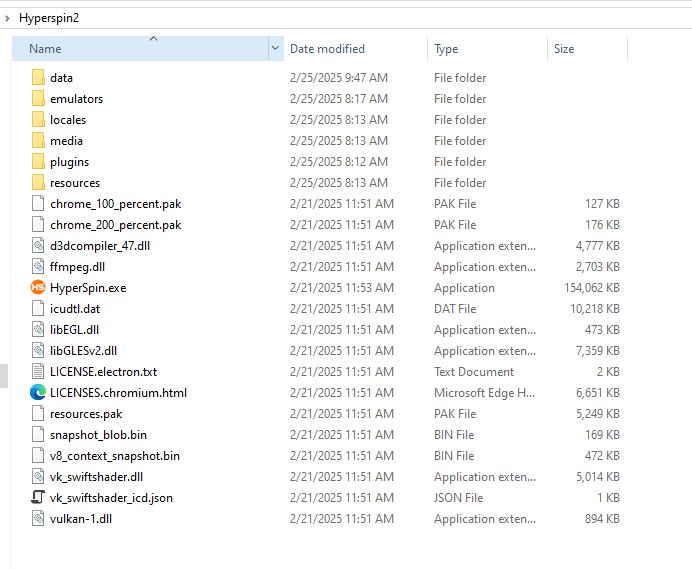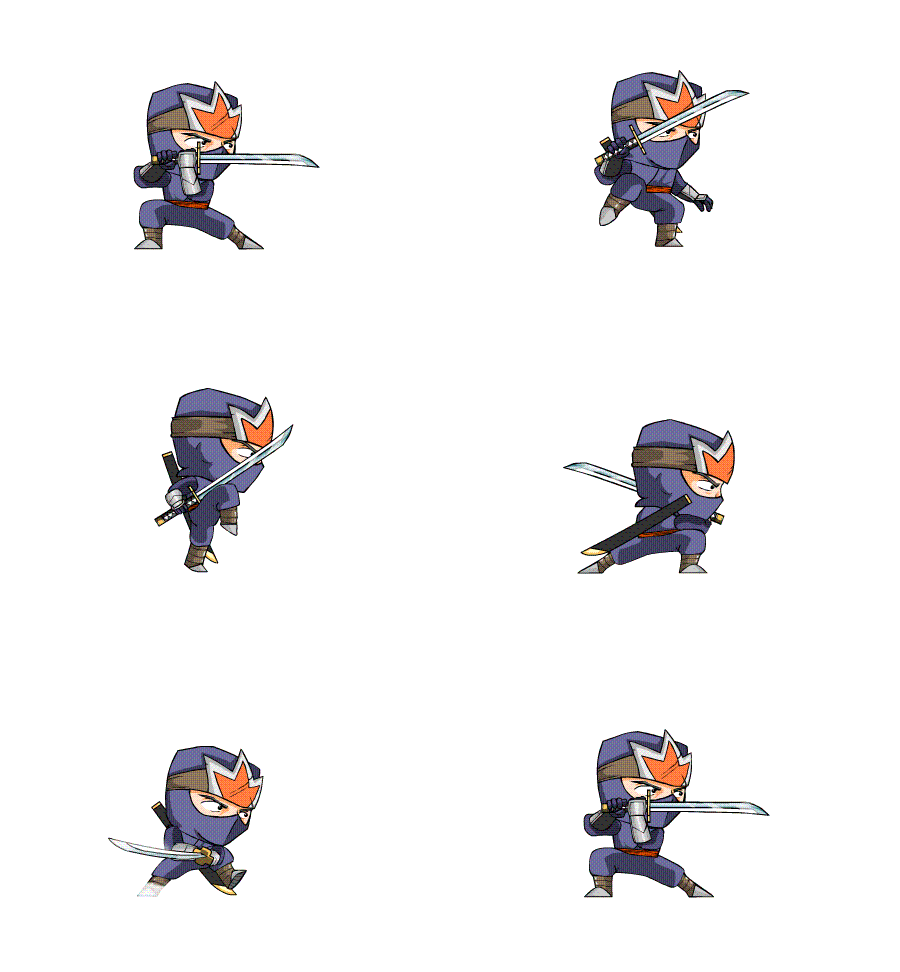
jesfknkrys
-
Posts
411 -
Joined
-
Last visited
-
Days Won
56
Content Type
Forums
Events
Downloads
Store
Everything posted by jesfknkrys
-
 There should be a “Go Back” feature in settings to revert back to previous installation. Hopefully that works for you. I’ll try fresh reinstall of windows 11 later this week to see if I have the same issues.
 -
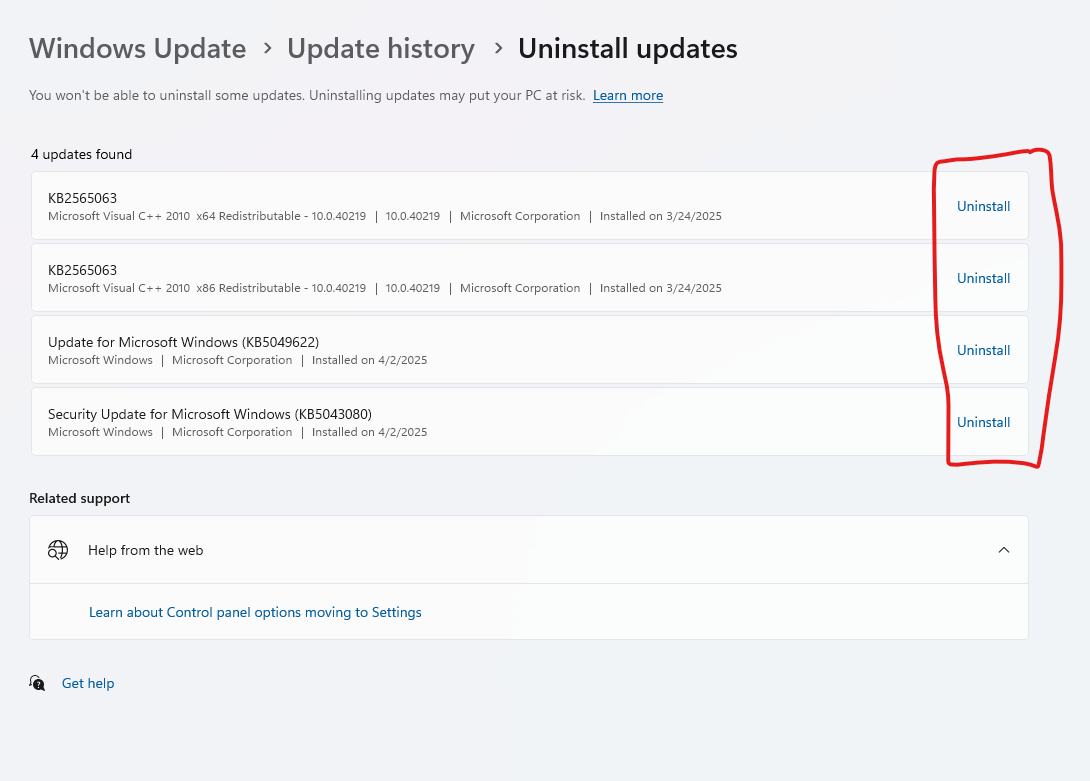
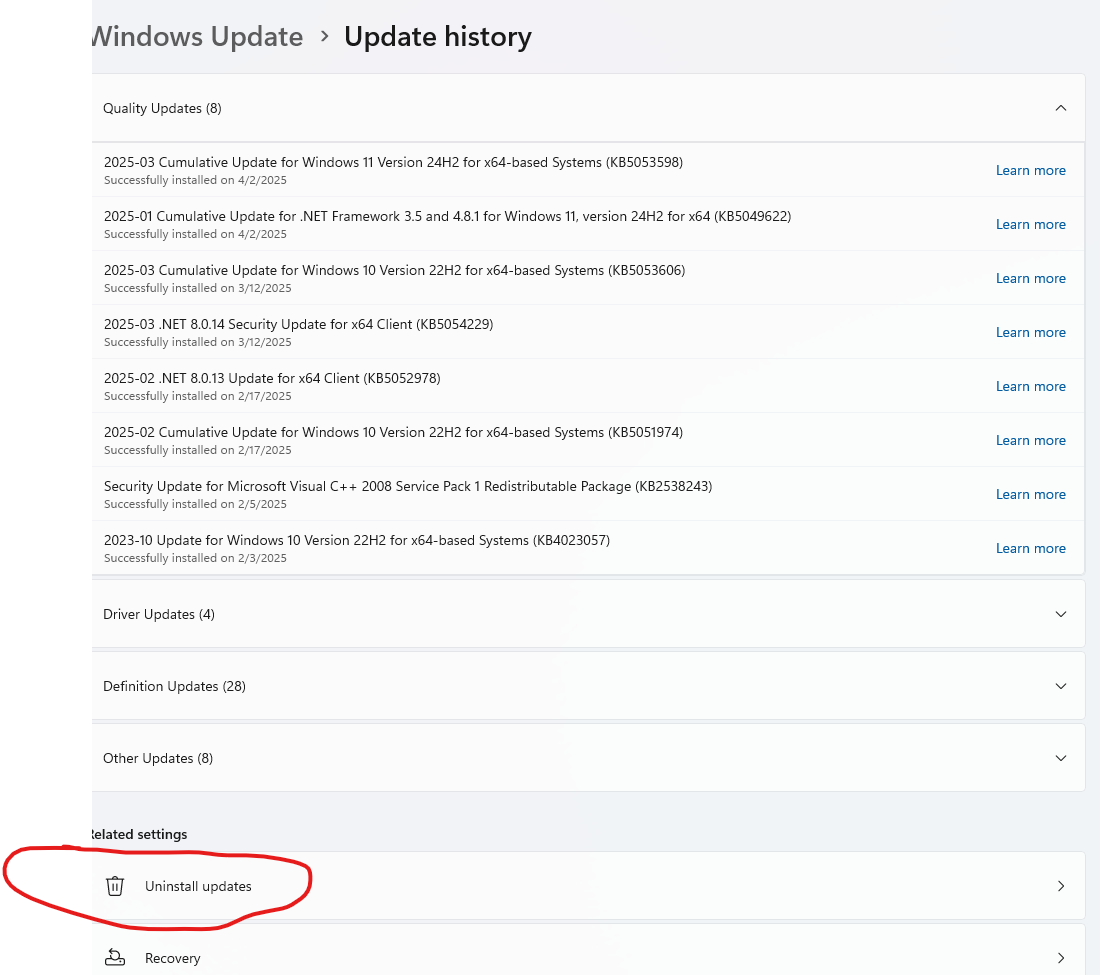
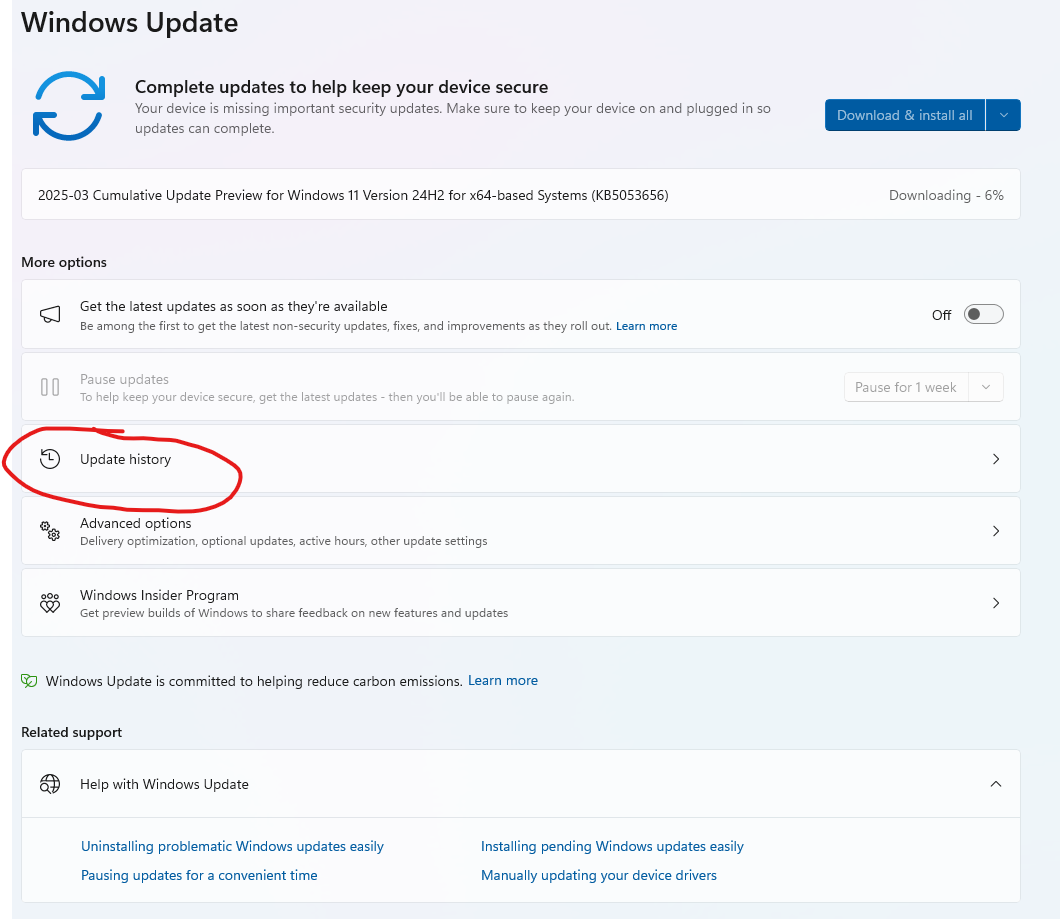
They should be at the bottom where it says “update history” .I wouldn’t worry about it if Hyperspin is working.
-
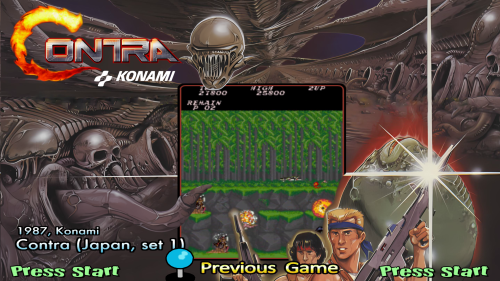
Version 1.0.0
40 downloads
16:9 theme + wheel + video(FLV and MP4) contraj_complete.zip contains all theme files -

Version 1.0.0
36 downloads
16:9 Theme + wheel + video(FLV) contcircj_complete - contains all theme files -
Version 1.0.0
16 downloads
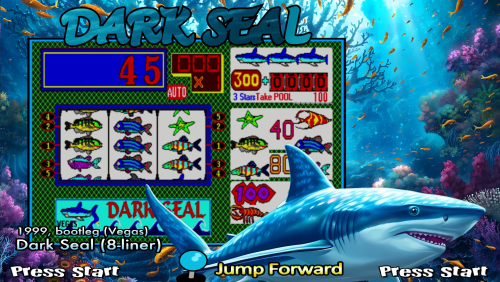
16:9 theme + wheel + video(FLV) drkseal_complete.zip - contains all files shark by calmbirdflying at Devianart background by Kiarya at Devianart -
Version 1.0.2
40 downloads
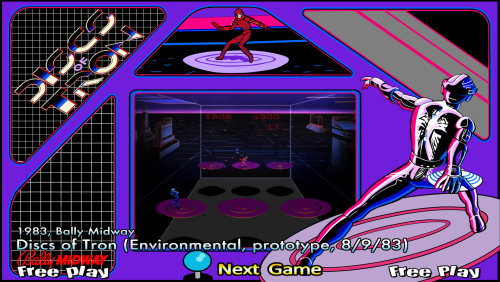
16:9 theme + wheel + video(FLV and Mp4) dotronep_complete.zip - contains all the files -
I just tested Windows 11 again. Here is the outcome Windows 11 23h2 - WORKING Windows 11 24h2 - WORKING, minus the updates I mentioned above. Windows 11 24h2 - NOT WORKING, if all updates are up to date. Windows Error Received: Faulting application name: HyperSpin.exe, version: 1.5.1.0, time stamp: 0x5aec9b23 Faulting module name: unknown, version: 0.0.0.0, time stamp: 0x00000000 Exception code: 0xc0000005 Fault offset: 0x734235a4 Faulting process id: 0x1EC8 Faulting application start time: 0x1DBA984E7A10728 Faulting application path: D:\Hyperspin\HyperSpin.exe Faulting module path: unknown Report Id: bdace66b-746c-45bb-8ab8-ba8a16cb1a54 Faulting package full name: Faulting package-relative application ID: Fault bucket 1969799237737599578, type 1 Event Name: APPCRASH Response: Not available Cab Id: 0 Problem signature: P1: HyperSpin.exe P2: 1.5.1.0 P3: 5aec9b23 P4: StackHash_38d9 P5: 0.0.0.0 P6: 00000000 P7: c0000005 P8: PCH_BC_FROM_ntdll+0x00079B4C P9: P10: Attached files: \\?\C:\ProgramData\Microsoft\Windows\WER\Temp\WER.a35079c7-a212-49f7-be61-831697570aa5.tmp.mdmp \\?\C:\ProgramData\Microsoft\Windows\WER\Temp\WER.1b6e4432-ccae-4d02-8963-f81da3220ed2.tmp.WERInternalMetadata.xml WPR_initiated_DiagTrackMiniLogger_OneTrace_User_Logger_20240808_1_EC_0_inject.etl \\?\C:\ProgramData\Microsoft\Windows\WER\Temp\WER.b9a347fc-3405-4219-8058-fede7137b2a1.tmp.etl WPR_initiated_DiagTrackMiniLogger_WPR System Collector_inject.etl \\?\C:\ProgramData\Microsoft\Windows\WER\Temp\WER.41b8766e-8b65-4d80-adf6-cbf0d59fae3c.tmp.etl \\?\C:\ProgramData\Microsoft\Windows\WER\Temp\WER.5038d84f-ee18-45c7-b196-679b67fe92c3.tmp.csv \\?\C:\ProgramData\Microsoft\Windows\WER\Temp\WER.012b58da-ed8f-47f5-b9ff-9f7dad2a9738.tmp.txt \\?\C:\ProgramData\Microsoft\Windows\WER\Temp\WER.afa578bb-3bb8-4abe-8dcf-9846809a8b4b.tmp.xml These files may be available here: \\?\C:\ProgramData\Microsoft\Windows\WER\ReportArchive\AppCrash_HyperSpin.exe_175bb5e6274229b21fd285aa81e12c607761b3_1556631f_8ed45617-f933-4243-aced-95e0a5df342d Analysis symbol: Rechecking for solution: 0 Report Id: 92523cdc-d4c4-409f-ac9c-27ce05e9f01b Report Status: 268435456 Hashed bucket: c97b09a748859aac8b5621f8642f525a
-
I will try updating all latest Windows 11 and report back tomorrow
-
@Agard Windows 11 is working as long as you don't intsatll the above mentioned updates.
-
Version 1.0.0
45 downloads
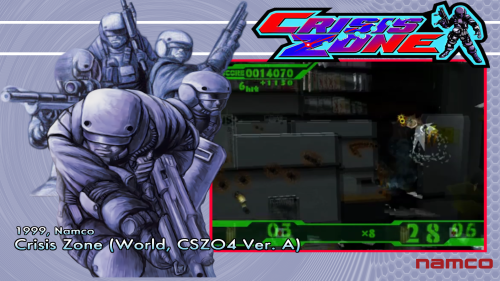
16:9 Theme + wheel crszonev4a_complete.zip contains wheel, theme and video snap(FLV and MP4)-
- 5
-

-

-
- crszonev4a
- namco
- (and 5 more)
-
I’ll keep on adding systems to identify other systems not syncing.
-
So far, only issue is with the Amiga Commodore themes not syncing. I also created a genre theme in HyperTheme and the theme is not syncing to my account. The genre list only contains MAME games, but the artwork does not sync to the custom list.
-
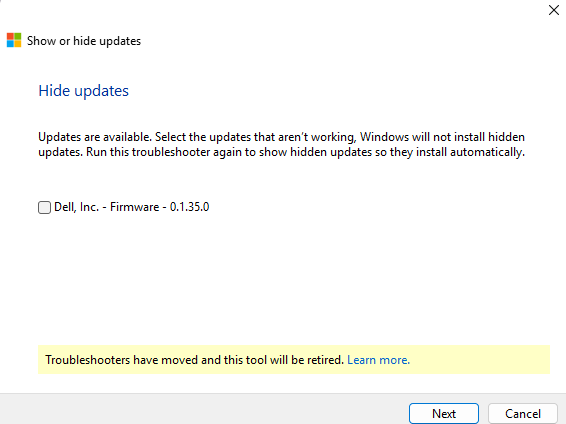
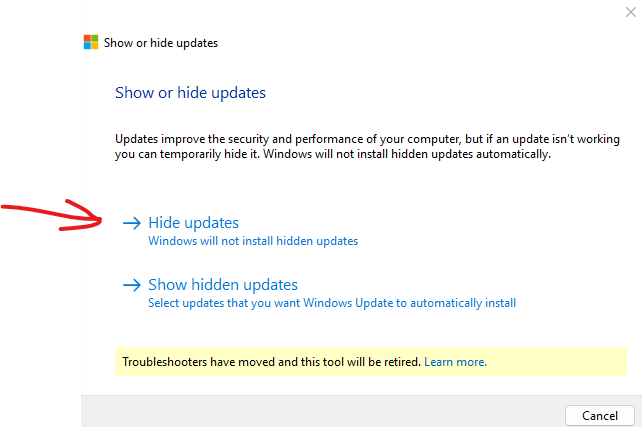
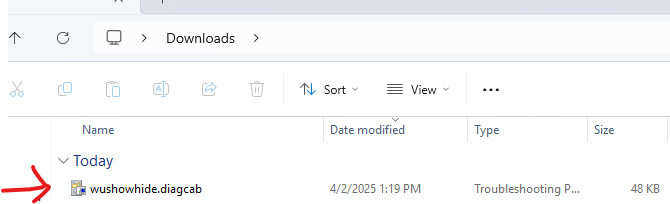
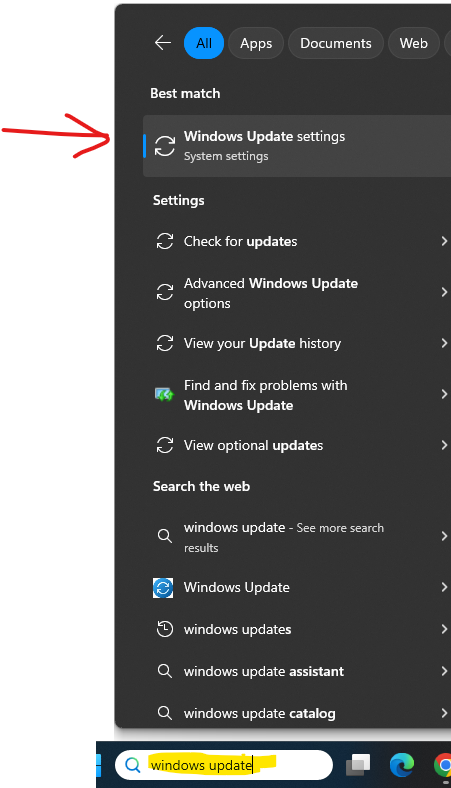
I'm just updated my laptop from Windows 10 to Windows 11(24h2). Hyperspin was running fine on Windows 11(24h2) until it took update (KB5053598). I believe there will be a lot more updates to be blocked. I'm assuming Windows 11 is requiring a digital signature from Hyperspin to run. Problematic update(s) on Windows 11(24h2) Uninstall the below update(s): KB5053598 KB5053656 KB5055523 KB5055627 Installed the Microsoft Show or Hide Updates Troubleshooter(link below) and hide the updates to avoid auto installation. https://download.microsoft.com/download/f/2/2/f22d5fdb-59cd-4275-8c95-1be17bf70b21/wushowhide.diagcab

-
Version 1.0.0
41 downloads
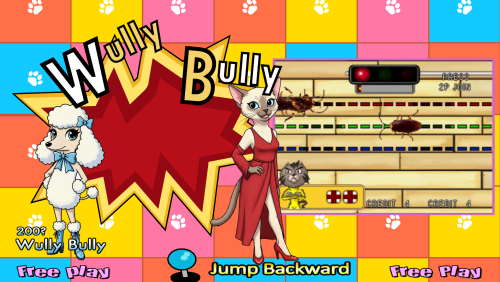
wulybuly_complete.zip contains all the theme files to minimize download wait times. 16:9 Theme + Wheel + Video(FLV) -
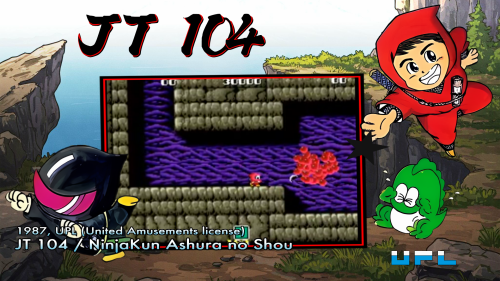
Version 1.0.0
41 downloads
Complete theme files are located inside "jt14_complete.zip" to cut down on download waiting times. 16:9 Theme + Wheel + Video- 1 review
-
- 6
-
-
-
- upl
- ninjakid ii
- (and 5 more)
-
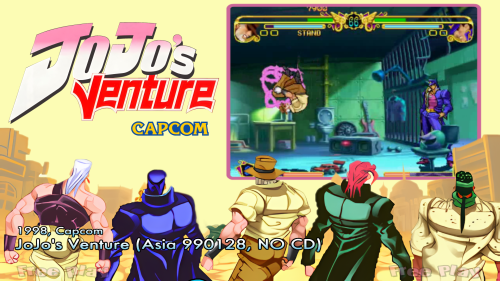
Version 1.0.0
50 downloads
I included one a zip file with the files to cut down on download wait times. 16:9 Theme + Wheel + Video(FLV) -
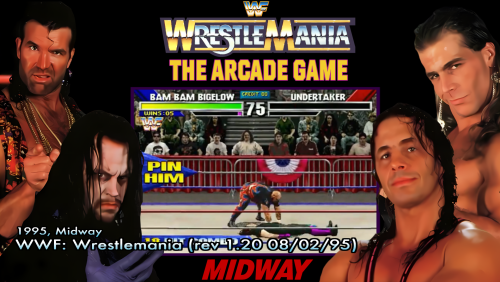
Version 1.0.0
54 downloads
16:9 Theme + Wheel + Video(MP4) wwfmaniab_complete.zip - Contains the Wheel, Video(FLV), and Theme to minimize download wait times. -
@Redman805 I myself haven’t confirmed it it’s working on windows 11 with the latest updates. Are you up to date Windows 11 updates?
-
Try deleting the plugins manually. They would be located in your installation folder under plugins. then start HyperHQ to rebuild.
-
Have you tried checking for system corruption just to narrow down your issue? sfc /scannow
-
Which core is stuck HyperspinCore 2.0.34 or HyperspinCoreEssentials 1.1.0 ?
-
I was also having issues on the previous version. I would download the lastest HyperHQ release from the websitem instead of updating, if you haven't done so? Also, I HyperspinCore 1.1.0 might take a while to download and install. I clicked on update, and it's been stuck on "Installing" for the past 7 minutes. Besides that, Hyperspin is working fine so far.
-
@Asparky I hope this helps. Uninstall HyperHQ In C:\users\USERNAME Delete .HyperHQ folder Delete .Hyperspin folder In C:\users\USERNAME\AppData\local (You will need access to view hidden items) Delete hyperhq-updater folder In C:\users\USERNAME\AppData\Roaming (You will need access to view hidden items) Delete HyperHQ folder Delete Hyperspin folder In C:\ProgramData Delete Hyperspin Delete everything in your Hyperspin install directory. Download latest HyperHQ version from website and setup.
-
I’m having the same issue. I did a Fresh install. No theme artwork showing.
-
You need to remove the last updated if possible. If not, you might need to reinstall windows.