
Creezz67
-
Posts
1,323 -
Joined
-
Last visited
-
Days Won
23
Content Type
Forums
Events
Downloads
Store
Everything posted by Creezz67
-
Great news ... MAME Rom Mapping is working in Hyperspin 2.0 using RocketLauncher as the emulator.

-
I updated from 31 to 33 and it installed into C:\ instead of D\ once I moved the new HyperHQ folder onto my D:\ and then added a new system all the media it downloaded was added to the correct location (D:\ drive) for the first time
-
Just updated from 2.0.31 to 2.0.33 and it still updated to the wrong drive C:\ Copied it to my D:\ drive location, installed a new system and now it is finally putting ALL the media and videos in the correct location, rather than sending it all to C:\ as it was before
-
Forget about them ever fixing this, now Hyperspin 2.0 is out this is redundant as far as they are concerned. Go back to 23H2 (look for download for Windows 11 23H2) iso , it all works fine on that.
-
Has anyone got this to work using Rocketlauncher as the emulator ? the Rom mapping screens all load fine , but then it just has a black screen and exits when trying to load. if this works Hyperspin could literally be as it was before , all running through Rocketlauncher , because every system I have tried running through RL seems to work fine so far and best of all the exit works on the controller.
-
Current command line only load to main menu. Thanks
-
Now I know why it keeps asking me to update over and over, even though I am using HyperHQ on D:\ when it updated it kept updating and copying to C:\ So it seems to think it's not updated and then asks over and over to update, all the while sending it to C:\ Once I copied the C:\ files back to D:\ it then stops asking me to update. Update: Once I did this, HyperHQ works fine but now Hyperspin will not load at all.
-
No, as soon as I reload it asks me again. Also HyperHQ will not exit correctly and can only be rebooted if I close it down in Task Manager Same with Hyperspin.exe (won't exit correctly)
-
HyperHQ keeps asking me to update, now it has been 10 times in a row and still it keeps asking ? I am assuming this is a bug ?
-
High Quality Why only have 1 option when many systems don't have High Quality, yet some do ? Just deleted everything and tried again setting it to Medium and it still goes to C:\Hyperspin while the other media like boxart etc all go to correct place.
-
Also, how are we supposed to exit from the emulator without RocketLauncher modules doing it for us ? There needs to be an default exit key to get back to Hyperspin, not all emulators allow Escape key to be used.
-
EmuMovies videos are all defaulting to C:\Hyperspin, regardless of the location you setup in HyperHQ (In my case D:\Arcade) When I then copy them from this location back to where all the other media is, they don't show up. Also boxart is not showing in Hyperspin either, even though it's all showing up in HyerHQ Is this a bug or can we only use C:\ to install Hyperspin ?
-
Look on the Facebook link … it’s real this time
-
Finally !!!!!!! Hyperspin 2 is coming I know one person that won't be happy about it ..... Jason Carr !! And if you don't go and read the announcement on FB, remember this site will be down for a few days from tomorrow to get it all sorted. 1 thing i read .... the 24H2 problem will be no more !!!! From Andyman https://www.facebook.com/therealhyperspin/posts/pfbid02oaam4b6xjJ9pwQsQNVCeK88kLMLw2yaUaS9oQEUThRV8VD84EexVX9gkKipbda5Jl ... that's all I'm at liberty to say right now. See? I told you things only seemed quiet around here!
-
Finally !!!!!!! Hyperspin 2 is coming I know one person that won't be happy about it ..... Jason Carr !! And if you don't go and read the announcement on FB, remember this site will be down for a few days from tomorrow to get it all sorted. 1 thing i read .... the 24H2 problem will be no more !!!! From Andyman https://www.facebook.com/therealhyperspin/posts/pfbid02oaam4b6xjJ9pwQsQNVCeK88kLMLw2yaUaS9oQEUThRV8VD84EexVX9gkKipbda5Jl ... that's all I'm at liberty to say right now. See? I told you things only seemed quiet around here!
-
Finally !!!!!!! Hyperspin 2 is coming I know one person that won't be happy about it ..... Jason Carr !! And if you don't go and read the announcement on FB, remember this site will be down for a few days from tomorrow to get it all sorted. 1 thing i read .... the 24H2 problem will be no more !!!! From Andyman https://www.facebook.com/therealhyperspin/posts/pfbid02oaam4b6xjJ9pwQsQNVCeK88kLMLw2yaUaS9oQEUThRV8VD84EexVX9gkKipbda5Jl ... that's all I'm at liberty to say right now. See? I told you things only seemed quiet around here!
-

Windows 11 24H2 Update KB5046740 breaks Hyperspin
Creezz67 replied to DillonM1075's topic in Support
https://www.facebook.com/therealhyperspin/posts/pfbid02oaam4b6xjJ9pwQsQNVCeK88kLMLw2yaUaS9oQEUThRV8VD84EexVX9gkKipbda5Jl ... that's all I'm at liberty to say right now. See? I told you things only seemed quiet around here! -
Finally !!!!!!! Hyperspin 2 is coming I know one person that won't be happy about it ..... Jason Carr !! And if you don't go and read the announcement on FB, remember this site will be down for a few days from tomorrow to get it all sorted.
-
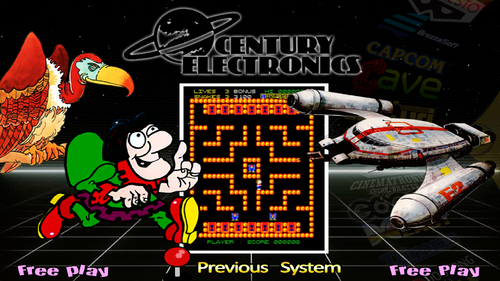 All the roms are just part of the MAME set.
 -
Don't worry everyone, captain obvious has contacted Microsoft so it should all be fixed in no time !
-
If you are on Windows 11 version 24H2 (type WINVER into search on desktop if unsure) Hyperspin will not currently work, unless you uninstall the problem updates, then turn OFF Windows Updates completely. Alternatively, you can look for Windows 11 version 23H2 and install that, all working fine on previous versions with updates enabled.
-
Windows 11 24H2 Update KB5046740 breaks Hyperspin
Creezz67 replied to DillonM1075's topic in Support
What I am saying is that people keep coming back to Hyperspin because even without any improvements it's still better than ALL other frontends ( I have Launchbox setup with over 600 wheels and it's laughably bad in comparison) Like a Ferrari with a Fiat Punto engine (Looks great from the outside, but is as slow as hell) Hyperspin with the same systems performs perfectly well and until another frontend does that, Hyperspin will always be my go to. Yes, I don't understand why it's not Open Source if he doesn't want to maintain it anymore. Major improvements could be made overnight by others in these forums, that's for sure. -
Windows 11 24H2 Update KB5046740 breaks Hyperspin
Creezz67 replied to DillonM1075's topic in Support
There are other frontends like you say, but none better than Hyperspin/RocketLauncher combo (even though nobody has touched it for years) Launchbox for example is laughable in comparison ... it's so slow it's practically unusual. Imagine how good Hyperspin would be now with another 6-7 years of improvements !!!! -
.thumb.png.21f0b80621a9eab4c00da3a721adc404.png)
Version 1.0.0
13 downloads
The Plucky Squire is a 2024 action-adventure platform game developed by All Possible Futures and published by Devolver Digital. The game follows the magical adventures of storybook characters Jot and his friends who discover a three-dimensional world outside the pages of their book. Plucky Squire, The.mp4
.png.f93a98b3850e90ad406974e4984efb3a.png)
.png.f0096e48eae69e134165e74cbb9ddc4d.png)


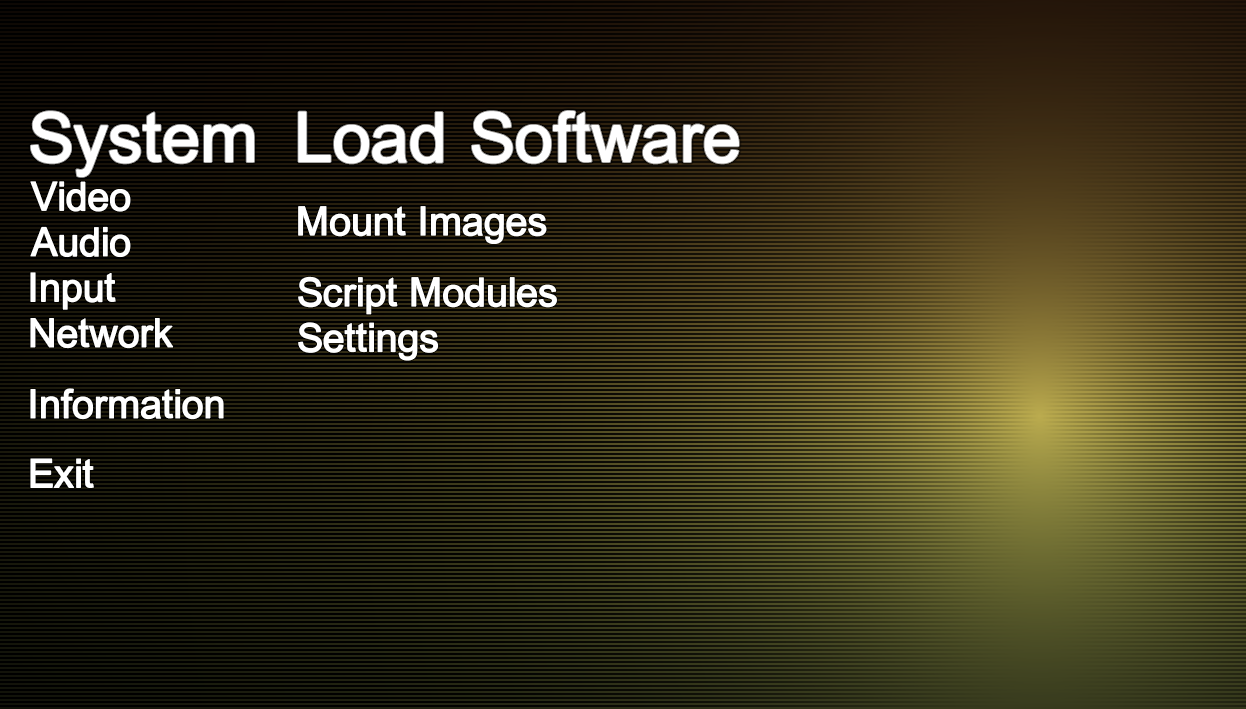
.png.806aa2e3bc066d93b843cdf813785043.png)
.png.af6d3118aad3ead59e94c481514d95b7.png)
.png.cf72a16698fddb95cd917791e4b21413.png)