Andyman
-
Posts
744 -
Joined
-
Last visited
-
Days Won
74
Content Type
Forums
Events
Downloads
Store
Everything posted by Andyman
-
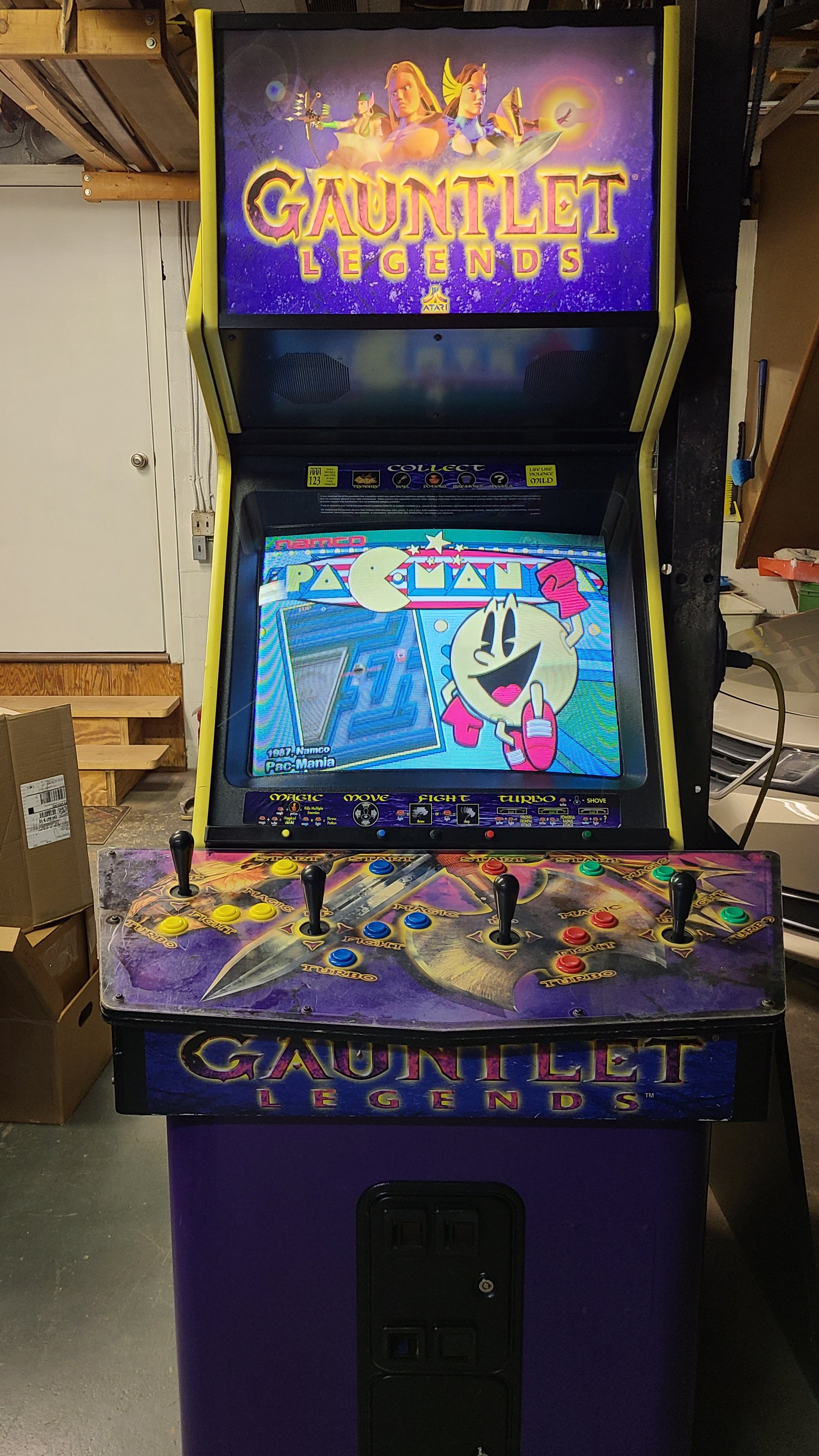
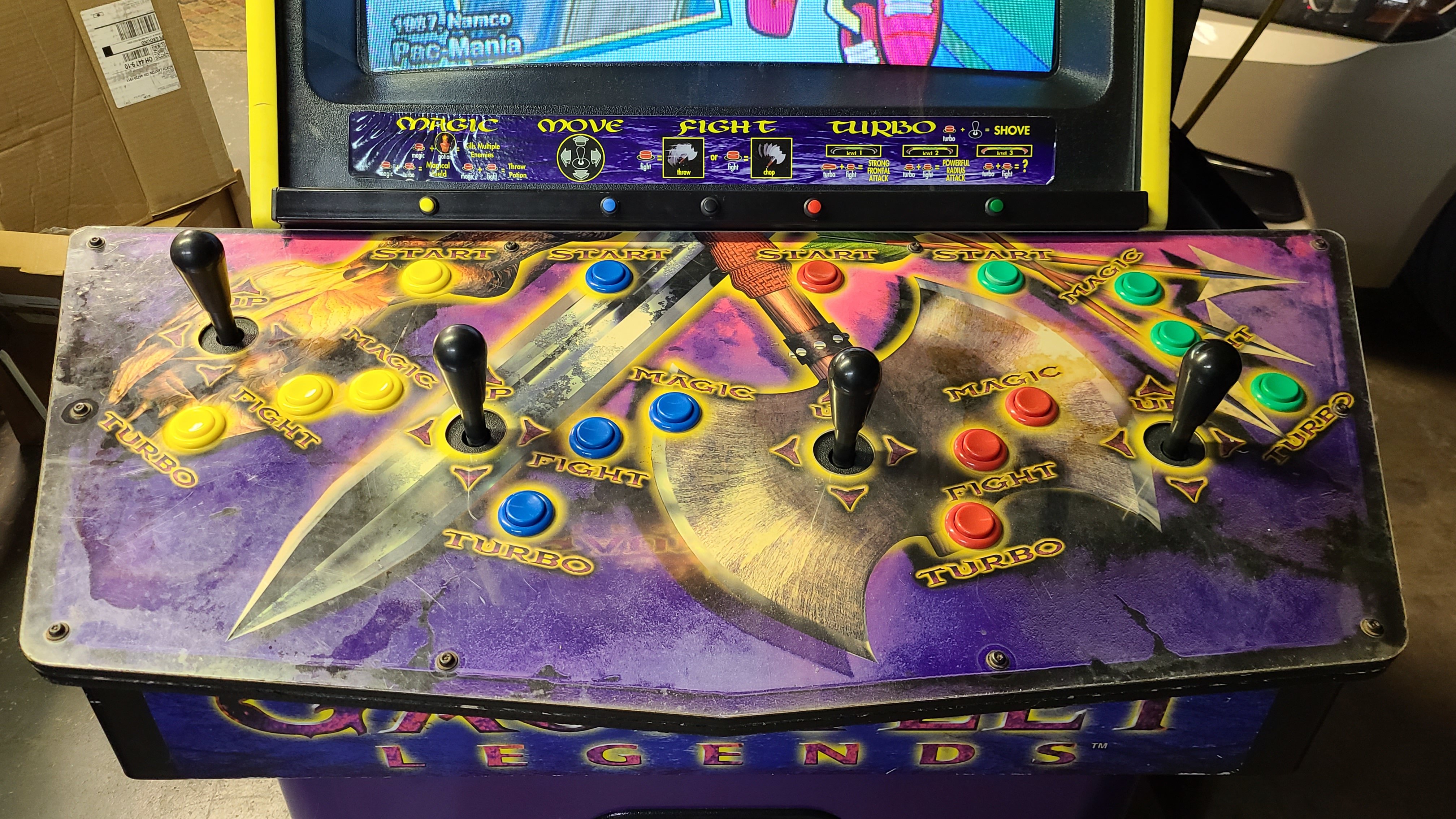
Thought I'd share my Gauntlet Legends cabinet :)
Andyman replied to Andyman's topic in Cabinets and Projects
OK, I had some time this afternoon, so I (re)added Bad Lands, Indy Heat, Super Off-Road Track Pak, and Super Sprint and fiddled with their control settings. On a whim, I cranked the analog increment and sensitivity settings way down, and wonder of wonders! They all work pretty well now! I decided to leave Sprint 4 off. I just don't like how it handles the gear shift. You might wonder why I didn't include Championship Sprint. It's because it's a 2-player Super Sprint with a few different tracks. Same thing with the original Super Off-Road. The Track Pak expansion has everything the original has, plus dune buggies and more tracks. Here are the 4 games I removed: Anteater (it's only 1-player, and I have plenty of maze games already) Ikari Warriors (loads of run-n-gun games already) John Elway's Team Quarterback (lots of American football already) Kangaroo (tons of platformers already) Here's the updated 300-game MAME database I'm using. I forgot to mention earlier that I hand-picked the games to be USA-region wherever possible, so the folks in other regions will want to go with the roms from where they are. Game on! mame.xml -
Thought I'd share my Gauntlet Legends cabinet :)
Andyman replied to Andyman's topic in Cabinets and Projects
On the Gauntlet Legends cabinet. The Cruis'n World cabinet is limited to racing games that are chase or in-car view, no overhead games, to keep the theme consistent and because the wheel has hard stops. Cool setup you have there! -
Thought I'd share my Gauntlet Legends cabinet :)
Andyman replied to Andyman's topic in Cabinets and Projects
I need to try those games again on my cabinet - Super Sprint, Sprint 4, Badlands, Super Off-Road and Indy Heat. I was able to make Hot Rod and Stocker play well, so maybe I just didn't find the right settings the first time around. If I can make those work well enough, the question then becomes... what games do I take out? -
Thought I'd share my Gauntlet Legends cabinet :)
Andyman replied to Andyman's topic in Cabinets and Projects
Thank you! Here's my top 3: 1. (by a mile) Cyberball 2072 2. Super Sprint (not on my cabinet because it just doesn't play well enough with sticks for my liking) 3. Toobin' ... I guess that makes me an Atari kinda guy? Haha. Also, PD isn't gone. They just scaled way back and moved to Discord. -
Thought I'd share my Gauntlet Legends cabinet :)
Andyman replied to Andyman's topic in Cabinets and Projects
Thanks! I'm hoping the racing game configuration goes much faster than I'm thinking it will. Haha. -
Thought I'd share my Gauntlet Legends cabinet :)
Andyman replied to Andyman's topic in Cabinets and Projects
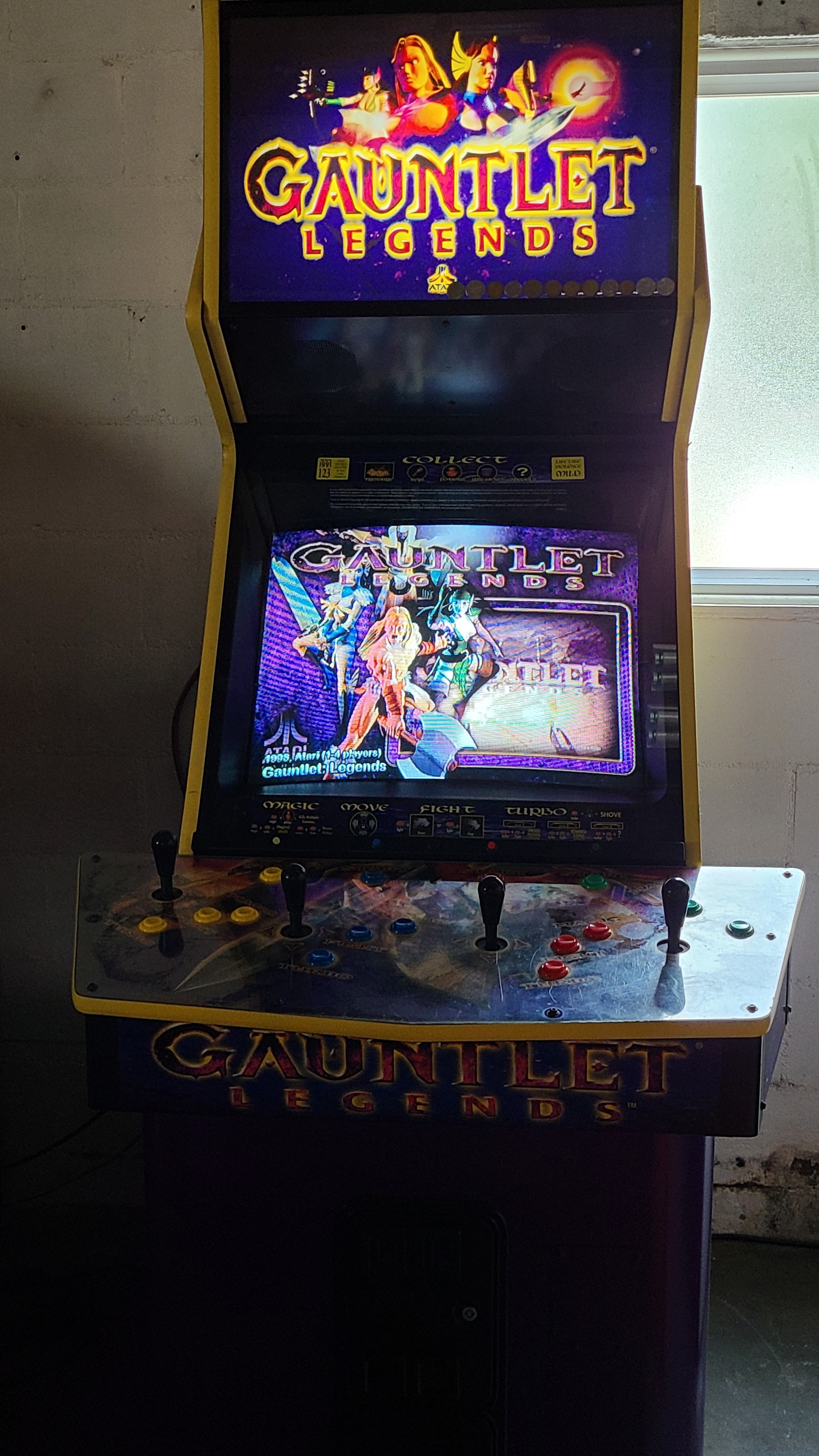
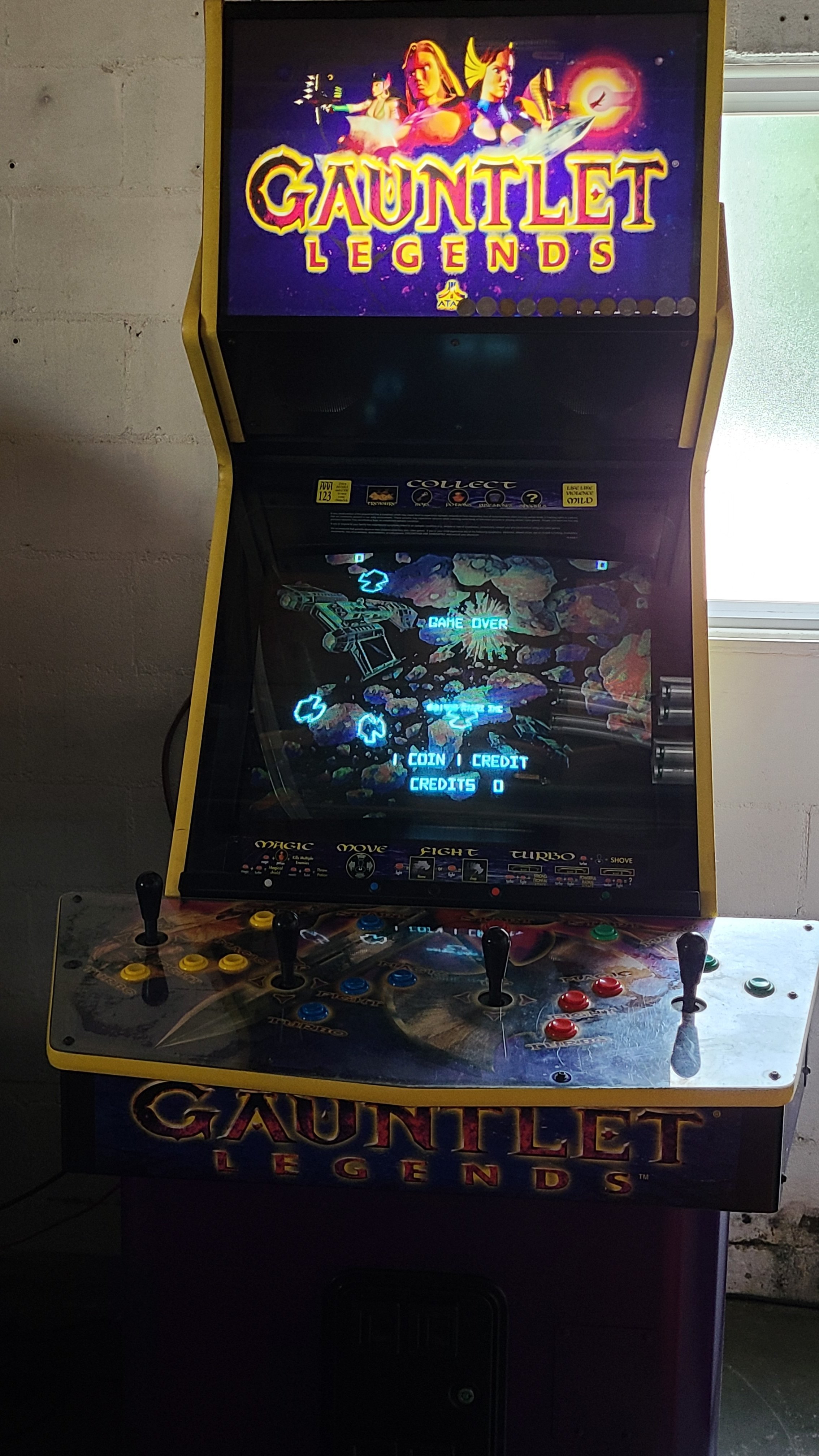
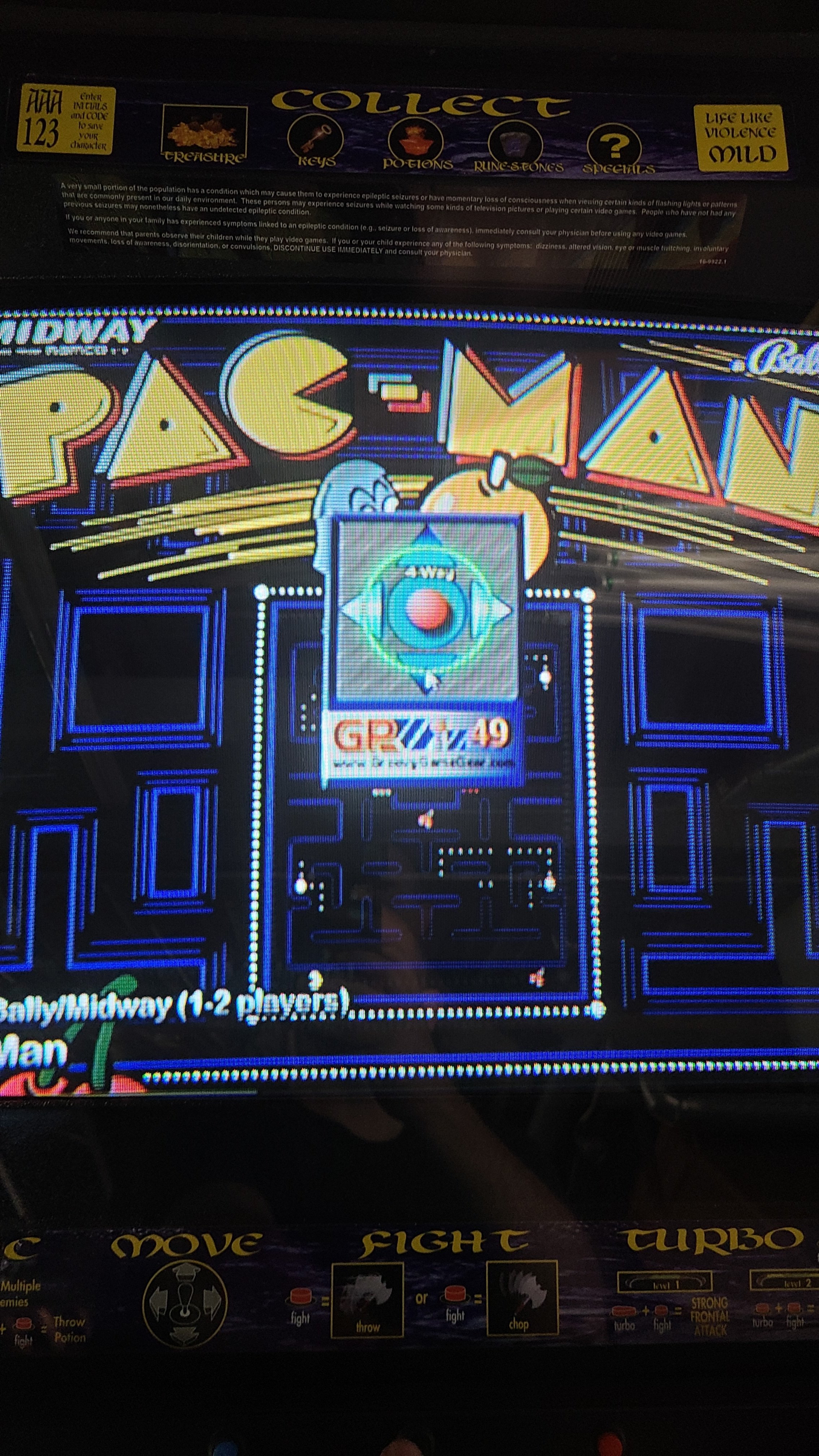
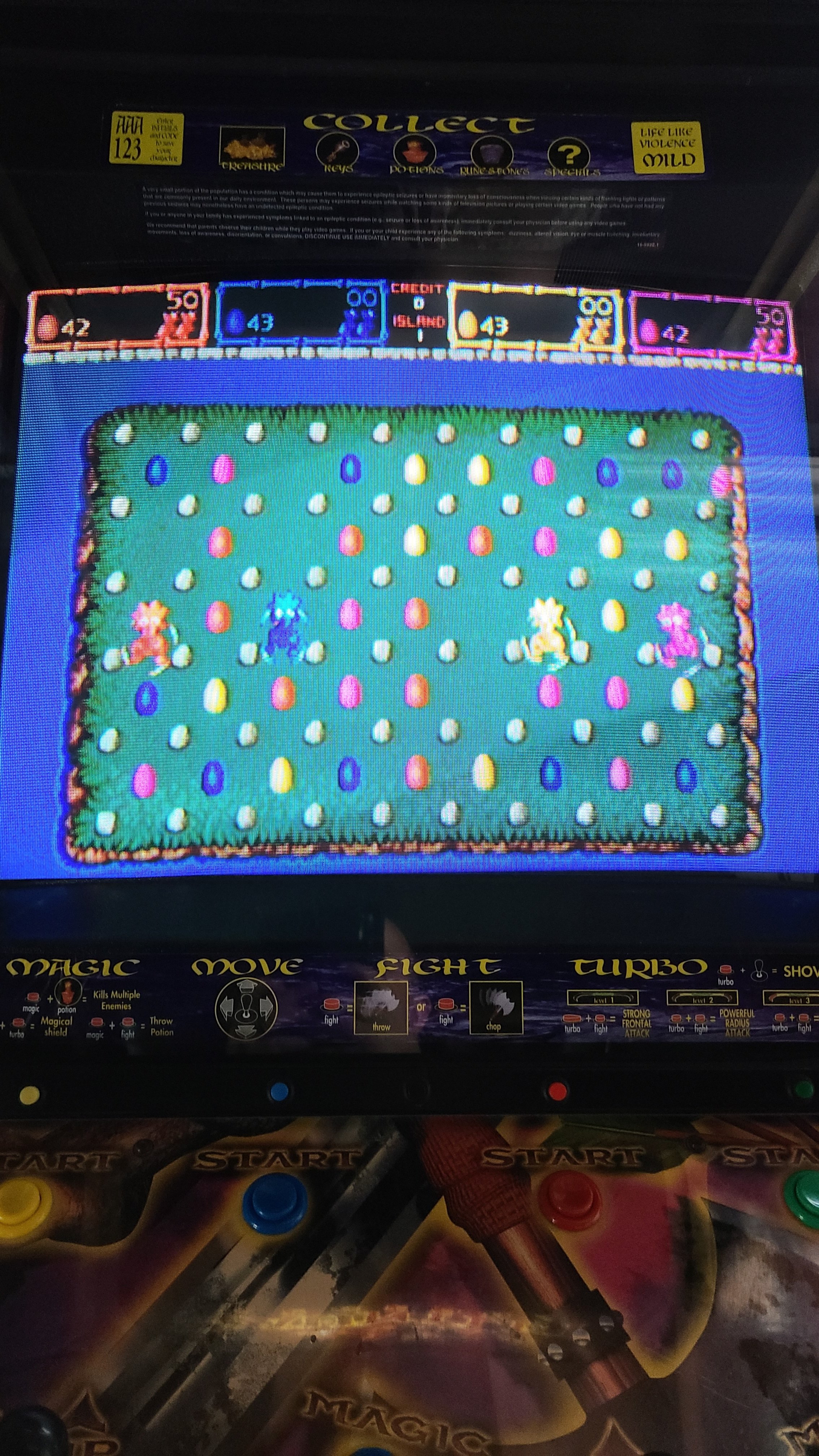
After a day-long marathon of configuring the remaining games yesterday, the Gauntlet Legends cabinet is DONE! Here are some highlights: 1) It starts up on Gauntlet Legends, because of course. I set its attract mode to sit on each game for a minute, then randomly spin to another one. 2) Games that have backgrounds and/or overlays and other unique features (like Gorf's ranking lights) are displayed as they were in the arcade. I especially love Asteroids Deluxe's blacklight-illuminated background. 3) Here's the little joystick-mode popup I was talking about earlier. 4) Here's a close-up shot of the slim coin button bar that rests just above the control panel. The game-exit button is black and barely visible in the middle of the bar (intentionally). Not pictured: a whole lot of creative control configuration. Some examples: Toobin' uses the buttons from P1/P3 and P2/P4. Quiz & Dragons uses the 4 stick directions for its 4 answer buttons. Trackball and spinner games are set to 49-way in the app and have their MAME settings tweaked to replicate analog controls as closely as a stick can. It's been a fun build process, but I'm very glad it's finally finished. Now I can actually PLAY the thing instead of spending my free time working on it.
-
Thought I'd share my Gauntlet Legends cabinet :)
Andyman replied to Andyman's topic in Cabinets and Projects
Well, it's been awhile since my last post about this cabinet... After playing on it for about a year, I decided I needed to go a different route with it. Having thousands of arcade games on it just isn't user-friendly enough for me or any casual players - and I rarely/never played about 90% of them - so I curated it down to 300 great games that I love and that will work very well with Gauntlet Legends' control setup. Then, I set about manually configuring each game's controls in MAME, and tweaking their DIP settings and built-in settings for maximum home enjoyment (see also: not having to pump in a credit every minute). One by one - yeah, it's taking awhile. Starting at the beginning of the alphabet, I've done from 1941 through Rygar as of last night. I'm becoming a huge fan of the Analog Controls settings in MAME for each game. You can really dial in the responsiveness of a joystick acting like a trackball or spinner with that. Normally awkward-with-a-joystick analog games like Arkanoid and Quantum are actually very playable when dialed in! Likewise, the slick little app that was included with the four GPWiz49 interface boards I'm using really makes the controls shine. I modified the stock MAME HyperLaunch module to feed the app the proper mode parameter: Mode: 1 - Raw 49 (Gauntlet Legends) 2 - Progressive 49 (Food Fight) 3 - 8-Way (most arcade games, I have this mode set as the default) 4 - 4-Way (Pac-Man) 5 - Diagonals (Q*bert) 6 - 2-Way Horiz (Galaga) 7 - 2-Way Vert (Defender) 8 - 16-Way (some consoles, which aren't on this cabinet) It works exceptionally well. Even better, the app pops up a neat little graphic to confirm the sticks are in the selected mode. I added a routine to switch the sticks back to 4-Way on game exit, so HyperSpin works correctly to select the next game. I also finally got around to installing the new yellow T-molding around the control panel. It was much easier than expected and it looks terrific - far better than the original molding that was split in multiple places. I'll add current photos of the cabinet once I've finished configuring the games. With any luck, that'll happen in the next week or so. In the meantime, here's the curated MAME database I'm using. You'll notice there's some games in there that don't seem to fit the cabinet's controls - I've mapped buttons to the sticks and done other things like that to make them play well. I'm super happy with the game selection, but if you spot something essential that I missed, please let me know! mame.xml -
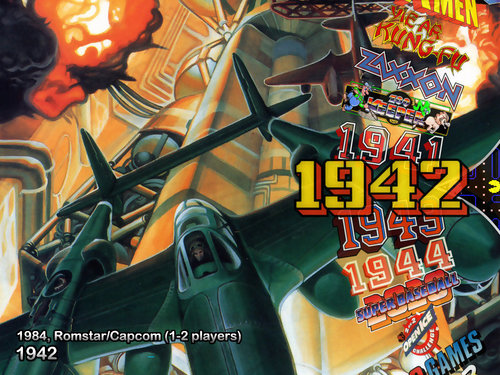
Version 1.0.0
20 downloads
I wanted something a little different in my cabinet setup, so I whipped up this Pac-Man themed Pointer image. I thought I'd share it, so others can use it too. Enjoy! -
Also, it helps to add your HyperSpin folder as an exception in your antivirus app, as many will wreak havoc via false-positive alerts.
-

Version 1.0.0
127 downloads
Another missing theme down! I tossed in a wheel image as well, in case you need it. (and LOL @ the game's tagline... so silly) -

Version 1.0.0
69 downloads
I created a proper theme for this fun racer too, as a visual upgrade and to honor Michael Schumacher's first win in F1. Enjoy! -

Version 1.0.0
114 downloads
I created a proper theme for CART Fury, because the other available theme reuses artwork from the Grand Prix Star theme. Indy cars and Formula 1 cars aren't the same thing, people! I also included a better-looking wheel image. Enjoy! -

Version 1.0.0
76 downloads
A silly theme for a silly game! -
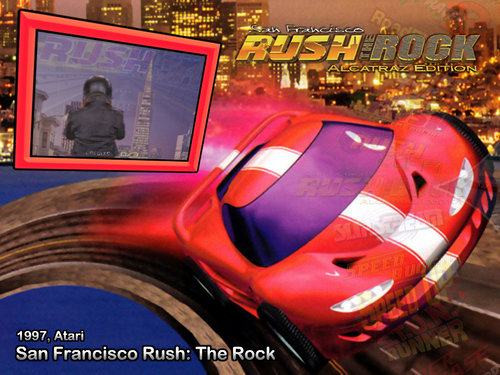
Version 1.0.0
116 downloads
Scratch another racing game theme off the missing list! I've included the wheel too, in case y'all need it. Game on! -
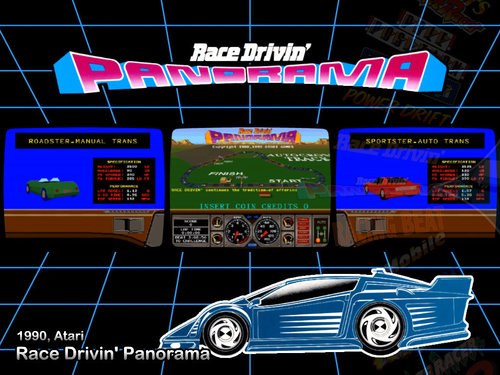
Version 1.0.0
125 downloads
Another missing racing game theme crossed off the list! I made a wheel and video for it as well, since those don't seem to exist yet. It was fun trying to catch the animated car for the screenshot. -
Version 1.0.0
47 downloads
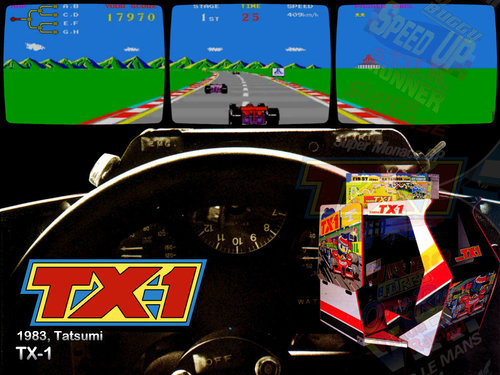
Adding one of the missing MAME game themes. I tried to replicate the look of the game's promotional flyer. Hope you like. Enjoy! -
Thanks to the wonders of Xbox Game Pass, I'm completely engrossed in Immortals: Fenyx Rising on the Series X at the moment. How this phenomenal game snuck past me when it first came out, I have no idea. It's like God of War and Spyro had a kid who loved ingeniously designed puzzles. Absolutely brilliant game.
-
After all these years, I still think HyperSpin is the ultimate in an arcade cabinet. Here's my latest project. I managed to find this gem for a mere $250 - working even! Don't worry, preservationists - my conversion is 100% reversible back to stock. I've even stashed the original CRT monitor away somewhere safe and dry for safekeeping. A few fun parts of the project to note: The CRT in it is actually a 27" Toshiba TV I got for free off Craigslist. Fun fact: the tube and mounting points are identical to the arcade original monitor. It slotted right into the frame and slid right into the cabinet. Also, the Toshiba has power-on sensing, so when I turn the cabinet on, the monitor turns itself on too! The video connection from the PC is VGA-to-Svideo, via this great adapter board, at 640x480. I was concerned about lag, but I haven't noticed any at all. Score! The stealth button bar above the control panel is actually a table leg cut to length and sprayed black! I needed a place to put the insert-coin buttons, and the little ledge below the monitor was the perfect spot. I picked up some tiny pushbuttons to match each player's color, and added a black button in the middle to escape back to the HyperSpin menu. The 25c slots in the coin door work for player 1 and 2 also. The marquee light didn't work no matter what I tried, so I set it aside and put this LED fixture in its place. I still can't believe how perfectly it fits and looks. I haven't gotten around to replacing the damaged yellow T-molding yet. It'll happen soon... if I can pull myself away from playing long enough to do it! And yeah, I made sure I can play Gauntlet Legends and Gauntlet Dark Legacy on it. The monitor is also big enough to play 4-player Tournament Cyberball 2072 with both screens displayed on the one monitor! MAME recommendation for other cabinet enthusiasts: Get familiar with the control bindings in the Tab menu! I was able to configure nearly every game in my setup in one shot, even the dual-stick games like Robotron and Karate Champ. It's super easy, once you get your brain around the way MAME does things. Feel free to ask any questions you have!
-
 This is perfect for my cabinet project. Thank you!
 -
Microsoft Xbox 1.4 (almost official) View File 1040 entries, including Japanese games and playable prototypes. Enjoy! Submitter Andyman Submitted 10/03/2018 Category Databases (XML) Credits Andyman
-
-
.thumb.png.aa9b1a9b8d3b3145ec685230b8ed0d9d.png)
Version 1.4
29 downloads
Complete set of 1040 Microsoft Xbox 2D boxes with reflections added and reformatted to be aspect-correct in 16:9 widescreen setups. The boxes themselves are sourced from other 2D box sets. This set matches the "official" Xbox database as of October 2018 (1.4). A few of the prototype games have no official box art, so I created "boxes" for these using a title screen, a gameplay screen and an Xbox box header. If you find official box art for any of these, please send it my way - thanks! -
.thumb.png.d56b275e7ded9e825ff98800d146618c.png) They're correct at their intended resolutions of 1280x720 and 1920x1080. At other resolutions, you may need to resize.
They're correct at their intended resolutions of 1280x720 and 1920x1080. At other resolutions, you may need to resize. -
.thumb.png.7c2161feddafd68c2f7407a71923cea9.png)
Version 1.0.0
36 downloads
Set of 20 Tiger Game.com 2D boxes with reflections added and reformatted to be aspect-correct in 16:9 widescreen setups. The boxes themselves are sourced from other 2D box sets. This set matches HyperList as of December 2017, but does not include images for games marked as prototypes, unlicensed, or non-English games. -
Version 1.0.0
75 downloads
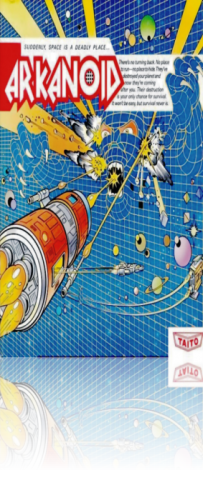
Set of 59 Tandy TRS-80 Color Computer 2D boxes with reflections added and reformatted to be aspect-correct in 16:9 widescreen setups. The boxes themselves are sourced from other 2D box sets. This set matches HyperList as of December 2017, but does not include images for games marked as prototypes, unlicensed, or non-English games.