
Leaderboard




Popular Content
Showing content with the highest reputation since 03/27/2025 in Posts
-
Hello everyone! We’ve been hard at work through May bringing a slew of updates and improvements to ThemeBuilder, HyperSpin, and HQ. Below is a complete roundup of what’s new, improved, and fixed this month. 2025-05-23 19-10-20.mp4 New Features Flipbook Effect – A brand new way to animate your themes with classic flipbook-style visuals. Ripple SFX – Ripple effect is now live with adjustable settings. New Special Effects – Now available in ThemeBuilder: Circle Reveal Left Reveal Right Reveal Top Reveal Bottom Reveal (center out) Swipe Rays Stripe Forum Auto-Posting (Coming Soon) – Publishing on HT will soon automatically post your theme to the forums with a direct link. Sharing made simple! User Profile UI Overhaul – Cleaned up and modernized user profiles. Log Out Button is Back – Back by popular demand! Improved Caching Logic – Moving between themes is now significantly faster. Fixes MAME Themes Fix – You’ll need to edit the metadata, reselect the game name, and re-save & publish for fixes to take effect. Fixed Stroke Loss on Video Reload Fixed Errors in Older Themes Fixed Preview Pixelation When Adding SFX Fixed Theme Asset Duplication Fixed Long Load Times on Large Themes Fixed Project Load Errors for Many Older Themes Fixed Theme Delete Bug – Deleting a theme now correctly targets the selected project. Improved Logging – Better server-side logging helps us squash bugs faster. Improvements Delete Animation Moved – It now appears at the bottom of all effects for better UX. Ripple SFX Fully Live – After a preview period, it's now fully integrated. HyperSpin v2.0.41 – Now supports all the latest ThemeBuilder features and special effects. HQ Now Supports MAME 0.277 Thank you to @yaron and his team for some brilliant suggestions and to the community for your continued support and feedback. Let us know what you think of the new features and stay tuned – more great things are on the way! Don’t forget to edit, re-save, and re-publish your MAME themes to apply the latest fixes! @rondar and @Roadrunner have been busy too! Aliens_Extermination.mp4 RoadBlasters_Arcade (1).mp4 Blazing_Angels.mp4 Radikal_Bikers (1).mp4 bandicam_2025-05-12_13-14-20-407.mp4 bandicam_2025-05-23_15-49-44-529.mp414 points
-
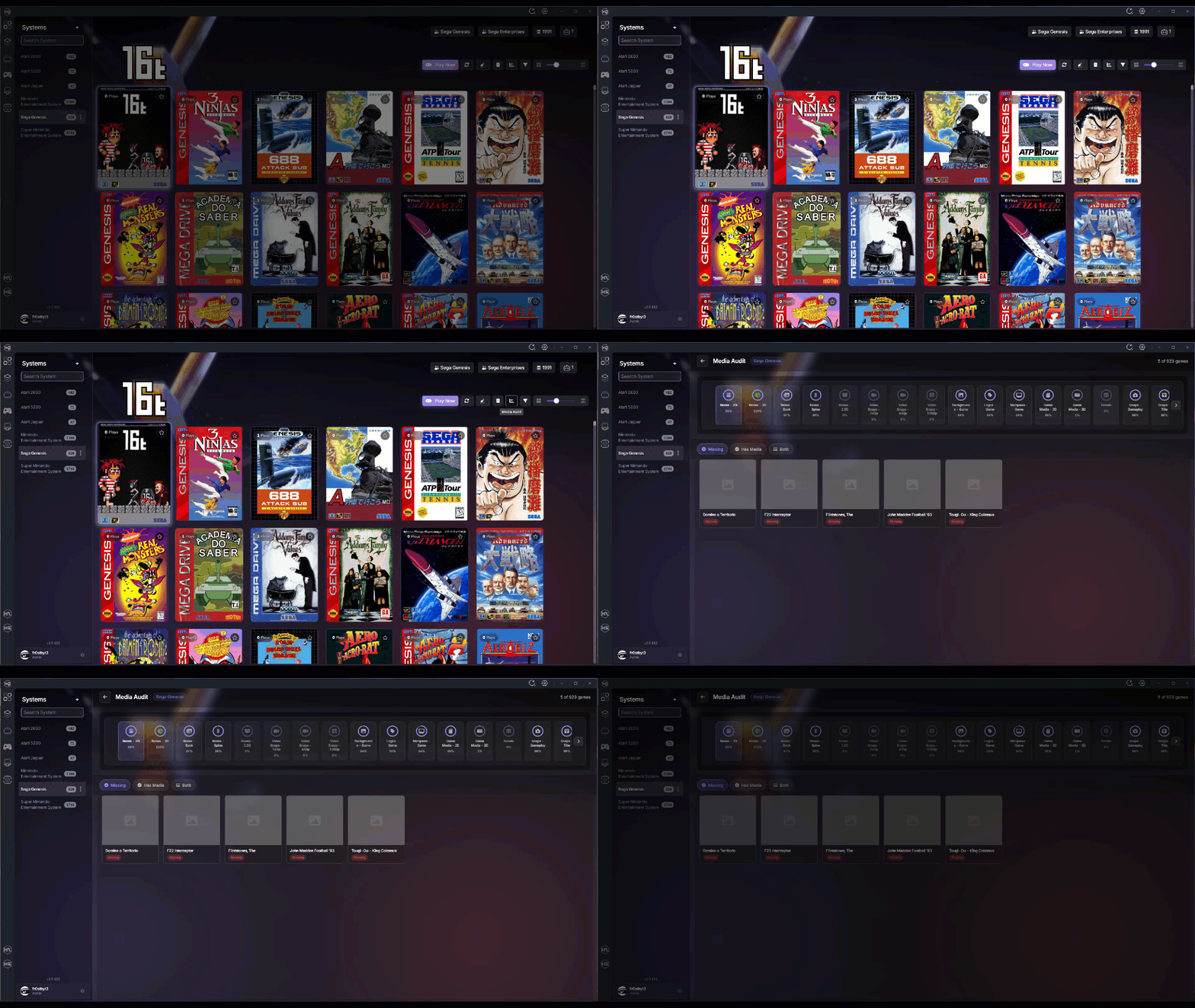
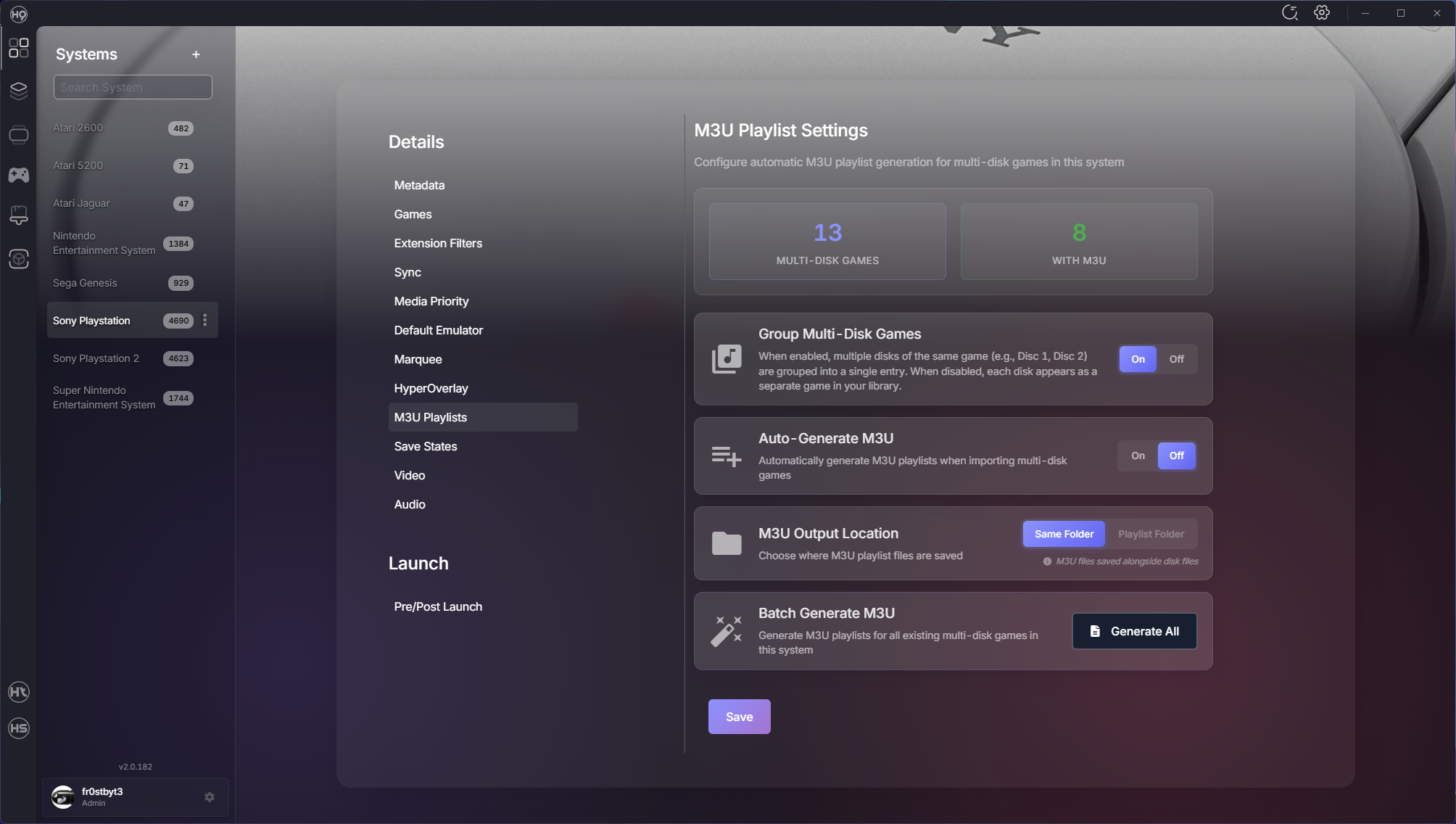
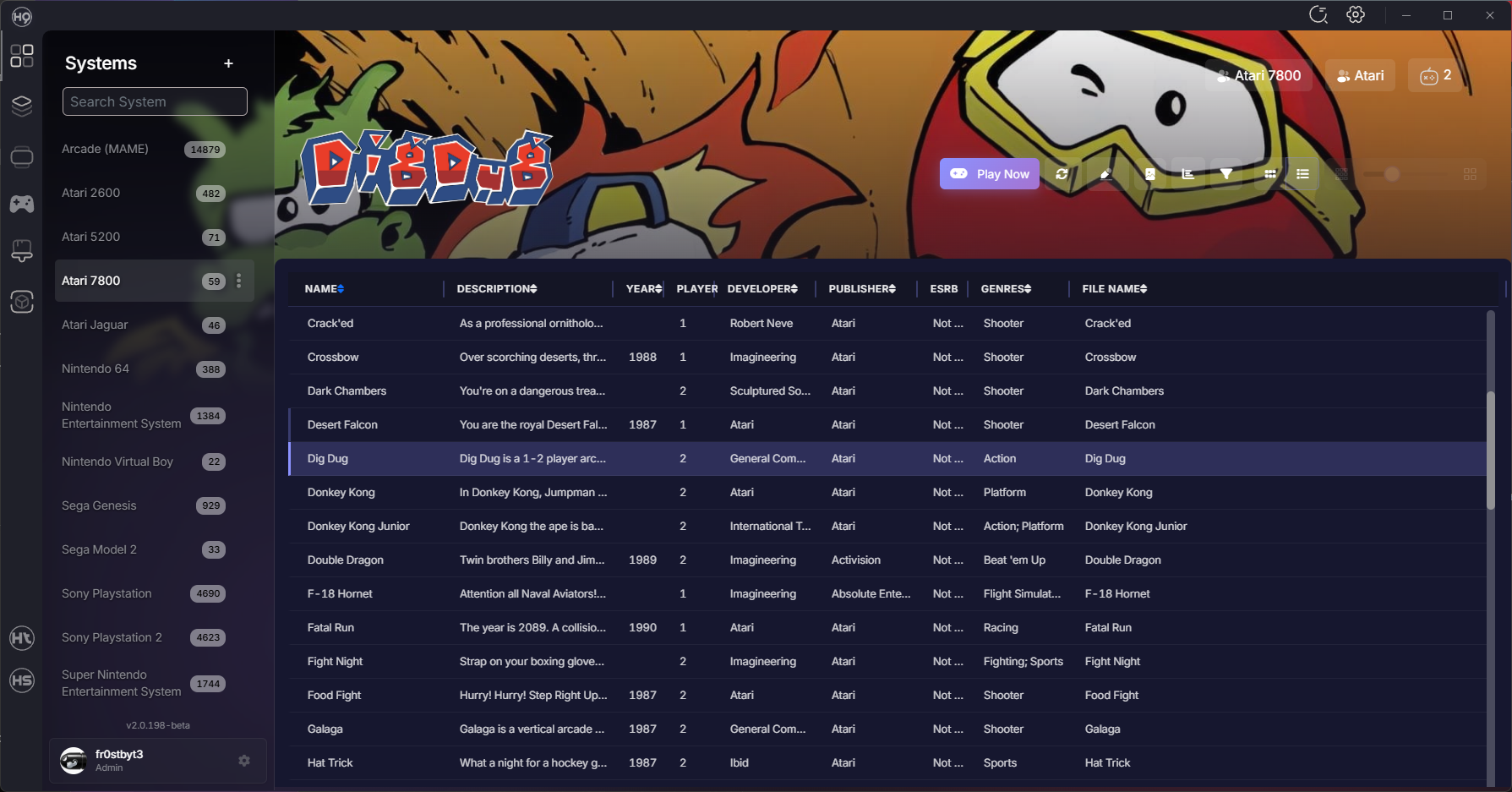
Hey everyone! We've been heads-down shipping improvements across the entire HyperSpin ecosystem over the past few weeks. This update spans 20 days with over 260 commits and 50+ merged PRs bringing major new features, performance enhancements, and quality-of-life improvements. Whether you're managing a massive collection or just getting started, there's something here for you. Let's dive in! Media Audit Screen Managing media for hundreds of systems just got easier. The new Media Audit Screen gives you complete visibility into what you have and what's missing. Features: Visual comparison of available vs. missing media Drag-and-drop upload for bulk media additions Real-time status tracking across all media types Organized by system for easy management No more guessing which games are missing artwork — it's all right there. System Import Overhaul We completely redesigned how you import systems with a queue-based approach that's faster and more reliable. Improvements: Progress tracking shows exactly what's happening Re-import skipped systems without starting over Automatic BIOS detection in emulator directories Better error handling and recovery The import flow now handles edge cases gracefully and keeps you informed every step of the way. Multi-Disk Game Support Games spanning multiple discs (like PS1 RPGs) now have first-class support with automatic playlist generation and management. New Capabilities: Automatic playlist creation for multi-disc games Multi-disk grouping settings Automatic ROM extraction before launch Switch between discs seamlessly without manual playlist editing Better Game Metadata HyperSpin can now pull game metadata from additional sources, giving you more complete and accurate game information. What This Means: Fuzzy search finds the right game even with typos Automatic metadata sync from trusted sources "Search For Match" added to game context menus Your game library stays up-to-date with accurate metadata from the community Performance Enhancements We've made significant improvements to how HyperSpin handles rendering and background operations. What's Faster: Sidebar system list loads instantly Boxart rendering redesigned with smart lazy loading Smooth scrolling even with thousands of games Background operations optimized to not block the UI Reduced memory usage for long-running sessions Everything feels snappier, especially when working with large collections. HyperTheme Updates ThemeBuilder continues to evolve with better tooling and compatibility. What's New: Improved layer management (no more accidental reordering) Drag-and-drop enhancements for easier theme building Better positioning controls Theme Player: Fixed layer management for complex themes Smoother hover animations Background system integration for system themes Fixes & Stability ROM counts now update reactively and stay synced across the UI RetroArch auto-setup registers platforms and downloads cores reliably BIOS detection improved MAME wizard no longer gets stuck at 10% Game artwork updates immediately after downloads Theme downloads reconnect properly if the connection drops Fuzzy search for system names handles typos Improved emulator availability checks Thank You A huge thank you to everyone who's been testing, reporting bugs, and sharing feedback. Your input has been invaluable in making these releases better. We've got more great things in the pipeline. Keep the feedback coming! — fr0stbyt3 & The HyperSpin Team
 13 points
 -
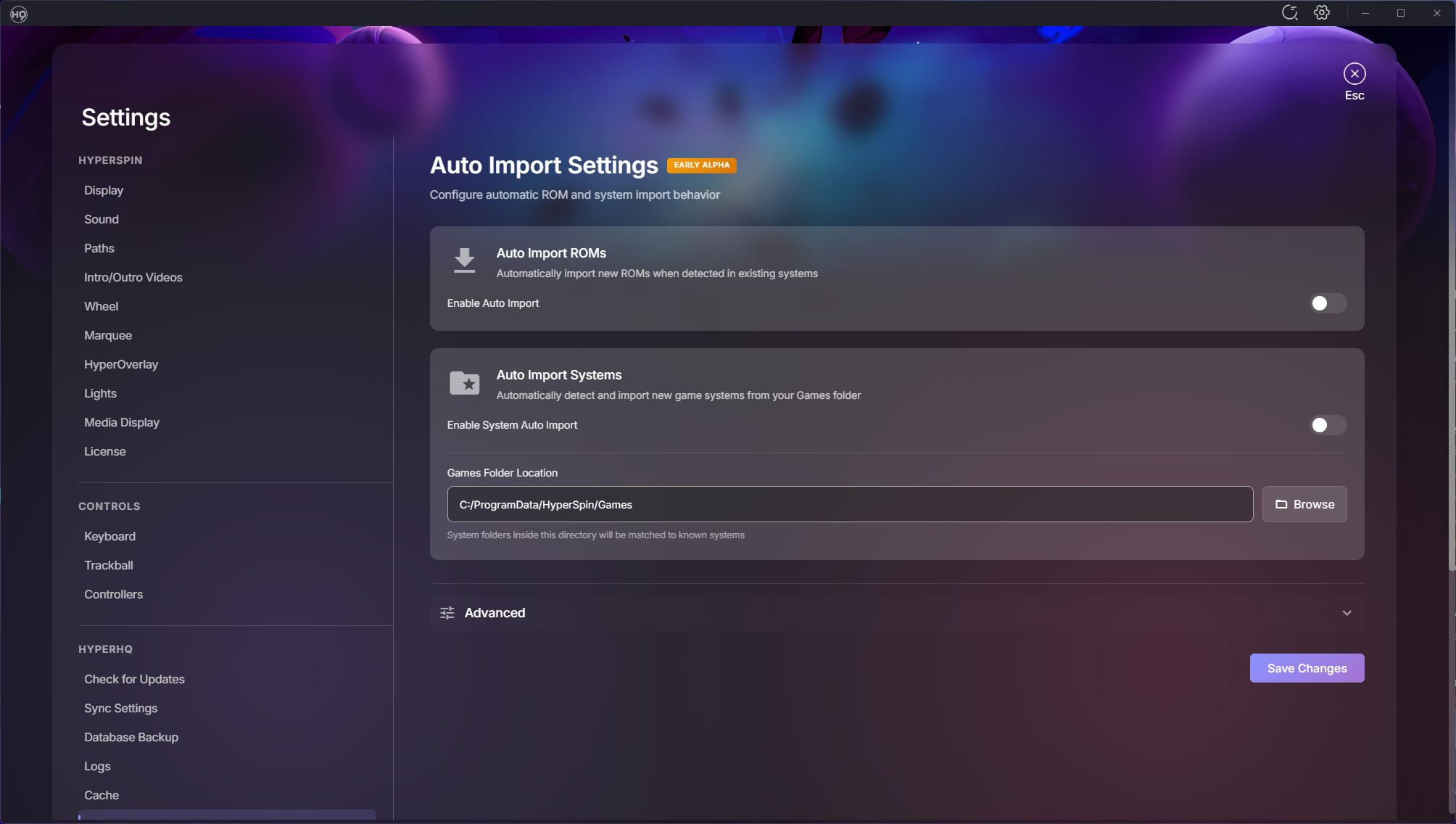
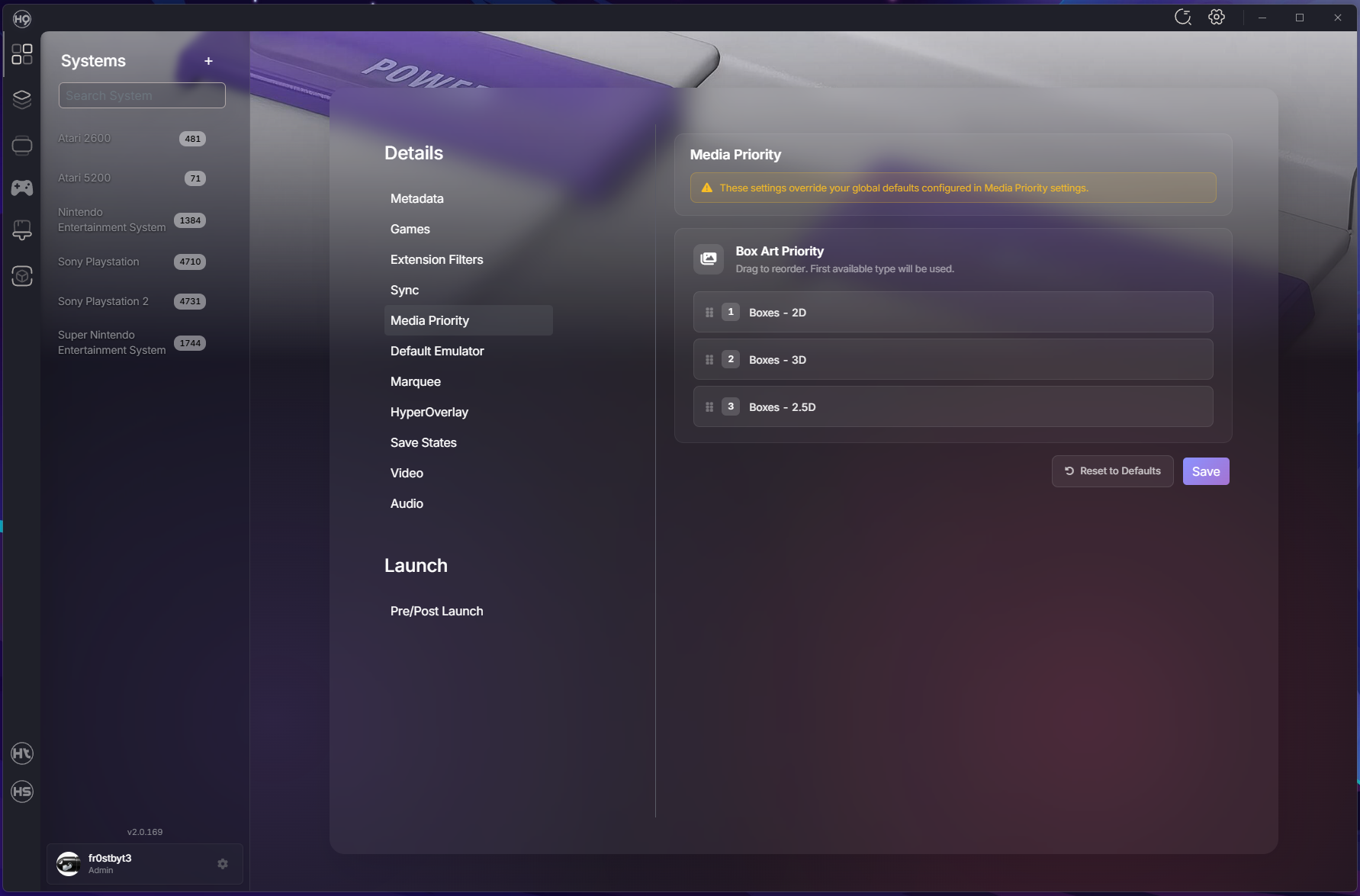
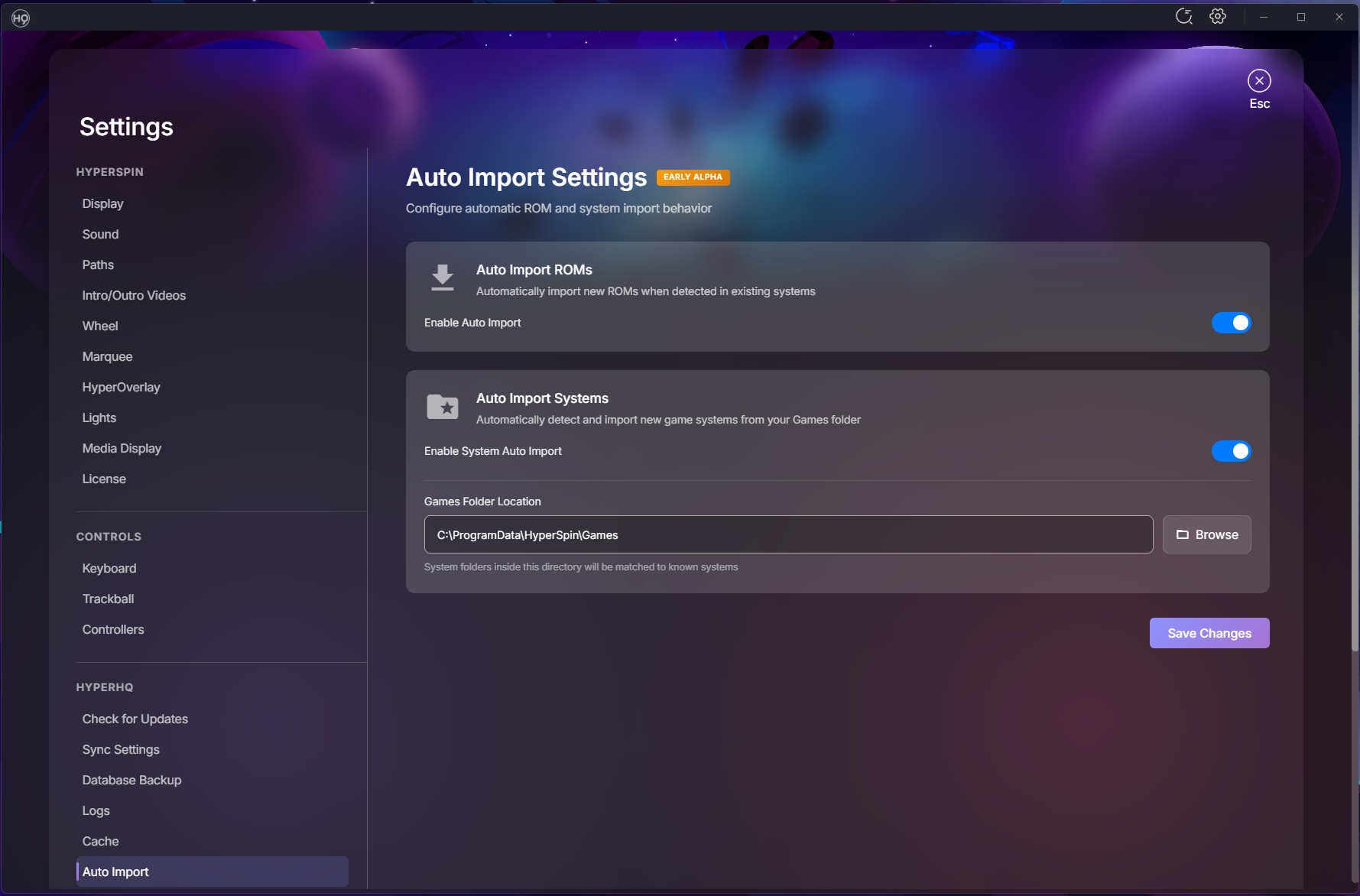
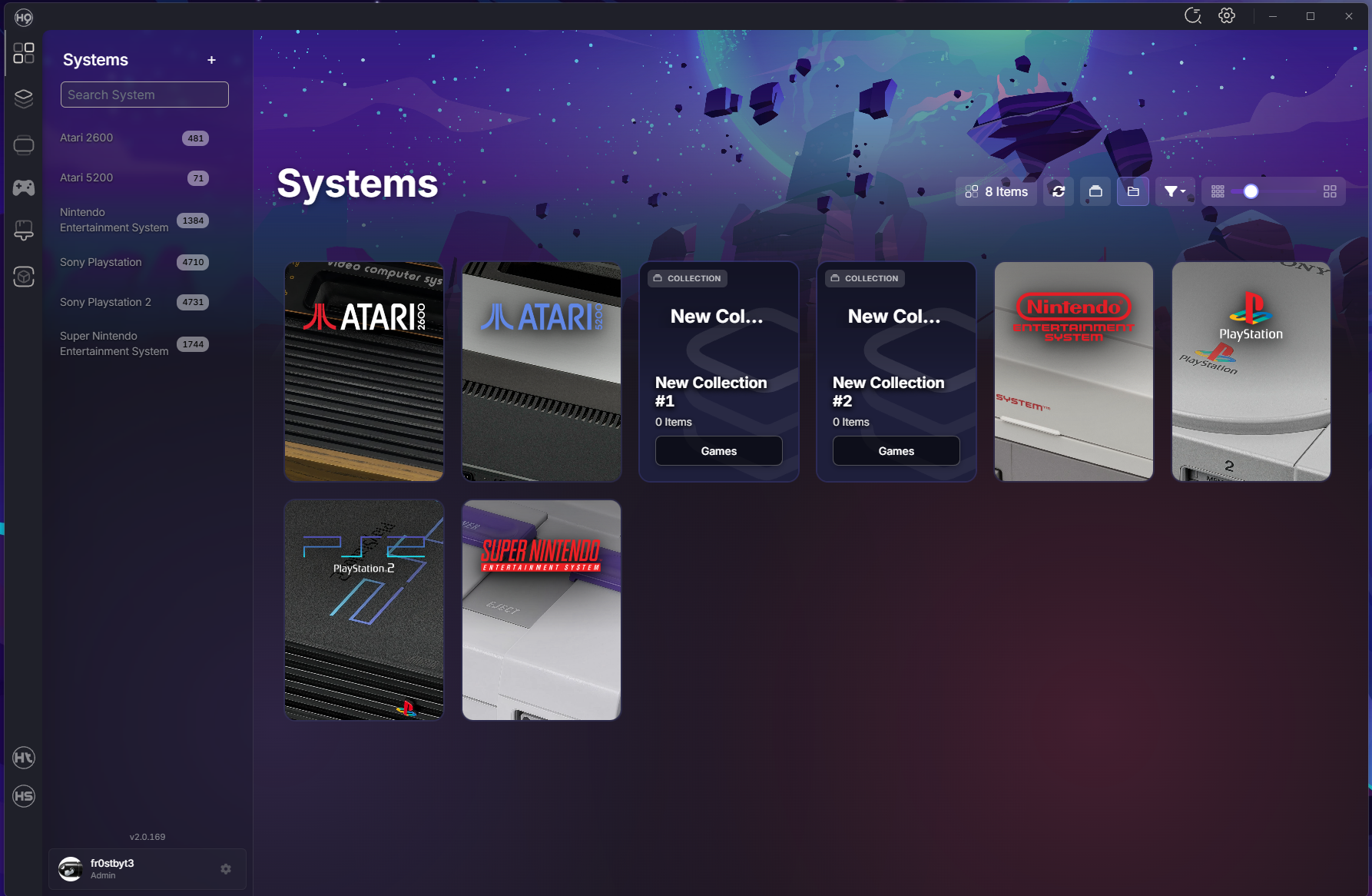
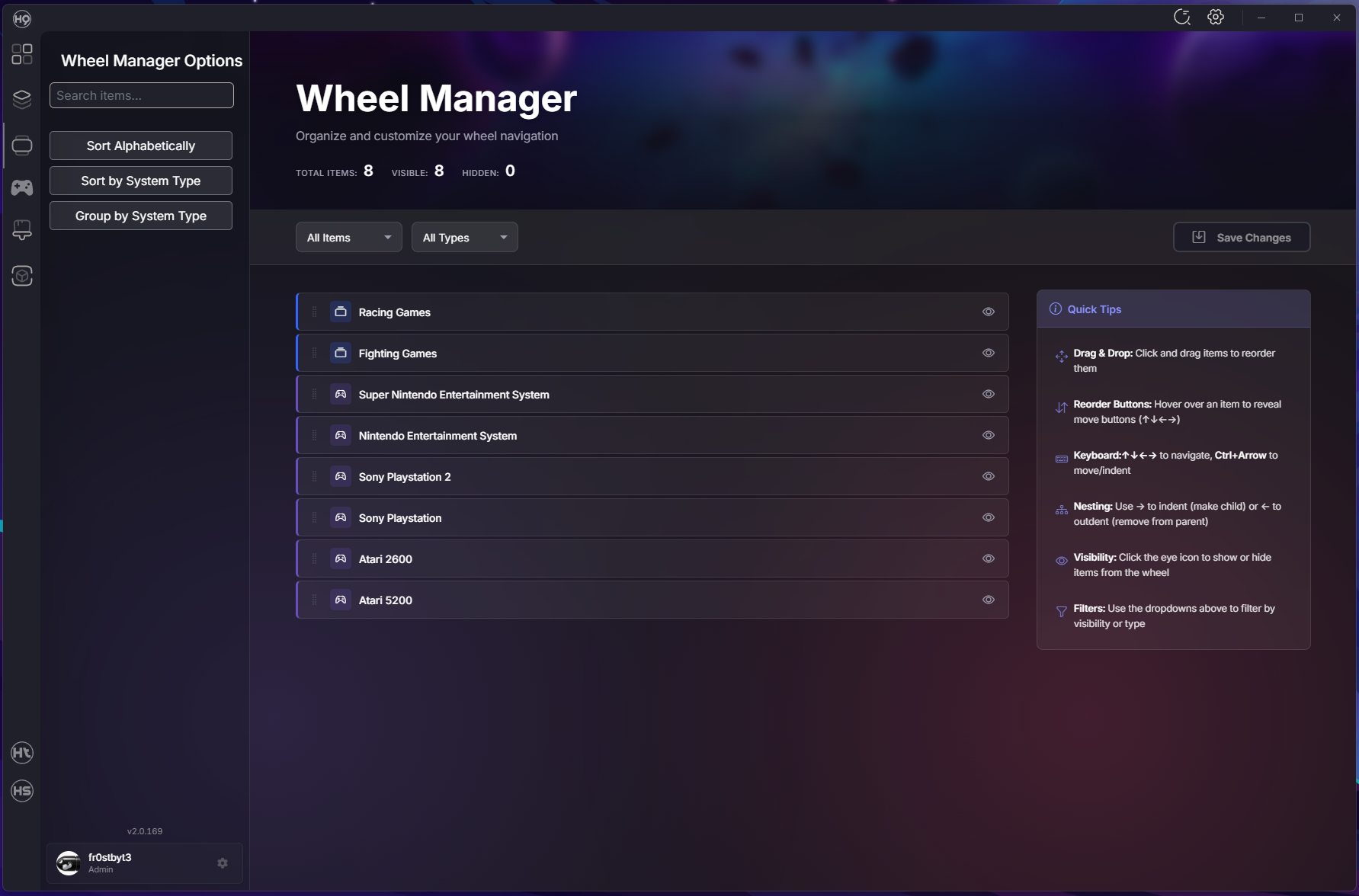
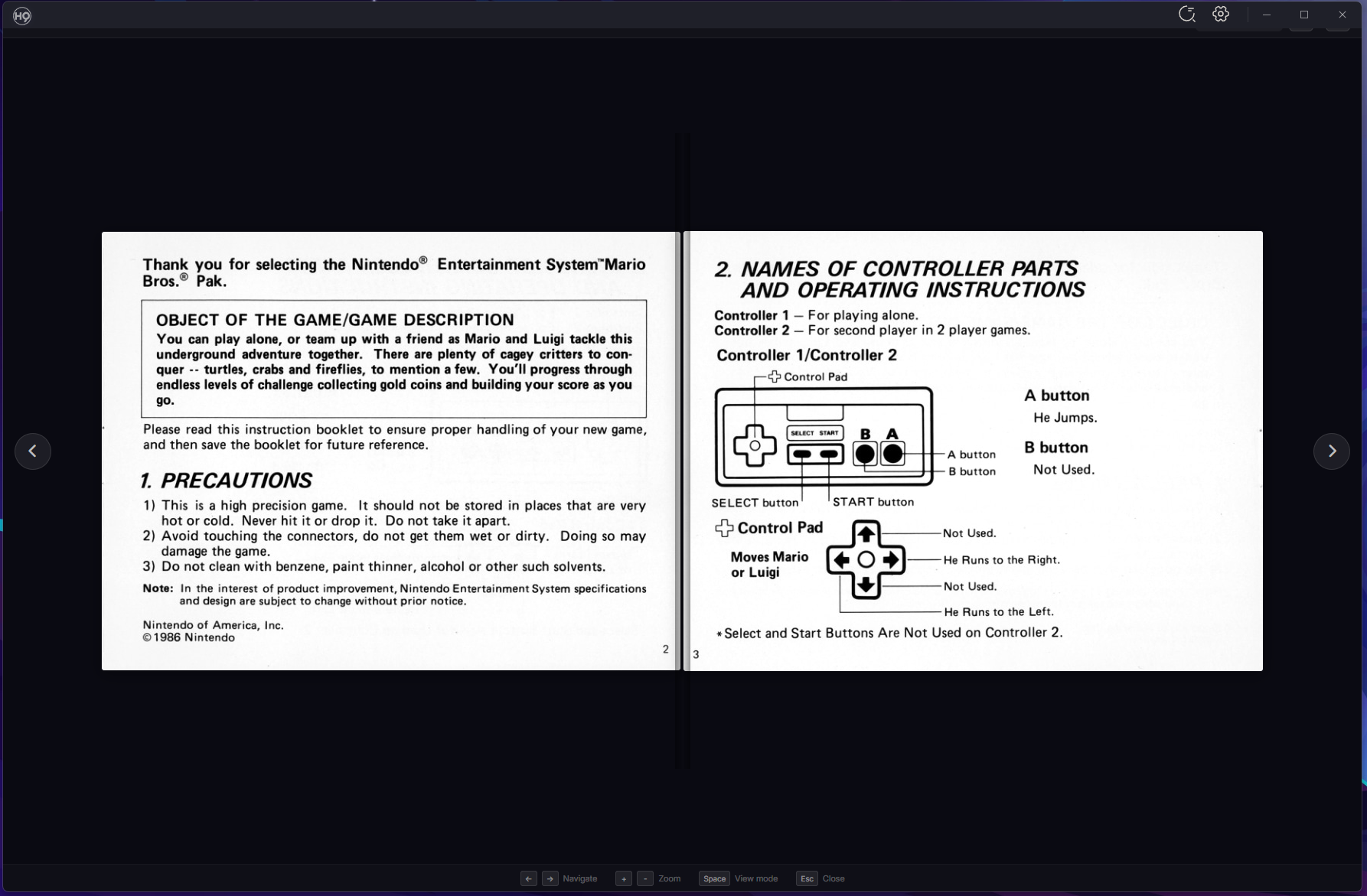
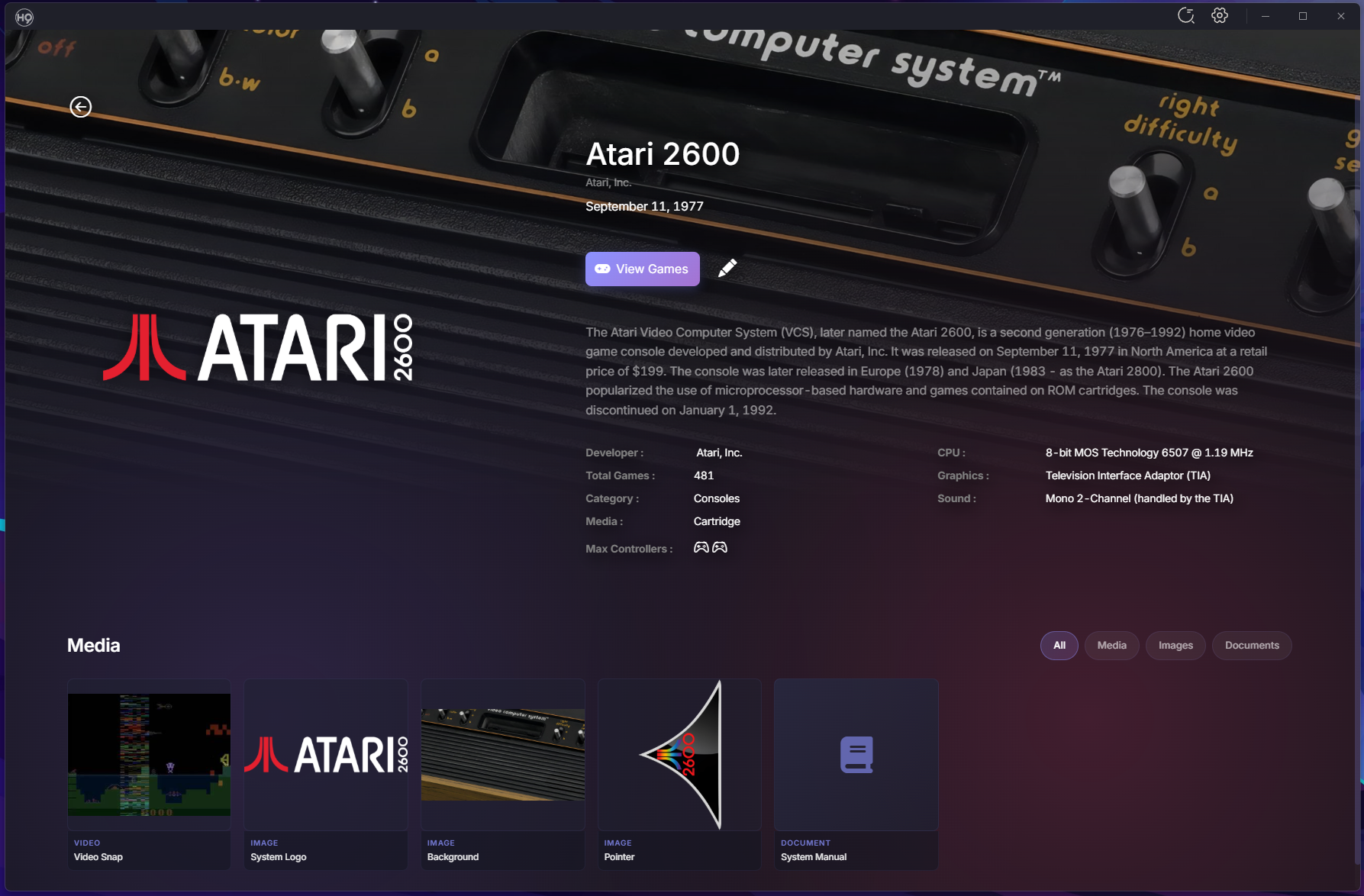
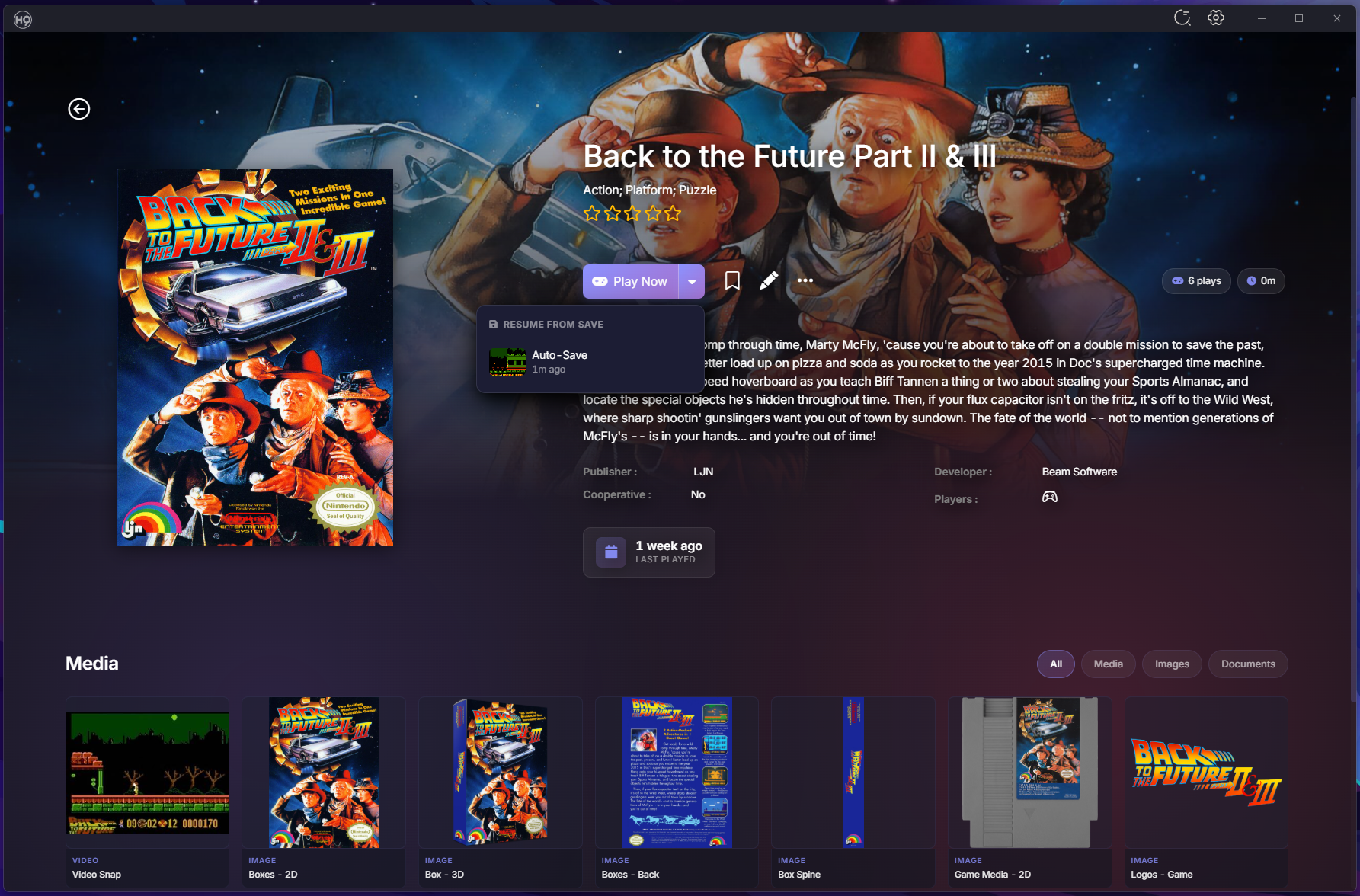
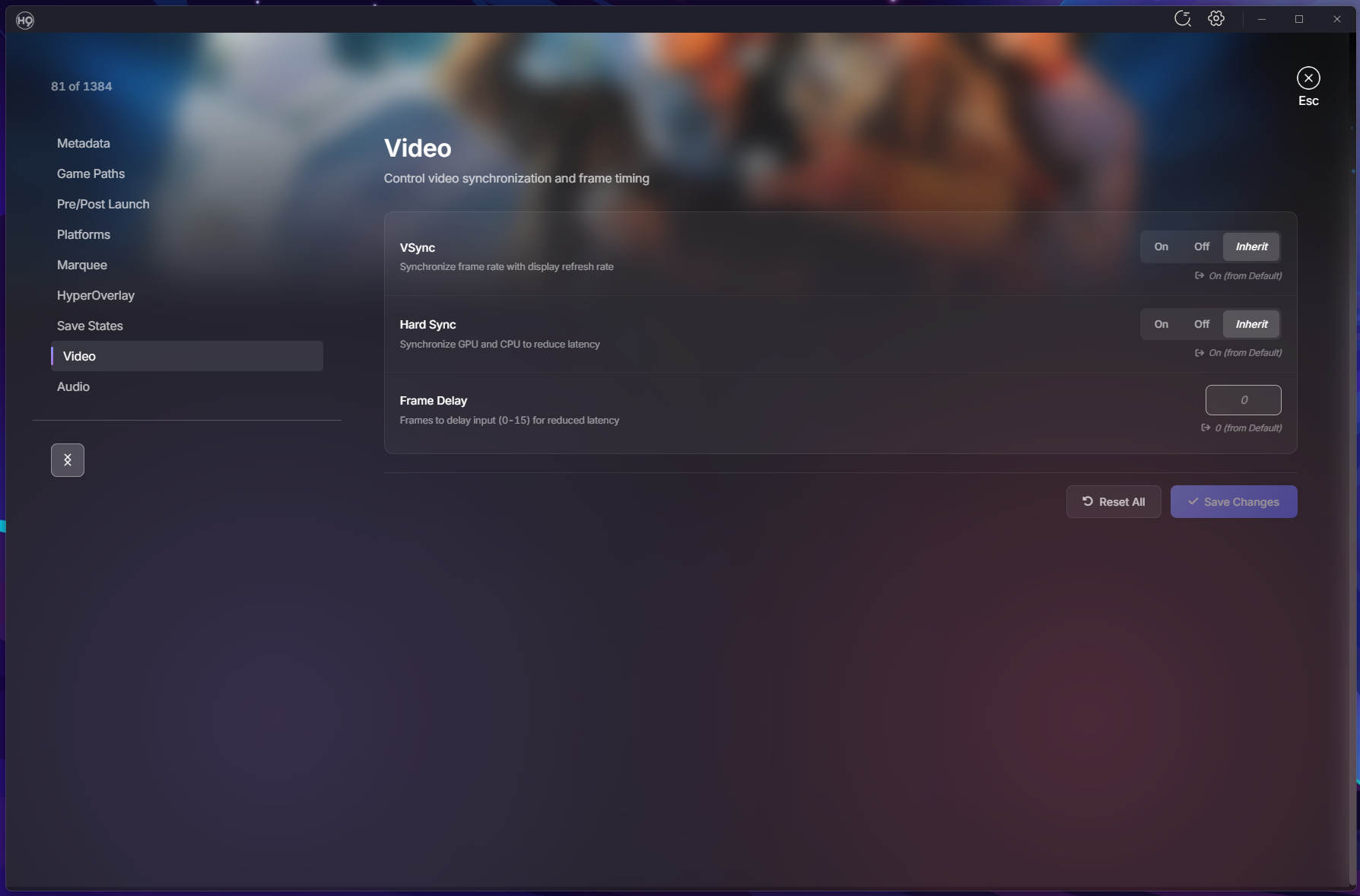
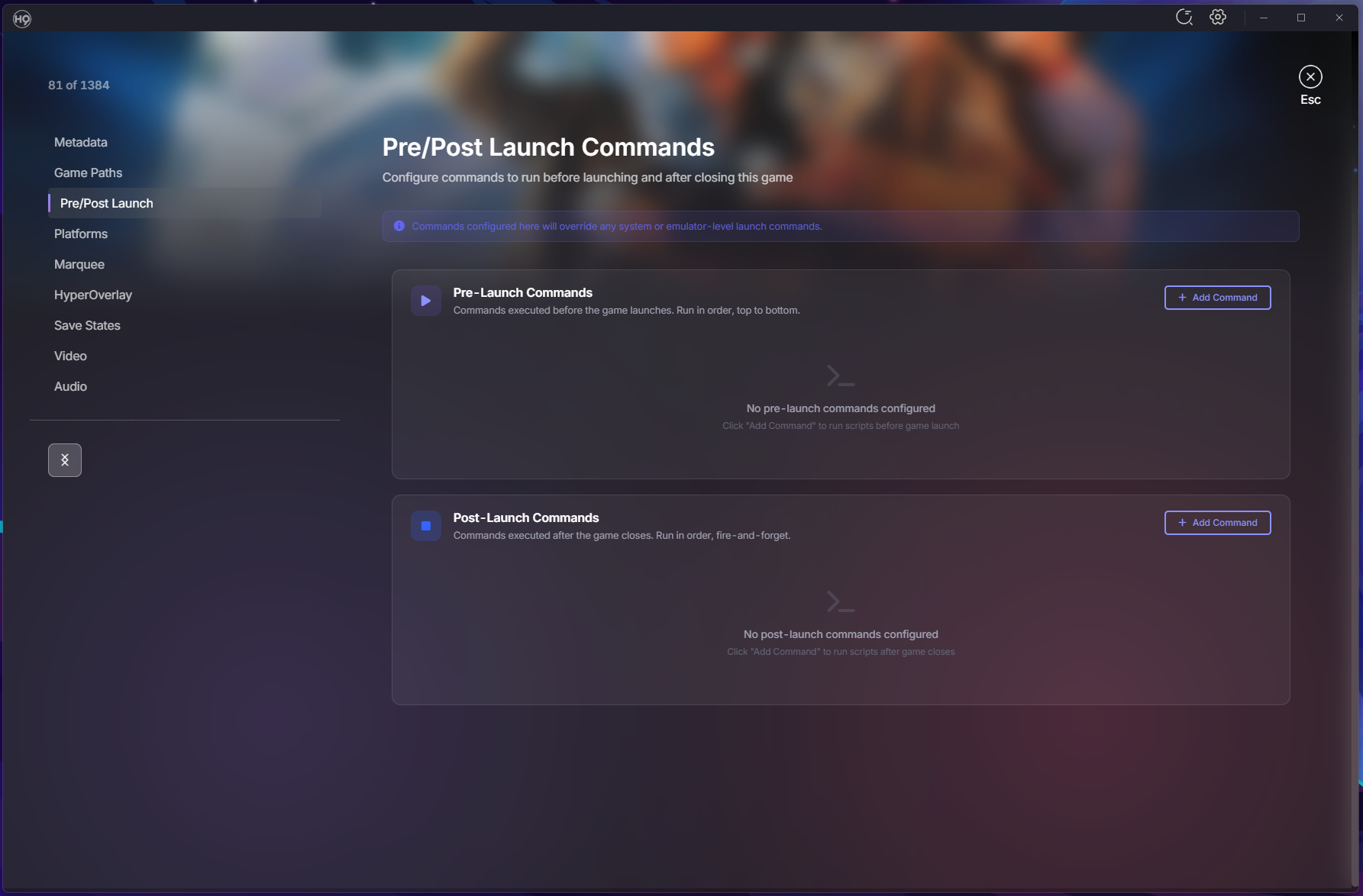
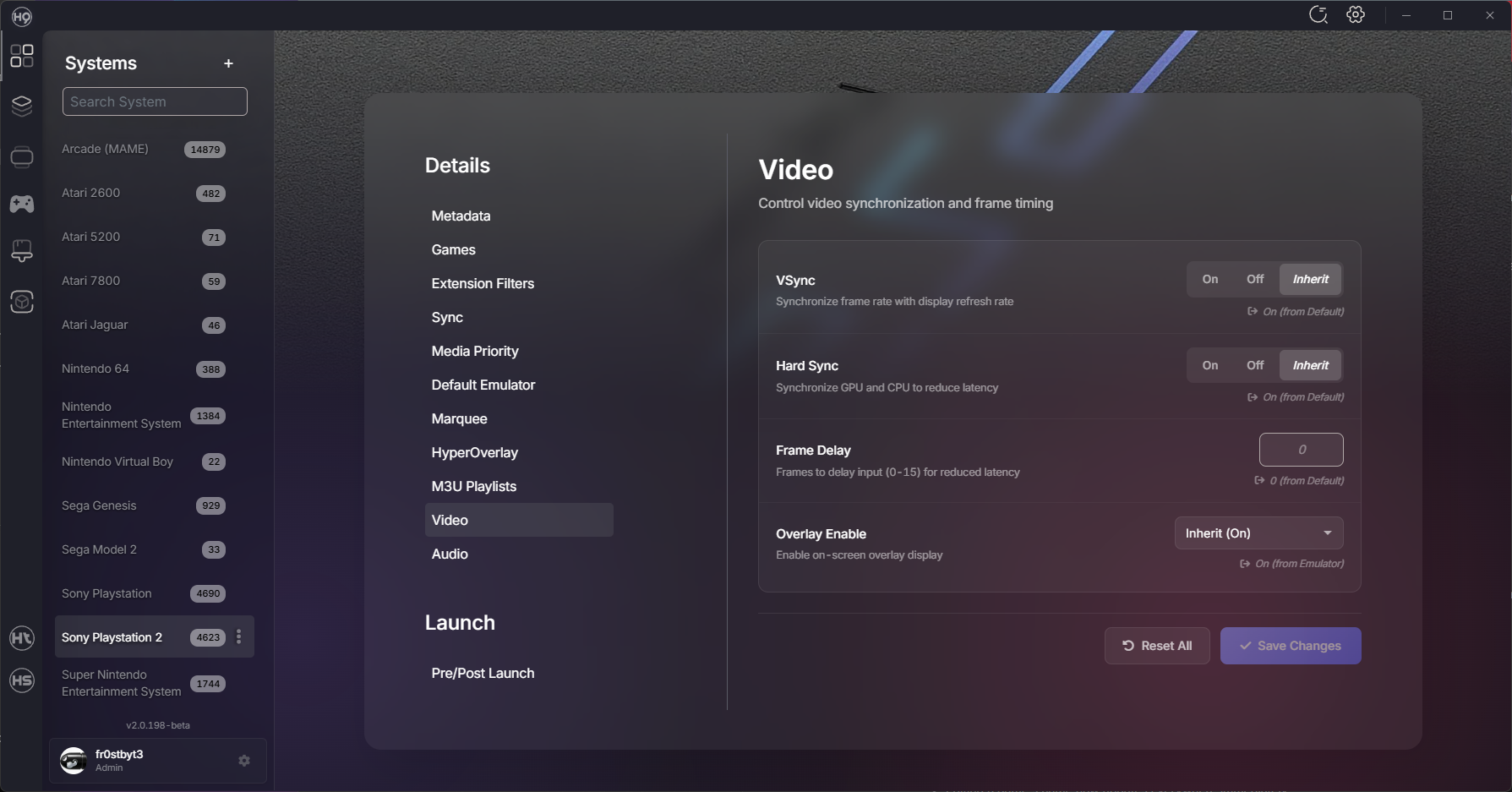
Hey everyone! It’s been a busy stretch since our last update, and we’ve got a lot to share! This release cycle spans over 30 beta builds with hundreds of commits bringing major new features, quality-of-life improvements, and plenty of bug fixes. Whether you’re setting up a new cabinet or managing a massive collection, there’s something here for you. Let’s dive in! Emulator Settings — Per-Game Customization You can now customize emulator settings at the emulator, system, or game level with full inheritance. Override video and audio settings for specific games without touching your global config. Supported Emulators RetroArch: Video settings (VSync, Frame Delay) and Audio settings (Volume, Latency) MAME, PCSX2, Dolphin, PPSSPP, DuckStation: Emulator-specific settings Xenia, RPCS3, Cemu, Xemu, Redream: Additional emulator support How It Works Game settings override system settings, system overrides emulator, emulator overrides defaults Dynamic Video/Audio menu items appear based on emulator capabilities Config files generated on launch — your original emulator configs stay untouched Save State Management A completely new way to manage and launch from your save states. Save State Browser: View all save states grouped by core and ROM in system settings Thumbnail Previews: See what you saved with thumbnail support for RetroArch Quick Launch: Play button dropdown lets you resume from any save slot Delete Management: Clean up old save states you no longer need Emulator Support: RetroArch, PCSX2, Dolphin, PPSSPP, DuckStation, and MAME Pre-Launch & Post-Launch Commands Run custom commands before or after launching games — perfect for scripts, controller profiles, lighting setups, or anything else your setup needs. Three-Level Configuration: Set commands at emulator, system, or game level Drag & Drop Ordering: Reorder commands with visual feedback Rich Variable Support: %system.name%, %system.path%, %rom.folder%, %rom.fileExtension%, %emulator.name% Unsaved Changes Warning: Never lose your work when navigating away Play Time Tracking Know how much you’ve played each game. Total Play Time: Tracked per game (e.g., "2h 30m") Last Played: See when you last played and how many times Crash Recovery: Sessions persist even if HyperHQ closes unexpectedly System Media Details Page A dedicated page for browsing all your system media in one place. Gallery View: Filter tabs for All, Media, Images, Documents, Themes Interactive Preview: Click any artwork or video to preview it instantly Built-in PDF Viewer: Read system manuals with zoom and page navigation Floating Audio Player: Listen to system music while browsing EXIF Metadata: View Title, Keywords, Credit, and Notes in the lightbox CBZ Manual Viewer A beautiful new way to read your game manuals in CBZ format. 3D Page Flip: Animated page turns with smooth transitions Two-Page Spread: Toggle between single page and spread view Zoom Controls: Keyboard shortcuts (+/- and Ctrl+wheel) Keyboard Navigation: Arrow keys, space, and escape Accessibility: Respects reduced motion preferences ROM Path Migration Moving your ROM folders? HyperHQ can update your database automatically. Automatic Detection: When you change a system’s ROM path, HyperHQ offers to scan for matches Batch Updates: All matching ROM paths updated in your database Multi-Disk Support: Handles multi-disk ROMs correctly Progress Display: Real-time feedback during migration Wheel Manager Improvements Complete overhaul of the wheel management experience. Keyboard Navigation: Arrow keys flow through the entire tree seamlessly Reordering Controls: On-screen buttons and Ctrl+Arrow shortcuts Sort by System Type: Organize systems by category then alphabetically Group by System Type: Create collections for each category automatically Smooth Animations: Visible slide effects when moving items Collections in Systems Grid Your collections can now appear right alongside your systems. Toggle Button: Show/hide collections in the systems grid Mixed View: Collections and systems sorted alphabetically together Visual Distinction: COLLECTION badge with item count on hover Keyboard Navigation: Arrow keys work across combined list Group Systems by Type Organize your systems list by category. Category Groups: Arcade, Consoles, Computers, Handhelds, and more Category Headers: Show system count for each group Persistent Setting: Your preference saves between sessions Auto-Import Systems HyperHQ can automatically detect and import system folders from your Games directory. Startup Scan: Detects unimported system folders when HyperHQ launches Live Monitoring: Watches for new folders added while running Smart Matching: Case-insensitive matching to our system database Skip List: Mark folders to always ignore Media Downloads: Uses your existing preferences for imported systems Note: This feature is currently in early alpha — we’d love your feedback! EmuMovies Media Defaults Set your preferred media types once and use them everywhere. Wizard Step: Choose default video quality and media types during setup Automatic Application: Preferences apply when adding new systems Easy Management: Update defaults anytime in EmuMovies Settings Skip Option: "Skip for now" during setup if you don’t have an account Boxart Priority Choose your preferred artwork style. Style Selection: Set which box art displays first — 2D, 3D, or 2.5D Per-System Override: Configure globally or per-system Smart Fallback: Automatically shows next available style if preferred is missing Media Filter Find games based on available media. Dropdown Filter: Show only games with specific media types Find Missing Media: Great for identifying games missing artwork or videos Descriptive Tooltip: Shows which filters are currently active Unified Platforms Tab Streamlined emulator configuration. Merged Tabs: Launch Command and Platforms combined into one view Variable Reference: Shows available variables (%ROM%, %ROMNAME%, etc.) Smart UI: RetroArch core selector only appears when RetroArch is selected Wii U Support Better support for Wii U games and Cemu emulator. Loadiine Folder Scanning: Automatically detects Wii U folder structures meta.xml Parsing: Extracts title, publisher, and region automatically DLC/Update Exclusion: Automatically skips DLC and update folders BIOS Management Updates Building on the automatic BIOS detection from v2.0.135, we’ve expanded coverage to more setup scenarios. Standalone Emulator Addition: BIOS step now appears when adding emulators directly from Platforms Skip Option: Emulators with optional BIOS let you configure later Cemu Integration: Dedicated setup flow for Wii U emulation Additional Improvements Setup & Configuration DOS Support: DOSBox games launch with game folder as working directory Steam Custom Systems: Create systems that pull metadata from Steam using App IDs Window State Memory: HyperHQ remembers your window size and position Media & Display Video Quality Selection: Game detail page shows best quality based on your preferences Game-Level Marquee Override: Complete Global → System → Game inheritance Faster Thumbnail Generation: Process up to 64 videos simultaneously Reorganized Media Categories: All, Media, Images, Documents, Themes User Experience App Tour System: Interactive walkthrough for new users System Card Actions: Quick access Games/Details buttons on hover Smarter Auto-Login: Retries saved credentials before prompting Media Processing Indicator: See when downloads are being prepared Improved Uninstaller: Clear options for removing data during uninstall Bug Fixes & Stability Fixed: Bezel Project downloads not working for fresh RetroArch installations Fixed: RetroArch reinstalling on every app restart Fixed: Disc-based games (CUE/BIN) selecting wrong file to launch Fixed: Steam games not launching (steam:// protocol) Fixed: Plugin list showing duplicate server and local entries Fixed: EXE file plugins start/stop behavior Fixed: Media sync for manually matched games Fixed: EmuMovies upgrade prompt for supporting members Fixed: MAME plugin reinstall and system creation issues Fixed: Games closing immediately after launch Fixed: System images not loading for MAME and other systems Fixed: Collections not showing games from uninstalled systems Fixed: External marquee not connecting on startup HyperTheme Animation Assistant HyperTheme now includes a chat assistant to help you build animations faster. Instead of clicking through menus, just describe what you want in plain language. Natural Language: "Add a fade in to layer 1", "Make the logo spin", "Set the delay to 2 seconds" Context Aware: The assistant understands your layers and animations by name or number Quick Access: Press Ctrl+/ or click the chat button to open the panel Workflow Focused: Designed to speed up adding and tweaking animations, not generating images 2026-01-20 11-53-30.mp4 Ecosystem Updates HyperSpin 2.0.66-2.0.68 New Theme Player: All changes from HyperTheme’s editor rolled in System Pointers: Now show when entering systems Dynamic Wheel Pointer Scaling: Pointers scale with wheel items Performance Optimizations: Smoother animations and reduced memory usage HyperMarquee 1.0.7 Improved Display Handling: Better scaling and transitions Reliability: Videos and fallback images display more consistently HyperTheme 1.11.0 Theme Player Enhancements: Better animation accuracy and reliability Scale Animation Fixes: X and Y axes now work correctly Hover Animation Improvements: Speed and easing fixes Your Feedback Matters We’d love to hear your thoughts: How are the new emulator settings working for you? Is the save state management helpful for your workflow? What do you think of the CBZ viewer and media details page? Any issues you’re encountering? What would you like to see in future releases? Thank you for being part of the HyperSpin community. Every bug report, feature suggestion, and word of encouragement helps make HyperHQ better. Stay awesome, -fr0stbyt3
13 points
-
Hey everyone! Hope you all had a great holiday season! I kept busy over the break and have a packed update to show for it - v2.0.135 brings 233 commits of improvements across 13 test builds. This update focuses on making MAME management more seamless, expanding media capabilities, and polishing the interface throughout HyperSpin. From automated BIOS handling to intelligent media fallbacks, custom ROM filtering to universal search, this release tackles workflows that have long needed attention. Let’s see what’s new. MAME Workflow Enhancements Parent-Clone Media Fallback Smart Media Display: Clone games now show parent artwork when clone-specific media is missing, and vice versa Automatic Downloads: Media downloads include related parent/clone artwork automatically Split ROM Support: Works perfectly with MAME split/merged ROM sets and multi-disc games Custom ROM List Import Direct Folder Scanning: New MAME wizard mode scans your ROM folders directly Skip Filtering: Perfect if you’ve already curated your collection and don’t need the full filter workflow Automatic Metadata: Matches filenames against MAME’s database for accurate game information Import Count Accuracy Correct Counts: Success messages now show parent count or total count based on your clone preference Clear Feedback: "Fetch clones separately" shows all games, while "Merge clones" or "Skip clones" shows parent count only System Workflow Enhancements BIOS Management Automatic Detection: HyperSpin detects and manages required BIOS files when adding systems Wide Support: Works across emulators that require BIOS files Seamless Setup: No more hunting for BIOS files manually Media System Improvements System Media Override Flexibility Any Filename Works: Override folders now accept any filename for system media (logos, backgrounds) Random Selection: Multiple files? One gets chosen randomly for variety Clearer Instructions: Renamed to _README_Place_Override_Media_Here.txt with better examples Add Media Button One-Click Access: New button on the Media tab opens the override folder for your selected media type No More Folder Hunting: Drop your custom artwork right where it needs to go Works Everywhere: Supports both system-specific and default media locations Video Thumbnail Extraction Automatic Generation: Extracts thumbnails from video game files for display in game lists Smart Caching: Tiered extraction uses memory cache, persistent cache, Windows Shell, embedded thumbnails, and HTML5 video Configurable: Control the feature in game settings based on your preference Expanded Media Types 24 Media Options: Change Game Image dropdown expanded from 6 to 24 comprehensive artwork types Complete Coverage: Includes Boxes (2D/3D/2.5D/Spine/Box-Back), Video Snaps (240p/480p/1080p), Snaps (Gameplay/Title), Music, Marquees, Cabinets, Control Panels, Bezels, Overlays, and Manuals Better Organization: Scrollable dropdown with consistent naming conventions Logo Fallback Display Beautiful Alternative: When box art isn’t available, game cards now display the logo in the top third with a drop shadow Background Fill: Game’s background fills the entire card behind the logo Consistent Design: Matches the system list view style Spotlight Search Universal Search Interface Quick Access: Press Ctrl+F to search across games, systems, platforms, plugins, collections, and settings Full Keyboard Control: Navigate with arrows, Enter to select, Escape to close, Tab to cycle focus Visual Context: Category icons, plugin images, and game/system artwork displayed in results System & Metadata Enhancements Hardware Metadata 13 Specification Fields: CPU, memory, graphics, display, resolution, and more for each system Refresh from API: New button automatically populates specs for existing systems Clean Layout: Organized in a 2-column layout in the system editor Game Metadata Navigation Previous/Next Buttons: Browse through games without leaving the metadata editor Position Indicator: Always know where you are (e.g., "5 of 120") Faster Bulk Editing: Update metadata for multiple games without constantly returning to the game list Additional System Support Nintendo 64DD: Added to RetroArch core mappings (Mupen64Plus-Next and ParaLLEl N64) xemu Support: Required files added for original Xbox emulation HyperMarquee Updates Settings Persistence Reliable Configuration: Settings now cache and resend on reconnect or when requested by HyperMarquee Media Fallbacks: Added gameplay snapshot fallback for backgrounds Better Box Art: Improved loading with 2D and 3D fallback support Display Options: New option to cut off the top of marquee images Interface Redesigns User Profile Settings Modern Card Layout: Redesigned with clean, scannable sections Clickable Rating Chips: ESRB/PEGI logos displayed as interactive badges Camera Badge: Added to avatar to indicate it’s clickable Better Terminology: "Content Rating" renamed to "Parental Controls", "PIN Protection" to "Profile Lock" System Access Controls Simpler Opt-Out: All installed systems shown as a toggle list Default Access: All systems enabled by default (full access) Bulk Actions: Enable All / Disable All buttons for quick changes Searchable: Filter input for large system lists Settings Screens Card-Based Design: Modernized Default Platform Settings, System Metadata Settings, and ROM Paths screens Custom Dropdowns: Consistently styled throughout Better Scrolling: Fixed layout issues on System Details page System List Appearance Improved Positioning: Better image placement with gradient overlays for text readability Refined Styling: Polished icon and text presentation Offline Mode & Connectivity Offline Support Work Without Internet: Intelligent detection distinguishes between complete offline and service unavailability Auto Reconnection: Seamless return to online mode when connectivity restores Clean Notifications: No more notification spam when working offline Initial setup will need to be online to get metadata and media. After that it will still function completely offline. In future builds we will allow for importing of media from an external drive to further support this feature Performance & Technical Improvements Caching & Optimization Games Caching: Games cached for faster loading Clone Queries: Optimized with batch operations and backend caching for faster media lookups Reduced Queries: New caching layer eliminates redundant database calls Memory Management: Better handling when loading large ROM collections Media Processing Faster Media Audit: Optimized loading performance Image Loading: Improved system list image loading Media Manifest: Get media updates as they happen! As media becomes available, you will always get the latest. Bug Fixes & Stability Critical Fixes ROM Processing Hang: Fixed issue where HyperHQ could hang when loading systems with empty databases API Error Handling: Errors no longer cause indefinite hangs Stuck Reauthentication: Fixed authentication process that could hang indefinitely File Handling Fixed Windows file locking issues when deleting media files Retry Mechanism: Added for media deletion with informative error messages Permission Handling: Check now happens when selecting folders (no surprise UAC prompts) UI & Display Fixes Game Search Modal: Fixed styling issues in metadata screen Modal Loading States: Fixed during media audit Game Dropdown: Options sorted alphabetically, cabinet/control panel options only show for MAME/Arcade Log Export: Now shows helpful message when no logs exist instead of failing silently Authentication & Services EmuMovies Auth: Fixed authentication check showing false 401 errors API Endpoint: Fixed malformed URL for user profile data Subscription Cleanup: Enhanced to prevent memory leaks Additional Improvements Organization & Polish HyperSpin Logging: Relocated toggle from Display Settings to System Logs page with performance warnings Collection Management: New dedicated modal replaces dropdown menu for better usability Plugin Updates MAME Plugin: Added support for filtering PlayChoice items Media Verification: Now uses improved VerifyMedia API Thank you for being part of the HyperSpin community and for all your support, feedback, and enthusiasm. Every bug report, feature suggestion, and word of encouragement helps make HyperSpin better. Here’s to many more improvements ahead! Stay awesome, -fr0stbyt3 Artwork courtesy of @baddeolv @SubZero @Roadrunner @rondar Elevator_Action_Death_Parade (1).mp4
11 points
-
Hey everyone, Yeah… it’s been a while. What was supposed to be a few quick weeks of patching turned into a full-blown overhaul of how we handle media, assets, and everything in between. Thanks for sticking with us through the chaos — let’s dive in. Media Migration & Folder Structure When you launch HyperHQ for the first time after updating, it will automatically attempt to migrate your existing media to the new structure. That said, this update is a massive shift in how media is organized and referenced. We strongly recommend starting fresh — delete your existing media and redownload it using the new system. You’ll thank yourself later. All media now lives under a unified data\Media directory, and we’ve standardized folder names across the board — Overrides for example: [system name]/Backgrounds - Game/ [system name]/Backgrounds - System/ [system name]/Boxes - 2.5D/ [system name]/Boxes - 2D/ [system name]/Boxes - 3D/ [system name]/Boxes - Back/ [system name]/Boxes - Texture/ [system name]/Game Media - 2D/ [system name]/Game Media - 3D/ There is an additional _hsm folder in the media directory. This is HyperSpin managed media and will be managed through HQ. Everything is cleaner, easier to browse, and fully compatible with future updates. ThemeBuilder Gets a Major Upgrade ThemeBuilder also got a serious glow-up. You’ll notice: More asset types supported (backgrounds, alternate wheels, overlays, marquees, and more) Media Previews right inside the editor Smarter editing tools — autosave, multi-undo, improved drag-and-drop, and faster imports Better performance with smoother playback, real-time updates, and 4K-ready scaling Building and testing your themes now feels modern, fast, and fun — exactly how it should. New timeline with live scrubbing: 2025-08-16 20-06-26.mp4 Grid system (Thanks @yaron ) 2025-08-13_10-04-26.mp4 Alignment locking: 2025-08-13_09-05-06.mp4 Handle settings: 2025-08-04_15-40-56.mp4 More grids!: 2025-08-04_20-15-16.mp4 Themebuilder now supports video previews! @rondar and @baddeolv vid-previews.mp4 HyperHQ Updates v2.0.76 – July 15, 2025 Added “Import ROMs Only” option to MAME Wizard Faster, lighter download engine Fixed blank screen and import issues v2.0.78 – August 2, 2025 Added support for systems without emulators Integrated latest MAME builds Added loading animations for reauthorization Fixed import logic issues v2.0.81 – August 11, 2025 Huge performance boost for ROM browsing Fixed Windows startup and crash issues Improved inter-process communication v2.0.82 – August 15, 2025 Added drag-and-drop system import Virtual scrolling for smoother large lists Refined ROM details layout Added UAC elevation support v2.0.84–85 – August 21, 2025 Enhanced search + new media audit tools Added EXIF metadata support Fixed Windows shortcut detection Build patch (thanks @thatman84!) v2.0.86 – August 26, 2025 Complete media page makeover with glass-morphism UI Fixed MAME game detection Fixed login and auto-auth issues Faster animations and smoother loading v2.0.89 – September 2, 2025 Added game version tracking AutoHotkey syntax highlighting Enhanced process monitoring UI cleanup and bug fixes v2.0.91 – September 25, 2025 Complete Media Folder Migration! All media now lives under data\Media New folder naming (e.g. “Boxes - 2D”, “Logos - Game”) Automatic migration with progress screen Added custom wheel positioning Faster startup + better progress tracking v2.0.93 – October 6, 2025 Smarter background authentication Safer file ops (copy → verify → delete) Faster refresh and startup Fixed label, icon, and authentication issues v2.0.94–97 – October 7, 2025 Fixed missing media and sound issues Added game music toggles in downloads Fixed plugin reinstall/visibility issues Folder naming fixes (spaces now supported when launching from HQ) HyperSpin Updates v2.0.45 – July 24, 2025 Fixed theme loading issue Refactored media playback logic Fixed wheel images not loading Updated theme player to support new features v2.0.46 – July 30, 2025 Themes now only reload when changed (no unnecessary restarts) Snappier and smoother overall performance v2.0.47 – August 11, 2025 Fixed race conditions when scrolling quickly through the wheel Refactored animation service for smoother wheel behavior Enhanced MAME and emulator detection Added hidden theme layers + improved attract mode Expanded plugin event hooks Optimized memory and animation cleanup v2.0.48 – September 26, 2025 Introduced Dynamic Wheel System (curved, straight, horizontal, vertical) New Display Settings menu + advanced aspect ratio controls Fixed animation and stability issues Visual polish: grayscale filters, Z-index fixes, smoother transitions General performance cleanup v2.0.49 – October 6, 2025 Enhanced CRT and retro display effects Integrated theme background layering Fixed animation, attract mode, and pointer behavior Added metadata support for new media types Core API and performance updates v2.0.50–51 – October 7, 2025 Fixed wheel sound and startup music issues HyperTheme & ThemeBuilder Updates This is where the biggest creative changes happened. ThemeBuilder has become faster, smarter, and more capable than ever — a real evolution for anyone building themes. July–August 2025 Added Pinball FX as a new supported system Smoother flipbook playback (and fixed reversed animations) Added pivot points, rotation, and easing-based animation curves Grid alignment and aspect ratio scaling improvements Live property updates (real-time sprite transform editing) Zoom controls, axis locking, and full SVG rendering at 4K One-click screenshot capture Added new “Background” metadata type Major UI/UX performance boost and cleanup Fall 2025 Enhancements More Asset Types Supported: alternate wheels, marquees, dynamic overlays, background layers HQ Media Previews — now live inside ThemeBuilder and HQ (watermarked 480p streaming for speed and safety) Faster Imports — up to 10× improvement on large sets Import Stats & Audit Tools — instant feedback and collapsible reports Improved Drag-and-Drop Media Management Autosave + Multi-Undo System — safer, smarter editing Lightweight Project Format — faster loads and smaller project files Content & Media Updates Huge thanks to @Circo and the EmuMovies crew for all the work behind the scenes. Here’s just a glimpse of what’s been refreshed: MAME HD Video Snaps – full set redone Xbox 360 – 1,144 new retail videos Atari 5200 – 74 new videos added Thanks again to everyone who’s tested, broken, and rebuilt things alongside us. The cache bugs, the folder debates, the sleepless nights — it all led to this point. The foundation we’ve built now will carry HyperSpin into its next era. You’ve all been patient, hilarious, and brutally honest — exactly what we needed. — fr0stbyt3 & The HyperSpin Team11 points
-
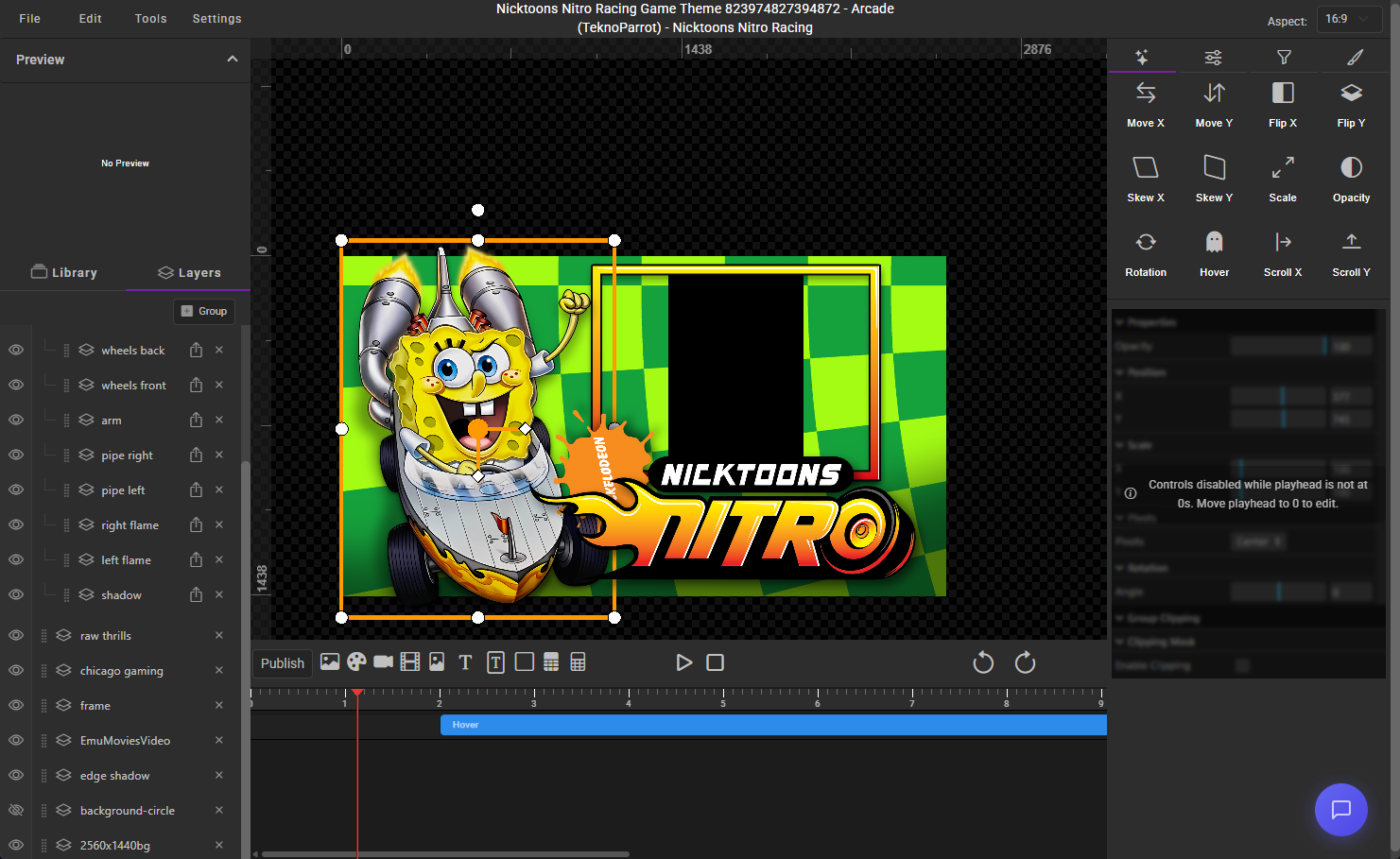
Hey everyone! This week’s focus has been all about refining HyperTheme—both the web UI and the ThemeBuilder itself. We've polished controls, introduced powerful new tools for theme creation, and rolled out more visual upgrades across the board. Plus, thanks to some shader wizardry from @yaron and his team, we’ve added a whole new batch of effects to play with. Let’s dive in! ThemeBuilder Updates We’ve continued to improve the control system we introduced earlier, giving users more flexibility in how they build and style themes. One of the biggest additions this week: 12 new shaders. New Shader Effects Stripes Stripes 2 Blur Circle Rays Swipe Reveal Left / Right / Top / Bottom Pixelate Flag 2 Big thanks again to Yaron and his team for the insights—they made this possible, and there’s even more on the way. Layer Grouping (Now Live!) You can now group layers together, making it easy to apply animations or effects to multiple elements at once. This is the first major step toward our next-gen theme-building experience. It also lays the groundwork for linked positioning—think wheels that automatically move with a car layer. You’ll start seeing more of this type of control in upcoming builds. UI Upgrades Across HyperTheme We’ve quietly been refreshing more of the HyperTheme site. You might’ve already noticed updates to: Login screen (with animated background) Media details pages Project creation screen (with animated background) ThemeBuilder UI We’re not done yet—expect more visual polish and consistency improvements over the next few weeks. HyperHQ Updates Updated EmuMovies support Emulator UI fixes What’s Next Work on the new controller base code is still moving forward. HyperTheme has been the main focus lately, but we’re ready to shift gears a bit and give the controller system the attention it deserves—starting next week. More soon! — fr0stbyt3 Theme Credit: @rondar Crazy_Ride_revised.mp4 Elevator_Action_Invasion_REVISED.mp411 points
-
Hey everyone! We’ve got a solid round of updates to share across HyperSpin, ThemeBuilder, and HyperHQ—with big improvements to performance, visuals, and workflow. Most notably: 3D Perspective support is in, themes now load faster, and a bunch of long-standing bugs have been squashed thanks to your reports. Let’s break it down: Theme Engine Updates The latest ThemeBuilder beta includes: 3D Perspective Mode – Bring depth and dimension to your themes Improved UI Controls – Smoother workflows and better precision. New Flag Shader – Adds ripple motion for more dynamic effects Updated Spritesheet Handling – More responsive and accurate Save Project Fixes – No more corrupted saves or lost work These updates also speed up theme loading in HyperSpin itself—everything feels snappier and more responsive. Coming Soon We’re working on even more tools to boost creativity and streamline theme building: Element Grouping – Easily organize and manage related elements Group-Based Animations – Animate multiple elements together Expanded Shader Support – More ways to enhance your themes These features are already in development and coming soon. HyperHQ Beta (v2.0.59) The latest HyperHQ beta is now available: Sync Settings – Sync ui updates - more updates to come Dropdown UI Fixes – Cleaned up behavior across the board Download Safeguard – Prevents accidental overwrites Emulator Overrides – Back online and functioning as expected Please give it a spin and let us know if anything still feels off. Wrapping Up We’ve got a few more updates coming out as they’re completed, but we’ll be shifting to a bi-weekly release cycle very soon. That schedule should give us a good rhythm—enough time to focus on bigger features while still staying responsive to your feedback. As always, huge thanks to everyone building themes, testing builds, and sharing ideas—it’s been awesome seeing the community come alive again, and your input is driving everything we’re doing. More cool stuff on the way. Stay tuned!11 points
-
10 points
-
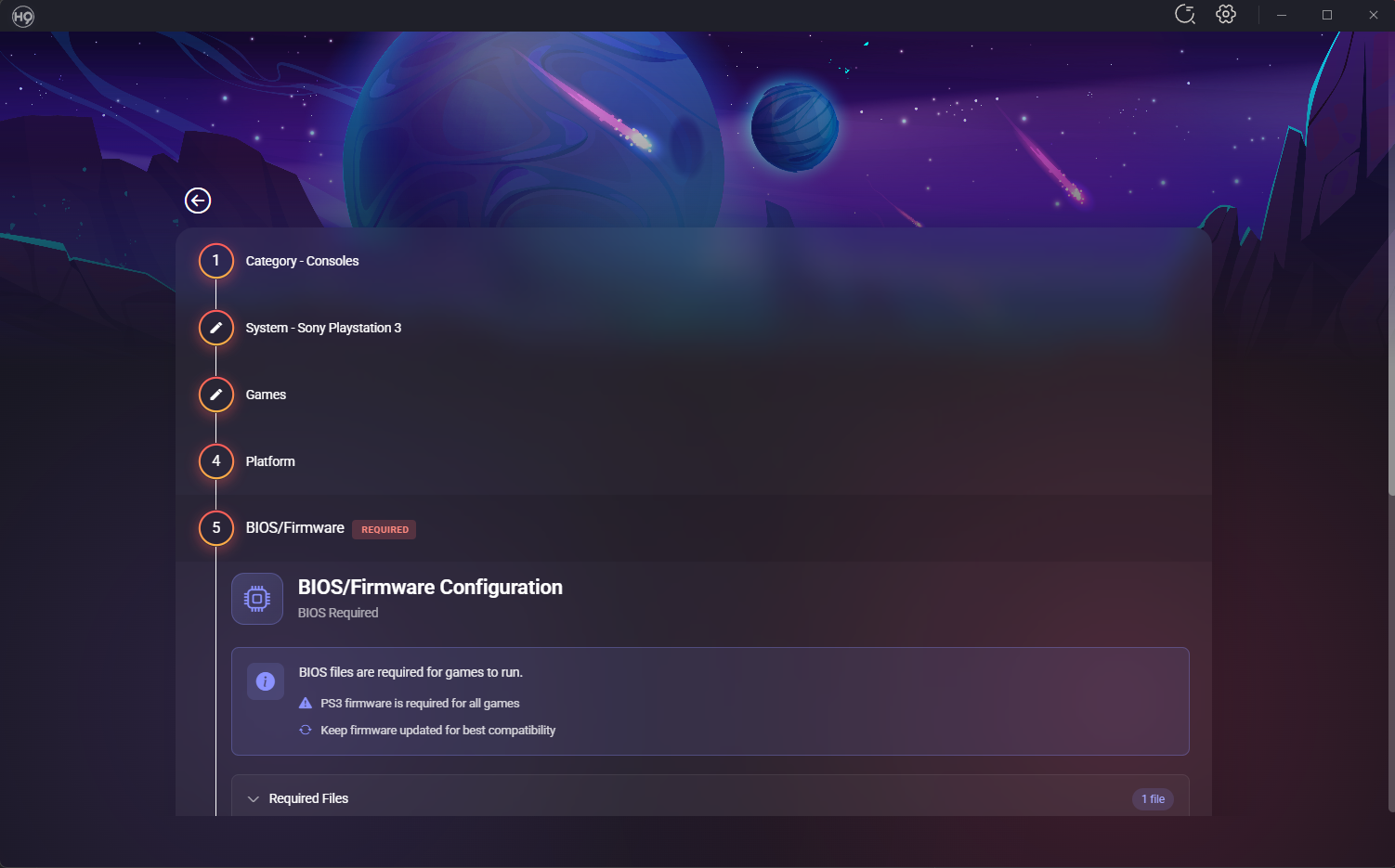
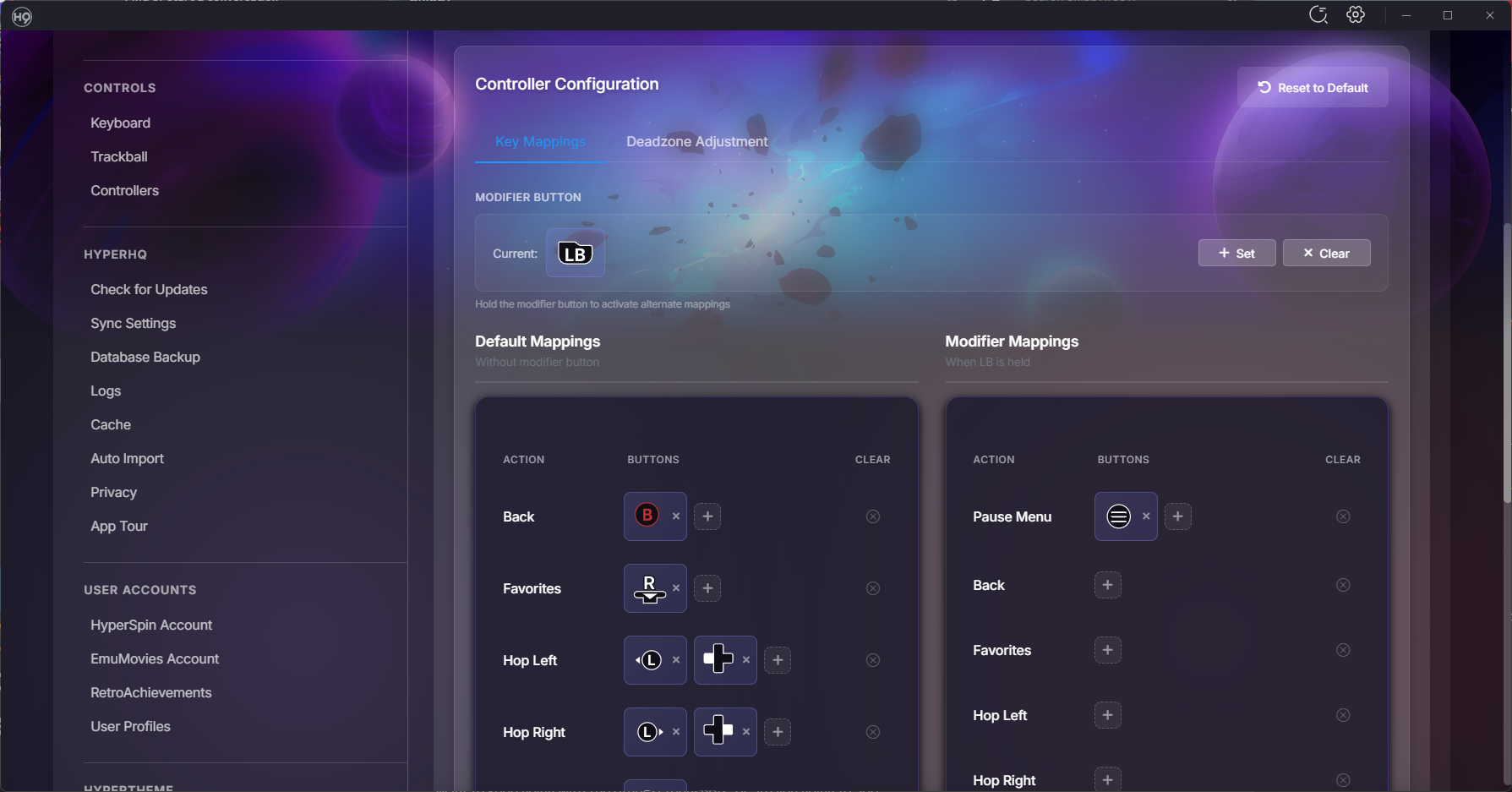
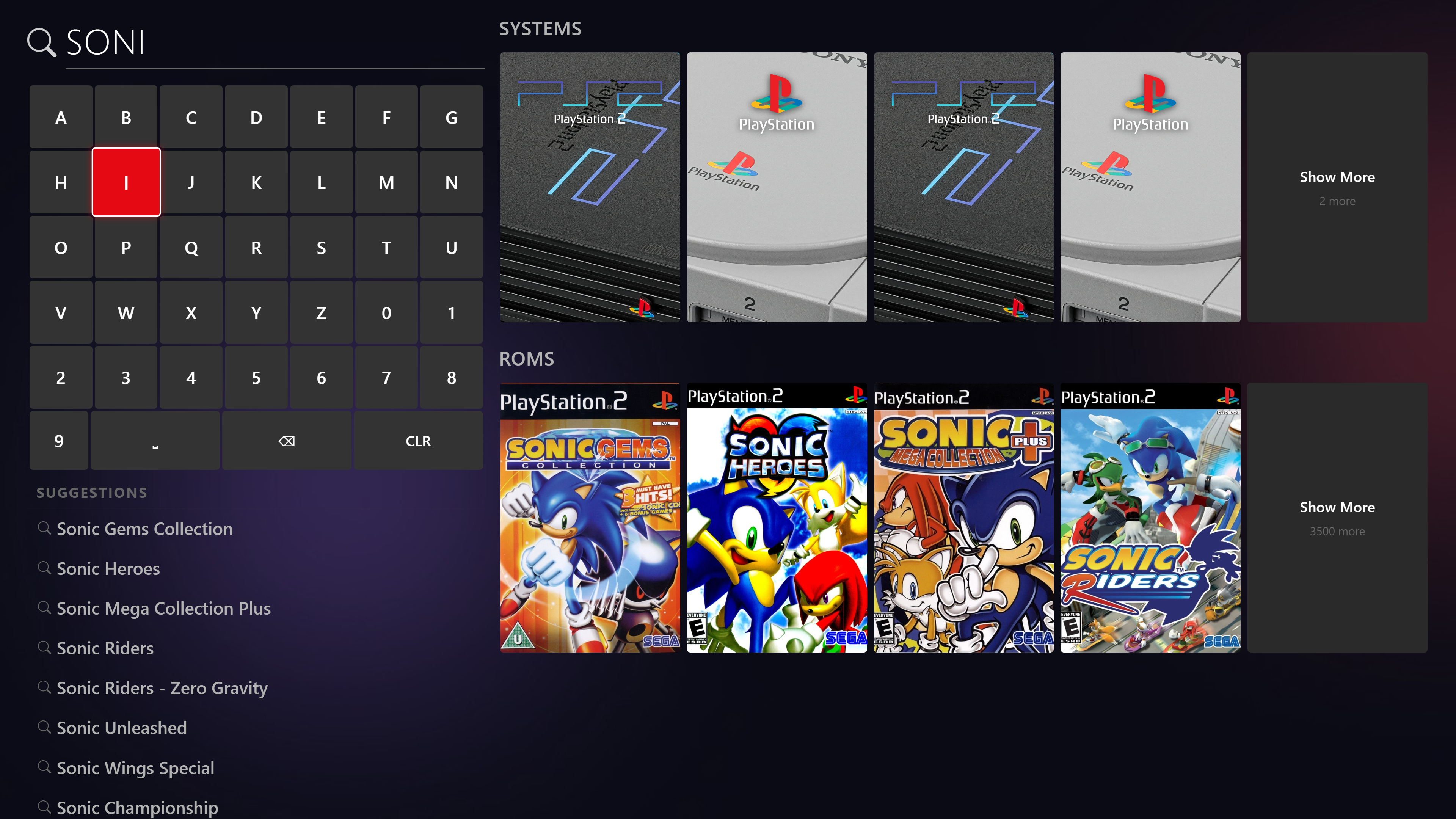
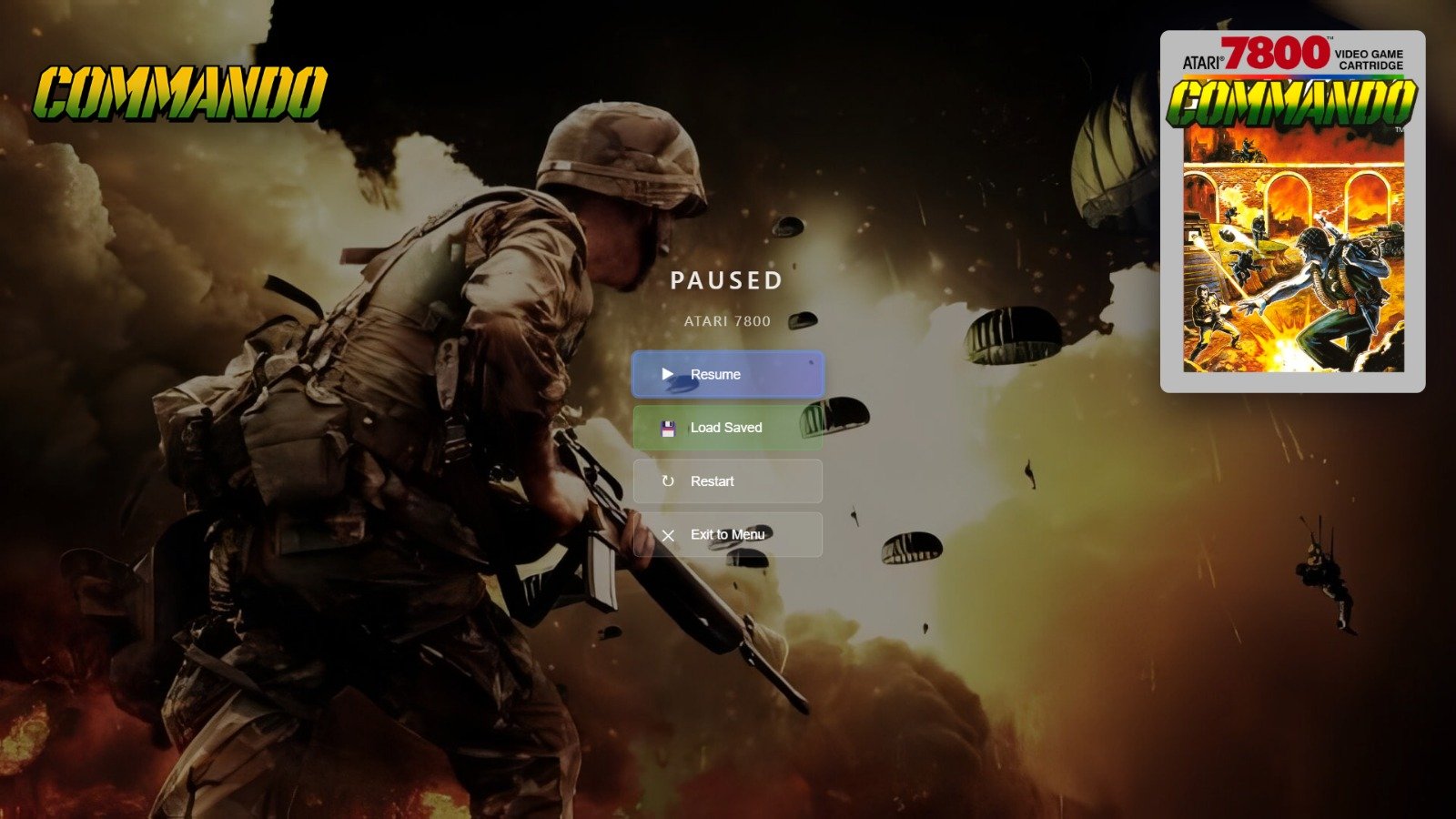
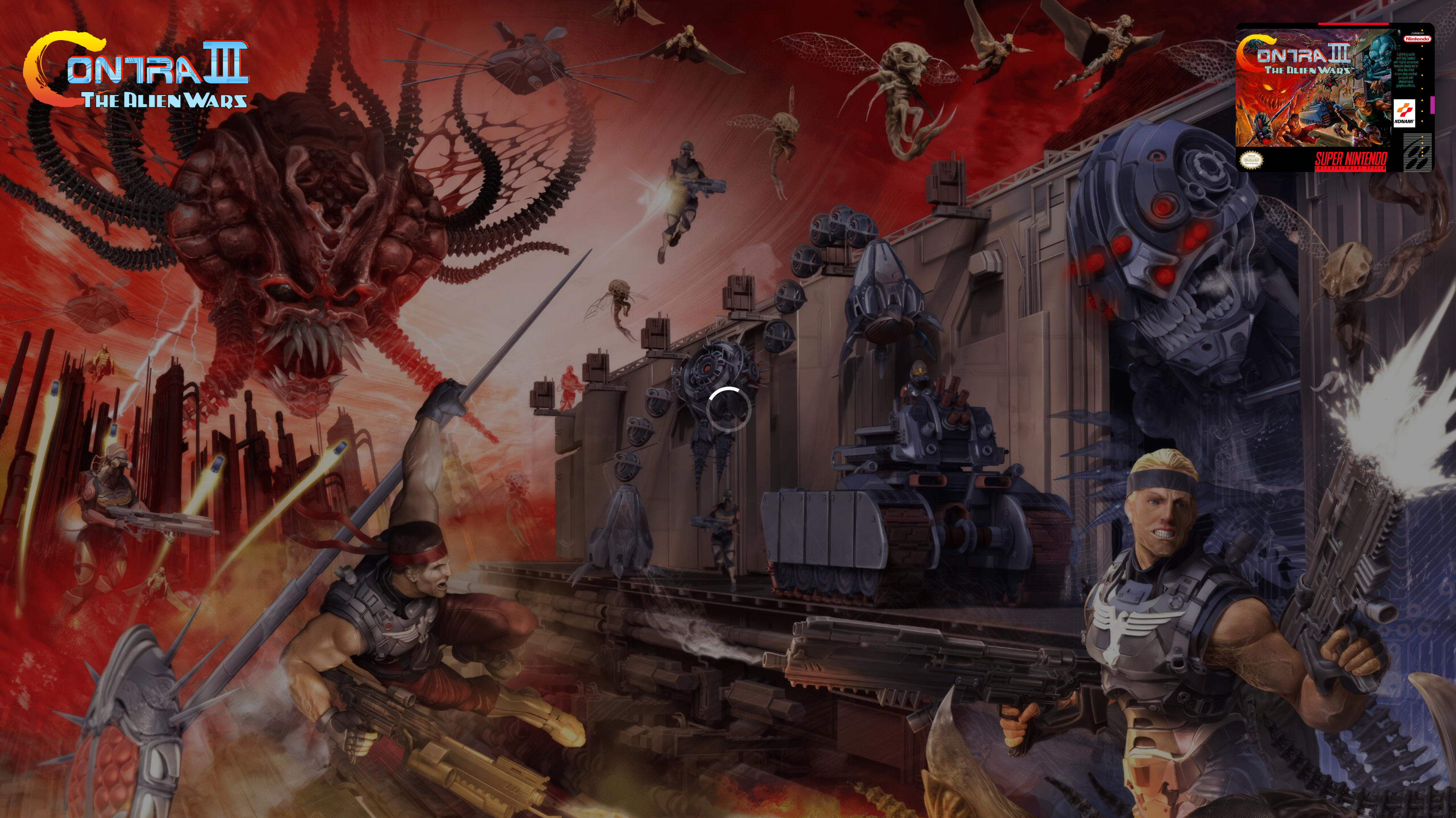
March Update: HyperOverlay, Performance Overhaul, and a Mountain of Polish Hey everyone! It's been about three weeks since our last update and the team has been busy — over 400 commits and 80+ closed issues across the board. This one's packed with brand new platform support, a smoother experience overall, and a ton of UI polish. Let's dive in! Introducing HyperOverlay We're excited to share HyperOverlay — a new plugin that adds loading screens and pause menus to your HyperSpin setup. If you've ever launched a game and stared at a black screen while the emulator loads, HyperOverlay fixes that. It displays a clean loading screen with game artwork while everything spins up in the background, so the transition from wheel to gameplay feels seamless. It also adds an in-game pause menu you can pull up with your controller. HyperOverlay is still a work in progress, so it's completely optional — you can enable or disable it anytime from the plugin settings. If you try it out, let us know how it works for you. What you get: Loading screens — displays game artwork and info while the emulator starts up, so no more staring at a black screen Pause menus — pull up an in-game pause menu with your controller to resume, restart, or exit Game end screens — see a stats summary when you exit a game Controller and keyboard support — navigate everything with your gamepad or keyboard Multi-monitor ready — works across multiple displays for cabinet setups Save state management — browse and load your save states right from the pause menu Performance The first time you start HyperSpin, it should be significantly faster to load. The second time you start it, it should be almost instant. We completely reworked how games are loaded and cached so your library is ready to go the moment you launch. Scrolling through large game lists is smoother too, especially if you've got thousands of games in a system. Wii U Support We've added full support for Wii U via Cemu. What this means for you: Add any of these systems through the Add System wizard just like any other platform HyperSpin automatically detects your installed games — no manual game lists needed Games launch directly from your library with the right settings BIOS and firmware checks are built into the setup flow so you know if something's missing before you try to play Real game titles are pulled automatically (no more cryptic folder names in your game list) Wii U support is further along and should be stable for most setups. New Features Spotlight Search Spotlight search is now in HyperSpin with full controller support. Find any game or system instantly without scrolling through wheels — just start typing or use your controller to pull it up. Zip File Progress When HyperSpin needs to extract a compressed game before launching, you now get a visual progress screen instead of wondering what's happening. Temp files are cleaned up properly afterward too. Advanced Controller Mapping We've added modifier key support for controllers. If you've got a cabinet with limited buttons, you can now hold one button as a modifier to unlock additional actions on every other button — effectively doubling (or tripling) what your controller can do. For example, hold the Player 1 button and press Start to exit a game, or hold it and press another button to open the menu. Works with keyboards too. Always on Top Marquee The marquee display can now sit above everything on screen, including the taskbar. Perfect for dedicated marquee monitors on arcade cabinets. RetroArch Bezels BezelProject packs now automatically apply a system-wide default bezel to all your games — and per-game bezels still override when available. This also prevents touch controller overlays from appearing on arcade cabinets. UI Polish We knocked out a big batch of visual improvements: Category highlight in Add Systems updated to HyperSpin purple Add Extensions button is now more visible Update screen shows your current version vs. what's available Cache settings descriptions rewritten to actually explain what each button does Autoimport settings got a tighter layout with cleaner toggles Archive extraction now uses toggle switches instead of checkboxes Plugin screen buttons cleaned up and streamlined Contact link in License Settings now opens in your browser instead of in-app Collections Right-click context menu on collection items — refresh, hide/show, and delete without navigating away Collections now update in real-time as you make changes Fixed the new collection creation flow Games & Media List view is back — toggle between grid and list views List view context menu fully working again Editing a game's name now updates everywhere immediately Media tab only shows media for systems you actually have installed Media download labels now include the system name so you know what you're looking at Platforms & Emulators BIOS status now rescans automatically when you visit the page or import files Systems list has a right-click context menu (Open, Edit, Hide/Show, Refresh Media) Platform Test button shows the correct system list now Advanced controller mapping support Plugin auto-updates now work for non-default plugins Theme Builder Import a PSD with layer groups and they now show up properly as expandable folders in the layers panel Scale controls now accept decimal values Remix for themes now supports the new groups feature Added list views for collections, media, and projects in your profile Fixes & Stability Thank You This was a huge push and the team really delivered. Massive thanks to everyone who's been testing, reporting bugs, and giving us feedback in the forums and Discord. Your input directly shapes what we work on. Keep the bug reports coming — and if you get a chance to try any of the new platform support, we'd love to hear how it works with your setup. — fr0stbyt3 & The HyperSpin Team
9 points
-
Hey everyone! It’s been a few weeks since our last update, and we’ve been hard at work behind the scenes—especially on the Theme Engine, which has been our primary focus. Thanks to all the amazing feedback from the artist community, we’ve made huge strides toward what we think will be the most fun and flexible theme-building experience yet. Theme Engine Updates The latest build includes several major enhancements: New and improved UI controls A brand-new 3D Perspective Mode Faster load times in HyperSpin Better performance loading and rendering themes Coming Soon We’re continuing to build on this momentum with exciting new features that will roll out shortly: Shader support Element grouping Group-based animations If everything stays on schedule, HyperSpin and the next version of ThemeBuilder are expected to release next Friday. HyperHQ Improvements We’ve also been making important updates to HyperHQ, many of which were driven by user reports: Fixed bezel-related issues in the download process Updated EmuMovies login handling Bug fixes and improvements for Steam integration Resolved a startup hang issue reported by several users We’re also laying the groundwork for our next big milestone: a brand-new controller system for HyperSpin and HQ. Once the current HS update wraps, controller improvements will begin rolling out—bringing support to more device types and improving compatibility overall. Looking Ahead We’re moving to a bi-weekly release cycle, which will give us enough breathing room between builds to focus on bigger and more impactful updates as we head into summer. Final Thoughts A heartfelt thank you to everyone who’s been part of this journey—whether you’re testing, building themes, or sharing feedback. Your input has been instrumental in shaping HyperSpin’s next chapter. Even the critiques have been helpful, and it’s genuinely made this project exciting again. Hats off to all of you. Stay tuned—more updates are right around the corner! 2025-04-04_10-35-08.mp49 points
-
Wacky Races Fun theme featuring Muttley laughing animation. I redrew the character and split up the pieces so I could stack them and animate them.
8 points
-
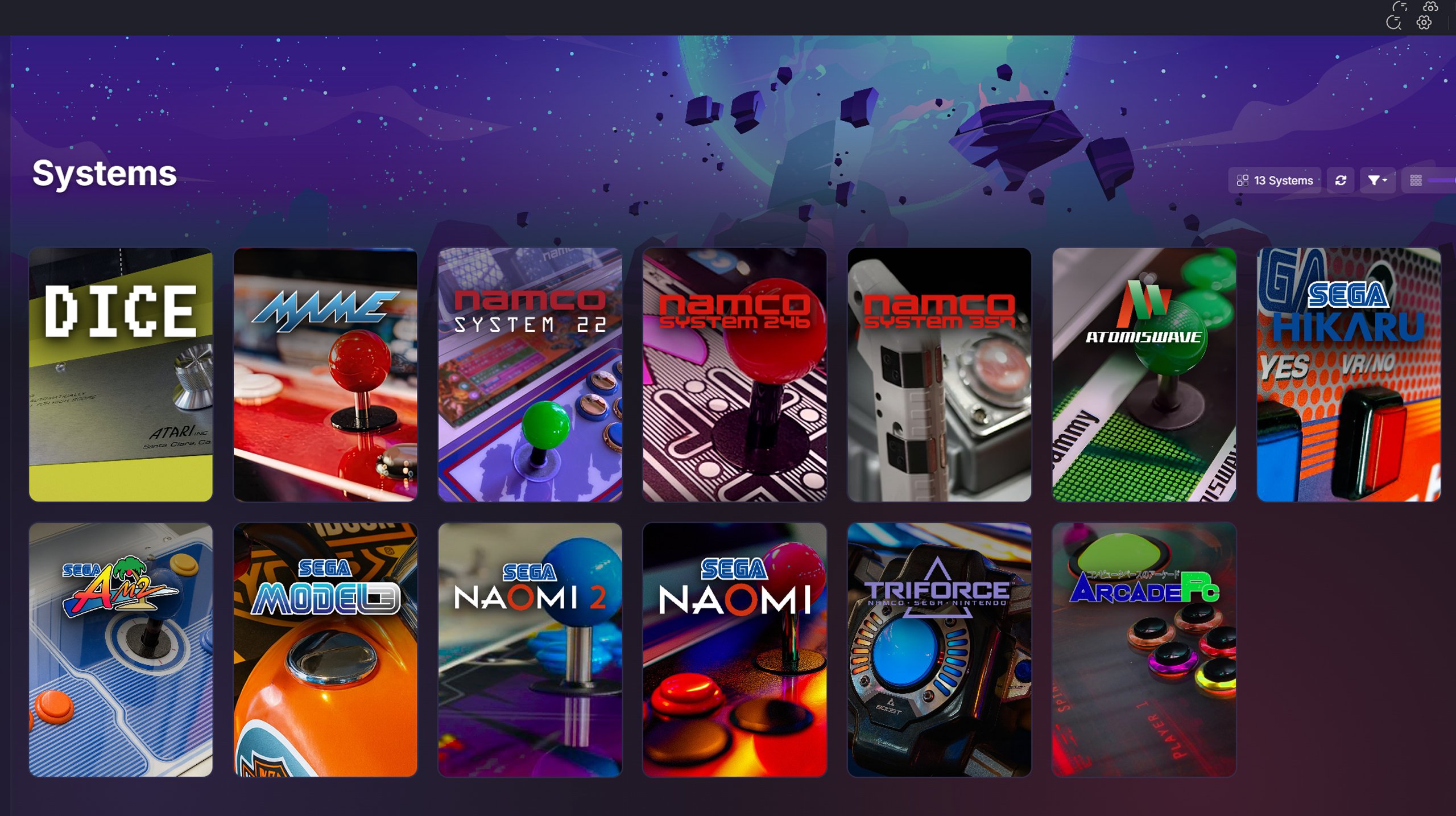
@Circo and i got hooked on creating arcade system backgrounds for about a week now. We were up till 3am most night's geeking out, (i was searching out and editing different images, and arguing with AI to get them upscaled and changing perspective angles while he was feeding them to the hyperlist as we both drooled over them one by one. We also found and corrected a few overlooked artwork oopsies along the way. These are the main ones we finished last night but we can add more as i come accross them. All of them, with the exception of teknoparrot feature the actual peripheral cabinets they could have been running on during the correct timeline that they were distributed. hope you are as stoked as much as we are on the set so far! -baddie
7 points
-
here we go again... same rules as before... only usa and liberties will be taken... also i may do some japanese ones just not a priority and these take time so am aiming for usa ones. all games will be done... including homebrew and unlicense ones like the double dragon one here Download: https://drive.google.com/file/d/16xxkdPfBwSVXs6J57uKNf4GpJn_aqXf0/view?usp=sharing
7 points
-
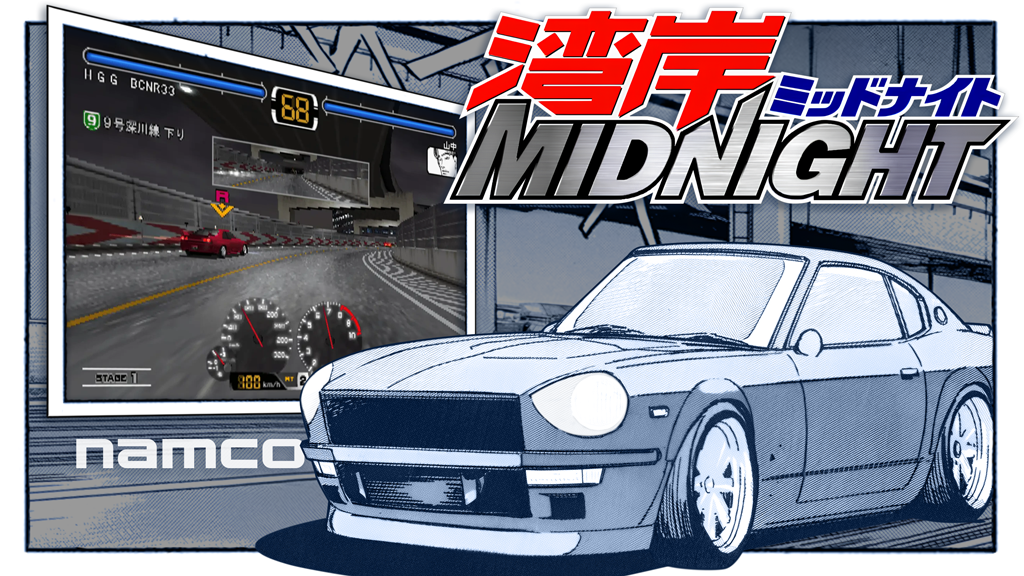
Hey everyone! First off, a huge thank you to everyone who’s been testing, reporting bugs, and sharing feedback over the past few months. Your input has been invaluable in shaping these releases—every feature and fix you see here was directly influenced by your suggestions and the issues you reported. You all rock! We’ve been working through a pretty substantial update cycle across the entire HyperSpin ecosystem. This includes over 100 improvements spanning HyperHQ (v2.0.103-beta through v2.0.116-beta), HyperSpin (v2.0.55 through v2.0.61), HyperTheme (v1.9.0 and v1.10.0), and our documentation site. Here’s what we’ve been able to get done: complete MAME overhaul, a new plugin system, GPU optimization improvements, significant RAM reduction on large libraries (60-85% in testing), automatic database backups, and quite a bit more. We’re doing our best to address the feedback you’ve shared and make the ecosystem more reliable and performant. Let’s walk through what’s new! MAME - Complete Rebuild The MAME plugin received a complete architectural overhaul with massive improvements: Core Improvements Streamlined Wizard: Faster, cleaner setup process with better feedback Large Collection Support: Handle massive MAME game lists (10,000+ games) without slowdown Local Processing: Game XML processing happens locally for dramatically improved speed New Plugin Architecture: Built on the all-new plugin system for better reliability Enhanced Update Workflow Visible Filters: Filter options now stay accessible during MAME updates Media Options Available: Choose which media types to download while updating Better Feedback: Clear progress indicators at each stage More Control: Better visibility into what’s being updated and downloaded New Filtering Options Handheld Games Filter: New filter specifically for handheld/portable arcade titles Better Organization: Organize your MAME collection by form factor Dedicated Wheels: Create specialized wheels for handheld classics This rebuild addresses nearly every pain point users experienced with the old MAME setup. Whether you’re managing a small curated collection or a complete MAME set with thousands of games, the new system handles it smoothly. Plugin System - Expand HyperSpin Your Way One of the most significant architectural changes is the introduction of a full plugin system: Core Philosophy Keep HyperSpin Lightweight: Core application stays lean and fast Add Features as Needed: Install only the plugins you want Community Extensions: Users can create and share custom plugins Developer-Friendly Features Load Development Plugins: Test plugins without publishing them Direct Installation: Install plugins right from the plugins page Comprehensive API: Full access to system and media folder data Better Event Handling: Plugins can hook into application events Media Folder Overrides: Plugins can provide custom media folder paths Enhanced Security Challenge-Response Authentication: New security model for plugin communication Protected Access: Plugins can’t interfere with each other or core functionality User Experience Cleaner Confirmation Dialogs: Improved messages when installing or managing plugins Better Error Handling: Clear feedback when something goes wrong Reliable Loading: More consistent plugin initialization from folder installations The plugin system opens up exciting possibilities for community-driven features while keeping the core HyperHQ application maintainable and fast. HyperSpin Performance Lazy Loading Update HyperSpin v2.0.57 introduced a complete rewrite of the media loading and management system: Assets Load On-Demand: Media files load only when needed, not all at startup 60-85% Less RAM Usage: Massive memory reduction, especially with large libraries New Cache Database: Lightning-fast lookups replace slower file system operations Smoother Performance: Reduced memory pressure means better overall responsiveness This single change transforms HyperSpin’s performance on systems with large game collections. If you have thousands of games, you’ll immediately notice the difference. GPU Detection and Optimization HyperSpin now intelligently detects and optimizes for your graphics hardware: Hardware Analysis: Detects dedicated vs integrated graphics automatically Adaptive Settings: Graphics settings adapt based on your hardware capabilities Safer Defaults: Systems with integrated graphics get conservative settings Maximum Performance: Dedicated GPU users get optimized settings for smooth animation Smoother Wheel Navigation: Silky-smooth scrolling with dedicated GPUs Better Frame Rates: Fixed loading screen lag and frame drops Maintains 60 FPS: Multi-window support (with marquee displays) stays buttery smooth Resource Management Background Pausing: Animations pause when HyperSpin isn’t the active window Reduced Background Usage: Lower CPU/GPU usage when minimized Better Memory Management: More efficient allocation and cleanup Optimized Image Caching: Smarter caching strategy for browsing Data Protection - Automatic Backups HyperHQ now includes a comprehensive backup and restore system that protects all your hard work: Automatic Backup System Configure automatic backups in Settings > HyperHQ > Database Backup Backups run automatically on the schedule you choose Smart cleanup keeps your 7 newest backups and removes older ones Backups include your entire database—all systems, games, media links, and settings One-Click Restore Browse your available backups in the settings panel Restore any backup with a single click App automatically restarts with the restored database Perfect for recovering from bad configurations or testing changes Manual Backup Option Create a backup anytime you want with one click Perfect before major changes or updates Backups are stored safely and clearly labeled This system means you can experiment freely, knowing you can always roll back to a known-good state. Testing new configurations? Make a backup first. About to import hundreds of new games? Make a backup first. Peace of mind is just one click away. Visual Experience - Marquees & Backgrounds The marquee system has been completely reimagined with stunning new features: HyperHQ Marquee Display Enable "Marquee (HyperHQ)" in settings to see your marquees while browsing games Smooth animations and background blur effects Proper window management and positioning Works alongside HyperSpin for dual-display setups Three New Animation Styles Slide: Marquees slide gracefully into view Cascade: Layered animation effect Expand: Zoom and expand animations Random Playback: Different animation each time you browse for variety Background Effects Dynamic, subtle movement on marquee backgrounds Adds life to static images Creates a more engaging browsing experience Enhanced Customization Background Alignment: Choose top, center, or bottom alignment for marquee background images Per-System Override: Enable or disable marquee media for individual systems Smart Fallback: When marquee media is disabled, shows wheel image with theme background Retro Arcade Theming: Beautiful arcade-themed backgrounds when no marquee images exist Game Backgrounds in Systems Page The Systems page now displays game backgrounds behind the sidebar as you browse: Auto-Switching: Backgrounds change smoothly as you navigate Blur Effect: Subtle blur keeps text readable Darker Gradient: Sidebar has improved contrast with gradient overlay Immersive Feel: Makes browsing systems feel more connected to your game collection Media Management - Faster and Smarter Media handling received significant attention with numerous improvements: Core Fixes Deletion Bug Fixed: Media deletion now properly updates the database (this was a long-standing issue!) Persistent Settings: Download settings are saved when refreshing media Better Checkbox Behavior: Checkbox interactions work more intuitively throughout Auto-Migration: Older system configurations automatically migrate to new format Performance Improvements Faster Matching: More reliable and faster game-to-media matching Intelligent Caching: Smarter caching strategy in media audit reduces redundant operations Optimized Image Loading: Better caching for browsing large collections Smoother Scrolling: Performance improvements when viewing game lists Enhanced Capabilities Expanded Media Type Support: Comprehensive list of game and system-level media types Alphabetized Lists: Media types are now alphabetically sorted in refresh modal JSON Export: Media statistics now export to JSON format with 30-day tracking Logs & Debugging - Complete Redesign The logs page received a complete redesign focused on giving you better visibility into what’s happening: Powerful Filtering System Real-Time Search: Type to instantly filter logs by message, level, source, or timestamp Entry Counter: See exactly how many log entries match your current filters Source Toggles: One-click filtering between HyperHQ and HyperSpin logs Level Filters: Quick chips for All, Info, or Errors only Usability Features Copy Individual Entries: Copy any log entry with one click Copy All Filtered Logs: Export all visible logs at once Clear Logs Button: Remove logs from view without closing the page Auto-Scroll Toggle: Control auto-scroll with clear visual indicator Scroll to Top Button: Appears when you’ve scrolled down Whether you’re troubleshooting an issue, monitoring background tasks, or just curious what’s happening, the new logs page makes it faster and easier to find what you need. RetroArch Integration HyperHQ now includes an intelligent core selection system with pre-configured recommendations for over 100 gaming systems: See Only Compatible Cores: The system filters cores to show only those that work with your chosen platform Smart Recommendations: Default cores are pre-selected based on community best practices Integrated Setup: Core selection is built right into the system configuration workflow Automatic Launch: Your chosen core is used automatically when launching games Video & Animation Fixes Numerous video and animation bugs were identified and fixed: Video with Marquee: Fixed video playback when marquee displays are enabled Transition Pausing: Corrected videos and transitions pausing incorrectly JPG Support: JPG files now load correctly as metadata images Flipbook Animations: Resolved flipbook animation bugs Tiling Issues: Fixed theme tiling problems Projection Fixes: Corrected rendering issues with projections Granular Progress: More detailed progress indicators during asset loading Metadata Hiding: Metadata automatically hides while spinning/changing wheels (default theme) Game Management Enhancements Hide and Disable Games Grayscale Indicators: Hidden or disabled games shown with grayscale effect Show Hidden Toggle: Quickly show or hide disabled games Better Organization: Remove games from wheels without deleting them "Scrape As" Feature Custom Scraping: Tell HyperHQ to scrape games as a different System. Perfect for Custom Systems: Handle homebrew, hacks, and custom collections Better Metadata: Get accurate metadata for games with unusual names User Experience Improvements Drag-Drop ROM Paths: Drop folder paths directly into path fields Compact Asset Grids: Cleaner, more efficient grid views for media Better Responsive Layouts: Improved layouts throughout the application Wheel Manager Help: Added help documentation for wheel configuration HyperTheme Enhancements Change Theme Type Anytime The biggest limitation in HyperTheme has been eliminated: Change Theme Type After Creation: No longer locked into your initial choice Automatic Validation Updates: Validation rules adapt to new theme type Dynamic Form Updates: Form fields adjust based on theme type Smart Tag Management: Tags automatically update for compatibility Workflow Improvements Spacebar Control: Press spacebar to play/pause theme preview One-Click Downloads: Save media items directly from the library with new download button Better Browsing: "Load More" button remembers your filters Better Loading Spinners: Loading indicators work correctly throughout Fixed Metadata Loading: Metadata images load reliably EmuMovies Fixed: Video preview works again Visual Polish Removed Blue Halos: Eliminated distracting blue focus highlights Updated Theme Colors: Refreshed colors in left navigation menu Loading Indicators: EmuMovies content shows proper loading states Fixed Dropdowns: System Theme dropdown works correctly Documentation Improvements The documentation site at docs.hyperai.io received significant updates: Plugin API Standardization: All Socket.IO events now use camelCase convention Enhanced Plugin Logging: Comprehensive logging examples and best practices Multi-Language Support: Examples provided for Go, C#, and Python plugins Improved Event Documentation: Updated event subscription examples with camelCase patterns Emulator Management Script Management Reset Emulator Scripts: New button in emulator metadata editor Fresh from Server: Pull latest default scripts with one click All Script Types: Covers startup, exit, pause, resume, reset, save state, load state, and disc swap scripts Reset in Cache Settings: Reset button also available in Cache Settings Better Selection Interface Improved Dropdown Visibility: Emulator selection dropdown works better Clearer Options: Better organization of emulator choices Theme Management Efficient Metadata: More efficient theme metadata processing Better Caching: Improved caching strategy for themes No More Repeated Downloads: Fixed themes downloading repeatedly Privacy and Community New privacy controls give you transparency and choice: "Help Improve HyperHQ": Toggle to control usage data collection Community Metadata Sharing: Control whether you contribute metadata improvements Your Choice: Both features completely optional Transparency: Clear explanation of what gets shared Version Summary This update cycle included: HyperHQ: 14 releases (v2.0.103-beta through v2.0.116-beta) Plugin system launch Database backup system RetroArch core selection MAME plugin rebuild Marquee system overhaul Logs page redesign Media management improvements 100+ individual improvements HyperSpin: 7 releases (v2.0.55 through v2.0.61) Lazy loading system (60-85% RAM reduction) GPU detection and optimization Performance improvements throughout Video and animation fixes Better resource management Multi-display improvements HyperTheme: 2 releases (v1.9.0 and v1.10.0) Change theme type after creation Spacebar preview control One-click media downloads Interface improvements Bug fixes and stability HyperSpin Docs: Alpha improvements Plugin API standardization Enhanced documentation Search function Better organization Your Feedback Matters We’d love to hear your thoughts on these updates: Which features are you most excited about? What improvements have made the biggest difference for you? What would you like to see next? Are there any issues you’re encountering? Thank you for being part of the HyperSpin community. Here’s to many more improvements ahead! As always, thanks for all your support, feedback, and enthusiasm—it’s what keeps us going. Stay awesome, -fr0stbyt3 Neon__Tokens_Arcade_Theme (1).mp4 WanganMidnight.mp4 Wacky_Races.mp4
7 points
-
not much to report. Devs have released a new private beta to the team to test, but have been reported several bugs, preventing the public release of this particular installment. once its been ironed out enough , you will be able to test the public release of this version. Im seeing a lot of really cool features being added, but i cant reveal the specifics, because they are the ones that are entitled to unveil them. Just believe me when i say that quite a few of the requested features ive read in the forum, are popping up, plus a ton of extras! Ive been keeping busy with artwork projects, most of which are just creations i made to place on my personal setup. As well as getting back into my theme'n groove with a few mor ArcadePC themes. Heres a few screenshots:
7 points
-
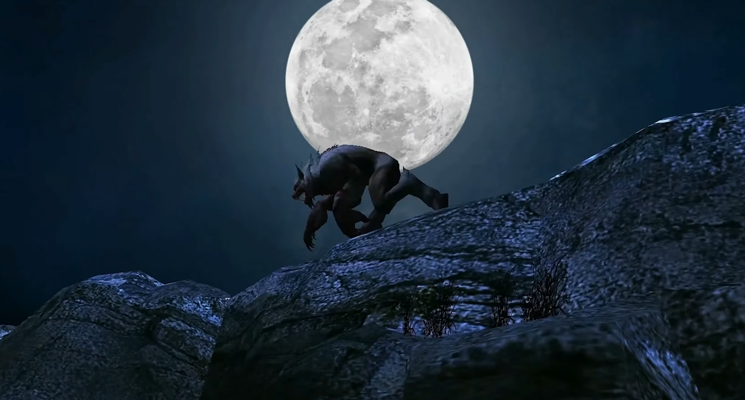
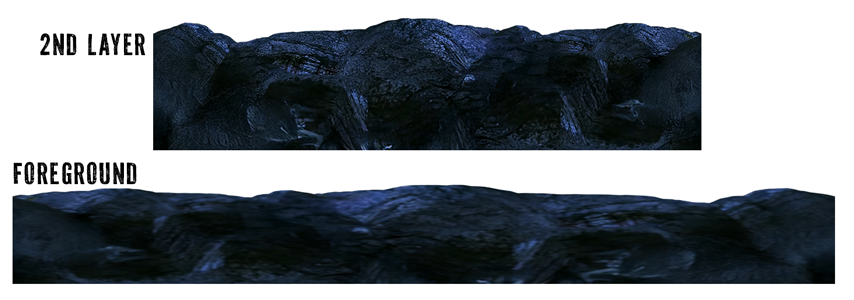
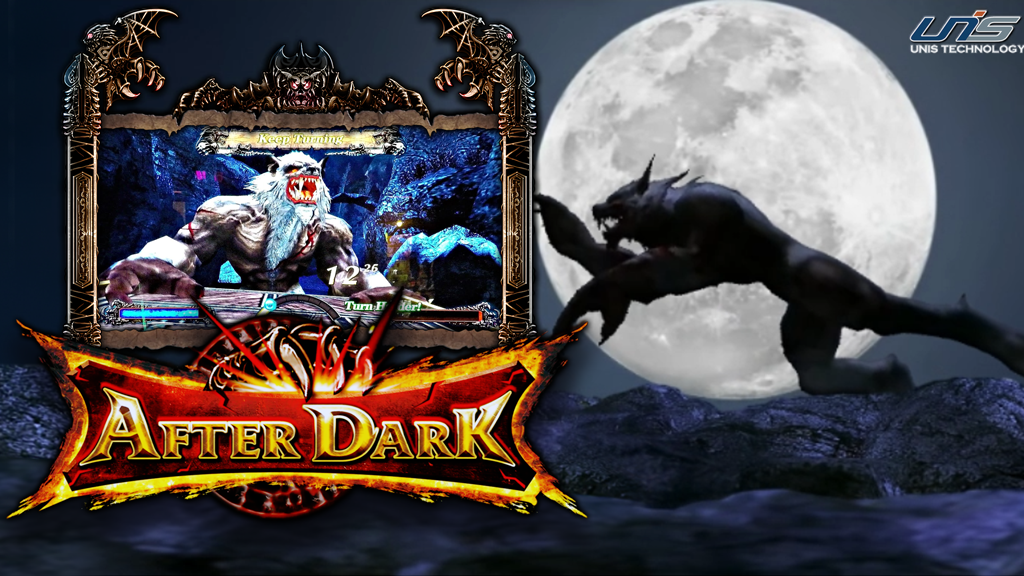
After Dark This theme was a huge pain in the butt, but the end result looks pretty cool. I used the flipbook feature in HyperTheme (HT) to take individual images and create an animation. With traditional game sprites this would be a relatively simple operation, but - since I'm a glutton for punishment - I took in-game snapshots of the opening video sequence as the werewolf was running. This gave me 17 images like this to cut and clean up: I used "remove background" in Photoshop to get started. Then I cleaned up each image and filled in gaps as necessary. I centered each image on the canvas and saved them as transparent png's in numerical order. This gave me this: werewolf frames.mp4 To get a smooth animation loop for the ground layer, I created two horizontal rock surfaces from the screenshots and used tiling to scroll the images in the theme. The foreground image is blurred and scrolls faster for added depth. And the backdrop of the animation is an oversized moon background that moves slowly to the right. And the final result:
7 points
-
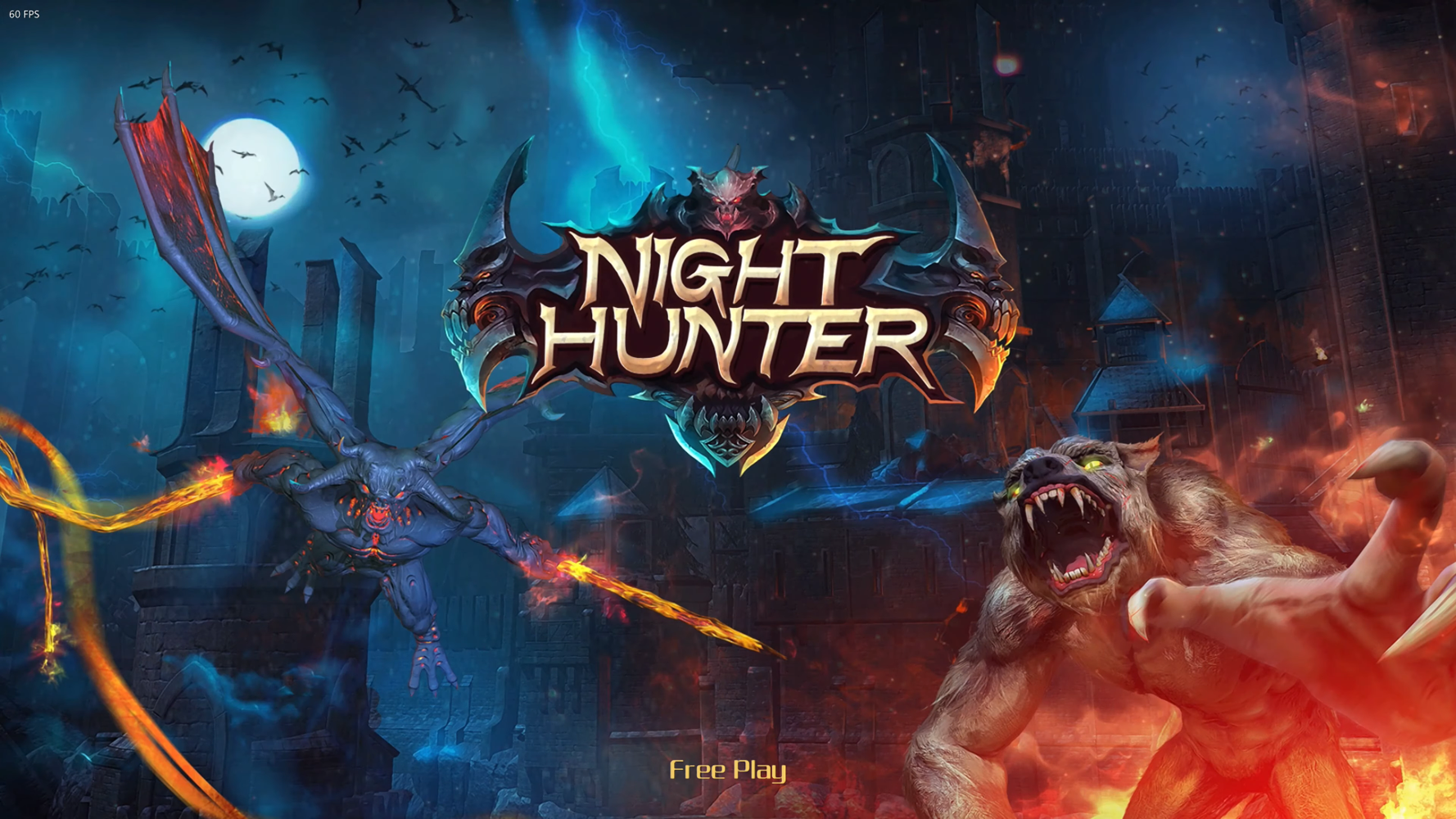
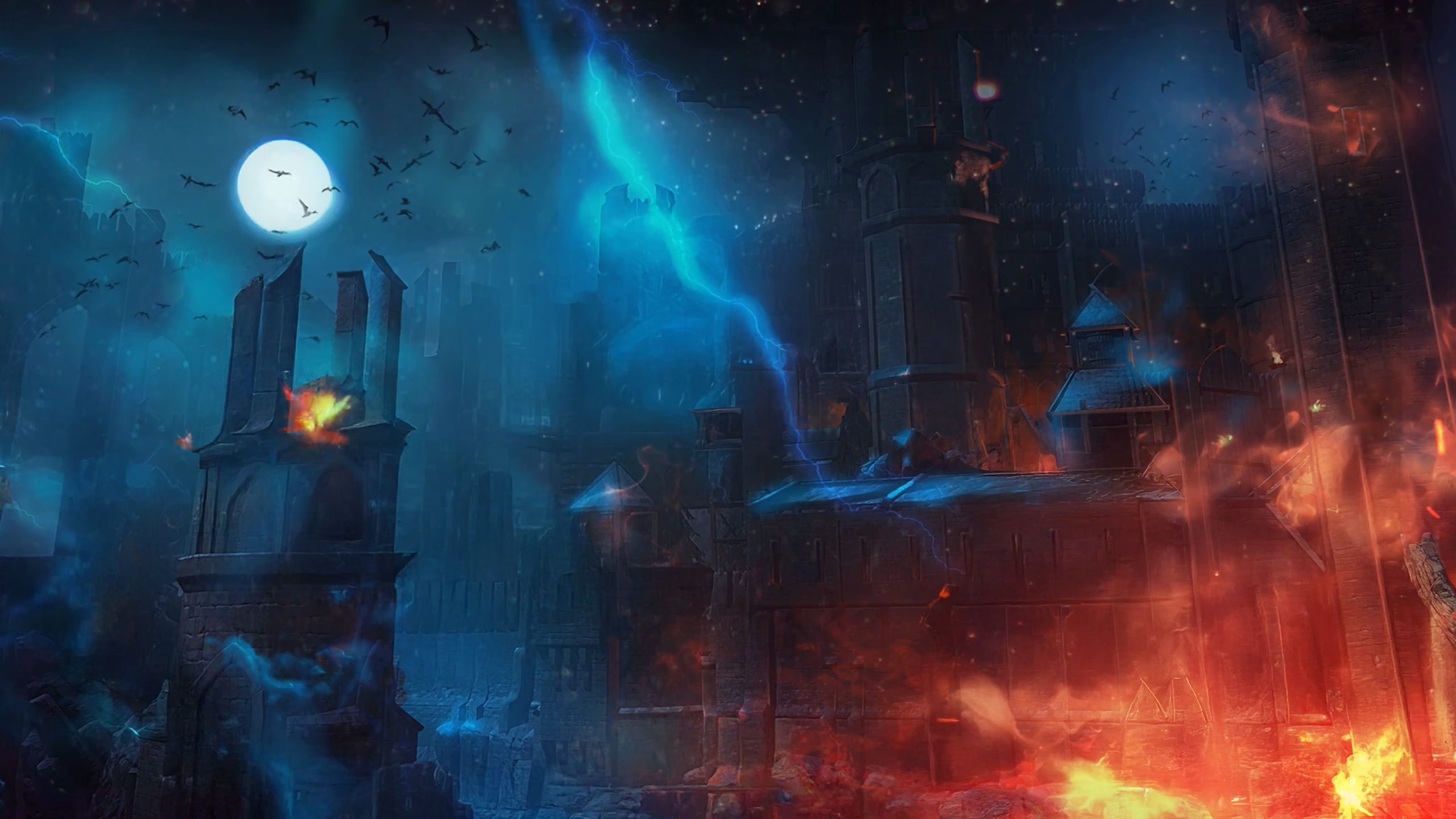
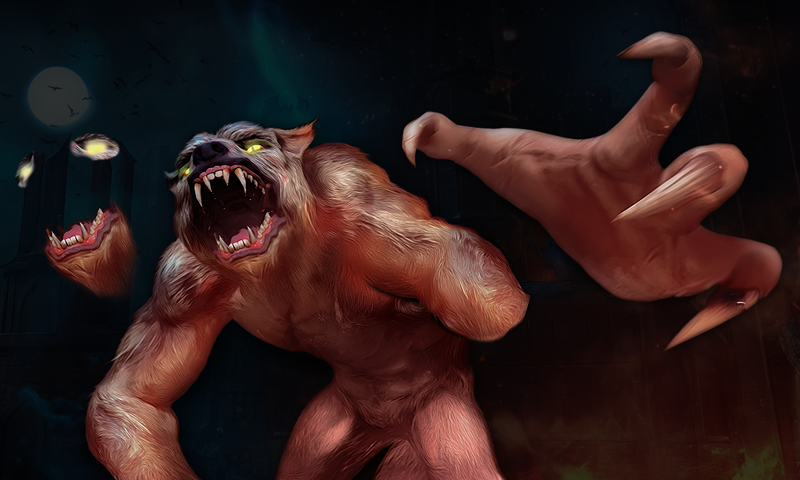
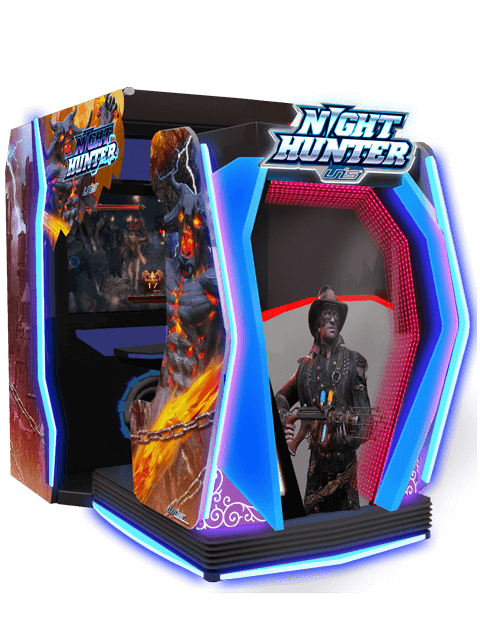
Night Hunter - After Dark, Chapter 2 This is one of my favorite themes so far. And I spent a ridiculous amount of time on it, so this post may be a little lengthy. I started off with a title screen snapshot and filled in the gaps with generative fill. I used multiple variations and then cut-and-pasted the best bits together. I initially wanted the main hunter character in the theme. I tried multiple characters from screenshots, flyers, and arcade machine photos, but I couldn't get the results as good as I wanted. And that's when I decided the werewolf from the title screen would be the star. I upscaled it, recolored it and enhanced the hair texture. To animate it, I needed parts for the movement. First, I cut out the hand and rebuilt the right fingers. I used a mixture of generative fill, copy/paste and manual retouching with a brush to repair the hand and arm stub. Then I copied/pasted the lower jaw and "beard" so it would cover the original jaw when the mouth partially closed. I then copied the eye and surrounding area so I could make the eyes glow. (I just painted a brighter yellow over the eyes on the new layer.) The logo from the title screen was cool, but the simpler, bolder one looked more "arcade" to me and it's the one that I saw on most arcade photos. So I found the best source I could, upscaled it and cut it out with the pen tool. Btw, I always use the path to create a vector mask. Then I can adjust the edge later if needed. Another tip is to use the layer style(s) inside stroke and/or an inner glow to even out any jaggies or color variations on the edges of your cut. And finally, I made a video frame to match the title. I used a gradient overlay for the blue stroke and applied a mirrored variation of the lightning from the title. Put that all together with some HyperTheme magic and you get this: Night Hunter - After Dark 2 FINAL.mp4
7 points
-
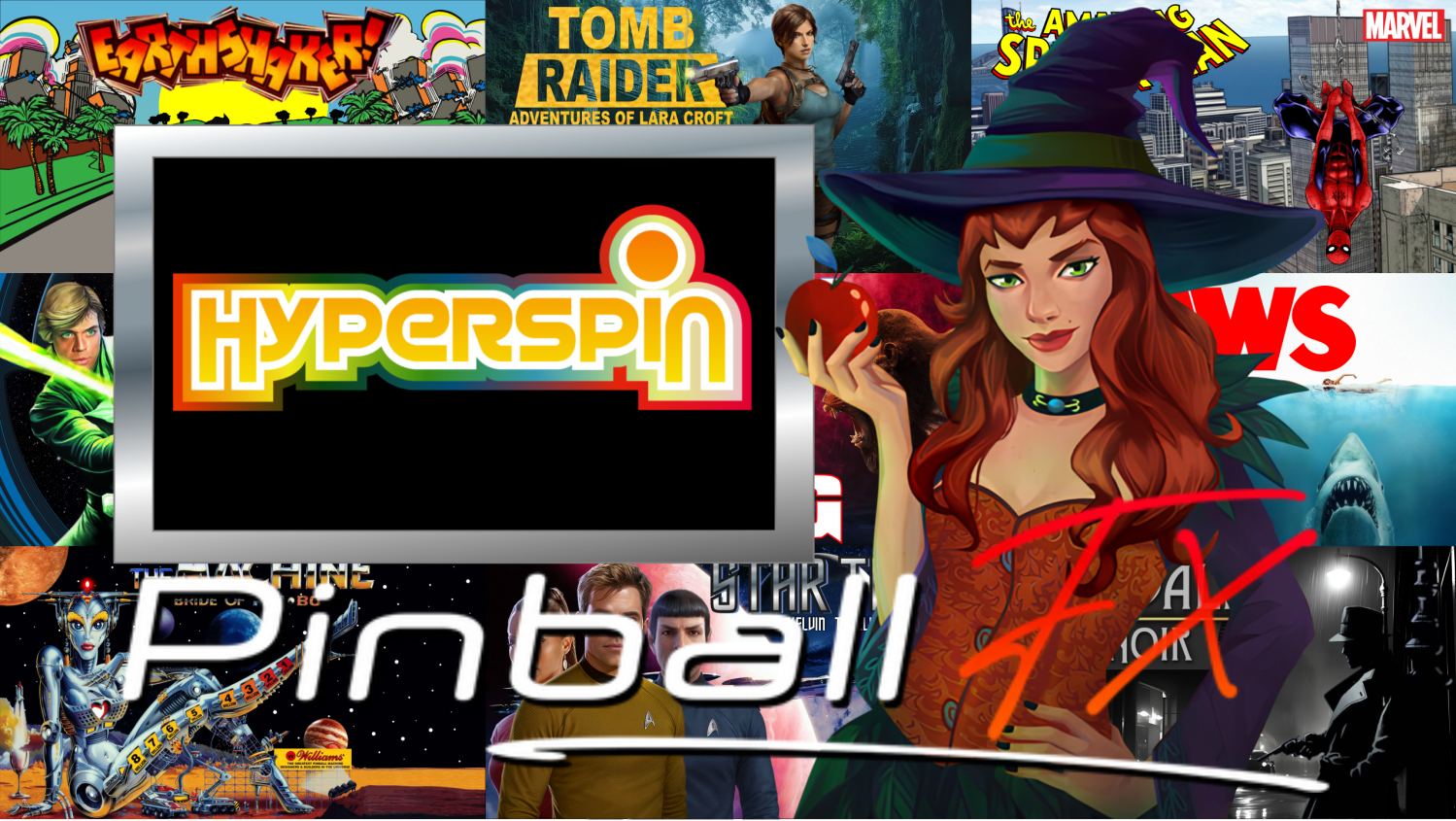
Hey everyone! The past month has been packed with updates across HyperTheme, HyperSpin, and HyperHQ. We’ve knocked out dozens of bug fixes, introduced tons of new SFX, added controller support, and made the whole system feel a lot more polished. Let’s dive into what’s new! HyperTheme + ThemeBuilder We’ve continued building out the visual side of HyperTheme with new effects, better tooling, and publishing improvements that help your work shine across the web and the forums. New SFX Effects We’ve added a big batch of new shaders to help you get creative with your themes. These are now available directly in the ThemeBuilder: To Grayscale To Color Bloom Gauss Color Adjustment To ASCII Art Outline Bevel Color Replace Cross Hatch Big thanks again to @yaron and the shader team for making these possible. Improvements to Builder & Publishing Animations can now be added to groups (Layer Grouping is now live!) Rotation animations now support flag SFX Themes now auto-post to the HyperSpin forums with full credit and YouTube preview support Publishing screen now pulls all your data into the forum post UI refresh for the project edit and publish experience Bug Fixes Fixed issues where themes would freeze or fail to publish Fixed theme loading issues and animation overlap Reveal animations now reset after running Grayscale, grow Y, ripple shaders, and PSD uploads all fixed Group pivot and animation timing bugs resolved (Exploding Kittens timing issue squashed) Reminder If your theme looks off in HyperSpin but fine in the builder, just republish—it should correct itself. Already helped a few folks fix things instantly. HyperSpin HyperSpin now fully supports all new SFX, including everything added in the latest ThemeBuilder release. Combined with improved controller support and bug fixes, this is the smoothest HyperSpin experience yet. New Features Full support for DirectInput (alongside XInput) All new SFX types now supported System Defaults now load properly Faster ROM loading and overall responsiveness Updated Joystick animation (thanks @yaron for the animation and @rondar for the artwork Fixes Fixed issue where HS was still accepting input after a game launch Animations now wait until fully loaded Fixed theme and MAME game previews not showing Menu navigation issues resolved Video overrides now stretch fullscreen Themes no longer load twice UI touch-ups and overall polish HyperHQ The controller config pages are starting to take shape, and although we’re still in beta, there’s been huge progress here—especially around MAME and emulator support. New Controller Features New controller interface (rebinding required) Support for multiple controller types including DirectInput "Clear All Mappings" button added Better support for custom emulators Speed and stability improvements MAME Enhancements Support for more than one MAME install MAME Update Wizard (update without deleting files) MAME Import Wizard (change settings without full reset) Ability to duplicate MAME configs ROM & Emulator Additions Full support for file type filtering by extension You can now define exactly which file types are recognized per system While HyperTheme got the spotlight this month, we're now shifting gears toward controller testing and finishing up the next round of builds. If you have a controller setup handy, we’d love for you to help us test. More soon! — fr0stbyt3 Big thanks to @Roadrunner and @rondar for the epic themes that they've been working on. Please check out the new themes thread for more updates! bandicam_2025-06-30_13-58-16-030.mp4 Blades_of_Steel.mp4 bandicam_2025-06-25_14-57-47-626.mp4 bandicam_2025-06-29_12-04-37-968.mp47 points
-
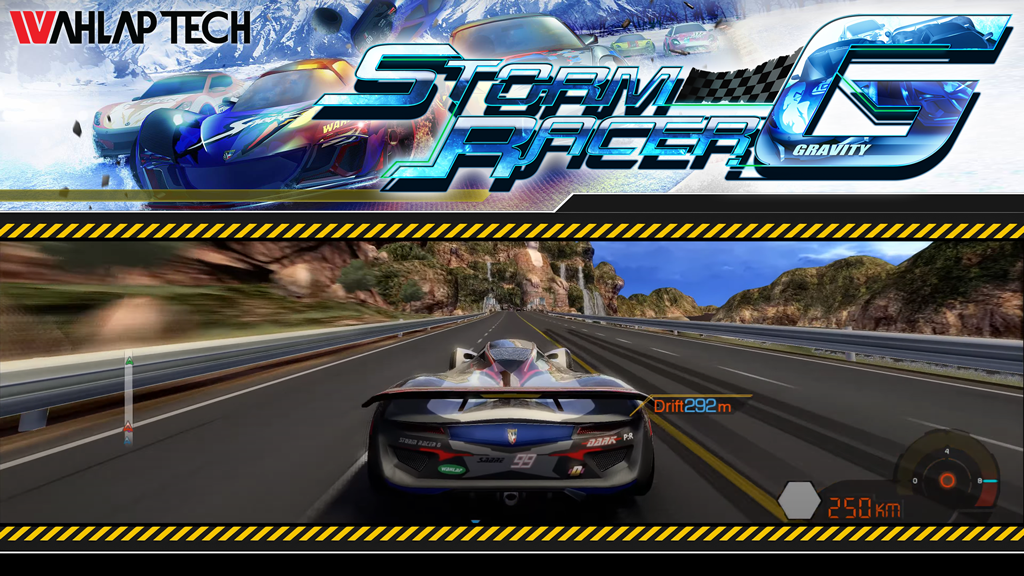
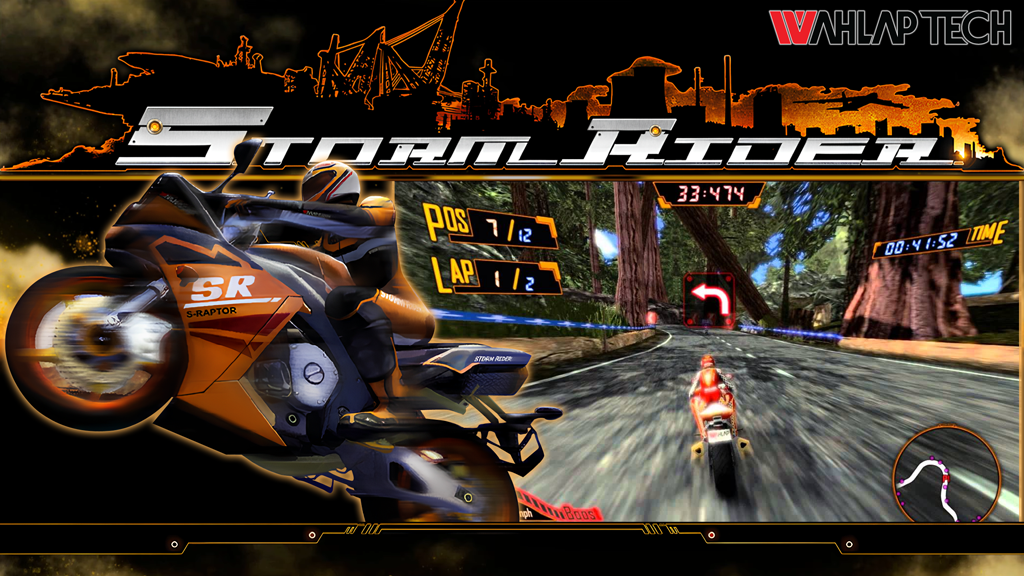
With Hyperspin 2 in development, I've been working with the new HyperTheme a lot, and it is quite impressive to see what can be done. So I wanted to start this thread to show what I'm working on; to explain some of my process, and to demonstrate some of the capabilities of HT's new tools. Back when we used to announce our themes, I found it inspiring, motivating, and even educational at times. Hopefully this thread will do the same for others and help to spark the HS theme building community again. Please feel free to ask questions about any processes or techniques I use. I'm not a pro, but I kinda know what I'm doing. Here are the first two ArcadePC themes that I did: Storm Racer G (SRG) and Storm Rider (StormRider). For Storm Rider, I used a lot of screen captures for the bikes and details. Then I upscaled them with an online tool (https://www.iloveimg.com/) and cleaned up any details in Photoshop. For clean edges on cut out artwork, I use the pen tool to create vector masks. Side note: I am not a fast theme builder like some of the greats from the past, but I do strive to make high-quality themes every time. Storm Racer G.mp4
6 points
-
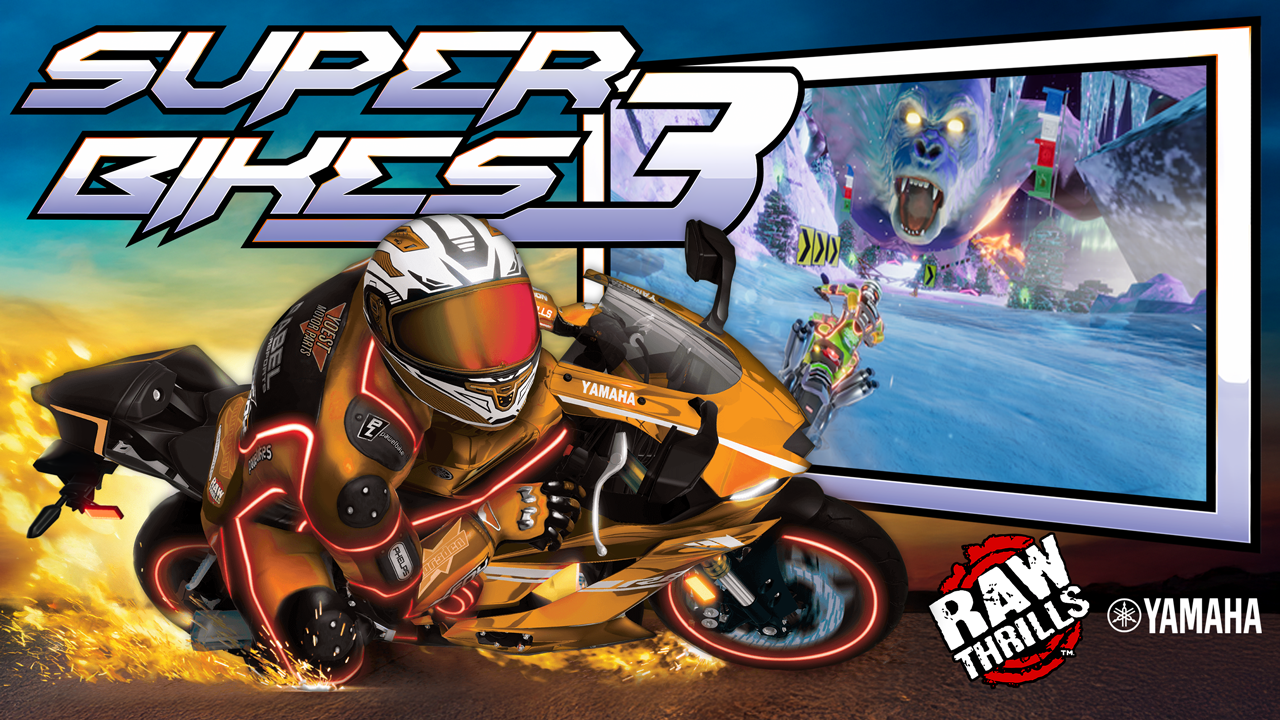
Haven't had time to work on much for a while but this is what I'm working on: Super Bikes 3 And here's an animation test for the idea I have about swapping the bike colors from the multiplayer marquees. SB3-animation test.mp4
6 points
-
I just shed a little tear... this stuff is awesome! i need to take a few days of from work. There is alot to go through with what you and Baddie pumped out, amazing stuff. I need some time to see everything and will report, but... loving what i am seeing guys. my weekend is booked with HT.6 points
-
Wangan Midnight WanganMidnight.mp4
6 points
-
6 points
-
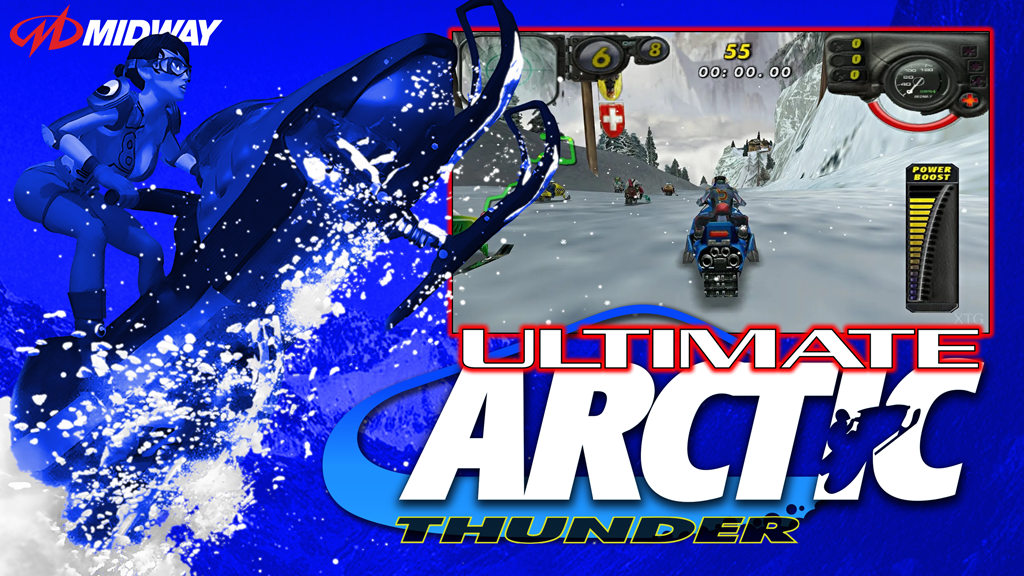
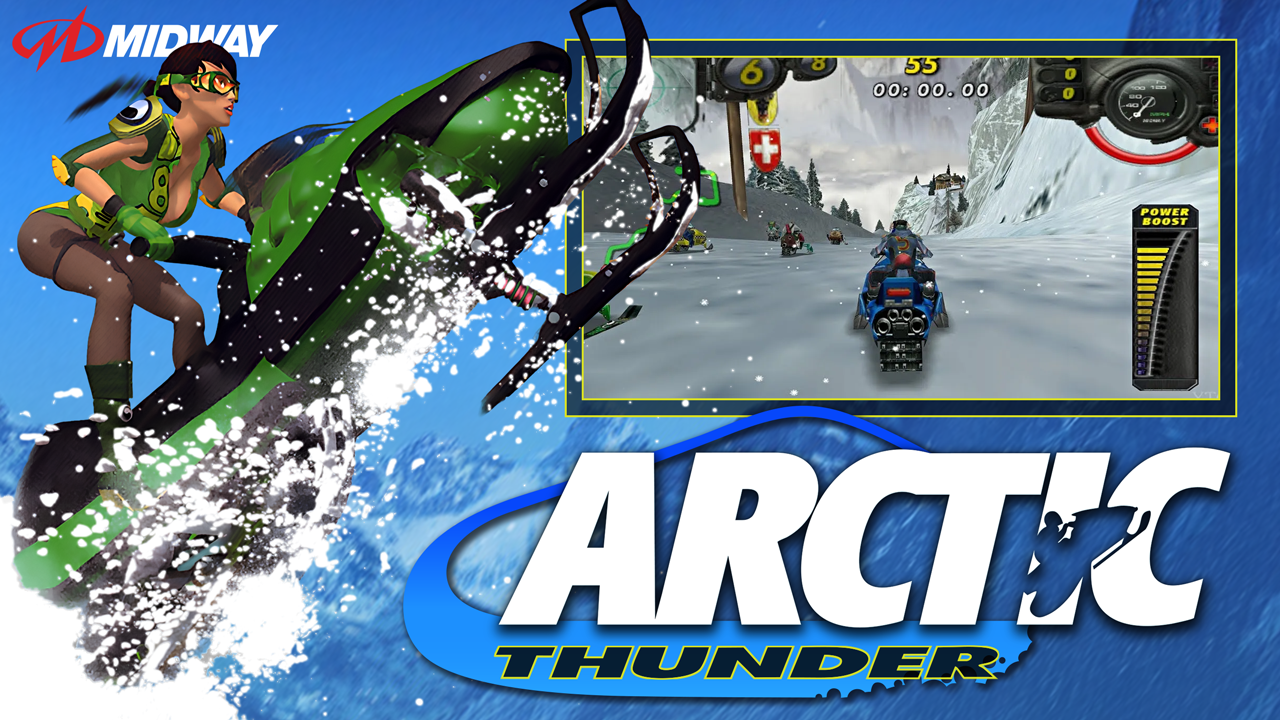
Arctic Thunder & Ultimate Arctic Thunder I redrew the logo in parts so I could animate them separately: I isolated the snow so I could make it an animation layer that looked like the snow was moving. The vid below isn't quite the final, but it was pretty close. Arctic-Thunder-Preview.mp4 For the Ultimate version, I just recolored it based on the title screen coloring.
6 points
-
Update:
6 points
-
TG16 CD Logos: https://drive.google.com/file/d/1gtvgVafWWLojmvDA4NmHOv0is2Jx1XEj/view?usp=sharing TG16 Cart Logos: https://drive.google.com/file/d/1-j0VgdU5o5hrg8mt6zyJDaCjNHIPSy6P/view?usp=sharing just started on these.. only doing english titles and i think theres only like 140 or so... will not use generic font they use for some games like the baseball one here... i used the title screen instead... so yeah same rules as before if i like the title screen better then ill use that some logos are shared with the SMS set as theyre the same colors / style
6 points
-
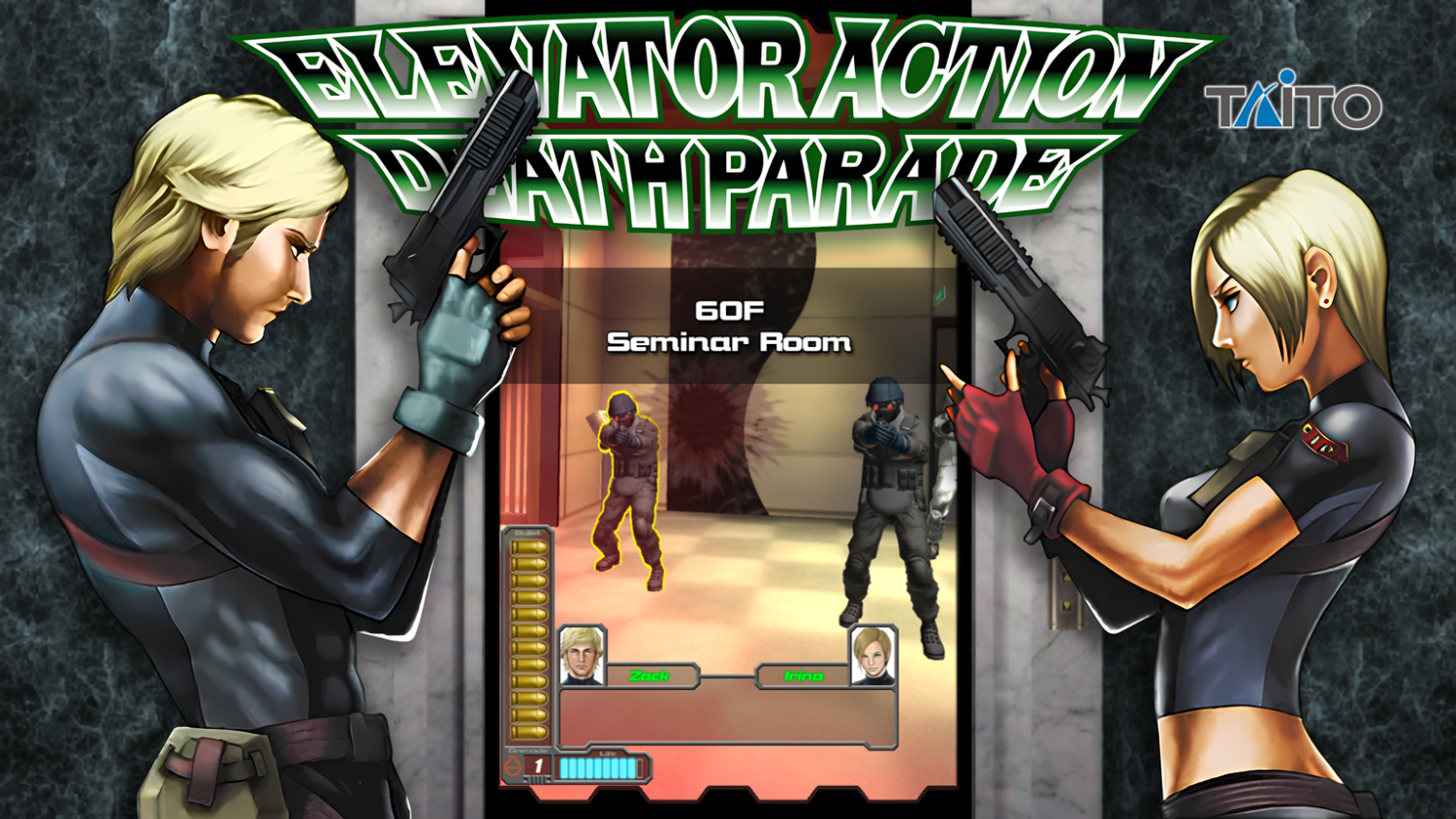
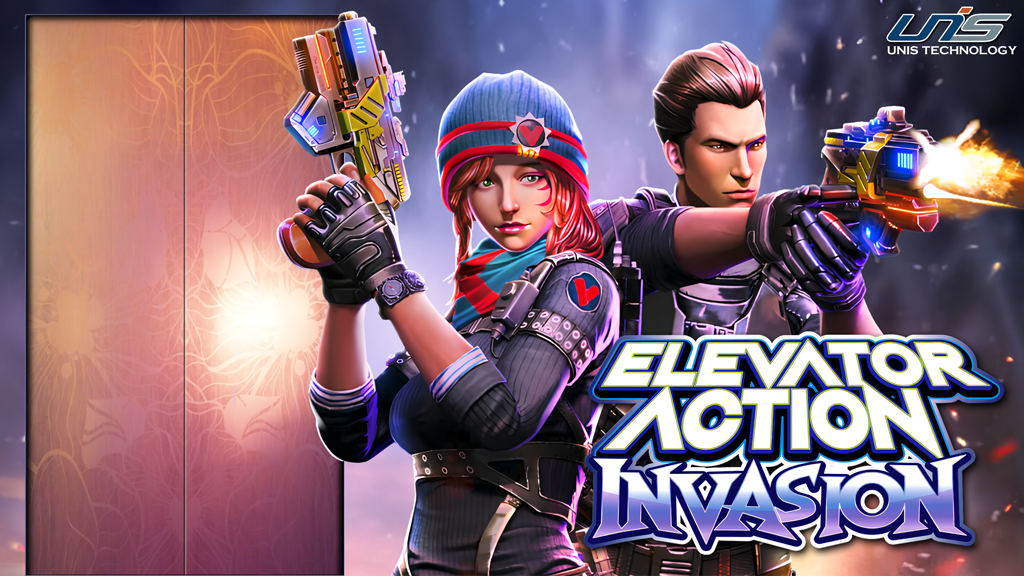
Elevator Action Invasion See it in action: Elevator Action Invasion REVISED.mp4 How to do it? The two main features of this theme are the muzzle blast/glow and the elevator door. For the blast/glow, I cut out the characters and then duplicated that layer. For the layer where the gun was not firing, I rebuilt the front of the gun using a reference image. I then changed the levels so that layer appeared a little darker. In HyperTheme (HT), I looped an opacity change for the blast layer (which is placed on top) so it looks like the characters are lit up when the gun fires. For the elevator doors, I just duplicated the background layer with a door cutout. This layer then fades in to hide the doors.
6 points
-
Storm Rider.mp4
6 points
-
After 2 years of effort we here at EmuMovies have finally completely re-recorded and remade the complete MAME video snap set. The previous set had its roots going back 16 years and things look so much better now. The new videos are available in 1080p, 480p and 240p sizes depending on your use case and are available on the website in 240p quality and on our FTP and Sync services in all quality levels. Thanks to our internal team for helping to get all these done, edited and available. We will keep posting updates to our sync and ftp services monthly as new titles come out (we are working on another update right now) but if we don't just stop and announce our progress nobody will know! So please take a moment and refresh your video snaps, you will be glad you did. Thanks to all our supporters and front-ends that keep us going every month and a huge shout out to Launchbox for their 11 years of partnership. Enjoy the content everyone. [File List] MAME Arcade (Video Snaps)(HD)(MAME)(EM .278).txt[File List] MAME Arcade (Video Snaps)(HQ)(MAME)(EM .278).txt[File List] MAME Arcade (Video Snaps)(SQ)(MAME)(EM .278).txt PS... XBOX 360 hits next week View the full article6 points
-
---DOWNLOAD HERE--- https://drive.google.com/file/d/1rCp7_KEVC8x-DrsDRf_T6yeMLzxoK2hu/view?usp=sharing i started this in june and ive done 241 so far... will zip up and upload when done. SMS needs love so figure am may as well be the dumb ass to volunteer lol Goal is to do the english set including homebrew games in higher quality and not the old crap thats around. Not going for 100% original as sometimes theyre just but ugly, but will not choose to use the arcade or genesis version cus they are cooler, i do want to stay as close as possible, but will take liberties where i see fit. NO FONTS ARE USED... well i think 3 so far i have used actual fonts... they just to upscale good enough for me and half the time theyre not accurate enough for me. will also do title screen ones if theyre better. 99% of these are complete tear down and rebuild, some i can upscale and cut/recut from logos ive found online, but when upscaling then you have to recut them as the stroke in them its all messed up to begin with... so almost always i just recreate them. anyways as i get closer i may ask for a complete list as i dont think i have one... i have a 350+ list so am not sure. anyways i post them as i go on planetgeekdom discord and launchbox but will stop by when done or near done to share here.
6 points
-
Army of Two Series - 2560 pixels x 1440 pixels
5 points
-
Hello Everyone, Welcome to HyperSpin 2.0. We know that everyone is excited about the future of HyperSpin and excited to get going. The team is excited for everyone to finally see the work that has really been going on behind the scenes. Please keep in mind that everything you see is still very early beta release. Features are not final and may change at any time. Stay tuned... This is just getting started! First!5 points
-
Super Bikes 3 (SB3) continued... Here is the reference image for the 4 bike colors: Multiple layers to achieve color and spark effects: Combined together: And here's the near-final result (need to move bike in from off-screen and add hover): SB3 Super Bikes 3 (no hover).mp4
5 points
-
Super Bikes 3 (SB3) Game Theme Preview Description Motorcycle racing game by Raw Thrills Details Type: Game Theme System: Arcade (TeknoParrot) Tags: Arcade (TeknoParrot),Super Bikes 3,Game Theme,ArcadePC Created: Jan 06, 2026 Download View on HyperTheme Credits rondar (Artist) rondar (Animator)5 points
-
on alpha mission yes am aware #2 is not symmetrical but thats how the og was
5 points
-
5 points
-
Good to be back brother. Time to get the vibe back, excited to be working with you guys again. showing of our art, giving feedback @baddeolv was always an A'hole back in the day... lets see if he is a bit nicer nowerdays. and which of you guys is from the PEGI region? have some great stuff coming in the near future.5 points
-
5 points
-
Adding this to the sync tomorrow
5 points
-
Wartran Troopers I wanted to use the mech/tank thing from this flyer (because it was the clearest image I found), but the leg was covered. I tried AI first, but it did weird things... I ended up copying the right leg and distorting the dimensions to match the approximate perspective. To give a little movement to the theme, I chopped off the left arm (filled in the gap mostly by cloning) and created a little blast pattern by painting overlapping red, orange and yellow blotches. I added a little blur and then overlapped a motion blur layer. Voila! Finished product: wartran troopers.mp4
5 points
-
5 points
-
hmm...An old dude once told me that the magic wand tool should never be used for cutting out artwork because of the self named "jaggies" it produces. He also made a point to give examples, side by side, and zoomed, to show me the undeniable difference in quality achieved by using the pen tool to cut razor sharp, clean edges. He's probably in the old folks home now though because this happened about 10 years ago and he was an old dude then already. Plus he was already a little blue in the face... I think i have a picture from my last visit actually
5 points
-
Crazy Speed Arcade Simple theme created by cleaning up and modifying in-game screenshots. The background overlay and video make nice use of the reveal shaders. Crazy Speed Arcade-revised.mp4 One of the most challenging parts was cleaning up the title with the tire tracks and all the other markings. The previous transparent logo was far from clear. I started by maxing out the contrast and brightness of a title screenshot. Then I selected the black sections with the magic wand tool, right-clicked and chose "Make Work Path". Then I could use that path to create a vector mask and modify that path to my liking. (There were a ton of other steps to make it what you see now, but that was the start.)
5 points
-
real bout was a real pain in the ass lol...tho am satisfied with the results tho xD
5 points
-
5 points
-
Since i am on the arcadepc subject, heres the themes i made for each platform it includes:
5 points
-
Next up is Crazy Ride by UNIS. This one had a nice wallpaper/background readily available, but I needed to cut out the cars to animate it. I used Photoshop's "generative fill" as the first step to replace the gaps. I had to try multiple variations to get close to the desired outcome, and then I cut and pasted several sections together. It's not perfect, but if you don't study it too much, it looks pretty good. I wanted the yellow car to move in from off screen and hover, so I had to rebuild the front corner that was cut off in the wallpaper. Generative fill got me the approximate shape that I wanted (again, it took several variations). Then I copied and pasted the headlights and fog lights to finish it off. I got the best title that I could find, upsized it, and cut it out cleanly with the pen tool. Then I zoomed in and made additional touchups by hand. To make it a more dynamic and integral part of the theme, I changed the perspective too. Crazy Ride revised.mp4
5 points
-
I noticed that we have a few platforms that are missing complete box and Cart artwork and I have started to create the ones that I noticed as I installed them on my wheel. Here is a preview of my progress so far, and more to come over time
5 points
-
THESE TAKE A BIT LONGER BUT BETTER THAN OG SHI5 LOGOS...CLOSE ENOUGH FOR ME HEHE...#245 .... OOPS CASP SMFH
5 points
-
forgot to add this one... wont find a cleaner one in the wild at all... cool game too xD
5 points






.jpg.56567a06261a4f031781d2a8478bf13a.jpg)












-Theme-FINAL.png.70587cc66af236def031d4e30adc3ece.png)




.png.b042d1b23397148b5721ba10e5404ab2.png)
.png.e7a029064a657a7105410138c9c2b5d4.png)
.png.f7ff96ebf80c27d315c86f9e935de313.png)
.png.2eed6363f61f60bfd8f029bbcfa9f6df.png)
.png.a7f80325f048be2f1e45867873641169.png)
(USA).png.983948a9cfe3526623b600ceeb75ed16.png)
(USA)(Manual).png.ca86f6c9bdd5282cc384c86d2722b3fd.png)
(USA).png.7bdbc61aa29b609dc53a1520e3f29181.png)

(EnFrDeEs).png.01aeab61bb1cebe0ddff712b1ea26db2.png)
.png.955f6a96bb8b0014f2909c353b6263ec.png)
.png.f245267dde56541e610dfd0884c1efdd.png)
.png.cef3bad03bfb9410229d9a6b2ccf5dea.png)
.png.7cd22fc947ab1968a921d0eba25fd71d.png)
.png.04b08f9bd4a24dd382a5f864c0468b85.png)
.png.dbeb016181adfeb37b6bda165add2664.png)
(v1.2).png.17d9a9ddb8431ada1e1692becfdda3c9.png)
.png.56242f4662cb00e4e03bfa70788f5b05.png)
.png.de9a12171f556d70a1e9aa8f23d46352.png)
.png.b78e4052ddfc27844a15df9d4a2260dc.png)
.png.a5206f944860fb99a58d9776e9deef3b.png)
.png.830fe11b38d1a6b04c732659506537dc.png)
.png.0ff6ba609b2c3674f1b5659c409d37f4.png)
.png.a1fd9e42703f85b67098ad250010c61d.png)
.png.70ba64579ce5ddb9463bac40c17d64f7.png)
.png.8ed82bef8a43eb5242380cabc7051d2c.png)
.png.cf44d018f1d601697e1dd83e337196a9.png)
.png.c3bf7f6ffbbe55297f9689af203f1838.png)
(Virgin).png.daa065991cc1cc4259041897708dc722.png)
.png.f45814f959683e89cedc1b3dc04f6e91.png)
.png.6e5873673967a9955a201041b37dd934.png)
.png.c7f741b5c282520c2eeffcd29670075e.png)
.png.f50ed21c340af9dc7ed3de6e784a03cc.png)
.png.d613969adc8a76829121e5dae1a28ba2.png)
.png.c0be8a743a17b1ad802b8b5cd8e0d8c9.png)
.png.22ce3d97ca0ea462509c625a114c421e.png)
.png.1fa811c680606e5d6b476010440c50e8.png)
.png.b85bdb52c94395fe1add7e48ec357001.png)
.png.dfd2257f026e5ddfd0ed9a4feb0e44b8.png)
.png.f8ad3d7e81b48a94a7f2f816e9be41d5.png)
.png.268bff07dea36f643ea3331b2fbb0bd2.png)
.png.6ad2afa9871dc8ff5036e9413738d1e8.png)

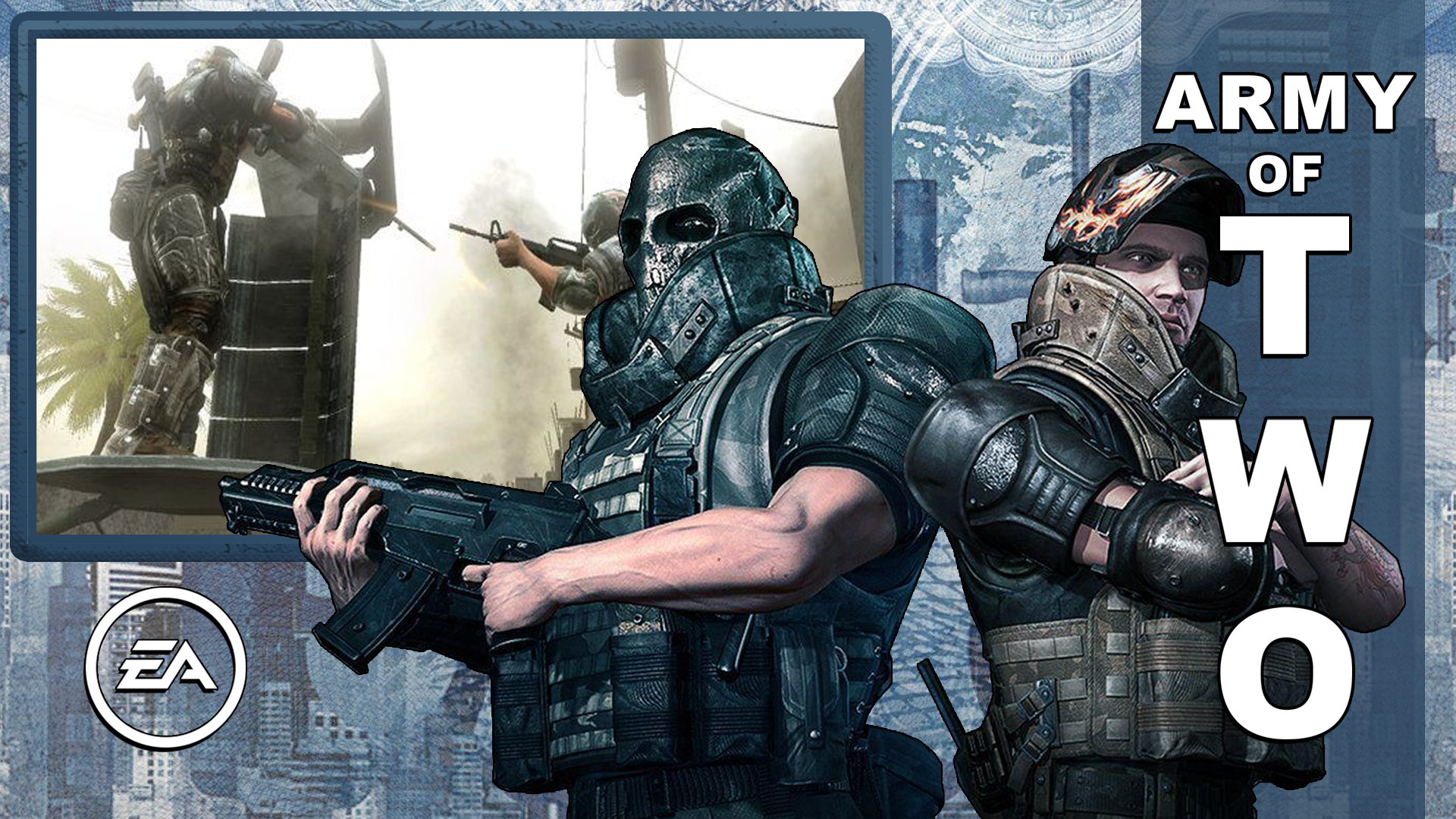
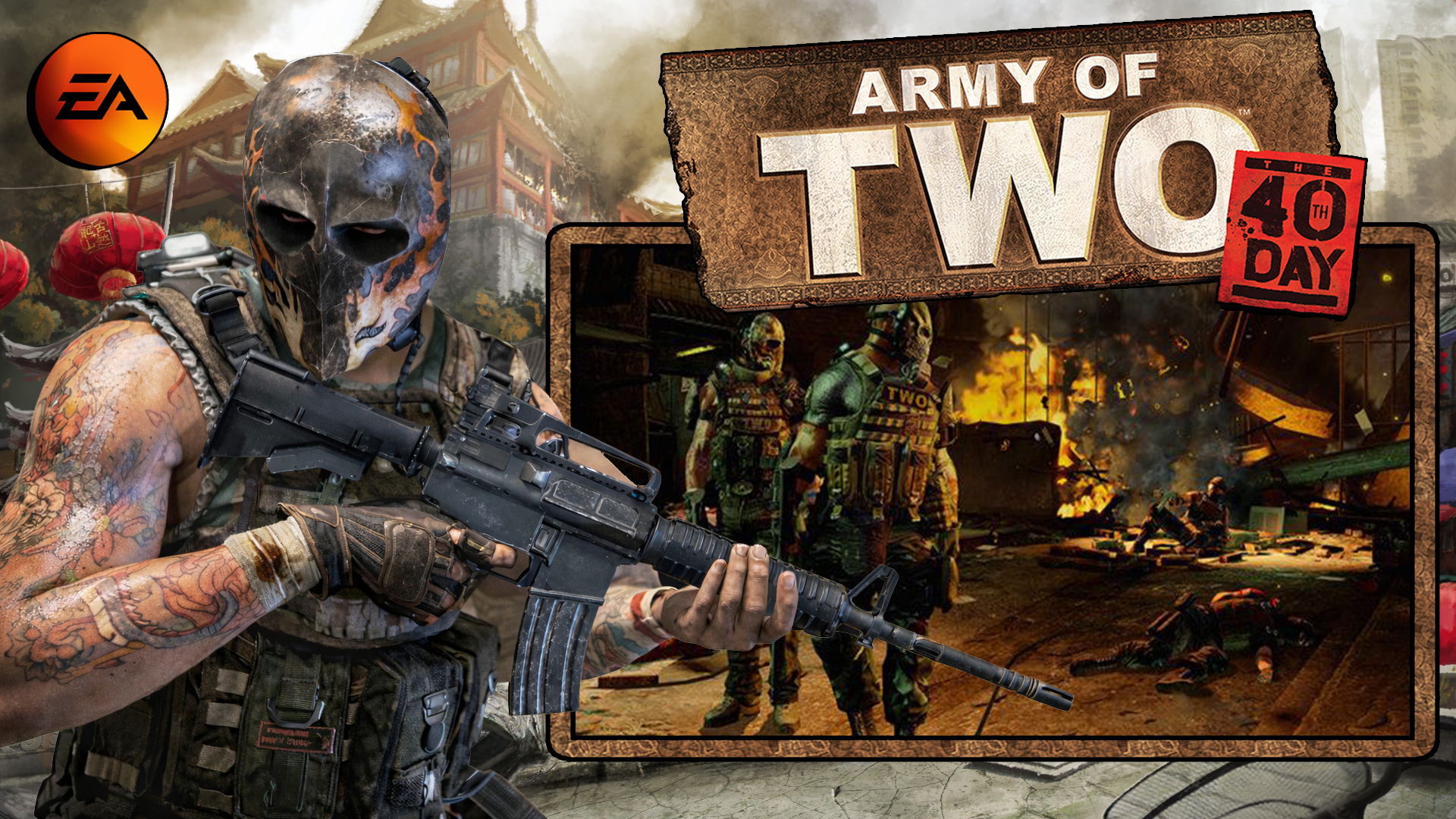
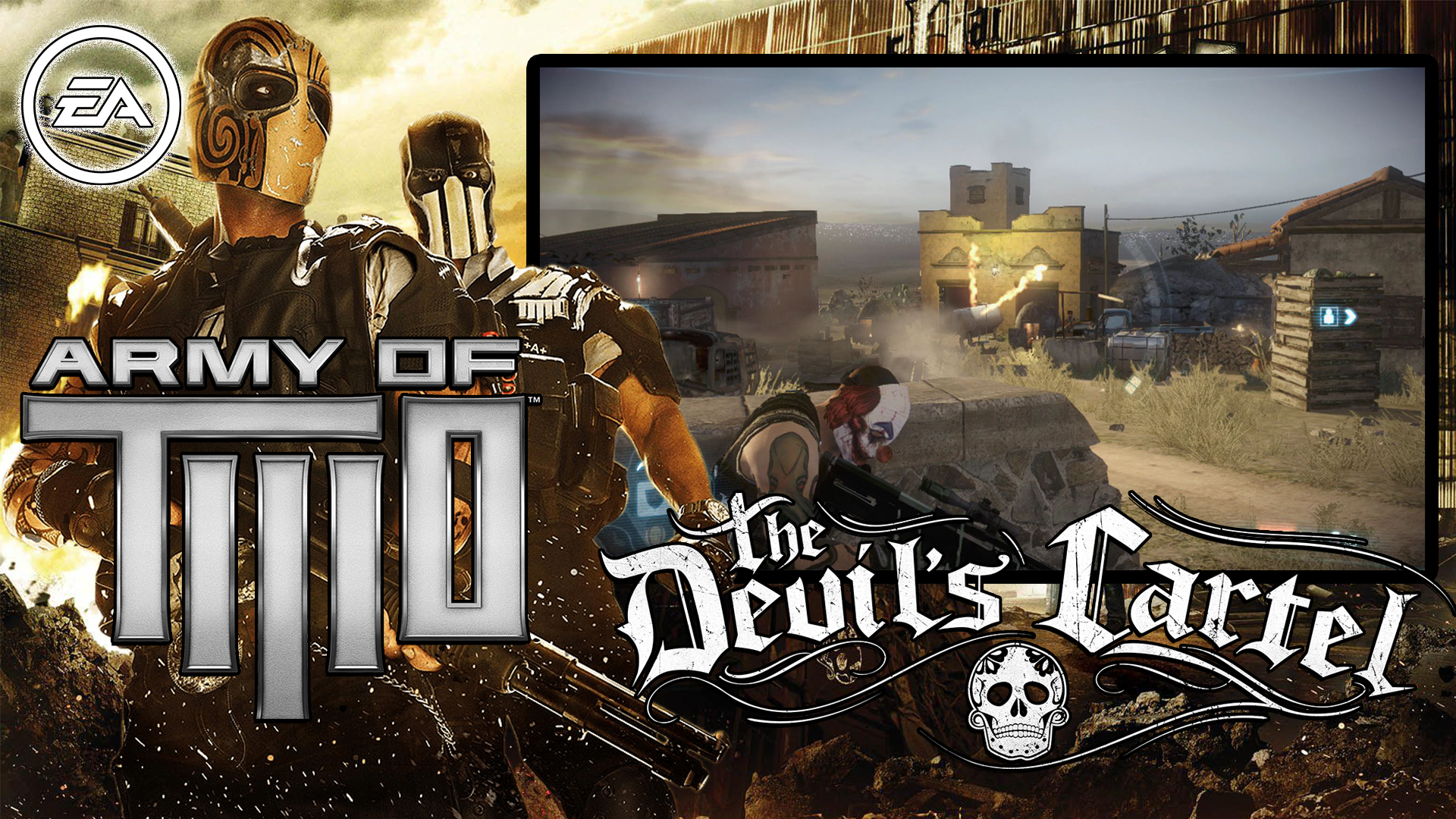

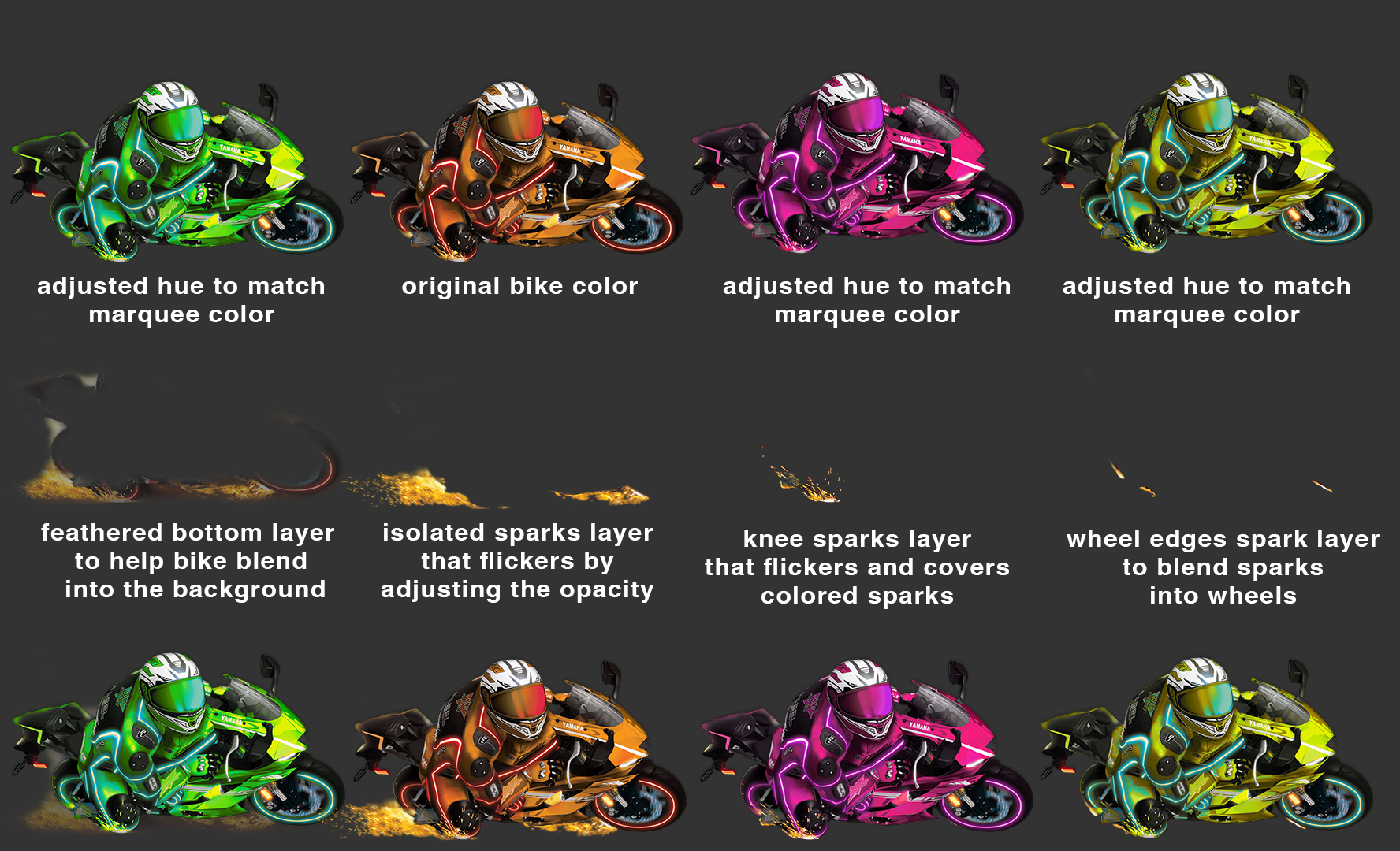
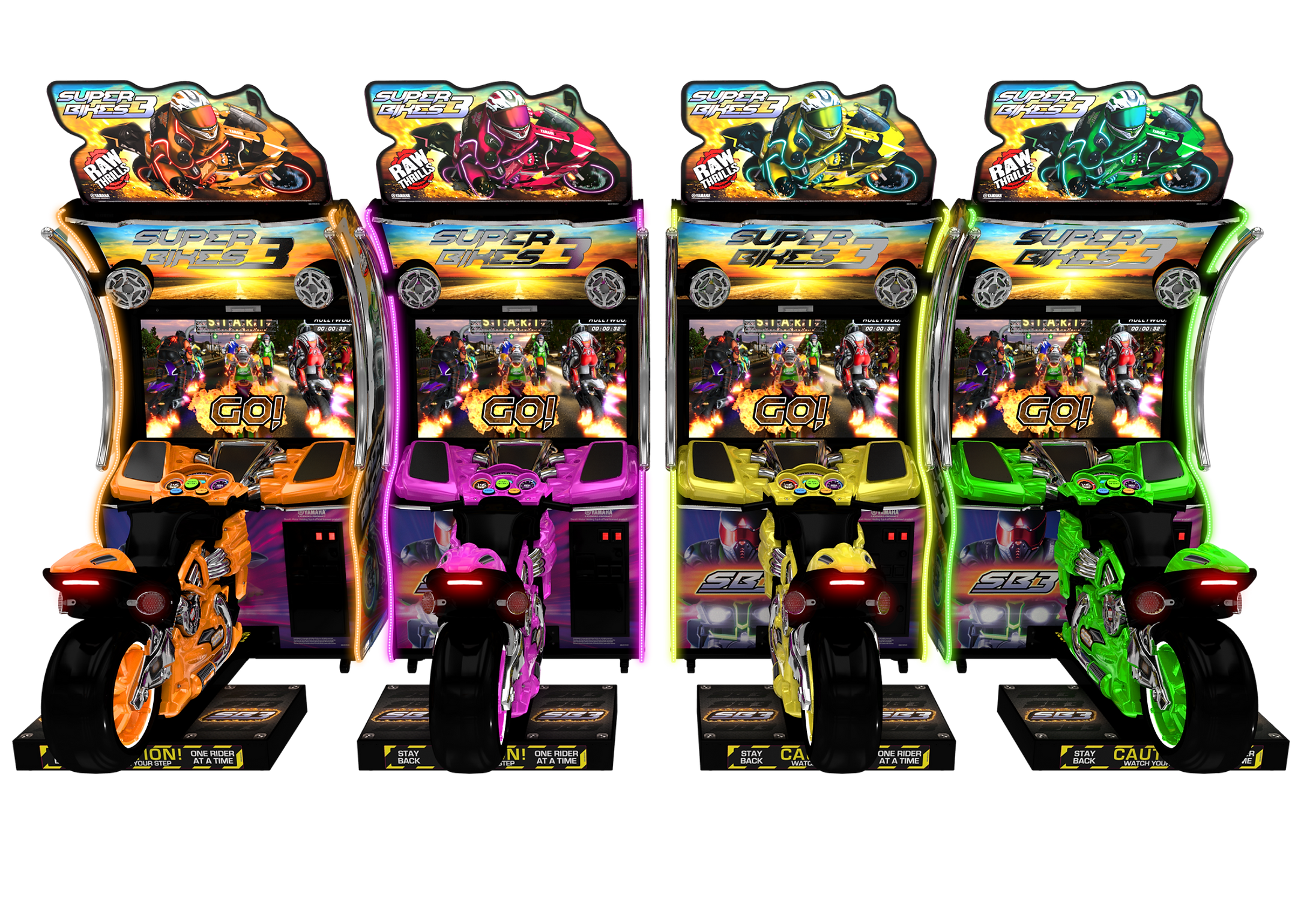
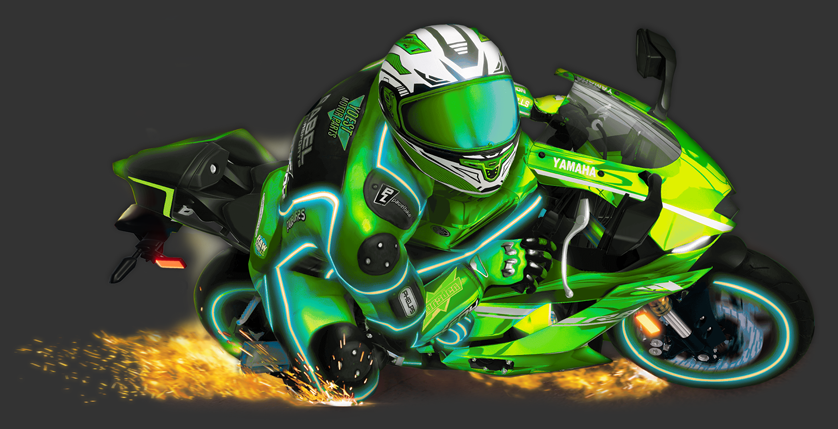









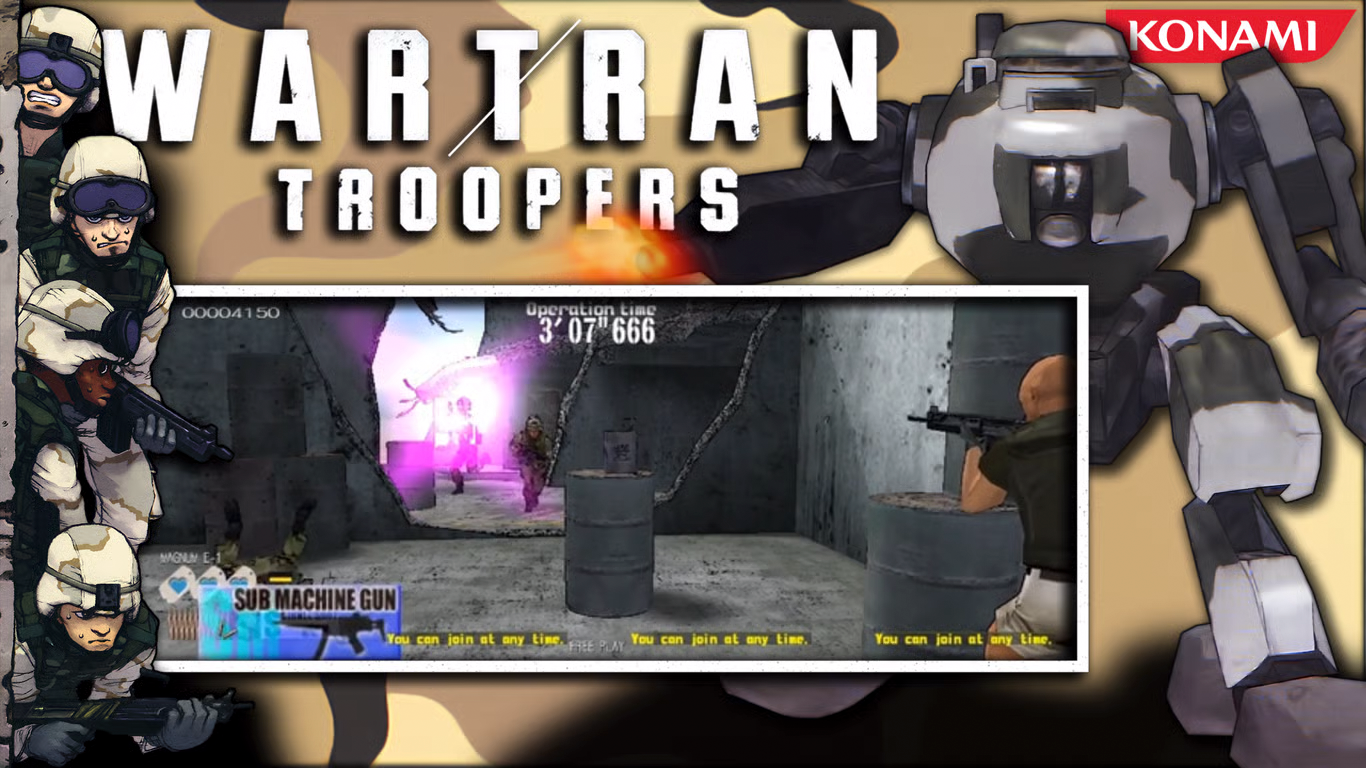
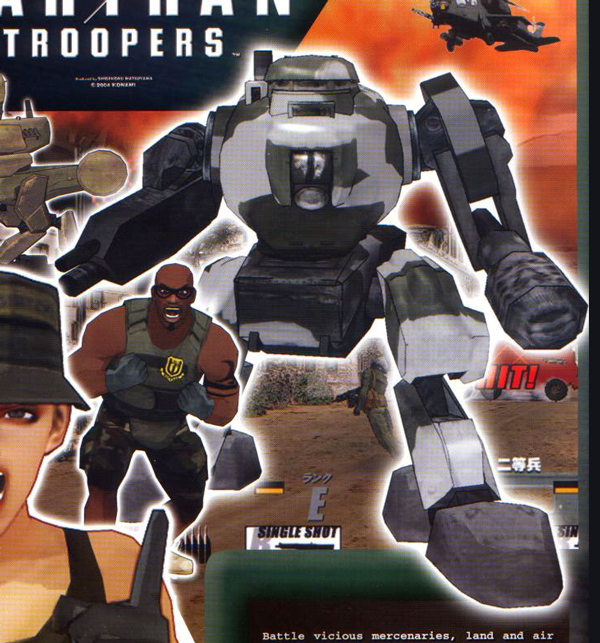
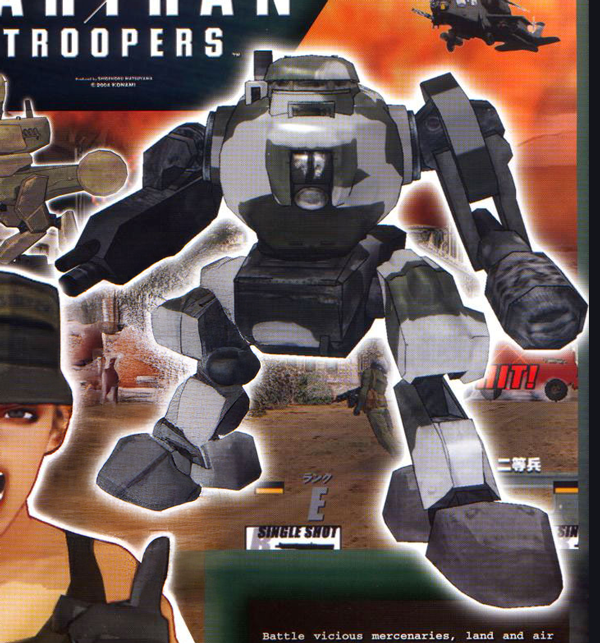
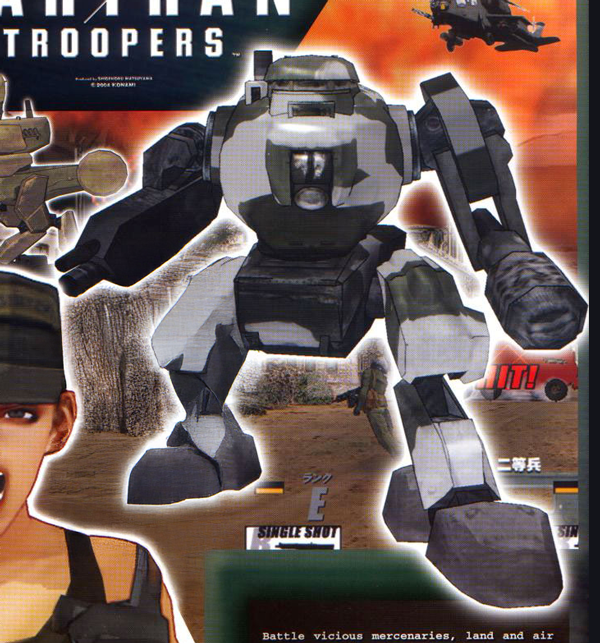
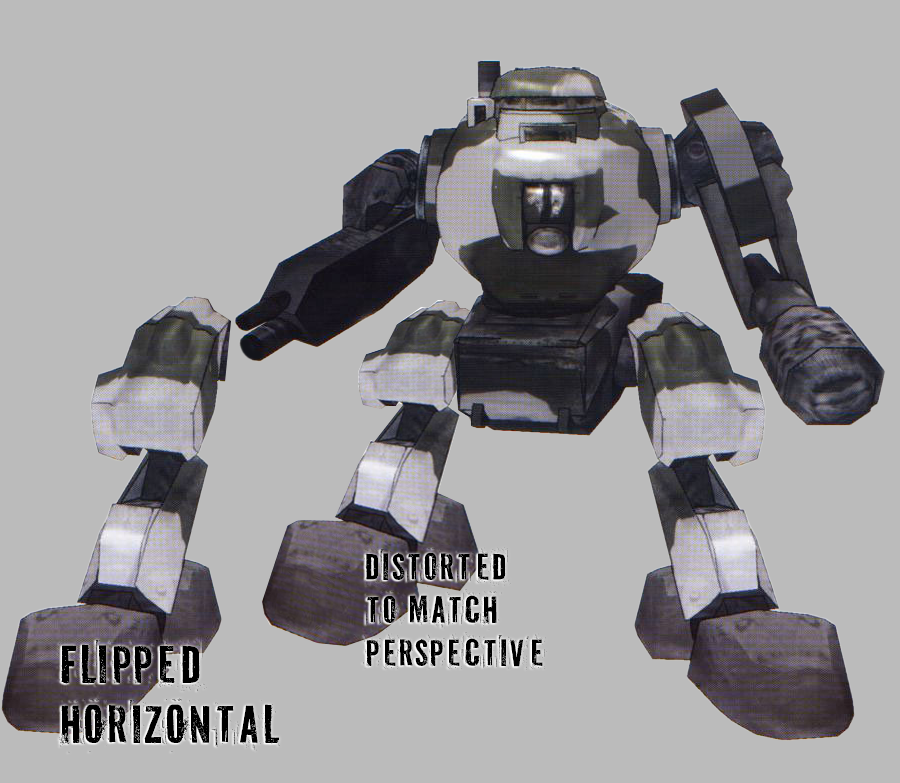
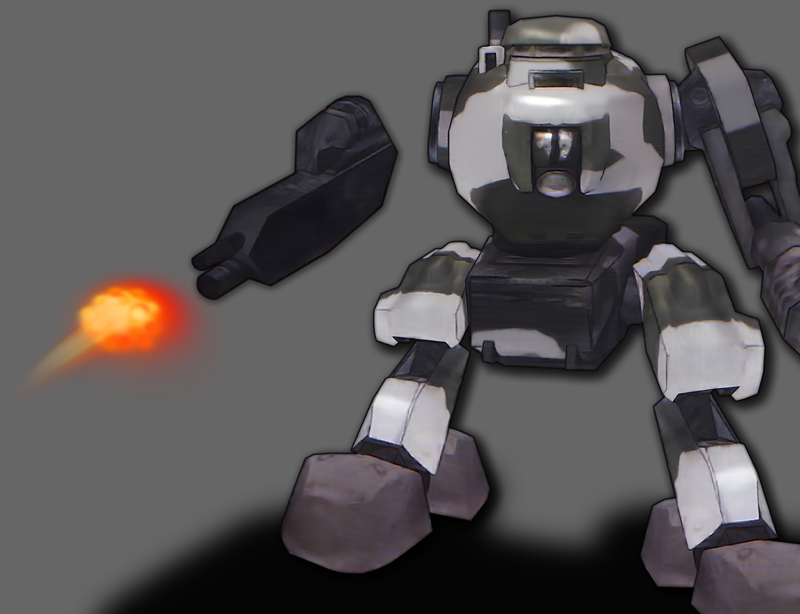
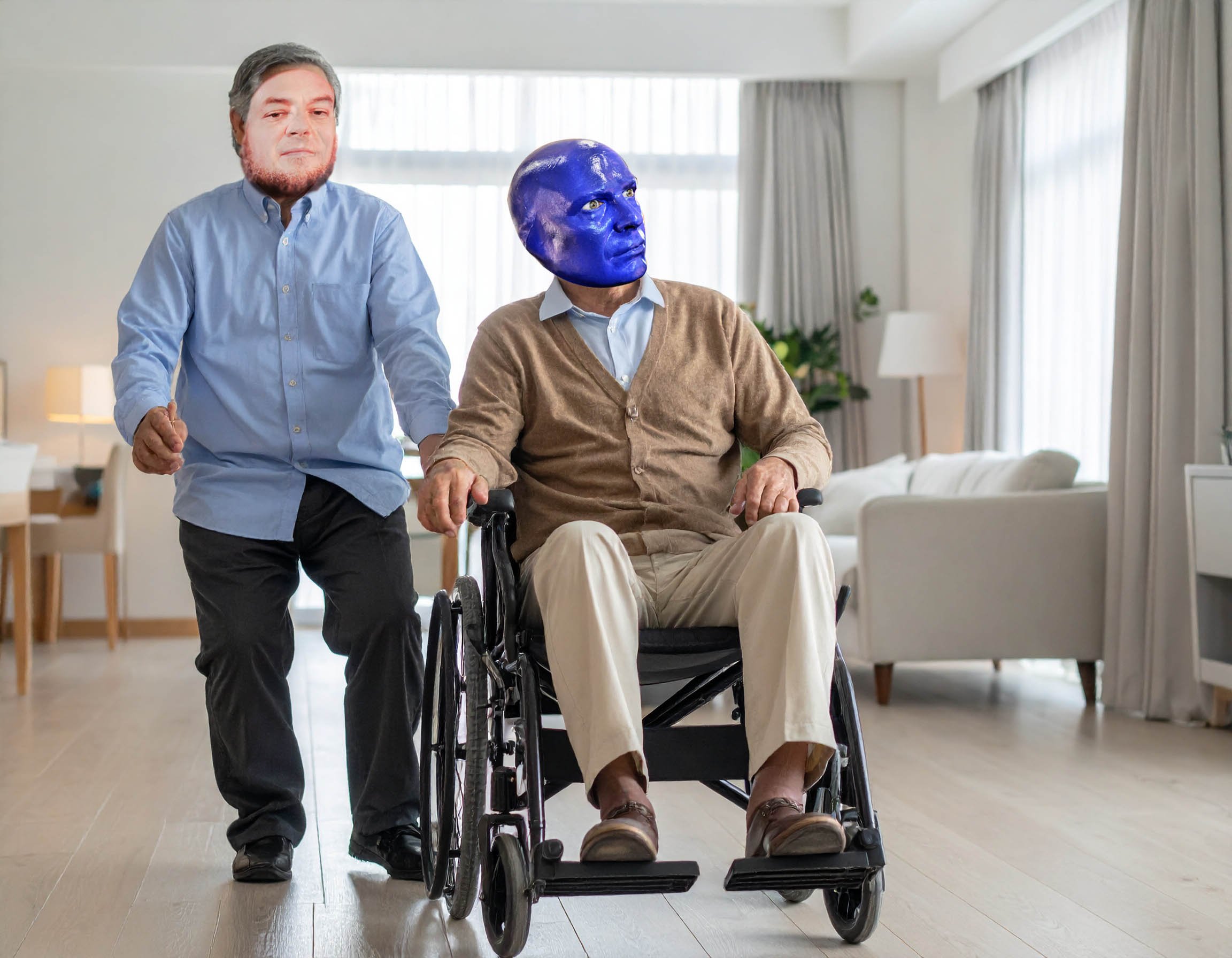
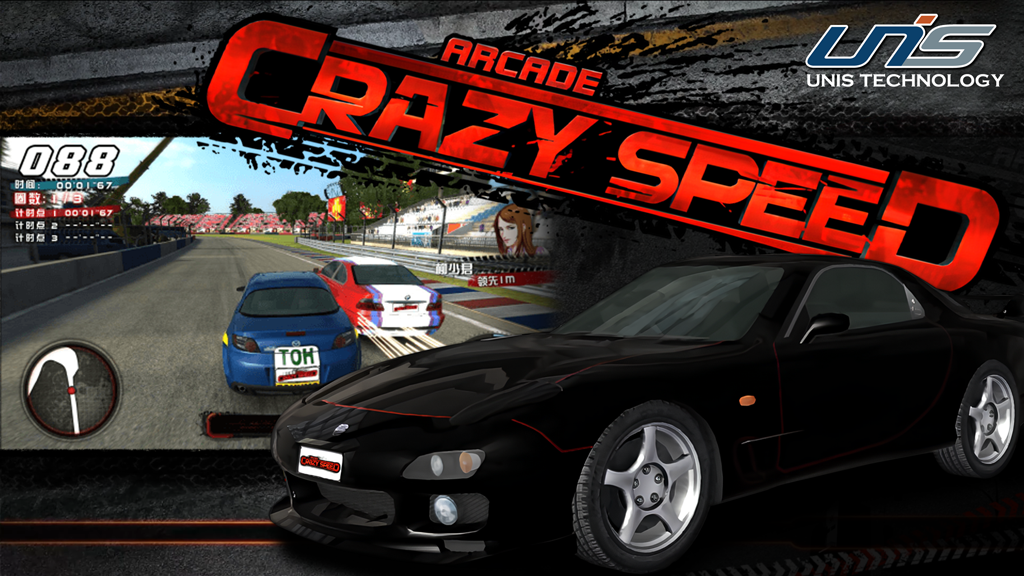
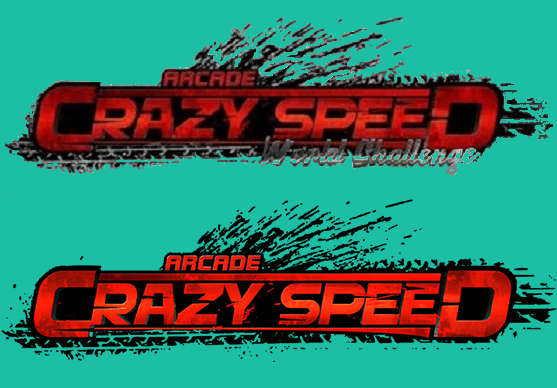
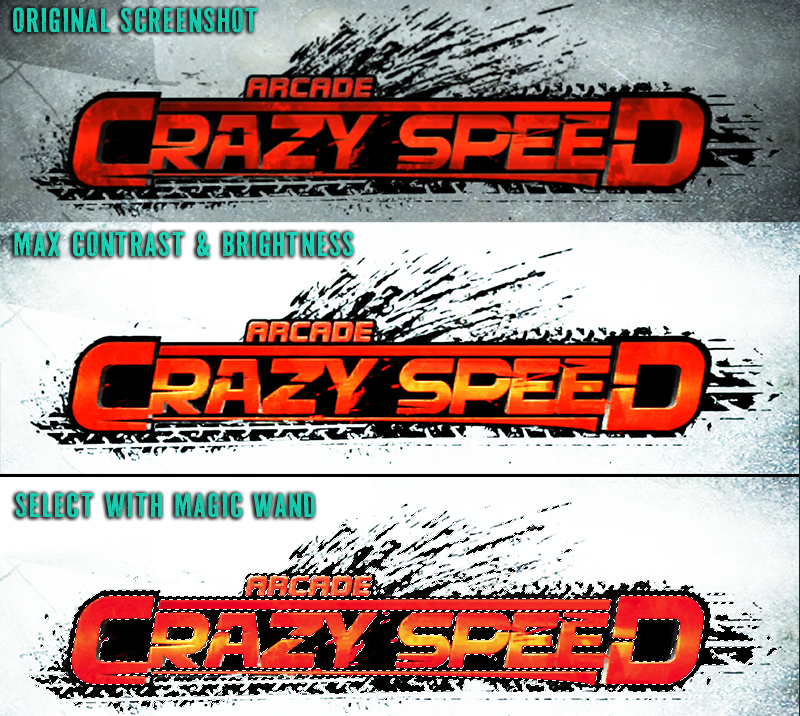










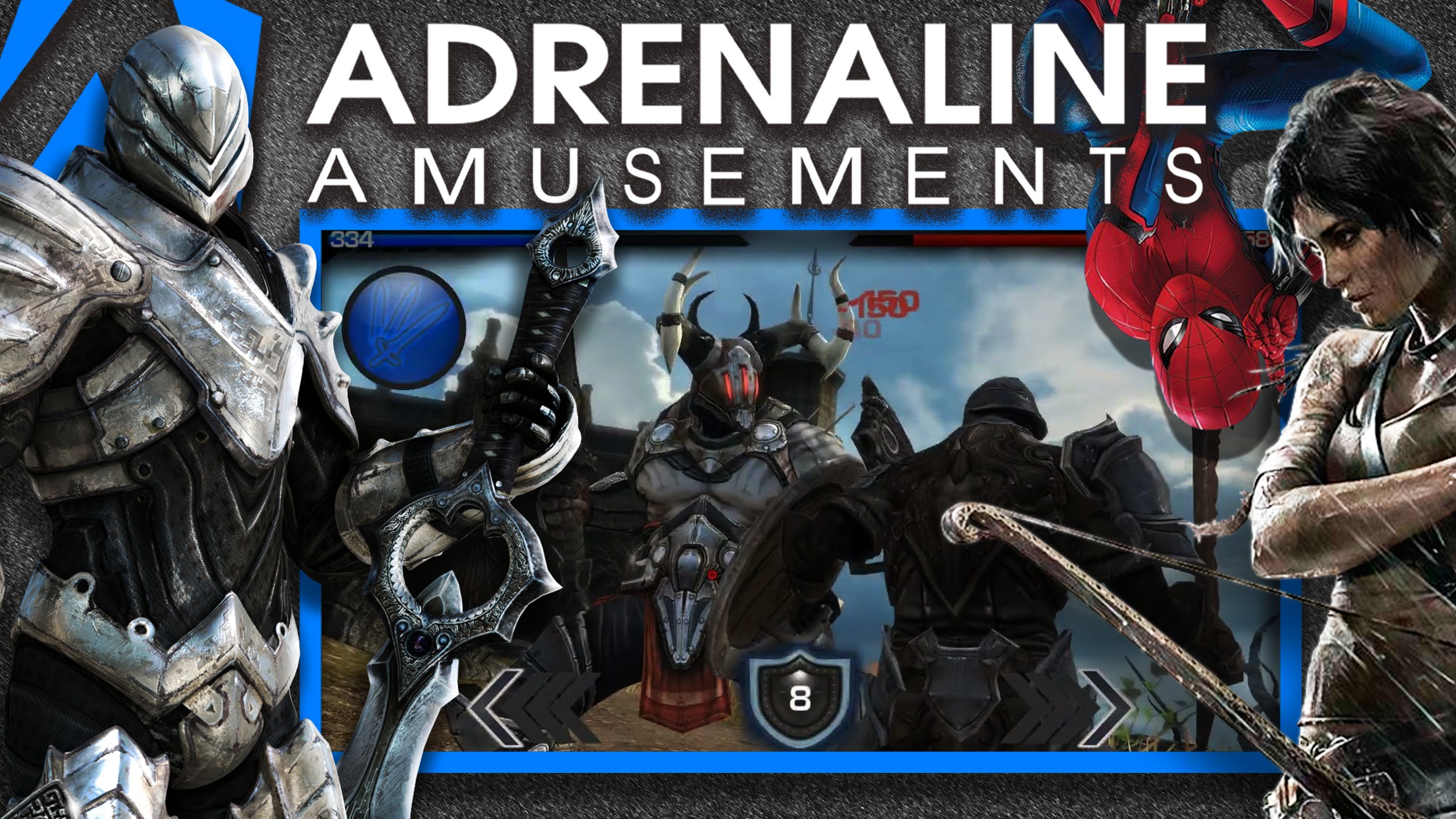
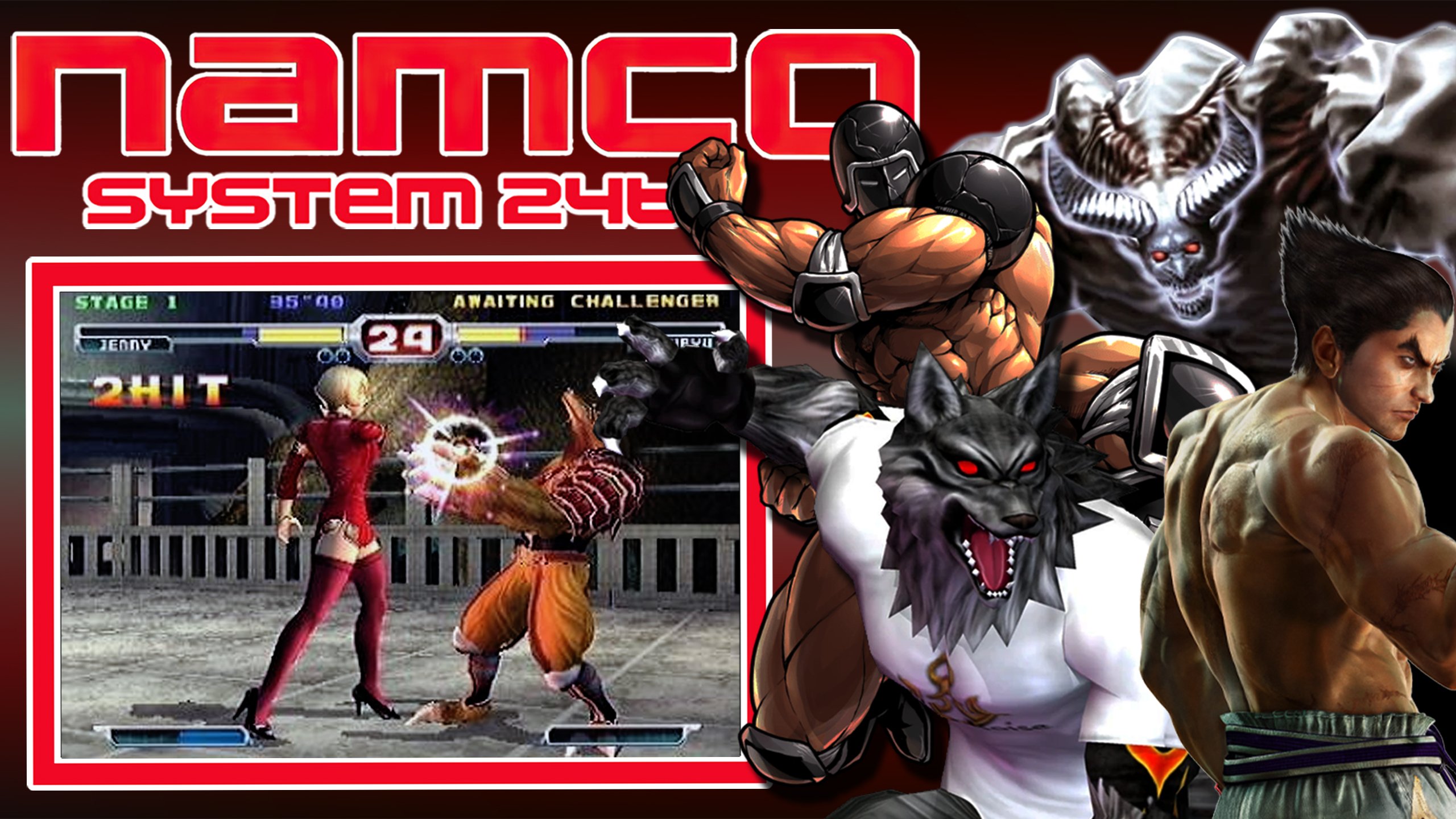
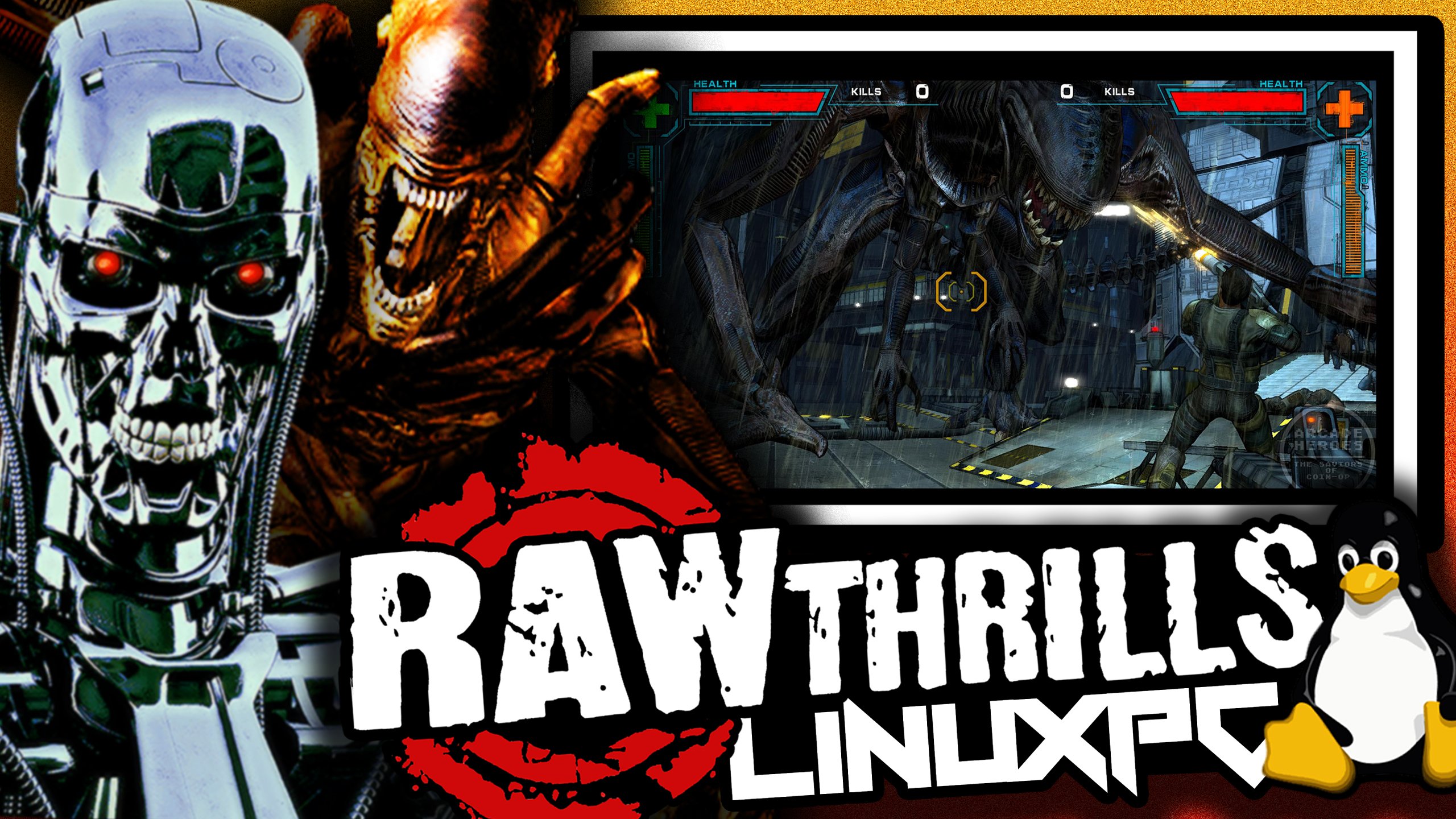
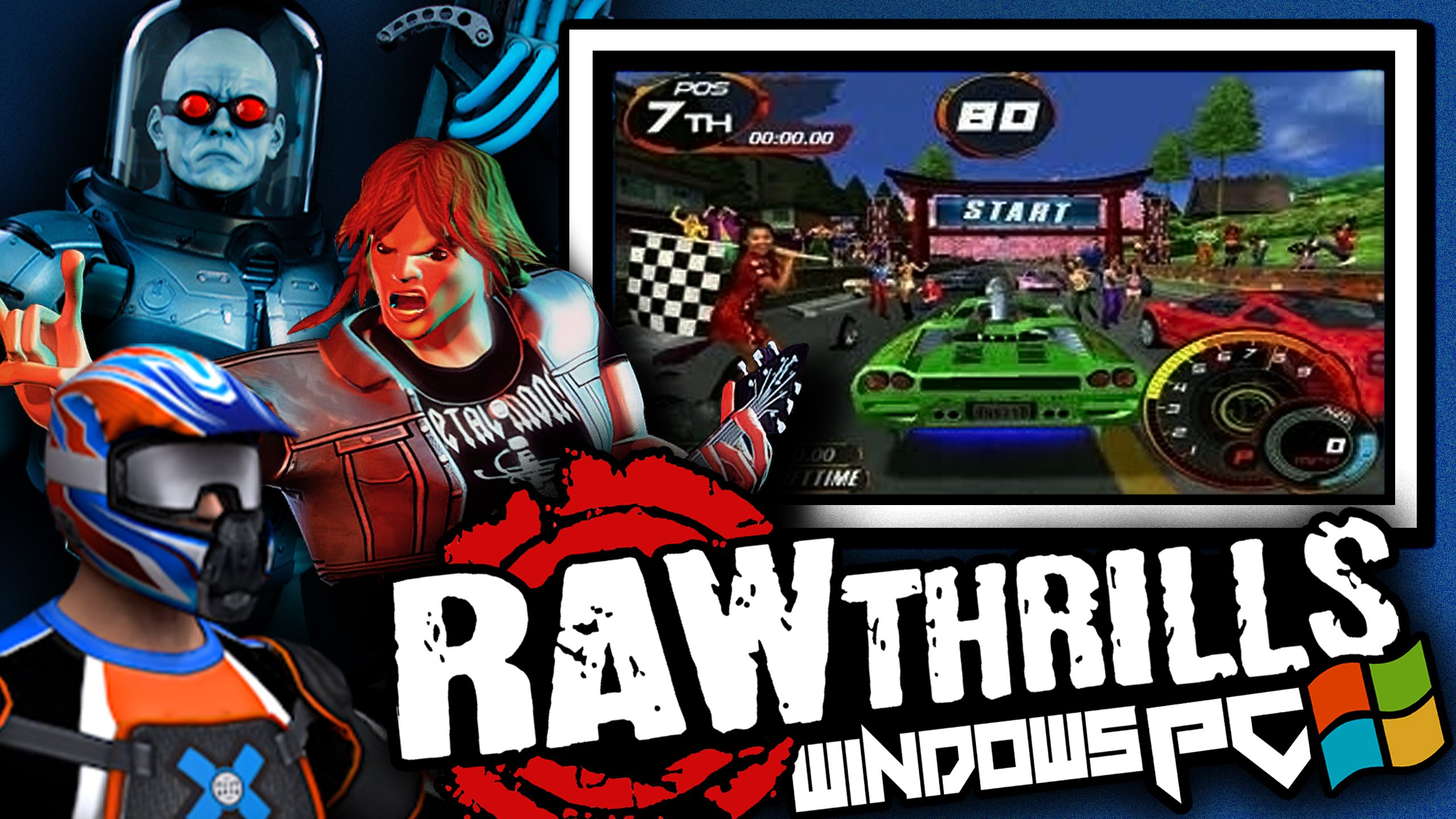
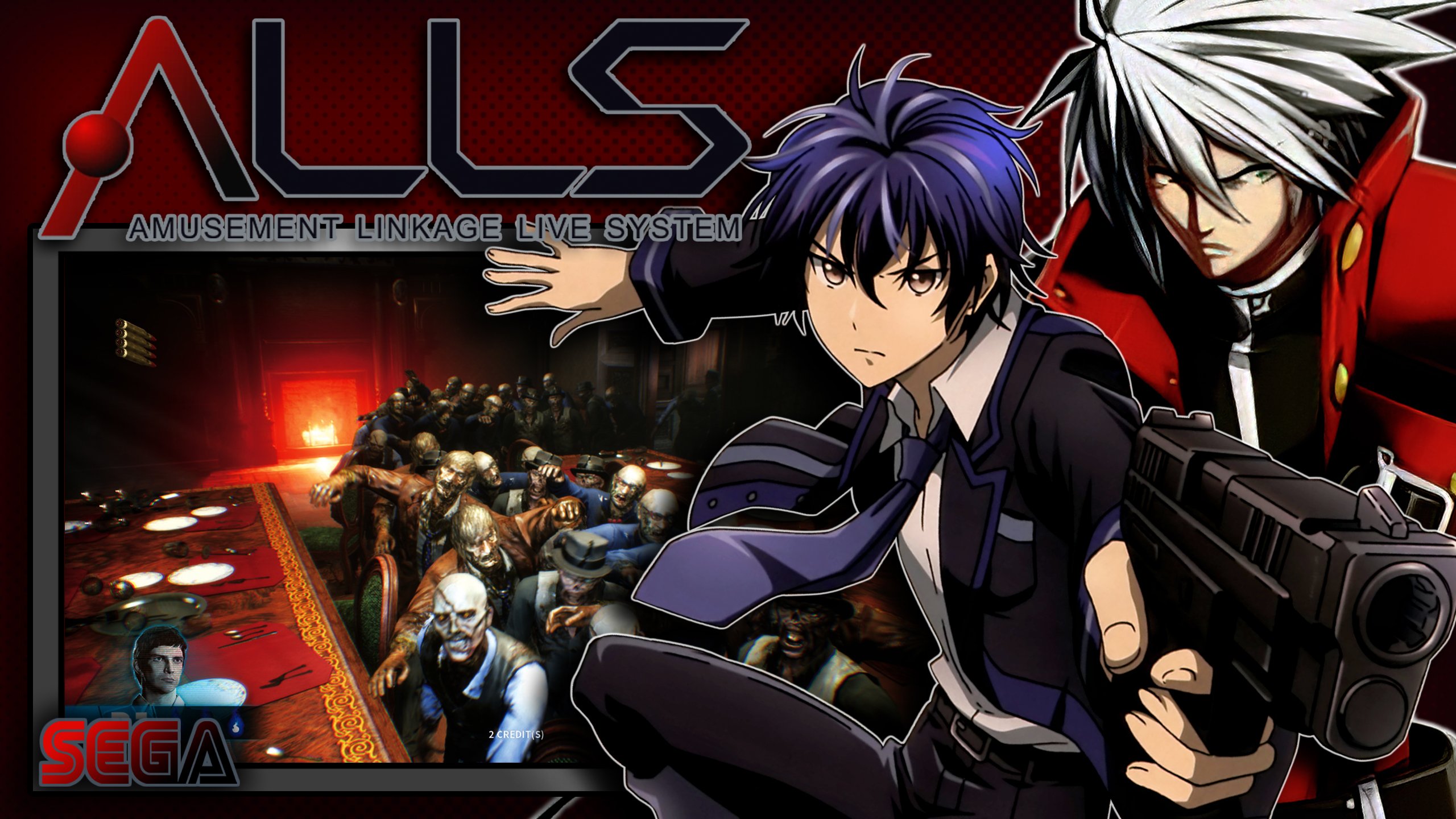
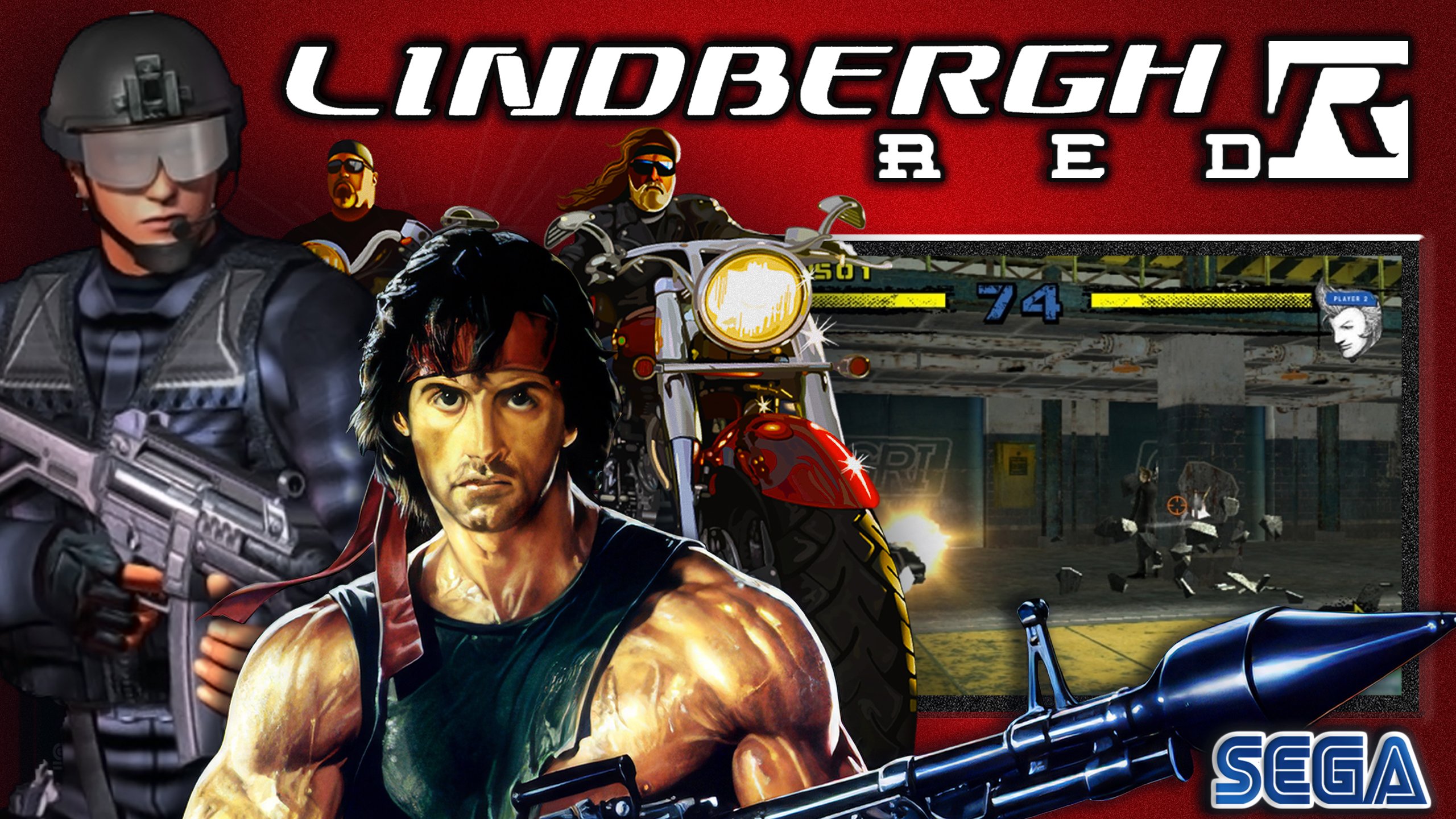
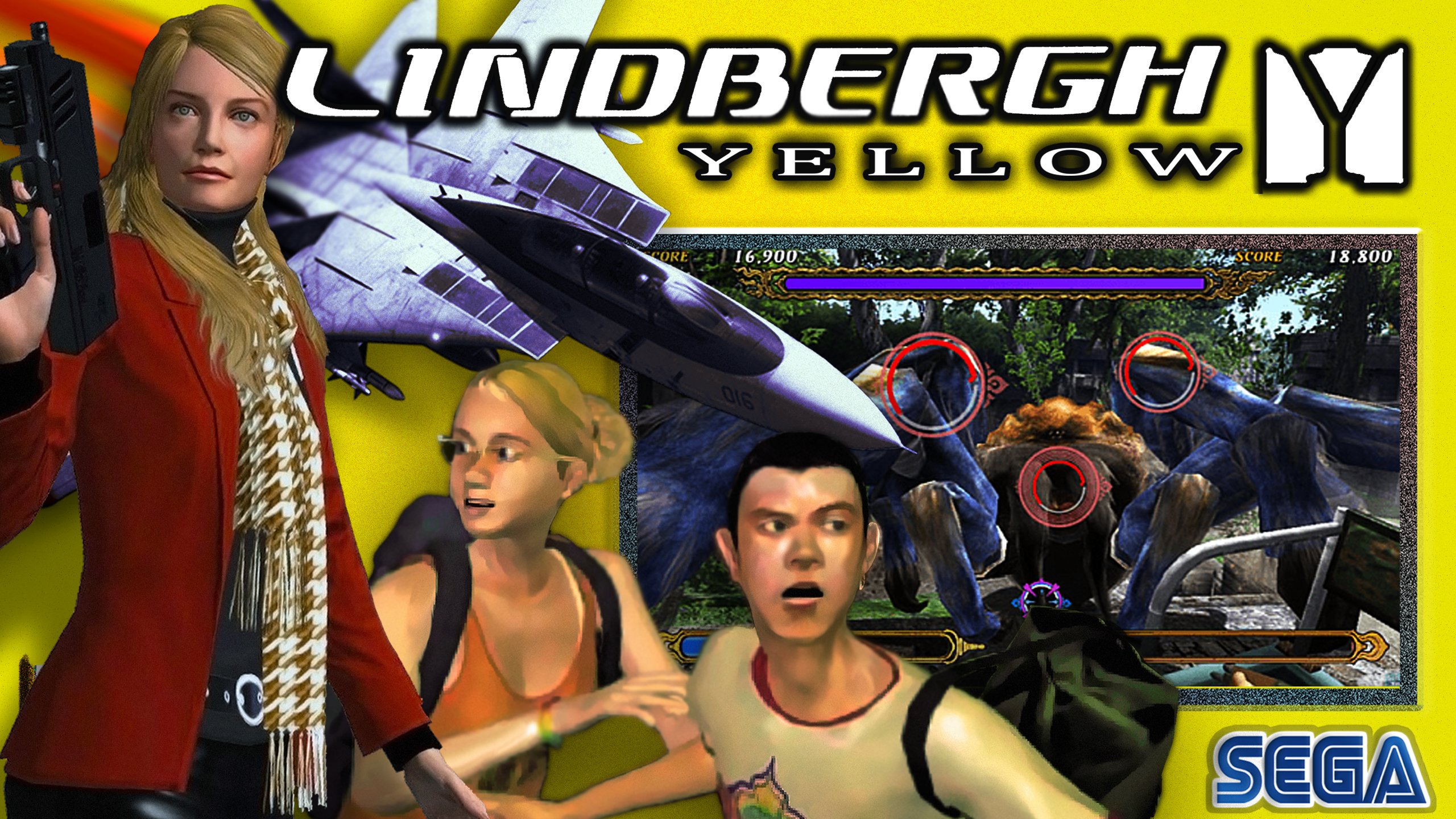
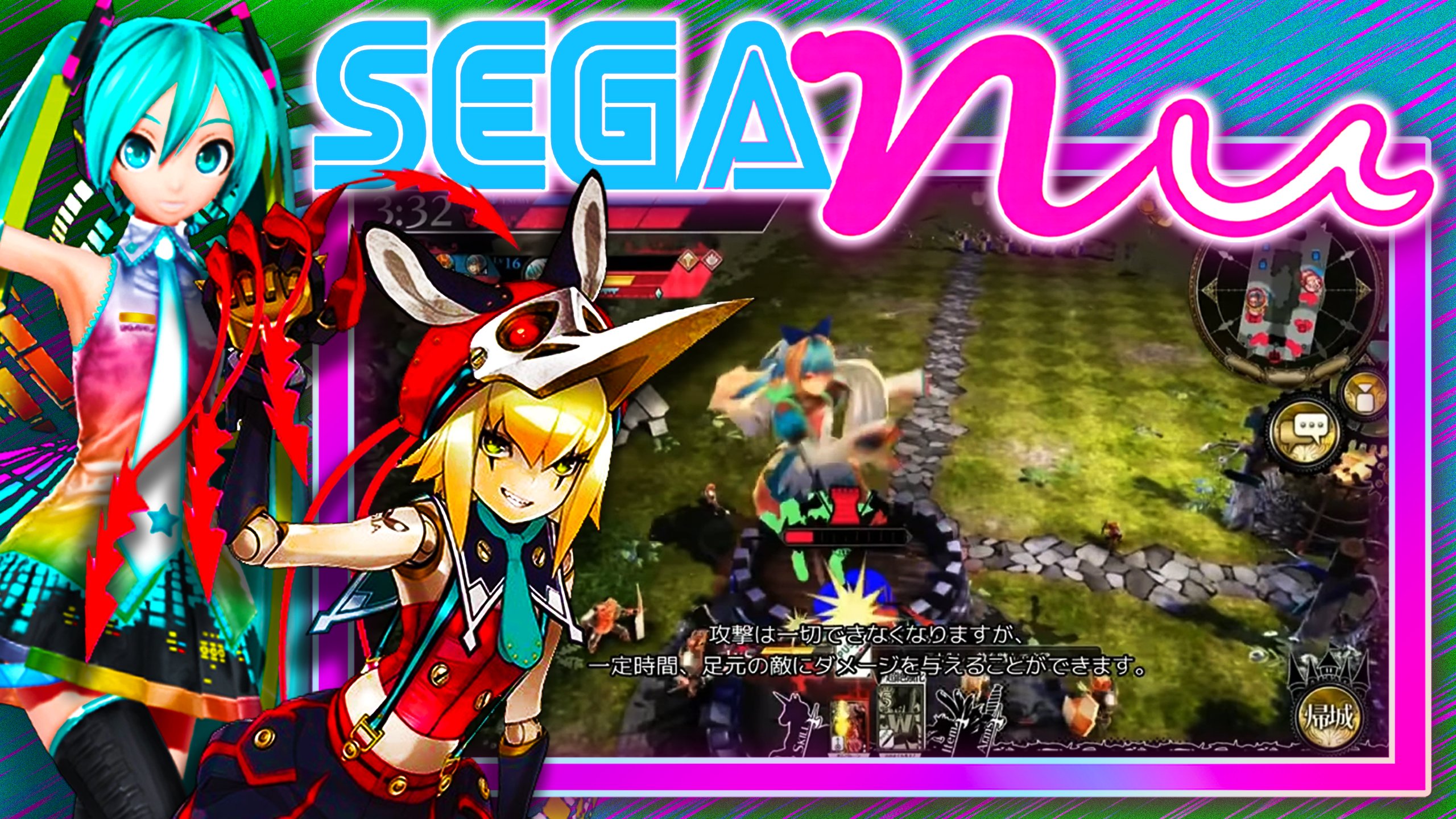
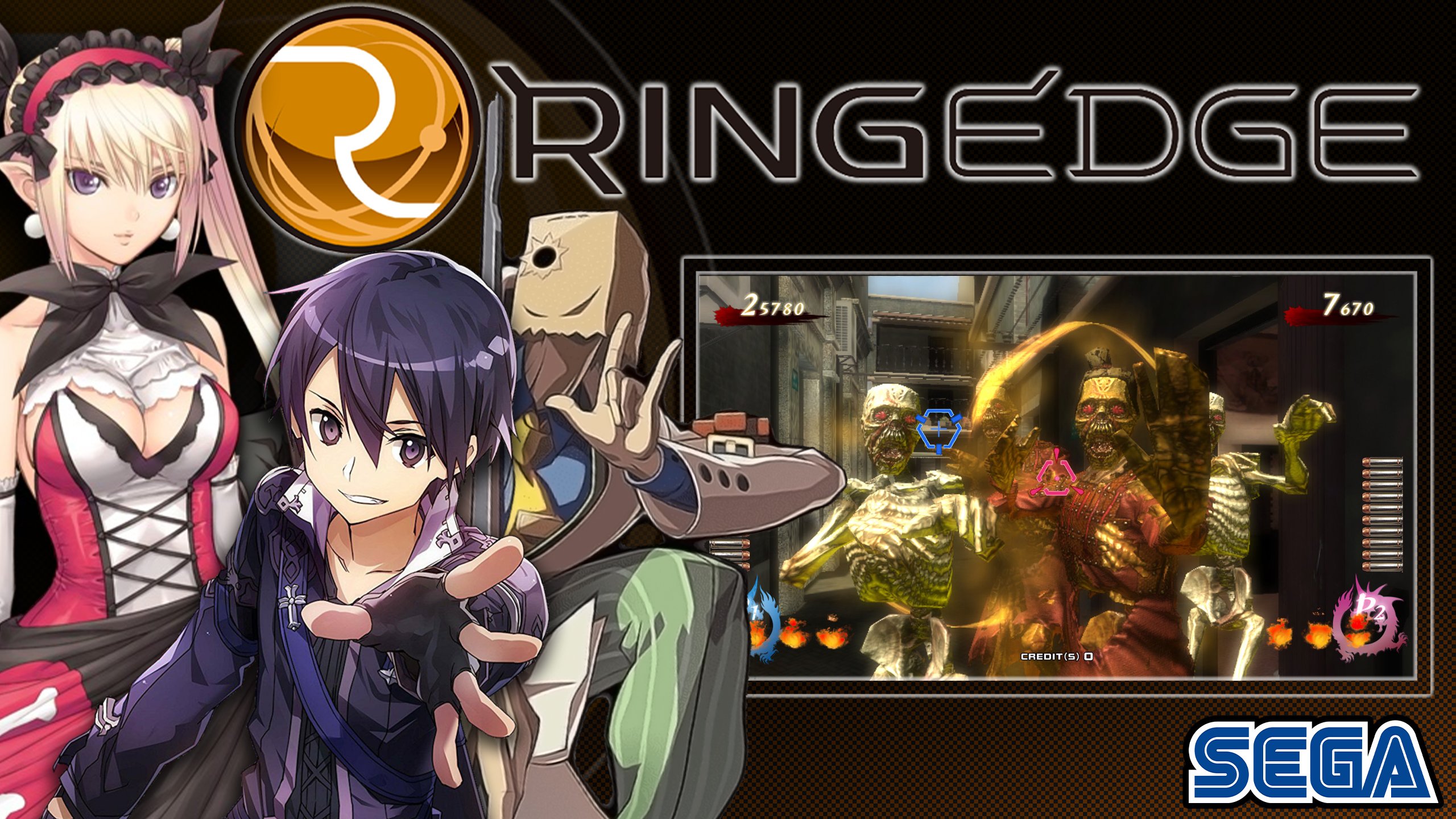


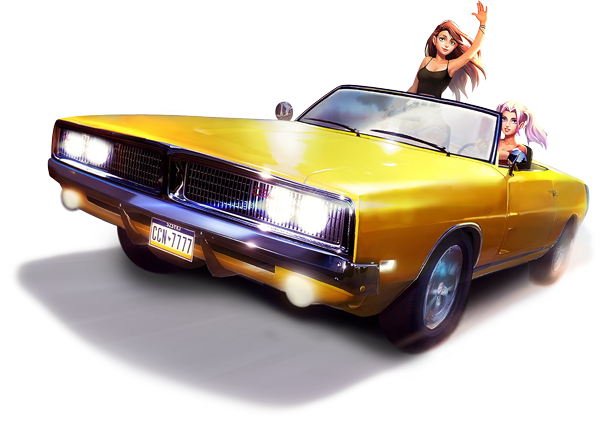
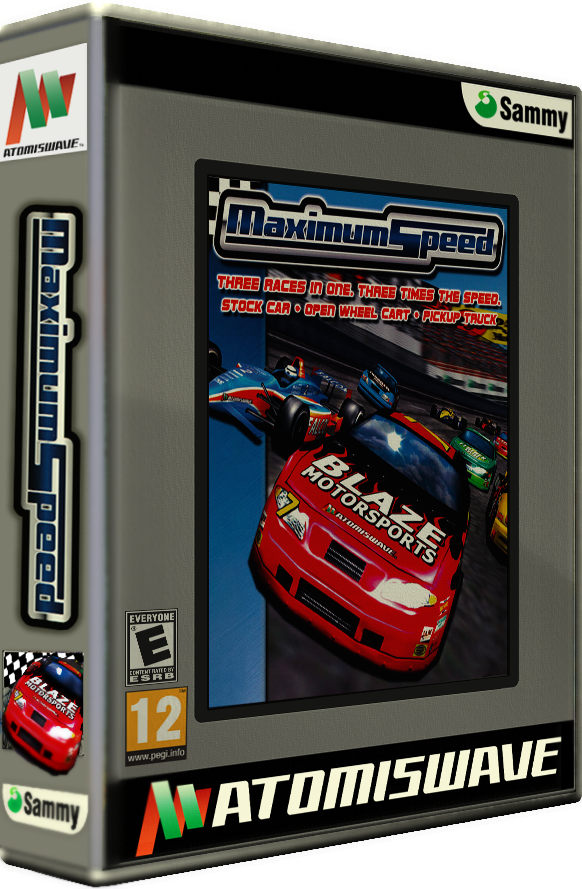
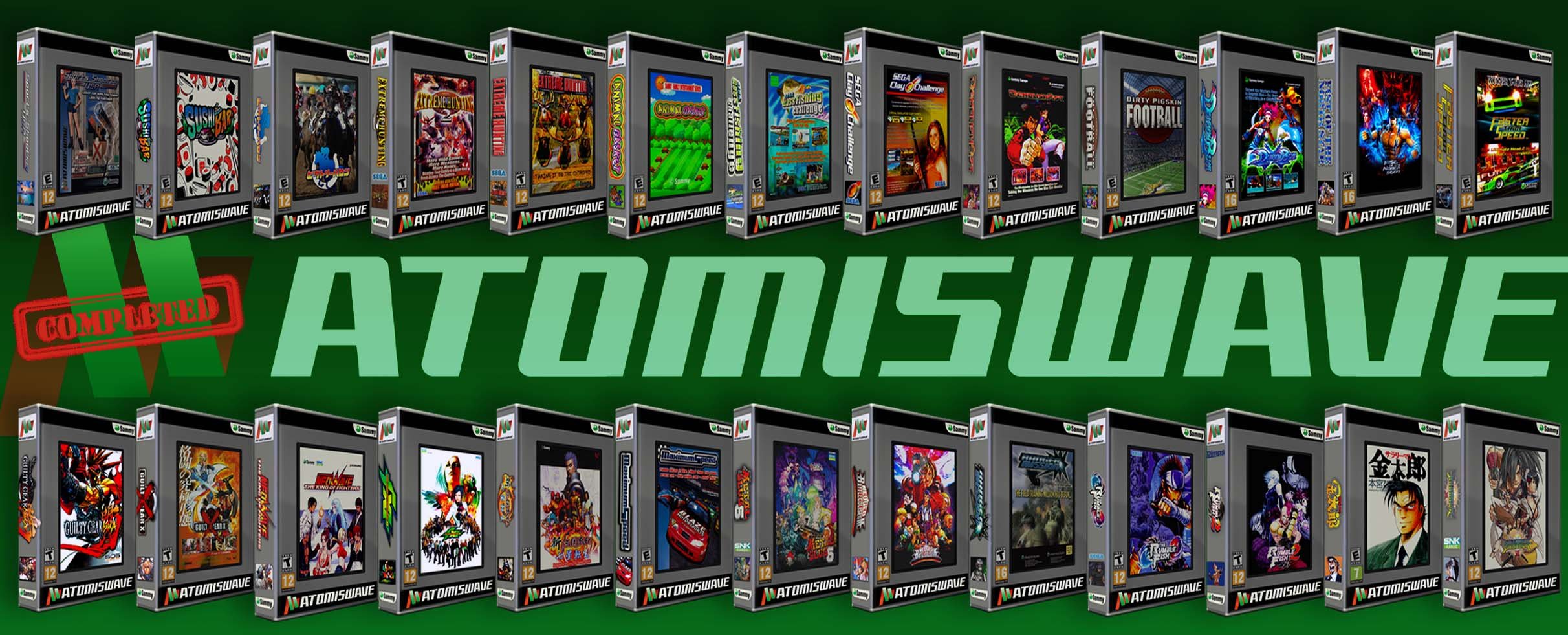
.png.433880d79ae082d776541c7ae776fcf3.png)
.png.8ea52c1a915e07cfc4b82734fbb8dd16.png)