dark13
-
Posts
1,665 -
Joined
-
Last visited
-
Days Won
11










About dark13

- Birthday 12/04/1977
dark13's Achievements






-
In case I can help with Italian
-
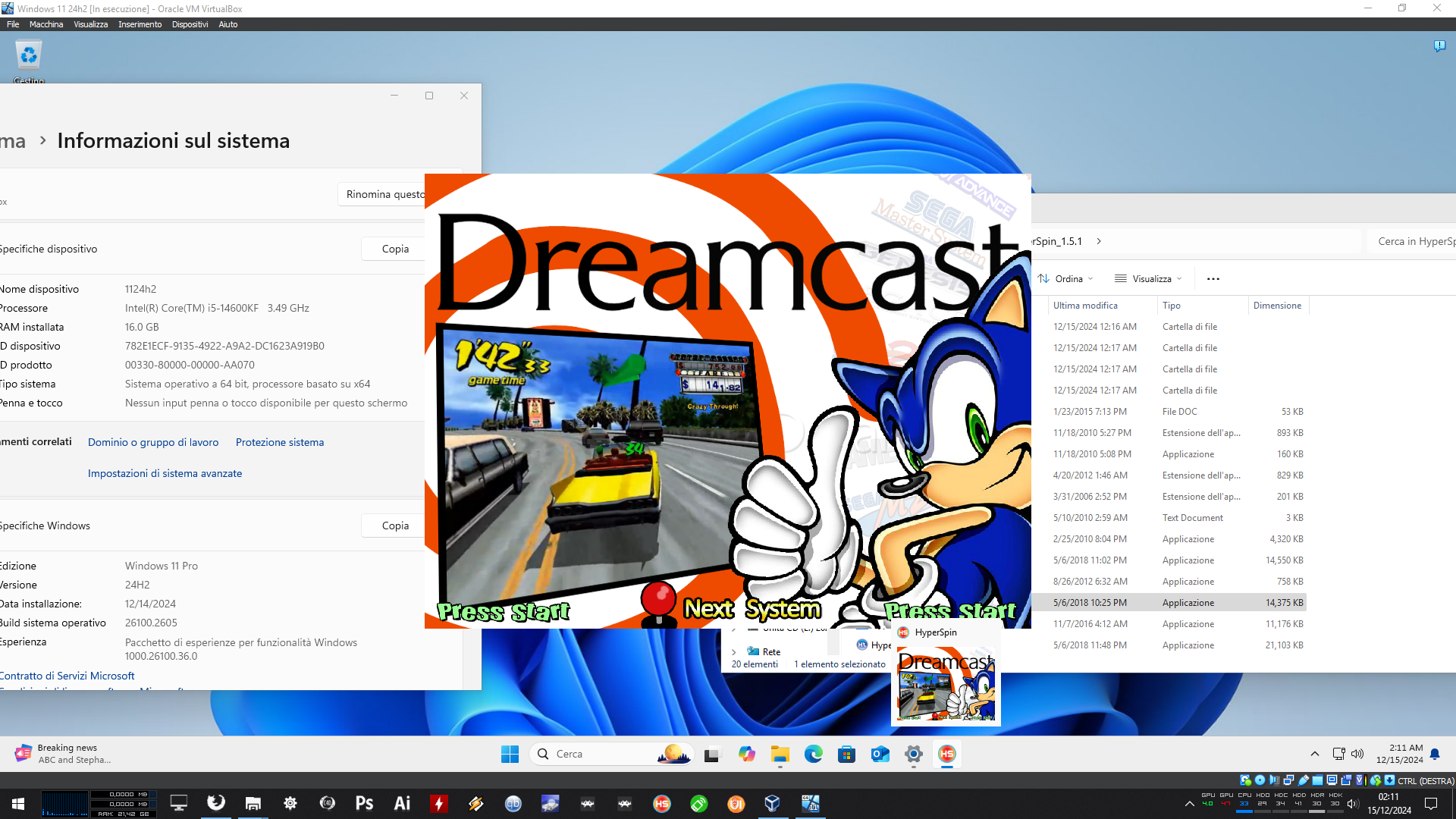
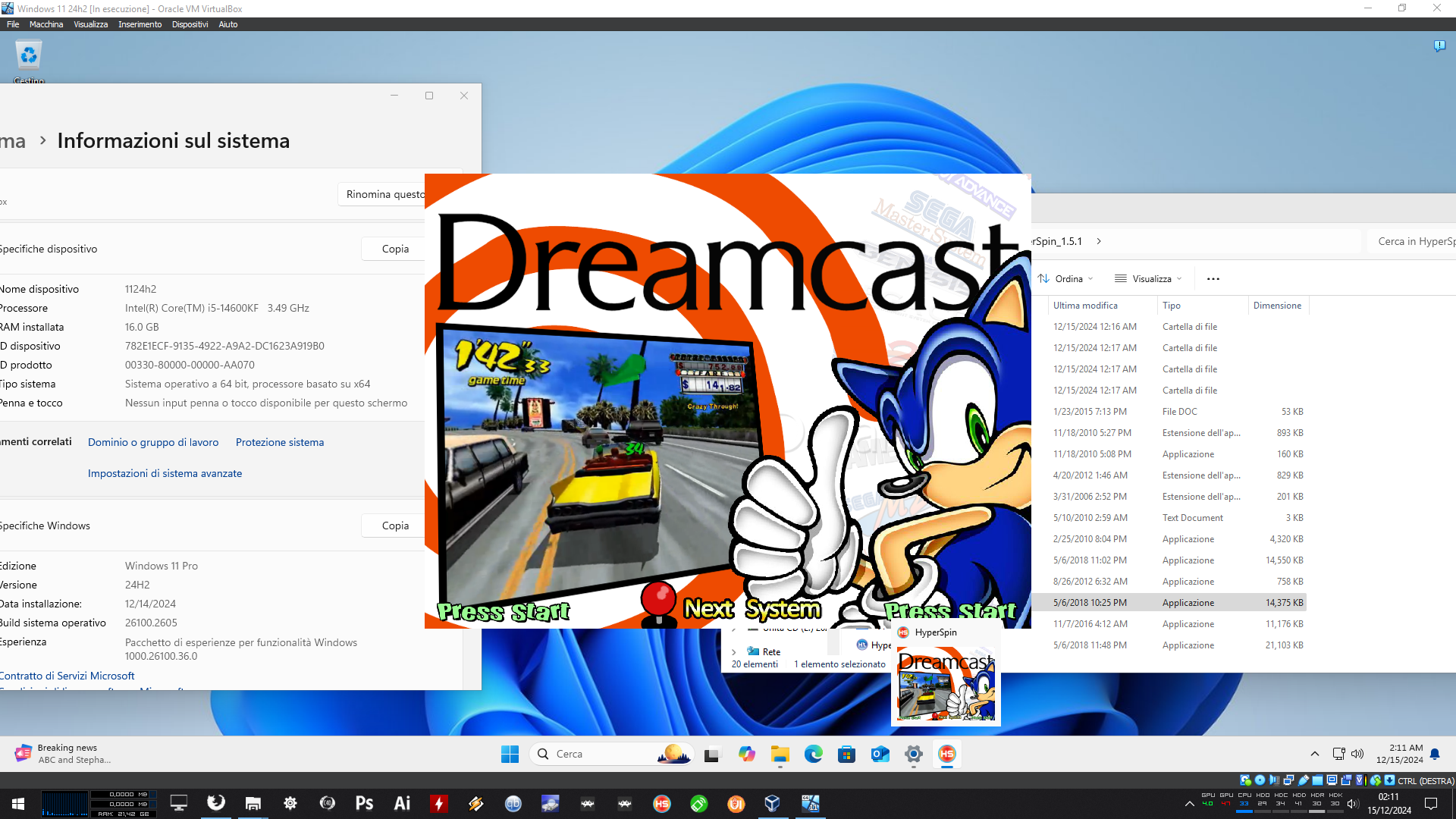
I installed w11 24h2 iso downloaded from microsoft website on virtualbox and HyperSpin is working. 24h2 anyway is a trainwreck, it breaks also other games and apps, not only HyperSpin
-
Again, it seems to work on virtualbox. I dont' have a spare hard disk to do the test on a real machine, can someone try a thing? Install windows 11 home 24h2, switch to pro with an activator or a cheap serial, try if the thing works.

-
As far as I know BBB said HS uses some commercial flash libraries so it can't actually go open source
-
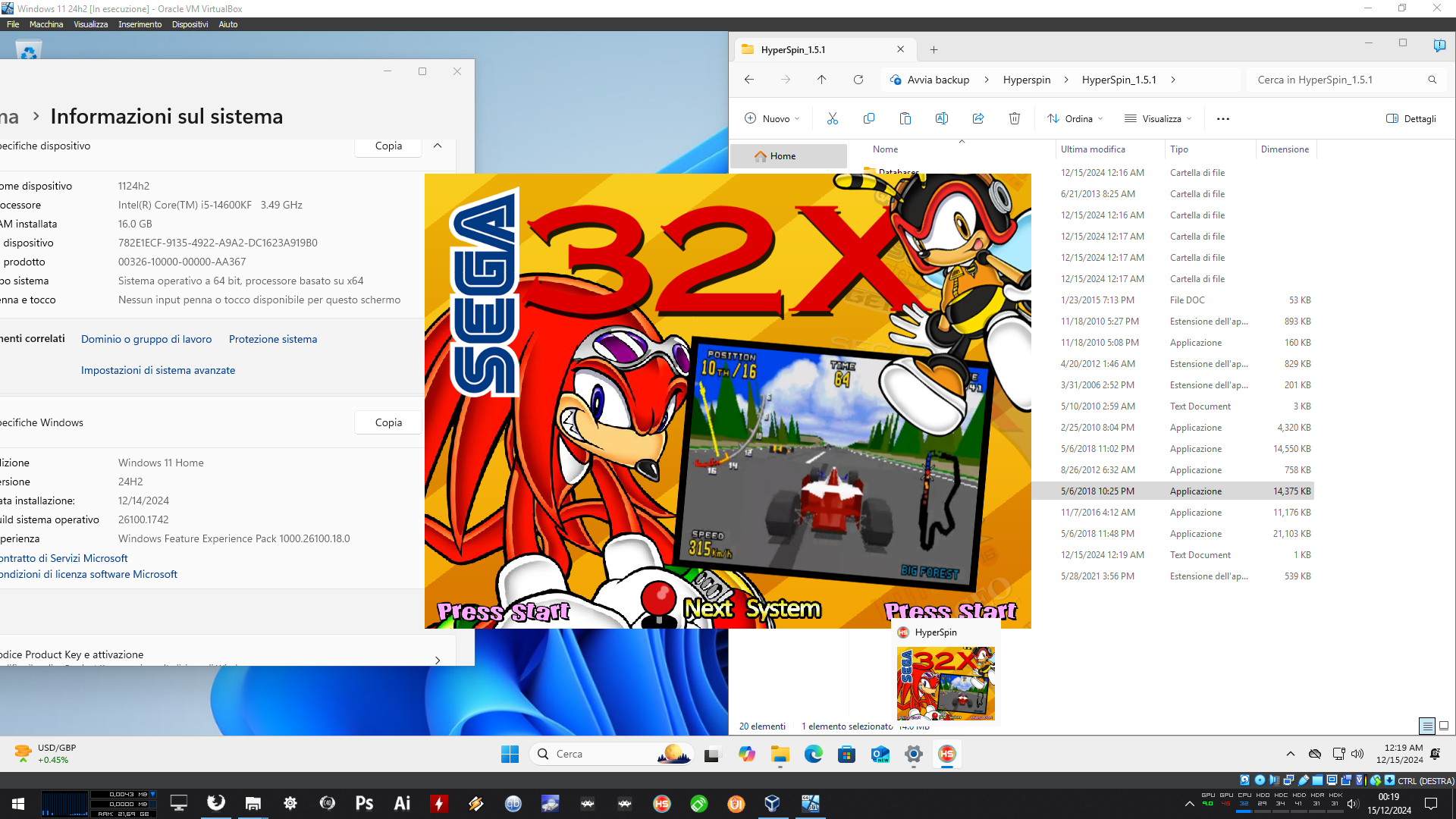
Ok, upgraded to PRO, it still seems to work. Can you try it on a virtual machine? This is weird, maybe virtualbox preventing some 24h2 protection? Fresh 24h2 install, updates done.
-
Trying on a VM, on 24h2 Home version it seems to works. Now I have to understand how to install Pro on virtualbox... Anyway 24h2 breaks lots of stuff and games, not only Hyperspin.
-
Wrong roms folder in settings?
-
I don't have them in my mame xml, try copy/paste gtfore04.chd and name it gtfore04a.chd, copy/paste another .zip file and rename it rebound.zip
-
Extract the archive in a folder and add the folder to RL roms folder. No copyright infringment, they are only empty .txt with a different extension Breakout is not the only game needing a dummy rom Dummy roms.zip
-
The white screeen with exclamation point means Flash run out of memory, Flash has some serious memory leaking problems and can't use all the ram of the system (can't remember if it is limited to 2gb or the classic 32bit 3.8gb). Basically even if the Flash garbage collector runs properly some stuff still hangs in memory. You can trigger the problem using huge .swf or .swf that are not huge but have lots of frames (it is better to stay in the 160-180 frame max range for a fullscreen .swf).
-
To me joy2key and xpadder adds a bit of lag even with empty configurations. I use xpadder in HS (joystick input is bugged) but the AHKs close it when I launch an emulator (it seems to restart automatically once I close the emulator and return to HS). It is better to set keys directly in emulators, also because in MAME or RetroArch you can have per-game input settings.
-
Do you have problems with control mapping in HS or in games? To set up control mapping for HS just open HyperHQ.exe and set up the buttons. For mame and other emulators you must set up inputs in the emulator.
-
Because the sxs.dll in Windows 10's system32/syswow64 is not compatible with Hyperspin. There is no patch on HS exe, you only need to download the posted dll and put it in the same folder of hyperspin.exe. It's the dll used in windows7, if a dll is included in the same folder of the exe, the exe will use that dll instead of using the one in system32/syswow64. It's an old school trick
-
Ok, now I need to see forza7 running on a 480p CRT Just curious, how did you connected the PC to the CRT? HDMI to something? What about input lag?
-
 Try onedrive link https://1drv.ms/u/s!At7-Uk9iUm0EgWyU...ZpLaI?e=8WTgbq