
Avar
-
Posts
2,194 -
Joined
-
Last visited
-
Days Won
6
Content Type
Forums
Events
Downloads
Store
Everything posted by Avar
-
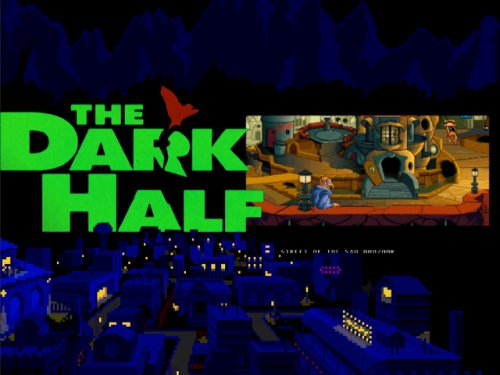 Goddamnit @odenmc hahaha you win the "Make Avar Look up What System the Game's For" award XD if it wasn't for me recognizing the art I'd have never guessed this fell under the Discworld series as I audit
 -
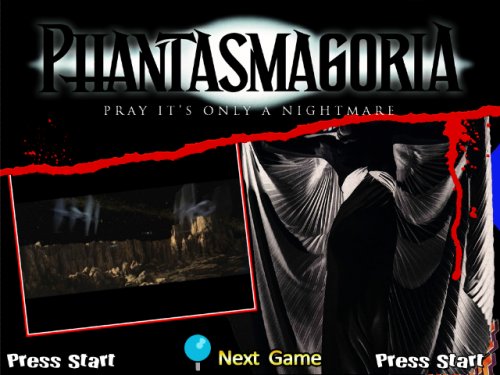 Just thinking about this game traumatizes me a bit. Fist beat it when I was 9 or 10 and holy shit Roberta Williams has got two sides to her @_@
 -
Addendum to this: If any Content Creator wants their own Platinum section, they're welcome to it, just let me know.
-
I'm about half done sorting the Upload Here section and one thing that caught my eye is the number of very large, high quality sets available in the upload section. While we definitely want to give artists the freedom to distribute their creations however they wish, please consider using the Platinum Download section if you're uploading anything especially large as that sort of thing can contribute to significant server load and we like to keep the lights on If you're dead set against it, let me know and we can talk about it and I hope people understand I'm coming from a positive place with this request. If you have especially massive files in the Upload Here or standard DL section, I may approach you one-on-one for permission to move it or to let you know that we have moved it but to let us know if you'd like it moved back. Cheers!
-

Theme Creation Direction - 16:9 is the New Standard
Avar replied to Avar's topic in HS1 Graphic & Theme Creation
Preview Suggestions: This party will remain true forever. Here are some general guidelines when taking your theme preview screenshots: Try to avoid having Special Art that's not part of the theme in the screenshot Take the screenshot with the system/collection/game video playing in it like it normally would. If one doesn't exist, consider a screenshot of an appropriate game as filler or use a static screenshot. Avoid using the big red exclamation mark or WIP video unless the system is, in fact, a work in progress overall. In instances where the system is still very incomplete, it's fine to use a WIP video/snap. Avoid showing the wheel unless the theme is designed to interact with or showcase the wheel in some way (eg. Aorin's themes) When taking a screenshot for a 4:3 theme on a 16:9 display, please shrink the width to 75% before uploading so it displays at the correct aspect ratio. Final note: Please be sure to mention which system(s) any game theme is intended for! -
-
 Thanks for these! You got a head start on a project I've been dying to tackle for ages!
 -
Being a Content Creator is a big deal! It means you're a consistently active, participating member of the community helping us to push the digital museum aspect of HyperSpin ever-onward to perfection. What some people may not know is that being upgraded to Content Creator also comes with a membership upgrade, which means right now you get full Platinum Membership and everything that goes along with it. For the hardiest of contributors, the art community might also grant you vault access to help with projects. As I am now auditing the Upload Here section, I'm dishing out a lot of upgrades to people who have contributed a ton of stuff over the years. In some cases, I didn't even realize the people weren't already Content Creators so, side note, sorry you guys had to wait so long for that recognition :x The upgrade process is, in general, somewhat subjective by nature. If I can immediately see that someone has uploaded a ton of quality artwork or done a plethora of work in general, it's a no brainer. If I see it's a member who's already donated to Platinum and they're uploading some quality stuff, it's a no brainer. If it's a base-level member with only a few uploads, it becomes a bit more of a judgment call. Basically, if we can tell that you're an active member who cares about the community and you're contributing to its continued success, you'll get the upgrade without question. In the future, when I have more time, I plan on creating different levels of Content Creator and hopefully letting the various communities have some governance over them so we can further distinguish those who have gone above and beyond in their tireless support of the community. This will help create a more robust community in general. We're always open to any ideas you may have so feel free to share if you disagree with any of this or if there's anything more you'd like to see us do for the community. Cheers! This is truly the greatest community in the universe. Additional note on this: If someone is a Content Creator here, they're automatically considered a contributor at EmuMovies and vice versa. All you have to do is submit a Support Ticket there linking back to your HyperSpin profile and you'll be upgraded there as well accordingly.

- 5 replies
-
- 5
-

-
- explanation
- upgrade
- (and 3 more)
-
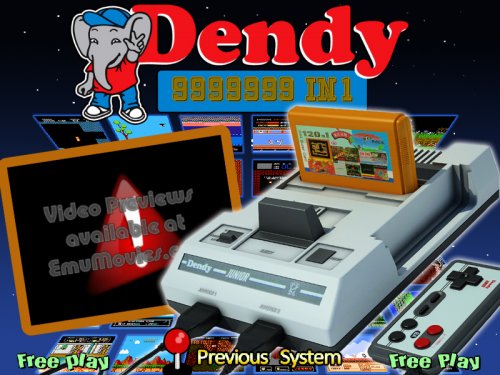 Did this run Famicom carts or should it have it's own distinct database?
 -
sony playstation Sony Playstation (Main menu theme. 4x3)
Avar commented on md_max's file in Main Menu Themes
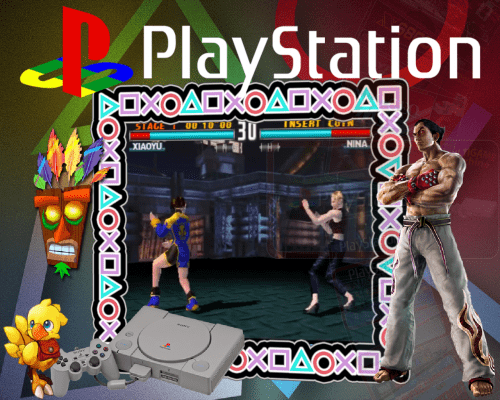 Lovely job on that border!
 -
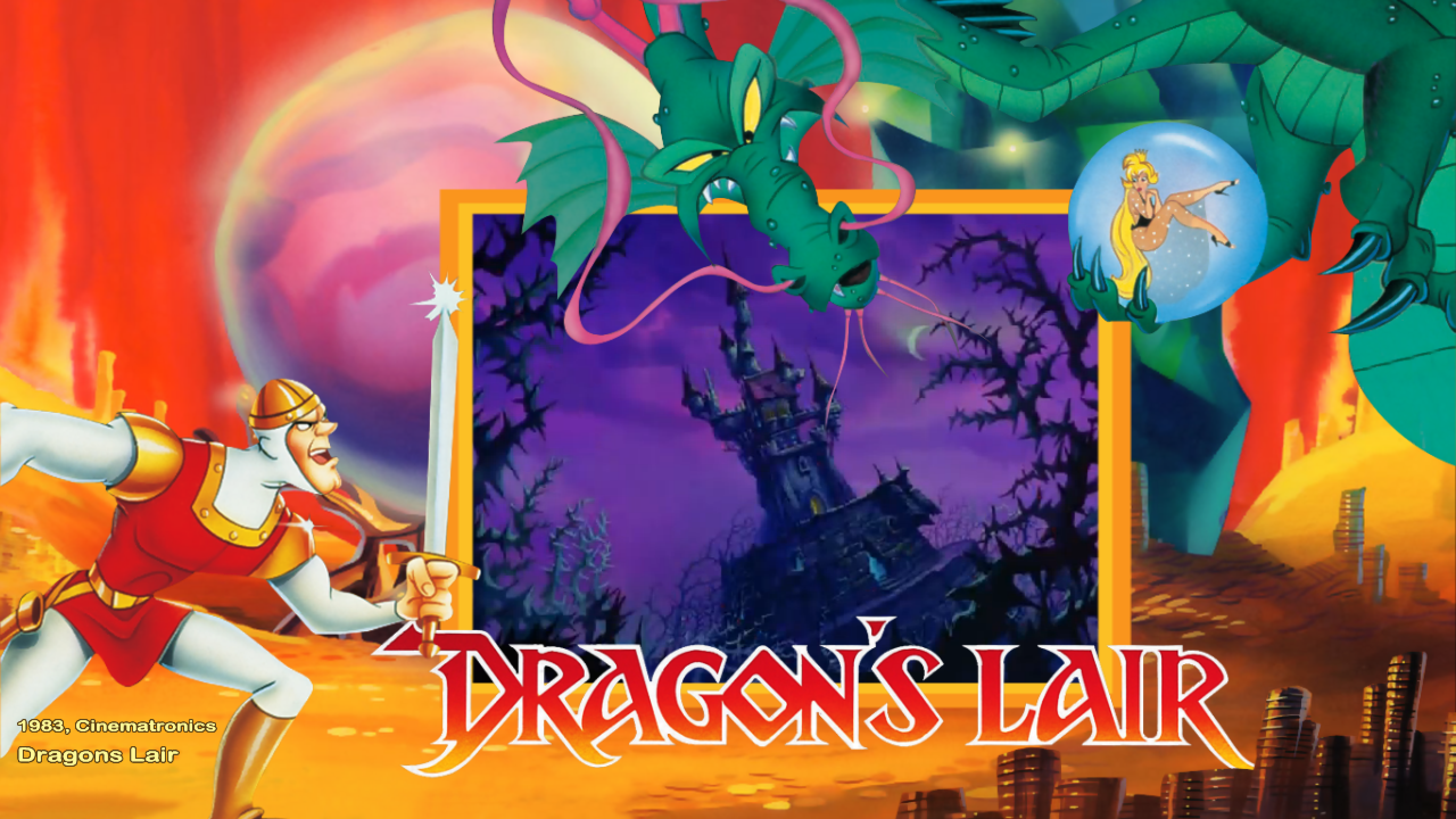
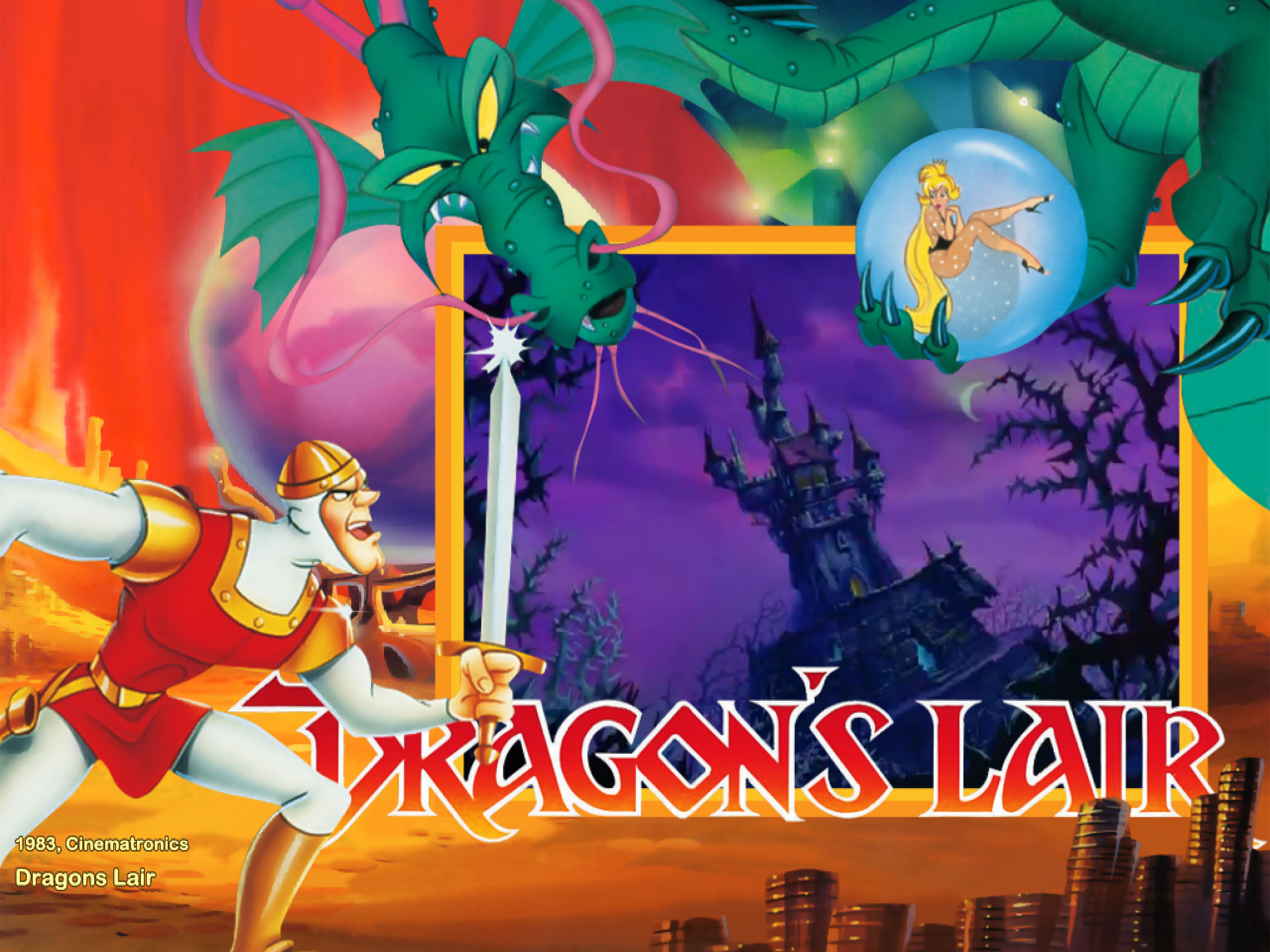
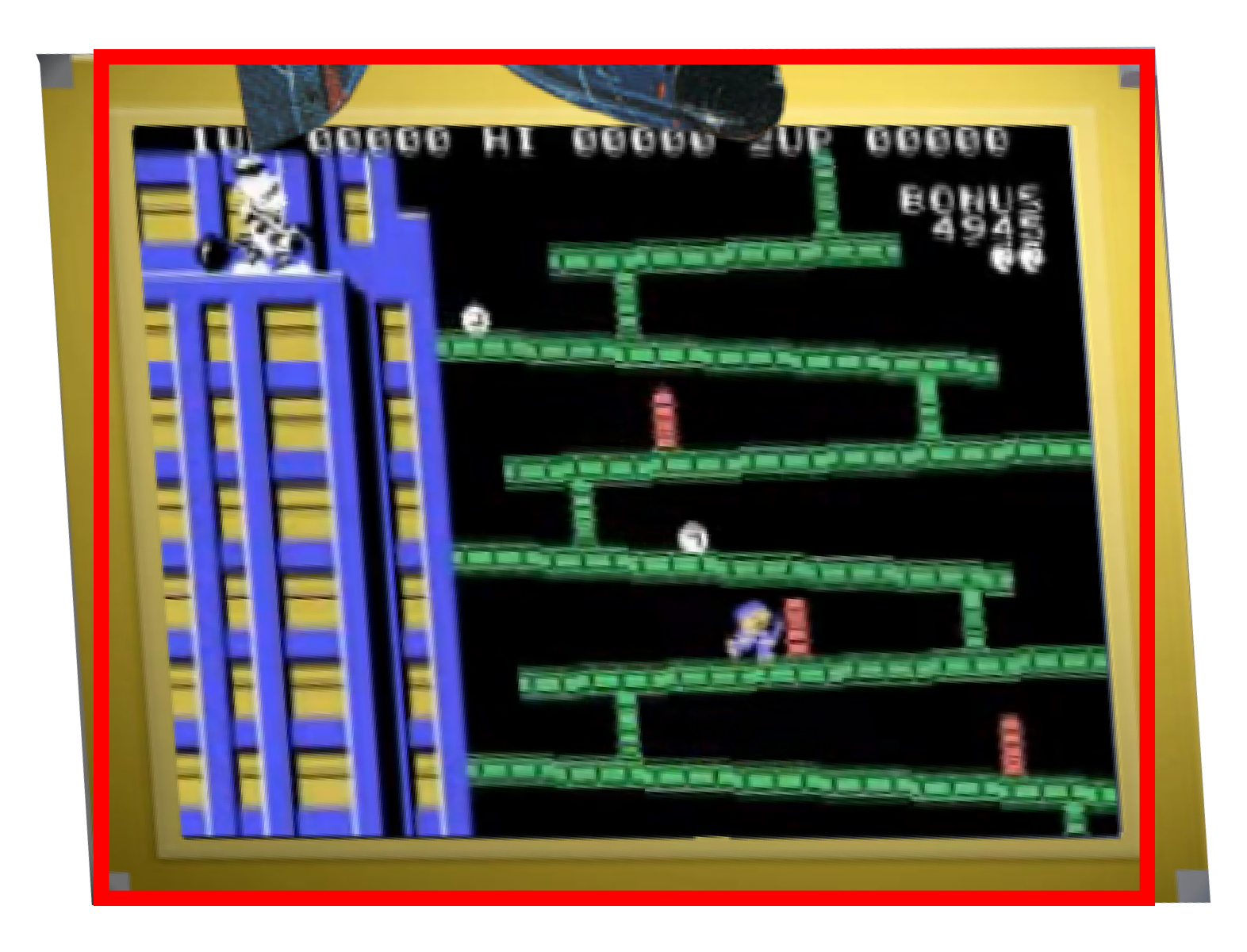
In an effort to provide clearer ongoing art direction, this thread will serve as a quick reference for theme creation best practices. We are presently working on native support for additional aspect ratios and, as such, recommend if people do make 16:9 themes right now they keep a backup of their source material. If you still want to use the current workaround to make a 16:9 theme right now, the below information can help: Please note, the way we do things is going to change as far as themes goes but making 16:9 versions is so quick and painless I figured now is as good a time as any to start. We have plans in place to preserve and grandfather existing themes for the next gen as we move forward. In general, there are as many ways to make a theme as there are ideas in a person's head. In general, themes should highlight the system or game they're representing in an attractive way using the best quality art possible. Here are a few basic guidelines to follow: Try not to make your animations times/delays too long. 0.5-1.5 is a good range. We don't want the user to have to wait forever for the full theme to load. Whenever possible, avoid fusing artwork elements to background layers unnecessarily (ie. If Artwork1-4 is still free, don't put something that could use one of those slots on the background image if you don't have to) Artistic variations are accepted and encouraged but if you're going for an official look/feel, try to make the themes as true to the source material as possible. For example, for a main menu theme, try to match the style used by the system/company. For arcade games, try to match the cab art/marquee as best as you can, where possible. For console games, try to use era appropriate graphics (ie. It'd be weird to see Mario Galaxy's Mario on a Super Mario Bros. 2 theme). Go nuts and be creative Until now, the theme standard has been 4:3 with efforts to convert existing themes to 16:9 ongoing. However, from now on the standard is 16:9 in order to reflect the needs of the majority of our current and future users. 4:3 themes are still allowed and encouraged but the standard is and will forever be 16:9. Down the road, the way we go about creating and distributing themes is going to change but 4:3 and 16:9 variants will pretty always require distinct approaches. Right now, converting 4:3 to 16:9 is still very easy, especially if you're the original content creator. Here are the steps for converting your 4:3 theme to 16:9: Resize all of your artwork elements and any video.png (if present) to 75% of their original widths. If required, your background must also be resized but it will still have to be 1024x768. Fit a normal background image to 1365x768 then resize it to 1024x768 to achieve the needed 75% squish. There should no rotation being done by HyperTheme. This is because anything rotated will be skewed in HyperSpin so if you want an artwork element rotated, rotate it in Photoshop and save it at the angle at which you want it to be displayed. Apply Dark13's NO_SCALE_SMOOTH script (PNG_to_SWF_dark13_NO_SCALE_SMOOTH.jsfl) to everything. This drastically improves the quality of the artwork on HD displays and effectively makes your theme fully HD. If you use Flash animation SWFs, these can be resized in flash and bulk-resized/repositioned with the multiselect and onion skin tools before re-publishing as a new SWF. Zip everything up like you normally would using the SWFs instead of the PNGs with the exception of the video.png for which we still have to use the PNG since the SWF won't work. Open the theme.xml and reduce the video width by 75%. This will usually mean it will be equal to the video height but for widescreen systems, handhelds, or vertical games it won't be. Once done, set forceaspect="both" and save. Open the theme in HyperTheme and re-position the elements and resize the video as required to take advantage of the 33% increased space that you have to work with in a 16:9 display. Make sure neither the video nor any of the elements have an r value (ie. they're not rotated) or they will be skewed when displayed in 16:9. This is the skew that happens to anything on a non-4:3 display that's been rotated by HyperSpin: As you can see, it gets turned into a rhombus. The same effect happens to everything that has any sort of tilt, including the rock animation, spinning discs, even the circular wheel. Save your changes and you're done. Some of the first videos I ever did explain this concept in a bit more detail. While they're more for people trying to cope with converting artwork they didn't themselves create, the info in this playlist is still useful to artists in general: And here's a great example of how awesome a SWF smoothed 16:9 Theme can look: Obviously we're not twisting anyone's arms to do this but this is the standard we intend to use moving forward: high-definition and widescreen. While I do intent to keep working my buns off auditing and converting existing material, I would appreciate it to no end if we started transitioning to this now for any new submissions so as to reduce my workload and give theme creators full creative control over how they want to present their 4:3 creations in 16:9. Cheers! 16:9 to 4:3 Comparison: 4:3 Original 16:9 Conversion
- 50 replies
-
- 10
-
-
-
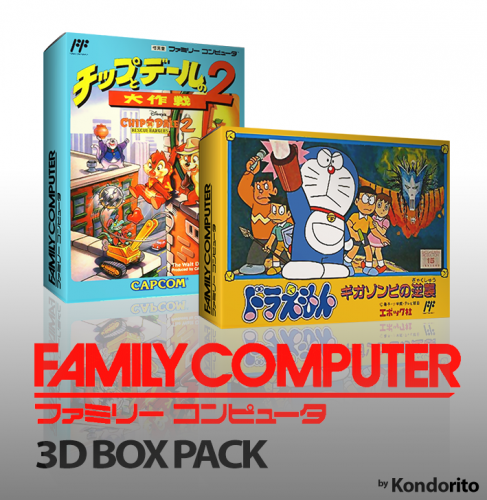 Rog thanks
 -
This is awesome. When I get to it in the audit, is the side art historically accurate right now?
-
So far this has only been what's in the official download section and FTP but I think I'll expand my search so the unsorted and upload here now to avoid reinventing the wheel later. I think I'm going to sort the Upload Here now though since I know everything in it is clean.
-
Didn't get much auditing done this weekend as I was hard at work on the video but Imma get right back to it after I go comatose a lil after my all-nighter
-
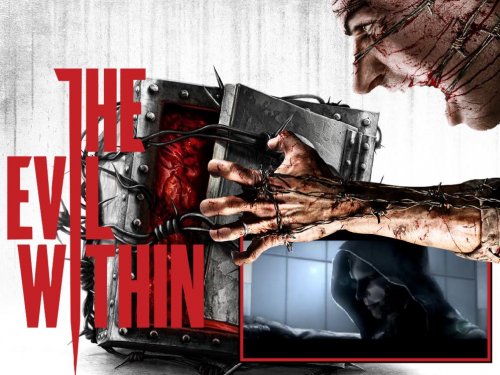 Can replace with bigger hand. I meant if I filmed the 4:3 version I'd have to either use bezels or have it be 33% stretched in widescreen.
- 3 comments
-
- 1
-
-
- game
- evil within
- (and 3 more)
-
Wanted to put this in the update video but didn't want to bezel it so I added a 16:9 HD version to your download.
-
Future Pinball revisited. @275/650 wheels and many are lower quality. OP amended and currently queued for HyperAI server upload. Future Pinball Backgrounds: *Should include Original, Recreations, and Video Game table genres. Boxes: *Not required Boxes - Backs: Carts: *Not required Genre Backgrounds: *Should include Original, Recreations, and Video Game table genres. Genre Text: Genre Wheels: *Should include Original, Recreations, and Video Game table genres. Letters: Default (4:3) Default (16:9) Marquee: Marquee (Default): Pointer: Default (4:3) Default (16:9) L: Sound - Background Music: Sounds - Background Music (Default): Sounds - System Exit: Sounds - System Start: Sounds - Wheel Click: *Not system specific Default Sound - Wheel Sounds: Sound - Wheel Sounds (Default): SpecialA1: *Not system specific Default (4:3) Default (16:9) ninja2bceen - Clock (16:9) Xbox (16:9) SpecialA2: *Not system specific Default (4:3) Default (16:9) SpecialB1: *Not system specific Default (4:3) Default (16:9) PlayStation (16:9) Xbox (16:9) SpecialB2: *Not system specific Default (4:3) Default (16:9) SpecialC1: SpecialC2: Themes: Themes (Default): Default (SD)(4:3) Default (HD)(4:3) Default (SD)(16:9) Default (HD)(16:9) Themes (Main Menu): baddeolv (SD)(4:3) Default (SD)(4:3) Default (HD)(4:3) Default (SD)(16:9) Default (HD)(16:9) Transitions: Transitions - Override: Wheels: *@275/650 **Some are extremely low resolution Default (4:3) Default (16:9) WoodPin (4:3) WoodPin (16:9)
- 288 replies
-
- 2
-
-
- koolaid man
- media
- (and 2 more)
-
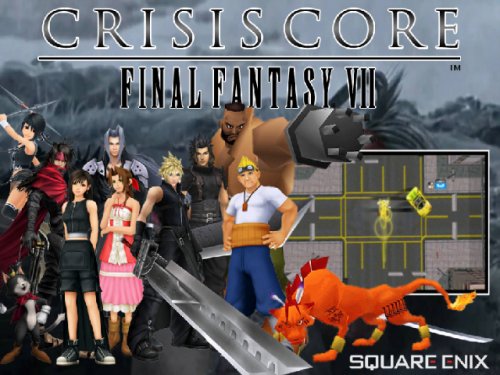 I think the background's ok. Pretty good for your first theme My only major point is the (TM) on the bottom right of the logo should go; they stick out like a sore thumb.
 -
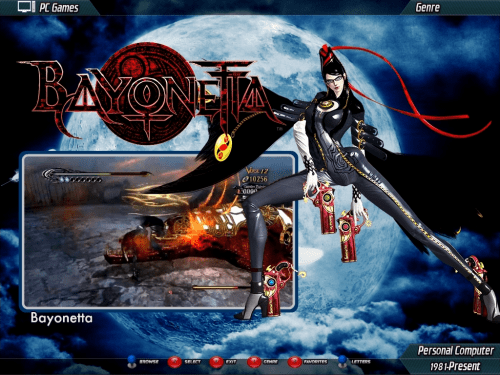 These are great! Thanks
 -
GamePark 32 added to OP and uploading to server. Missing most media. Also of note, this is the first system to highlight the need for additional genre art in the current default style as this system has Visual Novel as a genre. Additionally, expect genre capability and meta-data in general to improve drastically and for there to be increased value in genre art in general. GamePark 32 Backgrounds: Not system specific **Missing Visual Novel Games Default (HD)(4:3) Default (HD)(16:9) Boxes: Boxes - Backs: Carts: Genre Backgrounds: *Not system specific **Missing Visual Novel Games Default (SD)(4:3) Default (HD)(4:3) Default (HD)(16:9) Genre Text: Genre Wheels: Not system specific **Missing Visual Novel Games Default (4:3) Default (16:9) Letters: Marquee: Marquee (Default): Pointer: L: Sound - Background Music: Sounds - Background Music (Default): Sounds - System Exit: Sounds - System Start: Sounds - Wheel Click: *Not system specific Default Sound - Wheel Sounds: Sound - Wheel Sounds (Default): SpecialA1: *Not system specific Default (4:3) Default (16:9) ninja2bceen - Clock (16:9) Xbox (16:9) SpecialA2: *Not system specific Default (4:3) Default (16:9) SpecialB1: *Not system specific Default (4:3) Default (16:9) PlayStation (16:9) Xbox (16:9) SpecialB2: *Not system specific Default (4:3) Default (16:9) SpecialC1: SpecialC2: Themes: Themes (Default): *Will convert when more assets become available Default (SD)(4:3) *joppel Themes (Main Menu): *Will convert when more assets become available Default (SD)(4:3) *joppel Transitions: Transitions - Override: Wheels:
- 288 replies
-
- 2
-
-
- koolaid man
- media
- (and 2 more)
-
Future Pinball added to the OP but not yet uploaded. I'm updating my set to ensure the wheel sets I include are clean. This should be done and revisited shortly. Current, I believe, missing maybe 20-30 wheels for this. Currently remains RED for this. Special Note: This set requires Pinball-specific genre wheels for "Original" tables vice "Recreations" Future Pinball Backgrounds: Boxes: *Not required Boxes - Backs: Carts: *Not required Genre Backgrounds: Genre Text: Genre Wheels: Letters: Default (4:3) Default (16:9) Marquee: Marquee (Default): Pointer: Default (4:3) Default (16:9) L: Sound - Background Music: Sounds - Background Music (Default): Sounds - System Exit: Sounds - System Start: Sounds - Wheel Click: *Not system specific Default Sound - Wheel Sounds: Sound - Wheel Sounds (Default): SpecialA1: *Not system specific Default (4:3) Default (16:9) ninja2bceen - Clock (16:9) Xbox (16:9) SpecialA2: *Not system specific Default (4:3) Default (16:9) SpecialB1: *Not system specific Default (4:3) Default (16:9) PlayStation (16:9) Xbox (16:9) SpecialB2: *Not system specific Default (4:3) Default (16:9) SpecialC1: SpecialC2: Themes: Themes (Default): Default (SD)(4:3) Default (HD)(4:3) Default (SD)(16:9) Default (HD)(16:9) Themes (Main Menu): baddeolv (SD)(4:3) Default (SD)(4:3) Default (HD)(4:3) Default (SD)(16:9) Default (HD)(16:9) Transitions: Transitions - Override: Wheels: WIP
- 288 replies
-
- 3
-
-
- koolaid man
- media
- (and 2 more)
-
Funtech Super Acan added to OP. Only a main menu theme so far for this cool and colourful lil obscurity. I believe I've seen a bit more in unsorted/upload here but I'll add it when I come to it. Funtech Super Acan Backgrounds: Not system specific Default (HD)(4:3) Default (HD)(16:9) Boxes: Boxes - Backs: Carts: Genre Backgrounds: *Not system specific Default (SD)(4:3) Default (HD)(4:3) Default (HD)(16:9) Genre Text: Genre Wheels: Default (4:3) Default (16:9) Letters: Marquee: Marquee (Default): Pointer: L: Sound - Background Music: Sounds - Background Music (Default): Sounds - System Exit: Sounds - System Start: Sounds - Wheel Click: *Not system specific Default Sound - Wheel Sounds: Sound - Wheel Sounds (Default): SpecialA1: *Not system specific Default (4:3) Default (16:9) ninja2bceen - Clock (16:9) Xbox (16:9) SpecialA2: *Not system specific Default (4:3) Default (16:9) SpecialB1: *Not system specific Default (4:3) Default (16:9) PlayStation (16:9) Xbox (16:9) SpecialB2: *Not system specific Default (4:3) Default (16:9) SpecialC1: SpecialC2: Themes: Themes (Default): Themes (Main Menu): *Will upgrade/convert when more assets are available Default (SD)(4:3) Transitions: Transitions - Override: Wheels:
- 288 replies
-
- 2
-
-
- koolaid man
- media
- (and 2 more)
-
Fujitsu FM-7 added. Only media att is a rough main menu theme. Shame, as the box art on this system's games appears to be gorgeous Fujitsu FM-7 Backgrounds: Not system specific Default (HD)(4:3) Default (HD)(16:9) Boxes: Boxes - Backs: Carts: Genre Backgrounds: *Not system specific Default (SD)(4:3) Default (HD)(4:3) Default (HD)(16:9) Genre Text: Genre Wheels: Default (4:3) Default (16:9) Letters: Marquee: Marquee (Default): Pointer: L: Sound - Background Music: Sounds - Background Music (Default): Sounds - System Exit: Sounds - System Start: Sounds - Wheel Click: *Not system specific Default Sound - Wheel Sounds: Sound - Wheel Sounds (Default): SpecialA1: *Not system specific Default (4:3) Default (16:9) ninja2bceen - Clock (16:9) Xbox (16:9) SpecialA2: *Not system specific Default (4:3) Default (16:9) SpecialB1: *Not system specific Default (4:3) Default (16:9) PlayStation (16:9) Xbox (16:9) SpecialB2: *Not system specific Default (4:3) Default (16:9) SpecialC1: SpecialC2: Themes: Themes (Default): Themes (Main Menu): *Will upgrade/convert when more assets are available Default (SD)(4:3) *Low res images used and video tilt incorrect Transitions: Transitions - Override: Wheels:
- 288 replies
-
- 2
-
-
- koolaid man
- media
- (and 2 more)